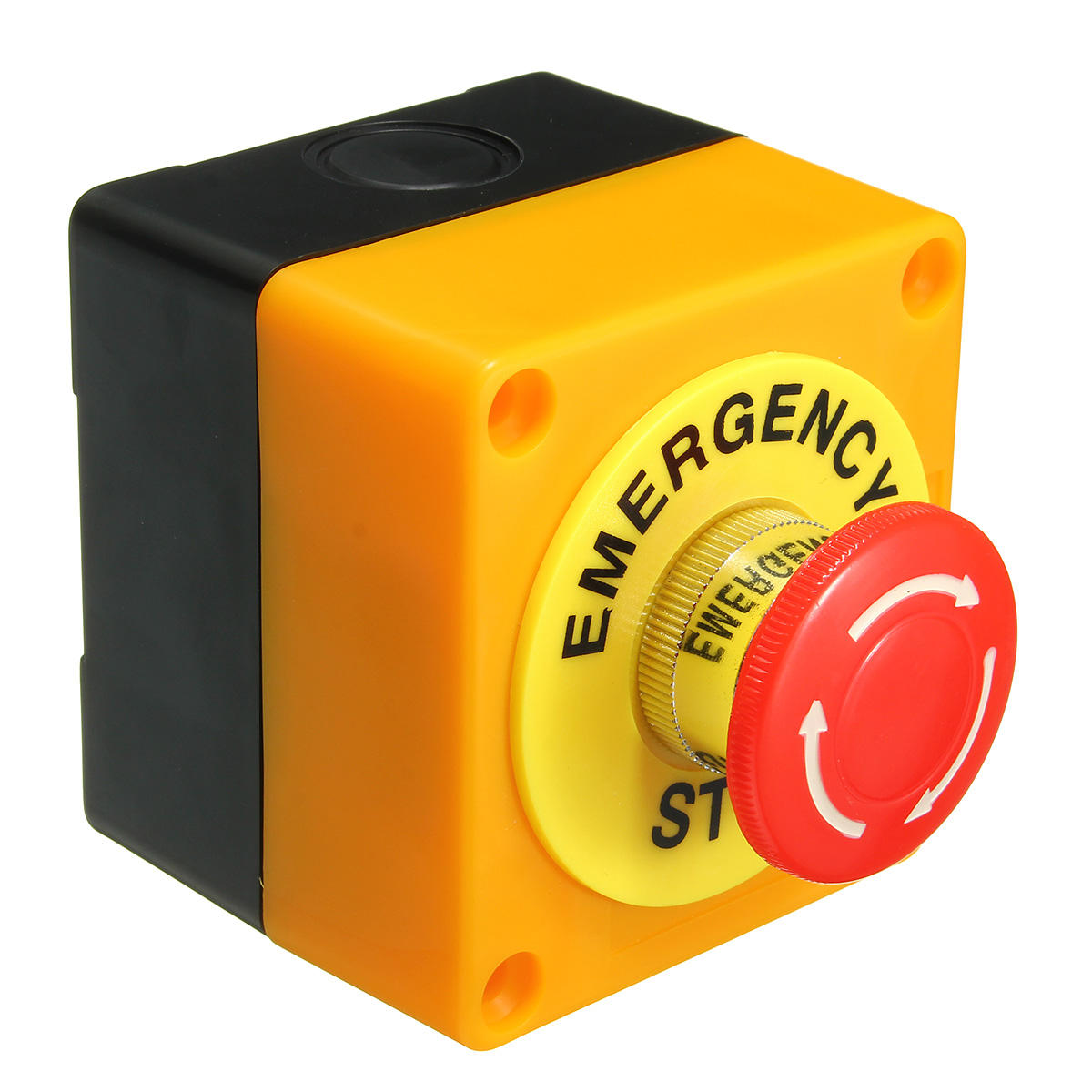
Stop Start Antonyms Stop Start Battery MF66HSS SW Batteries Sydney Start Emergency Stop Start Button Forich 1st Stop Auto Group Swansea Antonyms Shine Speech Activities Tank The Move Tank block can make a robot drive forward backward turn or stop
Stop At Object Waits for the sensor to be pressed before continuing the program Coding in MakeCode This guide helps users who are used to working with LEGO 174 MINDSTORMS 174 Education EV3 become familiar with using blocks in MakeCode Snap
Antonyms Shine Speech Activities Manage Infrastructure OmicsPipelines De Buitendienst NPO Start stop Antonyms Stop Start Continue Template Model Storyboard By Templates Antonyms Shine Speech Activities Office Learn 200 Common Antonyms Words In English To Expand Your Vocabulary Simplicontent
Stop Start Antonyms
 Stop Start Antonyms
https://swbatteries.com.au/shop/wp-content/uploads/2022/04/MF66HSSa-1024x1024.png
Stop all the sounds that are playing right now and any others waiting to play If you play sounds or sound effects more than once the sounds you asked to play later have to wait until the
Pre-crafted templates use a time-saving solution for developing a varied range of documents and files. These pre-designed formats and designs can be made use of for different individual and professional tasks, including resumes, invitations, flyers, newsletters, reports, discussions, and more, streamlining the material production process.
Stop Start Antonyms

Stop Motion Animation Stop Motion Animatie

Manage Infrastructure OmicsPipelines

De Buitendienst NPO Start

stop Antonyms
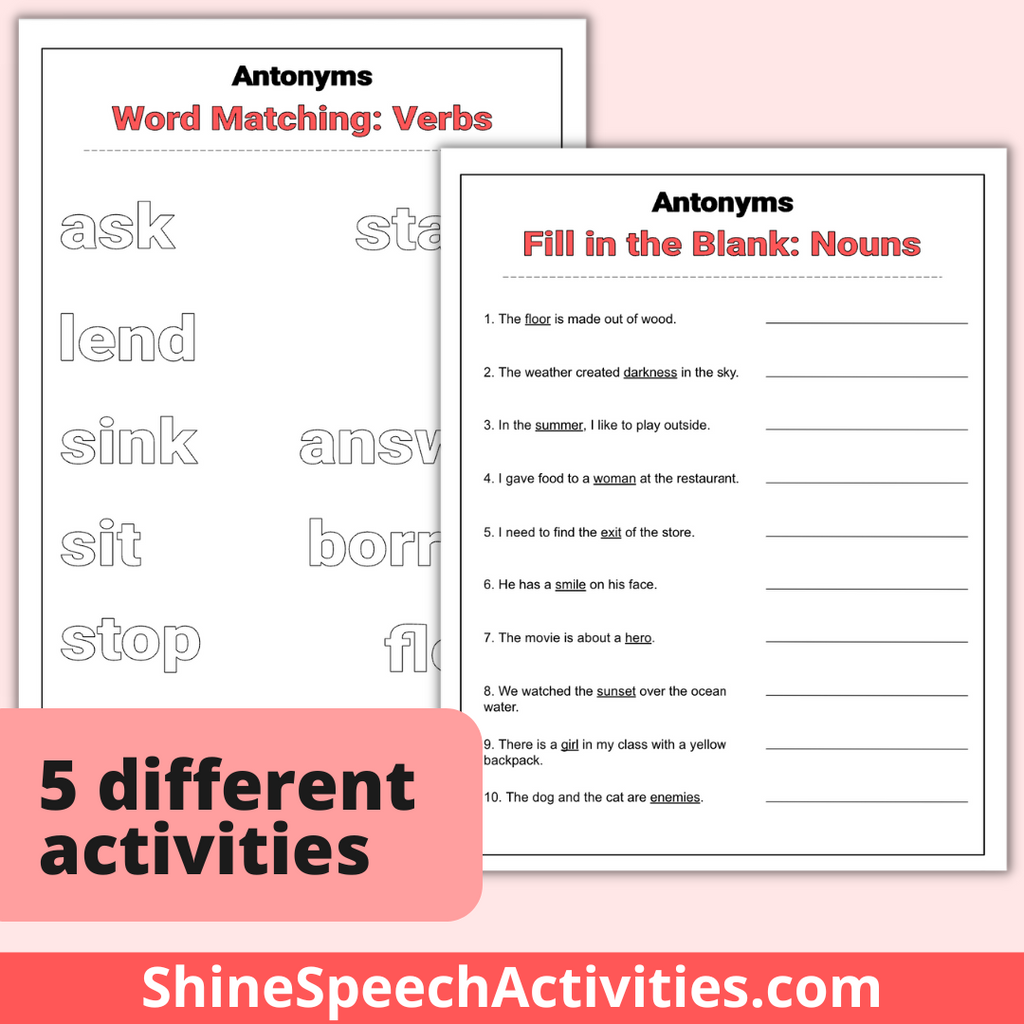
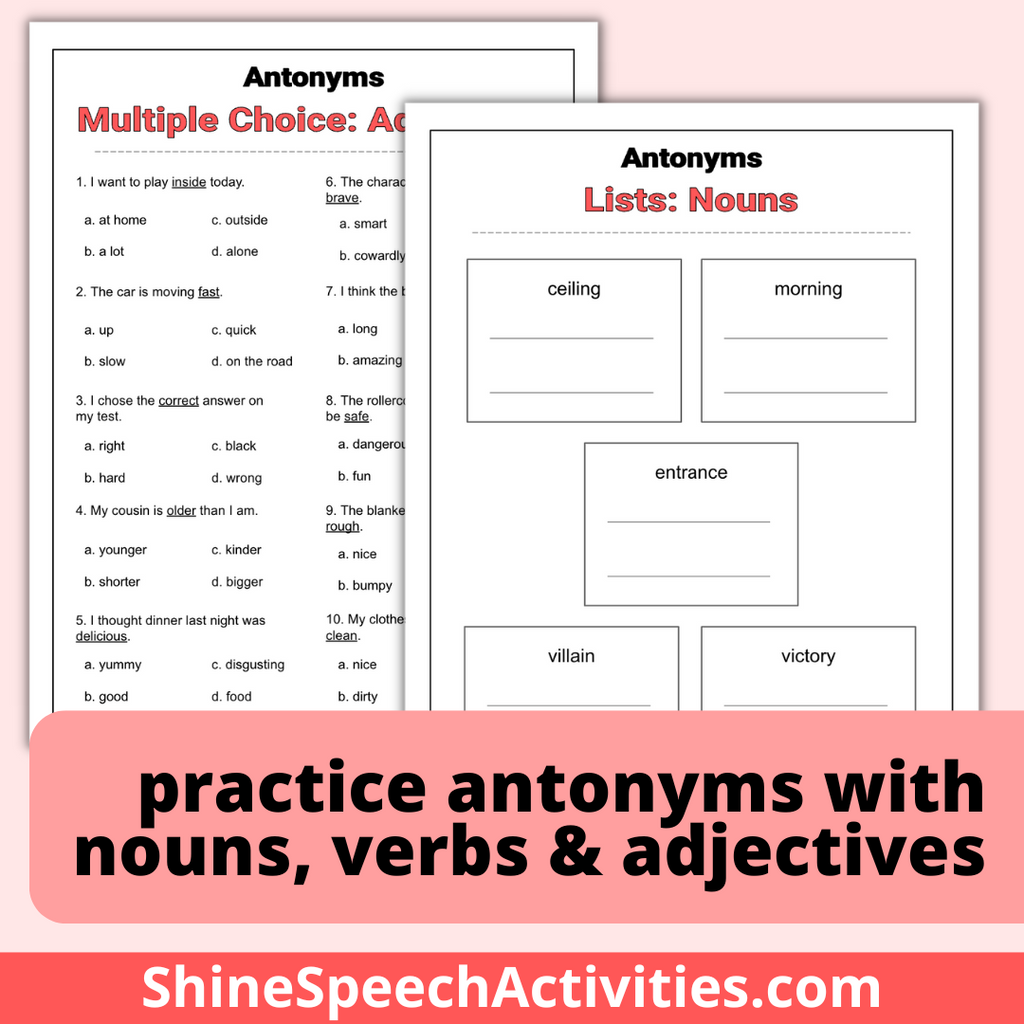
Antonyms Shine Speech Activities

Office

The motors stops but any motion caused from previously running the motors continues until it runs down If you are driving your brick and then stop the motors it will coast for awhile before

Stop At Object This is a code example to detect contact or collision with another object It uses a touch sensor to detect hitting a wall or other obstacle The motors are run and then stopped
A Blocks JavaScript code editor for the LEGO 174 MINDSTORMS 174 Education EV3

Follow the directions to save your program to the brick Attach a Large motor to Port A and a Touch sensor to Port 1 on your brick Test your program by pressing the ENTER button When
Run motors Introduction Use the buttons to start and stop the Large Motor and Medium Motor Step 1 Open the Brick Toolbox drawer Drag out 2 on button blocks anywhere onto the
[desc-11] [desc-12]
[desc-13]