Stop Kaspersky Service Command Line How Do I Stop Kaspersky Notifications How To Disable Notifications In Kaspersky Updates VPN With Wireguard Hit Softwares Kaspersky Anti Virus 2012 V12 0 Patch Free Download Kaspersky Security Center Beta Cortex XSOAR How To Stop A Kaspersky Service By Simpson Kimberly Issuu Free services and tools Scan a file or link Free tools SecureList For Partners
Solution Posted April 13 2019 For all others who are looking for the same here it is net stop klnagent To Stop Network Agent net start klnagent To Start Network Agent C Program Files x86 Kaspersky Lab Network Agent klnagchk restart To Restart Network Agent All Activity Home After restarting Kaspersky Endpoint Security the interrupted user tasks will not be automatically resumed Only those user tasks whose schedule settings is set to PS will be restarted To start Kaspersky Endpoint Security in the systemd system execute the following command systemctl start kesl To stop Kaspersky Endpoint Security in the
How To Stop A Kaspersky Service By Simpson Kimberly Issuu Kaspersky Total Security 2023 KEYFORREST Limited Does Kaspersky Support Command Line Interface YouTube Kaspersky APK For Android Download Windows Kaspersky Safe Kids Point Net Kaspersky Security Cloud Vs Total Security Difference And Comparison Kaspersky Antivirus For Macbook Pro Kopoffer Kaspersky Internet Security 2016 Devices
Stop Kaspersky Service Command Line
 Stop Kaspersky Service Command Line
https://i.ytimg.com/vi/SEpmi1JemIs/maxresdefault.jpg
Inactive application icon in the menu bar Red color of the computer protection status indicator in the main application window Note Disabling or pausing protection components does not affect virus scan tasks or the update task You can disable resume computer protection in one of the following ways From the application icon
Pre-crafted templates provide a time-saving service for creating a diverse range of files and files. These pre-designed formats and designs can be utilized for numerous personal and expert projects, consisting of resumes, invitations, flyers, newsletters, reports, presentations, and more, streamlining the material production process.
Stop Kaspersky Service Command Line
Kaspersky Anti Virus Digitonika
Kaspersky Total Security 2023 KEYFORREST Limited

Does Kaspersky Support Command Line Interface YouTube

Kaspersky APK For Android Download

Kaspersky Safe Kids Point Net

Kaspersky Security Cloud Vs Total Security Difference And Comparison

By default when the Kaspersky Security Service is started Real Time File Protection and Scan at Operating System Startup as well as other tasks scheduled to start At application launch will be started To stop the Kaspersky Security Service execute the following command KAVSHELL STOP A password might be required to execute the command

To start the application Run the command line interpreter cmd exe as an administrator Go to the folder where the Kaspersky Endpoint Security executable file is located In the command line type klpsm exe start avp service To stop the application Run the command line interpreter cmd exe as an administrator

9 To stop a service use net stop service name To start a service use net start service name Both these need running from a elevated prompt To disable a service use sc config Name of Service start disabled This also needs running from a elevated prompt Finally a list of services and their states is in the registry at
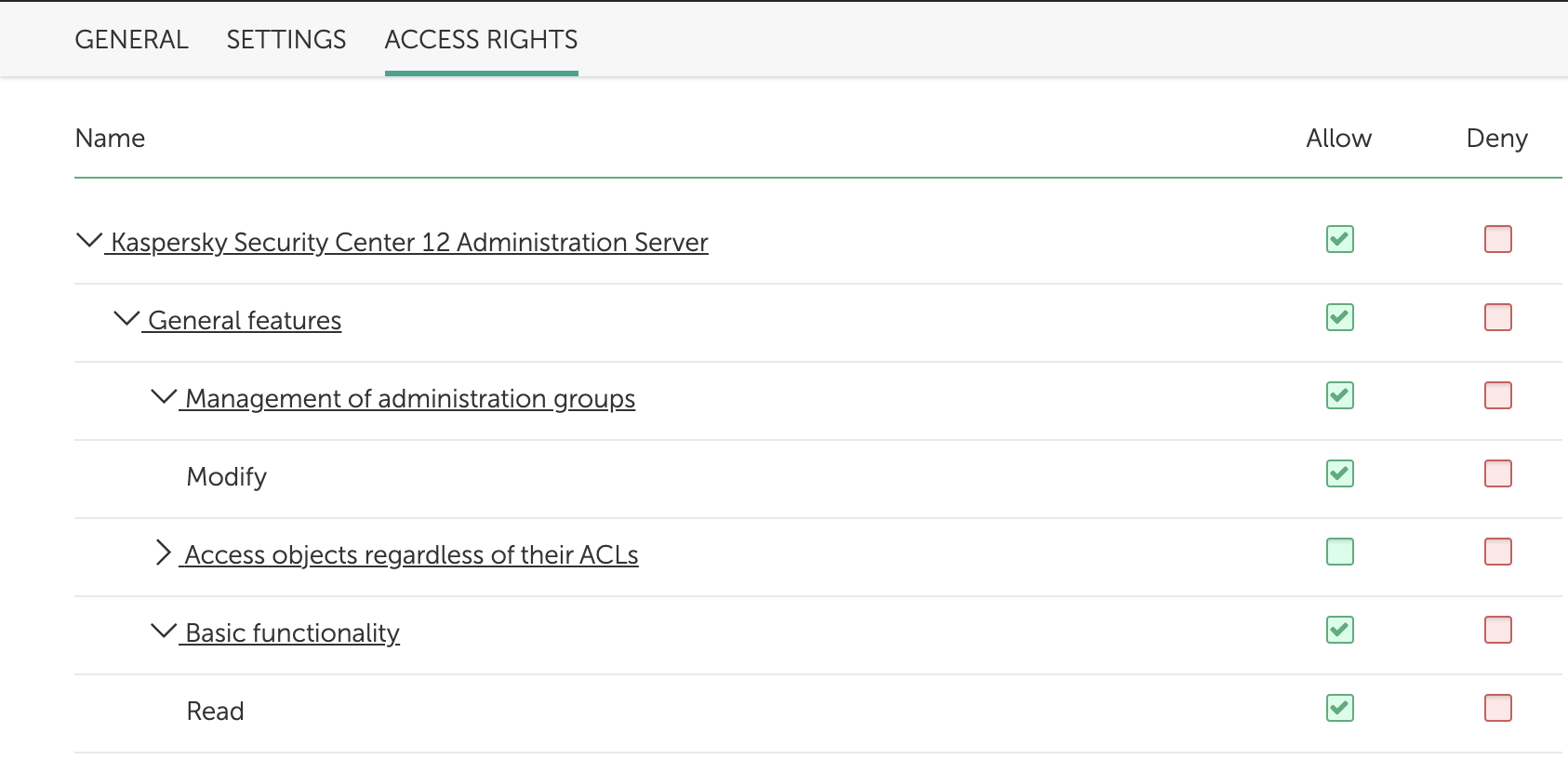
You can start and stop Kaspersky Security for Windows Server if you are a member of the Administrators group on the protected device To stop or start the application using the Application Console In the Application Console tree open the context menu of the Kaspersky Security node Stop the service Start the service

Kaspersky experts recommend against manually stopping Kaspersky Endpoint Security because doing so exposes the computer and your personal data to threats If necessary you can pause computer protection for as long as you need to without stopping the application You can monitor the application status by using the Protection Status widget
You can work with Kaspersky Internet Security from the command line The capability is provided to perform the following operations activate the application start and stop the application start and stop application components start and stop the tasks obtain information on the current status of components and tasks as well as their statistics Disabling Kaspersky Antivirus and Firewall Protection Garmin Customer Support FREE GROUND SHIPPING ON ORDERS 25 AND UP Garmin Support Center Garmin Support Center is where you will find answers to frequently asked questions and resources to help with all of your Garmin products
To start the service through the command line etc init d psa start To stop the service through the command line etc init d psa stop Kaspersky antivirus To start the service through the command line service kavehost start To stop the service through the command line