Startup Settings Keyboard Not Working How To Fix Keyboard Not Working Problem In Windows 10 8 7 6 Microsoft Sculpt Keyboard Not Working Windows 10 Startcelestial SOLVED Lenovo Keyboard Not Working In Windows 10 YouTube I Need Safe Mode Can Not Select Startup Settings Keyboard Not Working Some Keys On My Keyboard Not Working 2 Solutions YouTube Apr 18 2024 nbsp 0183 32 From what I understand Sharepoint is geared towards business enterprise professional and college use So there should be no reason for it to be running unless there
Sep 12 2020 nbsp 0183 32 XLSTart folder Personal XLSB and Word Startup folder are all separate issues albeit very loosely related XLSTart Folder There is a default location but you can direct it to Apr 11 2024 nbsp 0183 32 I have everything set in windows setting task manager and in new teams for the app to auto start for the user but it is not opening
Some Keys On My Keyboard Not Working 2 Solutions YouTube How To Fix Keyboard Not Typing Issue On Windows 10 YouTube How To Change Startup Apps In Windows 11 Instructions VoodooPS2Controller Option PrintScreen Disable Keyboard Not Working USB Keyboard Not Working In Windows Boot 2020 solved Solution Domain bertreiben Unvergesslich berleitung Windows Xp Usb Keyboard Not Lenovo Ideapad 110 15 Laptop Keyboard Hyderabad Secunderabad Fix Lenovo Keyboard Not Working Windows 10 8 7 3 Solutions 2021 How To Keyboard Not Working Or Fix Keyboard Not Working Pc Laptop
Startup Settings Keyboard Not Working
 Startup Settings Keyboard Not Working
https://i.ytimg.com/vi/0TJFisTXKzo/maxresdefault.jpg
WARNING L1 UNRESOLVED EXTERNAL SYMBOL SYMBOL C START MODULE STARTUP obj C STARTUP generate assembler SRC file assemble
Templates are pre-designed files or files that can be used for numerous functions. They can conserve time and effort by supplying a ready-made format and layout for developing different kinds of material. Templates can be used for personal or professional projects, such as resumes, invitations, flyers, newsletters, reports, presentations, and more.
Startup Settings Keyboard Not Working
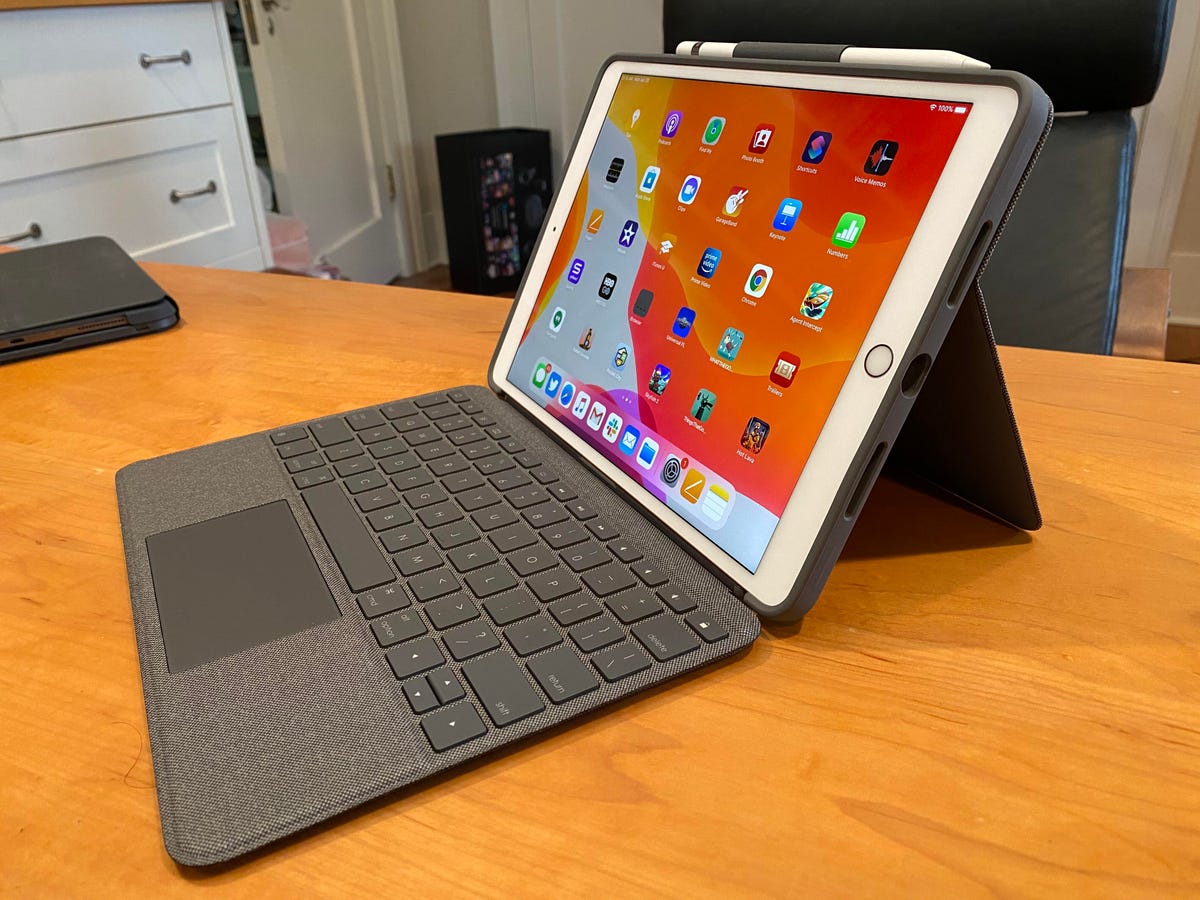
Strand Szem lyzet N lk li Elcs r Logitech Ipad Keyboard Not Working Fog
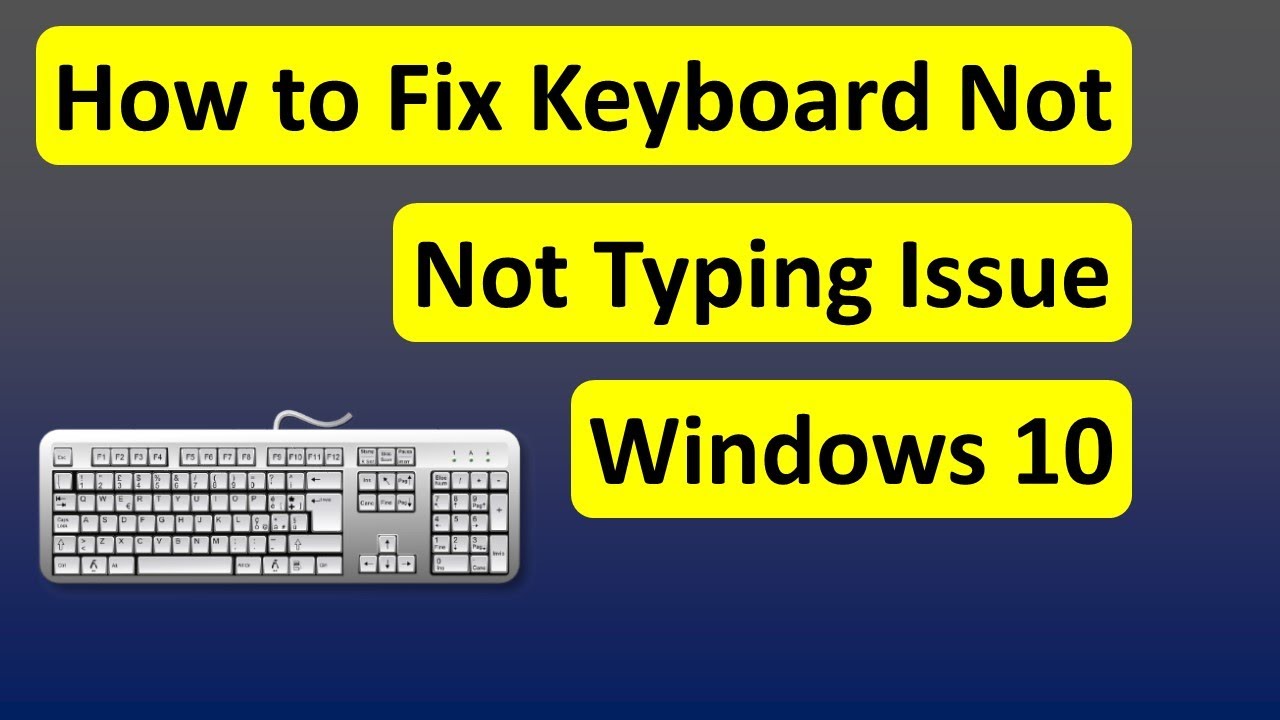
How To Fix Keyboard Not Typing Issue On Windows 10 YouTube
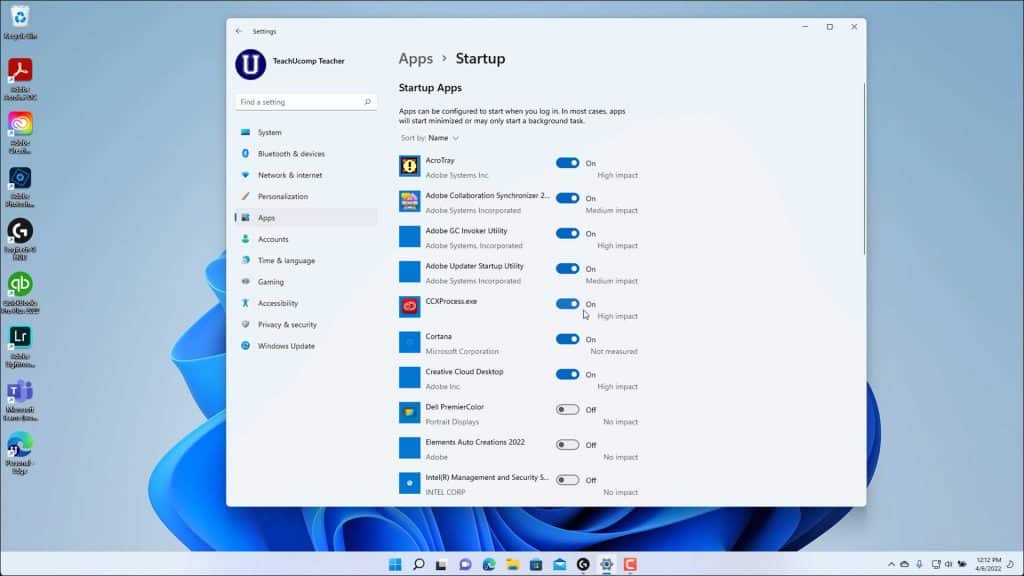
How To Change Startup Apps In Windows 11 Instructions

VoodooPS2Controller Option PrintScreen Disable Keyboard Not Working
bertreiben Unvergesslich berleitung Windows Xp Usb Keyboard Not
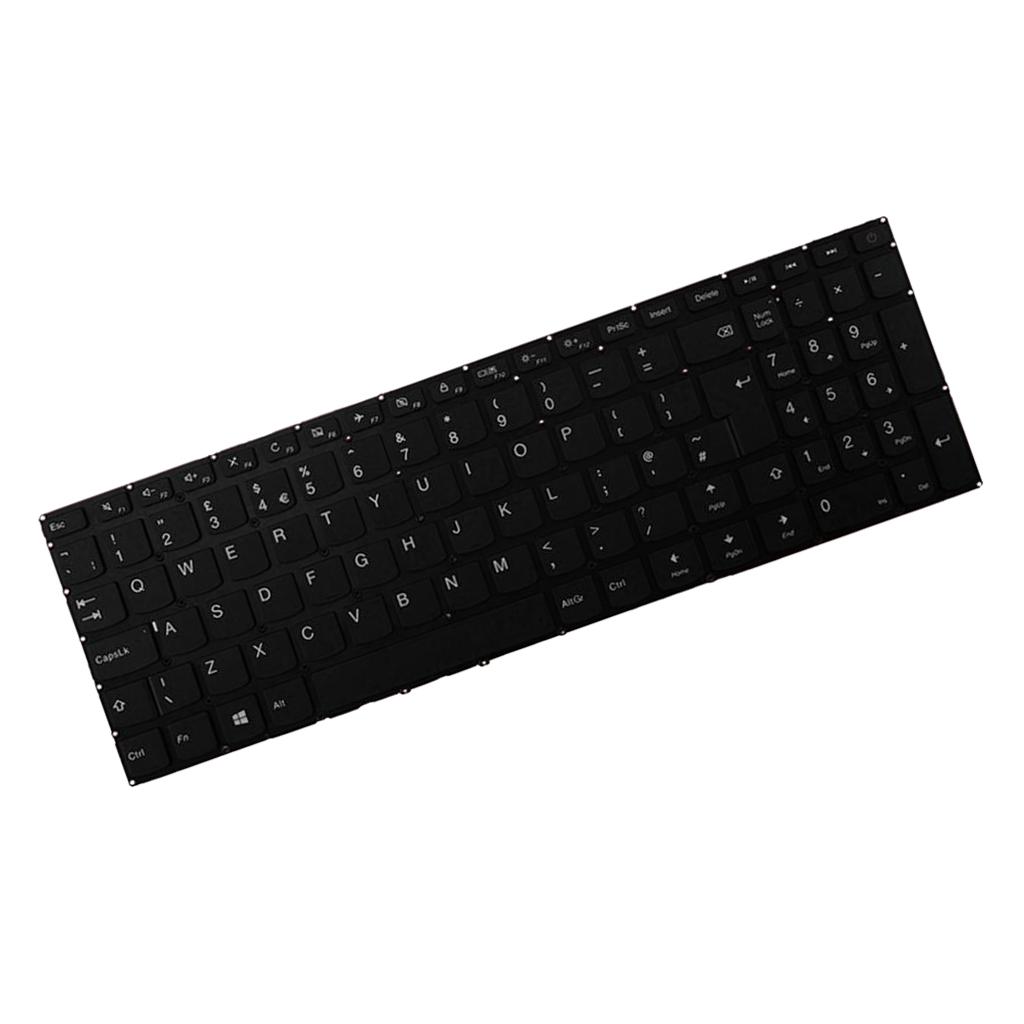
Lenovo Ideapad 110 15 Laptop Keyboard Hyderabad Secunderabad

Nov 20 2022 nbsp 0183 32 Teams starts at startup even when i have disabled it in my task manager and disabled the setting auto start application in the app itself Why is this Is this just how

Sep 11 2023 nbsp 0183 32 I think the simplest solution is to open Task Manager you can find this on your Win 10 Start menu under quot Windows System quot Next in Task Manager open the Tab quot Startup quot

6 days ago nbsp 0183 32 How do I find my startup Word folder When I go to advanced options file location it doesnt bring me to the start up folder How to find it or change back to default settings if it has

Jul 29 2024 nbsp 0183 32 You can stop Microsoft Teams from opening automatically on startup by following these steps Open Microsoft Teams Click on your profile picture at the top right corner Select

Oct 29 2024 nbsp 0183 32 STARTUP 1 AutoCAD
[desc-11] [desc-12]
[desc-13]