Startup Repair Command Prompt Disk Repair Disk Repair Command Prompt How To Reset PC Windows 10 Top 5 Best Methods To Fix Problem Of How To Startup Repair Windows 10 11 Using Command Prompt Top 5 Ways Repair Windows 10 11 Using Command Prompt 2 Windows Server 2019 MBR Web Mar 23 2023 nbsp 0183 32 Repeat steps 2 3 for 3 4 times When Windows detects too many failed startups it will automatically boot into Windows Recovery When you are in Windows Recovery select Troubleshoot gt Advanced Options gt Startup Settings Press the 6 key to boot into Windows safe mode with command prompt on the next restart
Web Jan 9 2023 nbsp 0183 32 1 Boot to Advanced Startup Options 2 Click tap on Troubleshoot see screenshot below 3 Click tap on Advanced options see screenshot below 4 Click tap on Startup Repair see screenshot below 5 If prompted select the OS you want to perform a startup repair on see screenshot below Web Feb 8 2023 nbsp 0183 32 To troubleshoot this problem use Windows installation media to start the computer press Shift F10 for a command prompt and then use any of the following methods Method 1 Startup repair tool The Startup Repair tool automatically fixes many common problems The tool also lets you quickly diagnose and repair more complex
2 Windows Server 2019 MBR How To Restore Registry From Its Secret Backup On Windows 10 PUREinfoTech Mod le D l gation De Pouvoir Rebuild Bcd Windows 10 Windows 7 Startup Repair Command Prompt Archives BENISNOUS How To Boot Windows 10 Into Safe Mode From Command Prompt Windows 7 Startup Repair Loop Command Prompt CHKDSK Or Bootrec Bootrec Guide For Windows XP Vista 7 8 8 1 10 Windows 7 Startup Repair Loop Command Prompt CHKDSK Or Bootrec Windows Use Command Prompt To Check For Corrupted Files Programnanax
Startup Repair Command Prompt
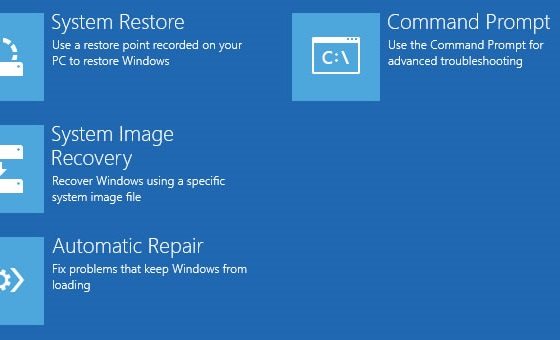 Startup Repair Command Prompt
https://www.gillware.com/wp-content/uploads/2016/11/command-prompt.jpg
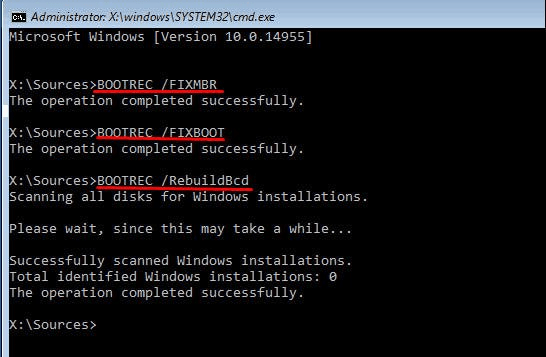
Web When you use the Recovery Environment Windows RE to troubleshoot startup issues first try the Startup Repair option in the System Recovery Options dialog box If this does not resolve the issue or if you have to manually troubleshoot additional issues use the Bootrec exe tool
Pre-crafted templates provide a time-saving service for developing a varied series of files and files. These pre-designed formats and designs can be utilized for different personal and professional projects, including resumes, invites, flyers, newsletters, reports, presentations, and more, improving the content production procedure.
Startup Repair Command Prompt
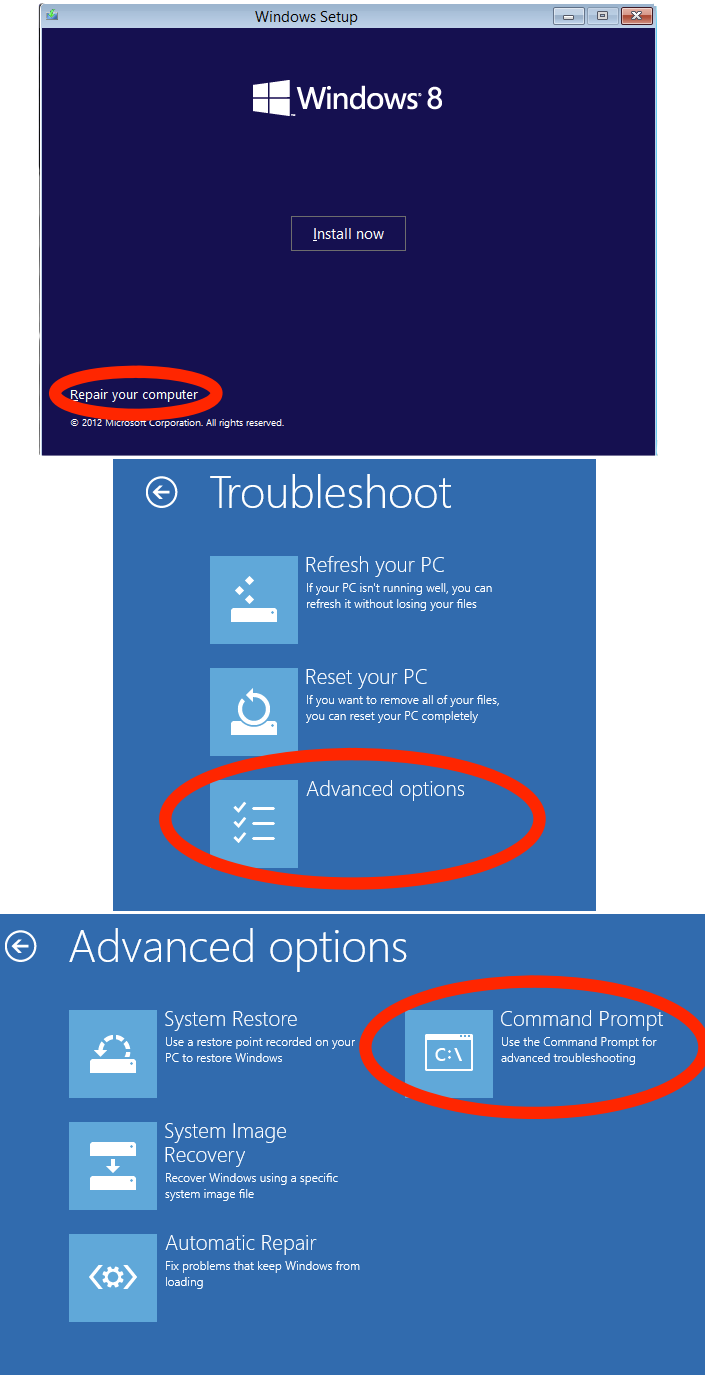
Restoring A Windows 8 Bootloader Blog Peter Upfold
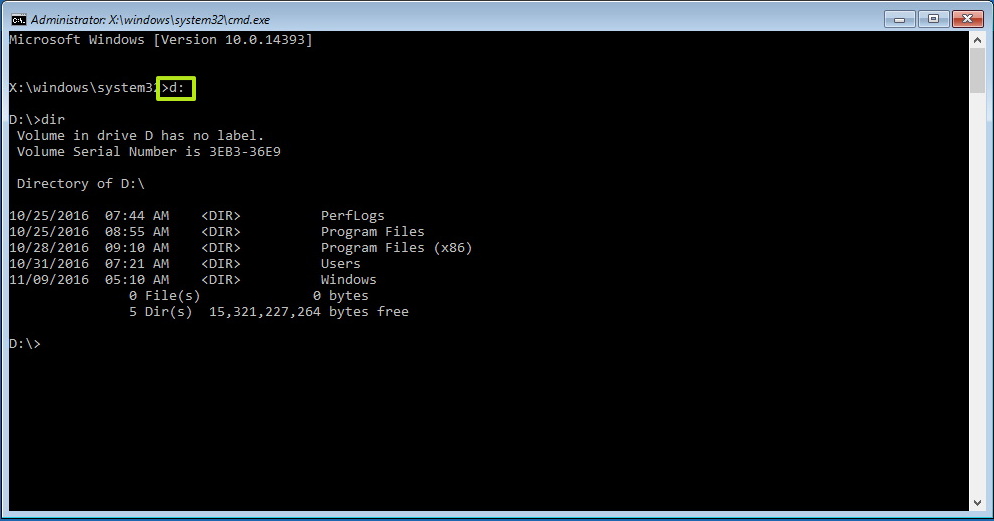
How To Restore Registry From Its Secret Backup On Windows 10 PUREinfoTech

Mod le D l gation De Pouvoir Rebuild Bcd Windows 10

Windows 7 Startup Repair Command Prompt Archives BENISNOUS
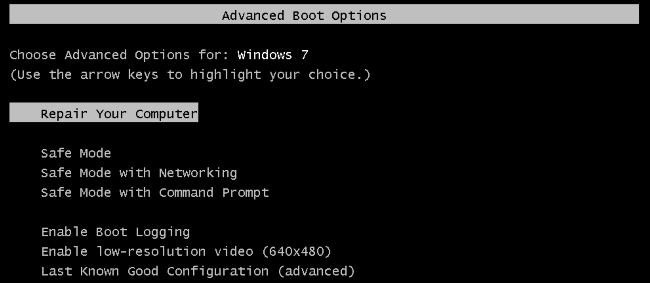
Windows 7 Startup Repair Loop Command Prompt CHKDSK Or Bootrec
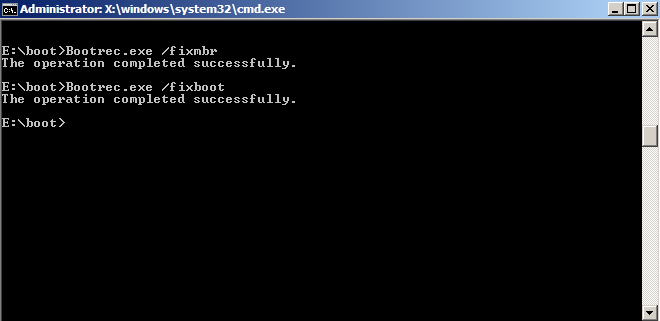
Bootrec Guide For Windows XP Vista 7 8 8 1 10
Web Jul 29 2021 nbsp 0183 32 Fix Windows 10 Winload exe Using the Command Prompt If you are unable to perform a startup repair then your next option is to try using your Windows 10 installation media to fix the
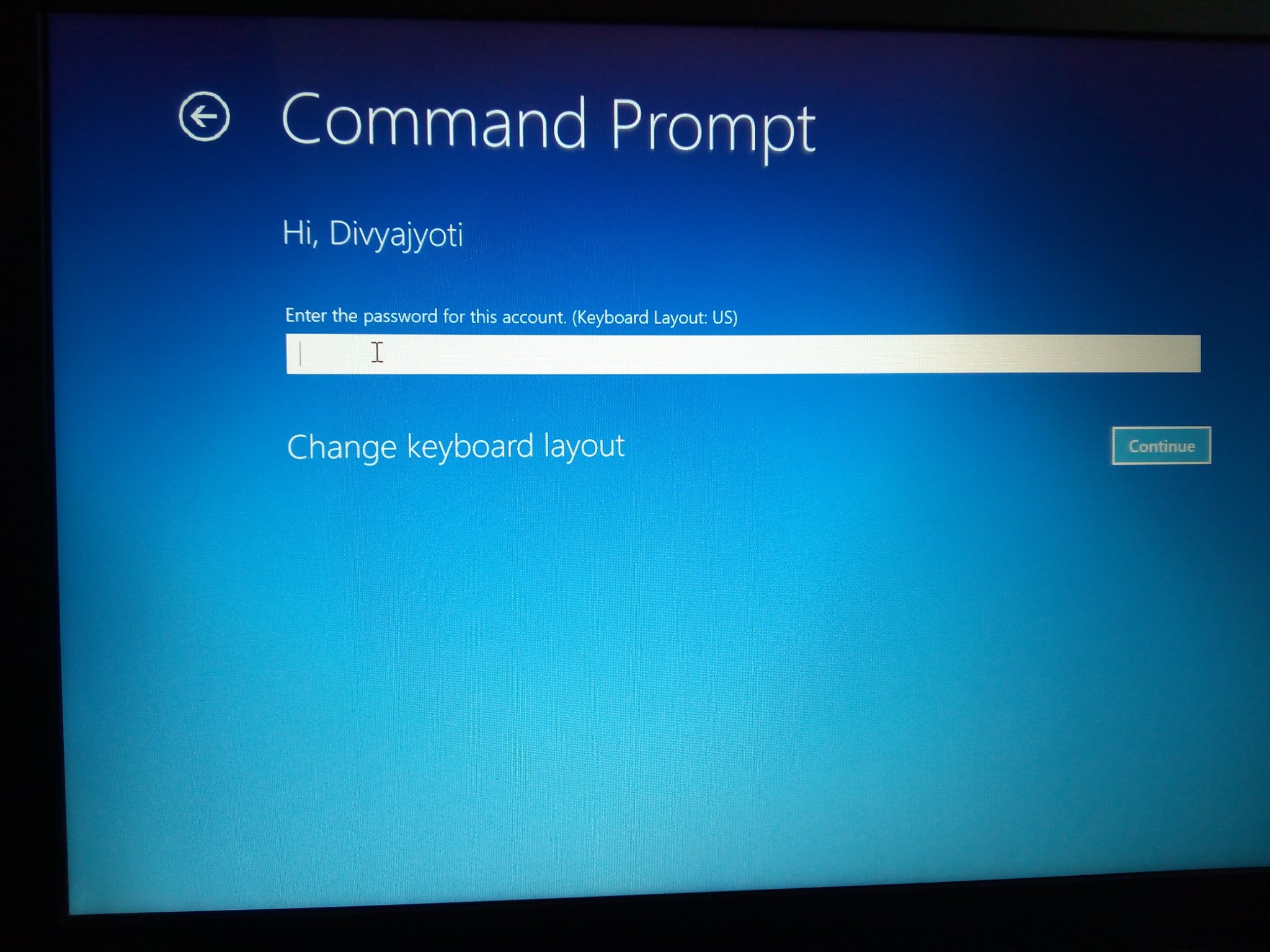
Web Aug 18 2023 nbsp 0183 32 1 Open quot Start quot search for the Command Prompt select it and run as administrator 2 Then type the command quot sfc scannow quot and press quot Enter quot If SFC is unable to fix the problem probably the utility cannot get the necessary files from the Windows image which might have become broken In this situation you can try the next
Web Dec 20 2023 nbsp 0183 32 Open Settings Click on Update amp Security Click on Recovery Under the quot Advanced startup quot section click the Restart now button Image credit Mauro Huculak After completing the steps
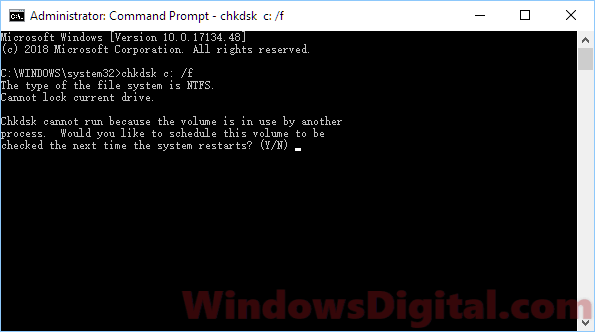
Web Oct 18 2023 nbsp 0183 32 With Windows 10 startup repair Command Prompt you can use CHKDSK command to scan and fix disk errors Type chkdsk F f command line and hit Enter Replace quot F quot with the drive letter of other partition you want to check
Web Jan 6 2022 nbsp 0183 32 1 How to open CMD during Windows Setup using the Shift F10 keyboard shortcut In our opinion this is the best method of opening Command Prompt at boot and that s why we re showing it first You can do it immediately after UEFI BIOS POST and it works no matter what Windows version you have installed on your PC
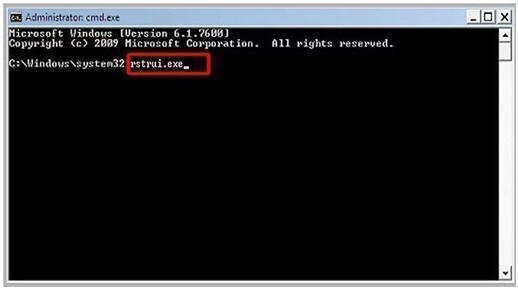
Web Sep 24 2023 nbsp 0183 32 Use the Command Prompt The Command Prompt is a free Windows utility that lets you manage your Windows settings and things in a way that makes using Windows a breeze Here s how you can use the Command Prompt to launch the Startup Repair on your PC Head to the Start menu search bar type in cmd and run the Web Jan 3 2024 nbsp 0183 32 Way 1 Repair system files using SFC command Way 2 Check and fix disk errors through CHKDSK command Way 3 Run Bootrec exe tool to repair boot errors Way 4 Access the System Restore with Command Prompt Run Command Prompt from Windows Recovery mode first
Web Jun 3 2020 nbsp 0183 32 Enable or Disable Automatic Repair in Command Prompt in Windows 10 1 Open an elevated command prompt 3 Look under the Windows Boot Loader section for your Windows 10 description and make note of its identifier ex quot current quot 4 In this same section make note if recoveryenabled is currently set to Yes enabled or No