Start Virtual Machine From Command Line Vmware Workstation How To Take Input From Command Line In Java YouTube Virtual Machine Escape TermsDepot PHP PHP Wait For Input From Command Line YouTube Controls UTM Documentation Instructions For Installing Windows 10 On VMware Virtual Machine From Web The main command line program used to stop and start VMware Workstation Virtual machines is the vmrun command If you open the Windows cmd prompt and change directory to
Web Nov 25 2022 nbsp 0183 32 To run the command you will need to open a command prompt and navigate to C Program Files x86 VMwareVMware Workstation These are the commands to start stop and restart your VM but you will need to change the path and VMX file name to match your environment vmrun T ws start D VMware VMsWindows 10Windows 10 vmx Web vmrun T server h https 10 0 1 9 8333 sdk u root p lt pass gt start quot storage1 WinXP WinXP vmx quot Using VIX to control a VMware Server with IP address 10 0 1 8 power off the virtual machine vmrun T server h https 10 0 1 8 sdk u root p lt pass gt start quot storage1 WinXP WinXP vmx quot
Instructions For Installing Windows 10 On VMware Virtual Machine From How To Suspend A VMware Workstation 12 VM From Command Line Robots Streamline VM Deployment Ansible Automation For Proxmox VE Not Enough Memory In The System To Start Virtual Machine Fix Error Could Not Find Or Load Main Class Error In Java Hashnode VMware Workstation 17 5 2 Kaldata How To List VMs On ESXi Host Command Line VMware Workstation 9 0 PDF Virtual Machine Operating System How To Find Your IP Address From CMD Command Prompt
Start Virtual Machine From Command Line Vmware Workstation
 Start Virtual Machine From Command Line Vmware Workstation
https://i.ytimg.com/vi/KQjNrJnIuh8/maxresdefault.jpg
Web Apr 1 2019 nbsp 0183 32 3 Answers Sorted by 7 tl dr Required command vmplayer exe HelloWorld vmx First find the vmplayer exe executable full path Default path is quot C Program Files x86 VMware VMware Player vmplayer exe quot Run that path with help option in Command Prompt for the help window Usage vmplayer exe OPTION
Templates are pre-designed files or files that can be utilized for numerous purposes. They can conserve time and effort by supplying a ready-made format and layout for developing various kinds of material. Templates can be used for individual or expert jobs, such as resumes, invites, leaflets, newsletters, reports, discussions, and more.
Start Virtual Machine From Command Line Vmware Workstation

Filezilla Server Setup Maximum Throughput Sdirectaca

How To Suspend A VMware Workstation 12 VM From Command Line Robots

Streamline VM Deployment Ansible Automation For Proxmox VE
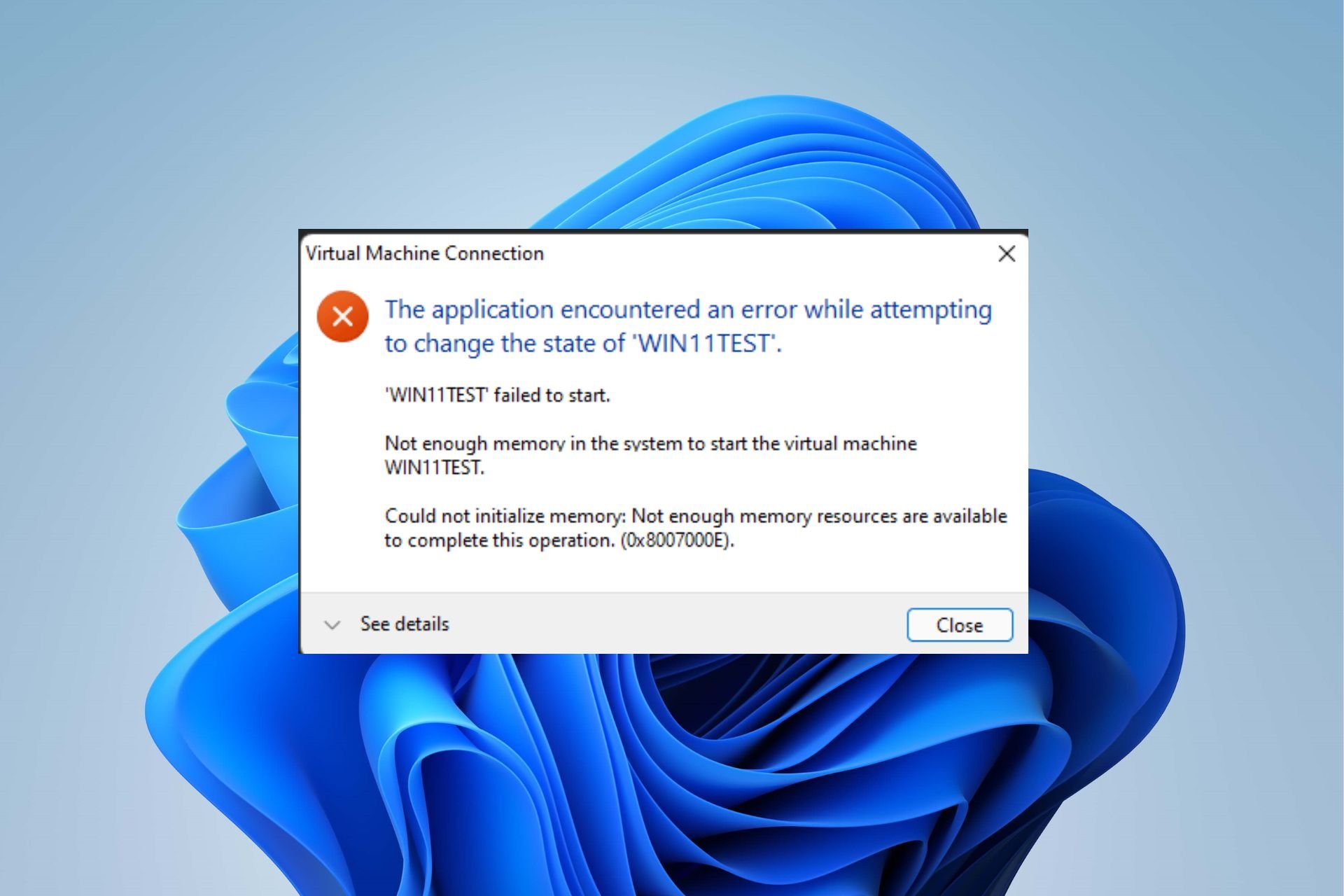
Not Enough Memory In The System To Start Virtual Machine Fix

VMware Workstation 17 5 2 Kaldata

How To List VMs On ESXi Host Command Line

Web Command format vmrun AUTHENTICATION FLAGS COMMAND PARAMETERS 1 To start a virtual machine quot C Program Files VMware VMware Workstation vmrun quot T ws quot C VMs Linux vmx quot 2 To Shut down a VM quot C Program Files VMware VMware Workstation vmrun quot T ws quot C VMs Linux vmx quot 3 To reboot

Web May 31 2019 nbsp 0183 32 You can run the vmware command on a Linux or Windows host system You can type the command in a Linux terminal window or at the Windows command prompt You can also create scripts to run multiple commands Read more Incorporate Workstation Pro Startup Options in a Windows Shortcut

Web 0 00 3 21 If you need to start shutdown or reboot a VMware Workstation virtual machine from the command line it s very easy to do and can even be used to start or st

Web May 31 2019 nbsp 0183 32 vmware Command Options Option Description n Opens a new Workstation Pro window t Opens a virtual machine in a new tab in the existing Workstation Pro window x Powers on the virtual machine when Workstation Pro starts This option is equivalent to clicking Power On in the Workstation Pro toolbar X

Web Oct 25 2023 nbsp 0183 32 This article provides steps to power on virtual machines from the command line either through the ESX host console or through the RCLI vSphere CLI if the host Powering on a virtual machine from the command line when the host cannot be managed using vSphere Client 1038043 VMware KB
Web Dec 10 2014 nbsp 0183 32 How can I create a virtual machine from the command line Hello I have been trying to google my way around and find out how I can create and start a virtual machine from the command line My platform would be Web This cmdlet retrieves the start policy of the virtual machines on a vCenter Server system
Web 11 14 2012 06 51 AM Have you tried or are you running the cmd prompt as Administrator Also try pointing to the vmx file extension like this quot quot C Program Files VMware VMware Player vmplayer exe X D My Virtual Machines Windows XP Professional Windows XP Professional vmx quot