Start Stop Service Windows Cmd How To Open A Windows 11 Command Prompt As Administrator Fix Laptop Won T Restart After Windows Upgrade My XXX Hot Girl How To Start And Stop Services Manually On Windows 10 Windows Central Open Command Prompt Fullscreen In Windows 10 Start Stop Service City Of Roseville WEB Jan 22 2023 nbsp 0183 32 Here s how you can use it to start or stop a service in Windows Open the Run dialog box Type services msc in the text box and hit Enter In the Services app that opens you ll see all the services arranged alphabetically Scroll through the list to locate the service you want to start or stop
WEB Jul 28 2023 nbsp 0183 32 Type the following PowerShell command to stop a service on Windows 11 and press Enter Stop Service Name quot NAME SERVICE quot In the command change NAME SERVICE to the actual name of the service For instance to stop the Print Spooler service you can use the Stop Service Name quot spooler quot command WEB Oct 22 2019 nbsp 0183 32 This tutorial describes how to stop start a windows service via batch or cmd 1 Find service name First of all you need to get the service name to do this Click windows gt type services When the services window opens right click the desired service gt properties then get the service name as below 2 Stop service
Start Stop Service City Of Roseville 5 Commandes CMD Utiles Qu un Utilisateur Windows Doit Conna tre Tech How To Stop A Windows Service With Jenkins Staley Cagaince Electron vue vs code vs code vscode electron CSDN Start And Stop VMware Workstation Services On Your Laptop Menu Driven Fix Windows Updates From Being Stuck Downloading Updates In Windows 10 How To Copy Cmd Windows Command Prompt Command Lines Images How To Start And Stop Services Manually On Windows 10 Windows Central How To Stop And Start A Windows Service From The Command Prompt
Start Stop Service Windows Cmd
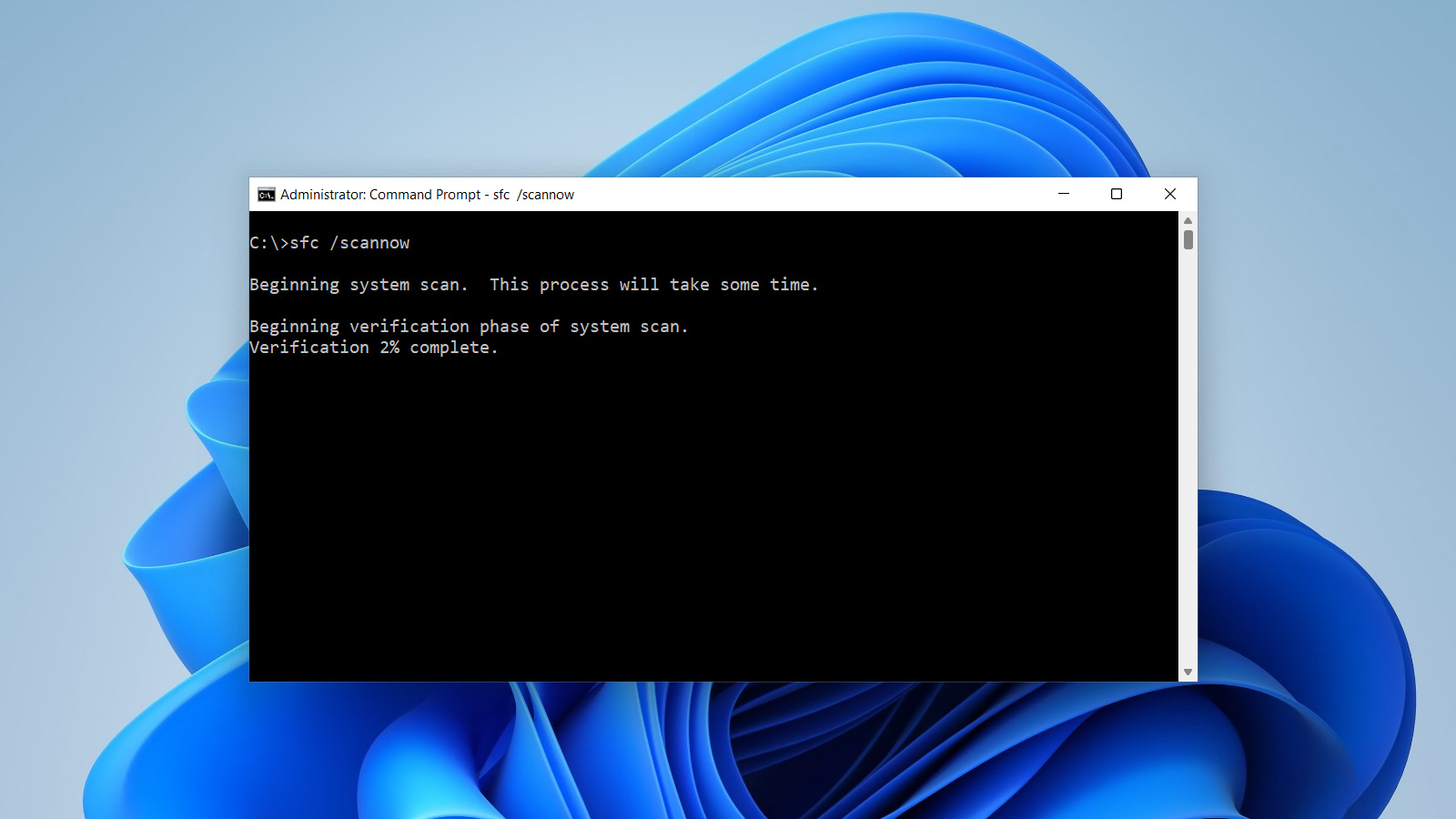 Start Stop Service Windows Cmd
https://www.bleepstatic.com/images/news/tutorials/windows-11/administrator-command-prompt/windows-11-admin-prompt-header.jpg
WEB In addition to Kevin s answer if you need to control more than one service or select them based on some criteria you can use wmic Simple use to stop only 1 service Sqlwriter in my example would be wmic service where name SQLWriter call
Templates are pre-designed documents or files that can be used for different purposes. They can save effort and time by providing a ready-made format and design for producing various type of material. Templates can be utilized for individual or professional projects, such as resumes, invites, leaflets, newsletters, reports, presentations, and more.
Start Stop Service Windows Cmd

7 Ways To Disable Windows 10 Automatic Updates WindowsChimp

5 Commandes CMD Utiles Qu un Utilisateur Windows Doit Conna tre Tech

How To Stop A Windows Service With Jenkins Staley Cagaince

Electron vue vs code vs code vscode electron CSDN
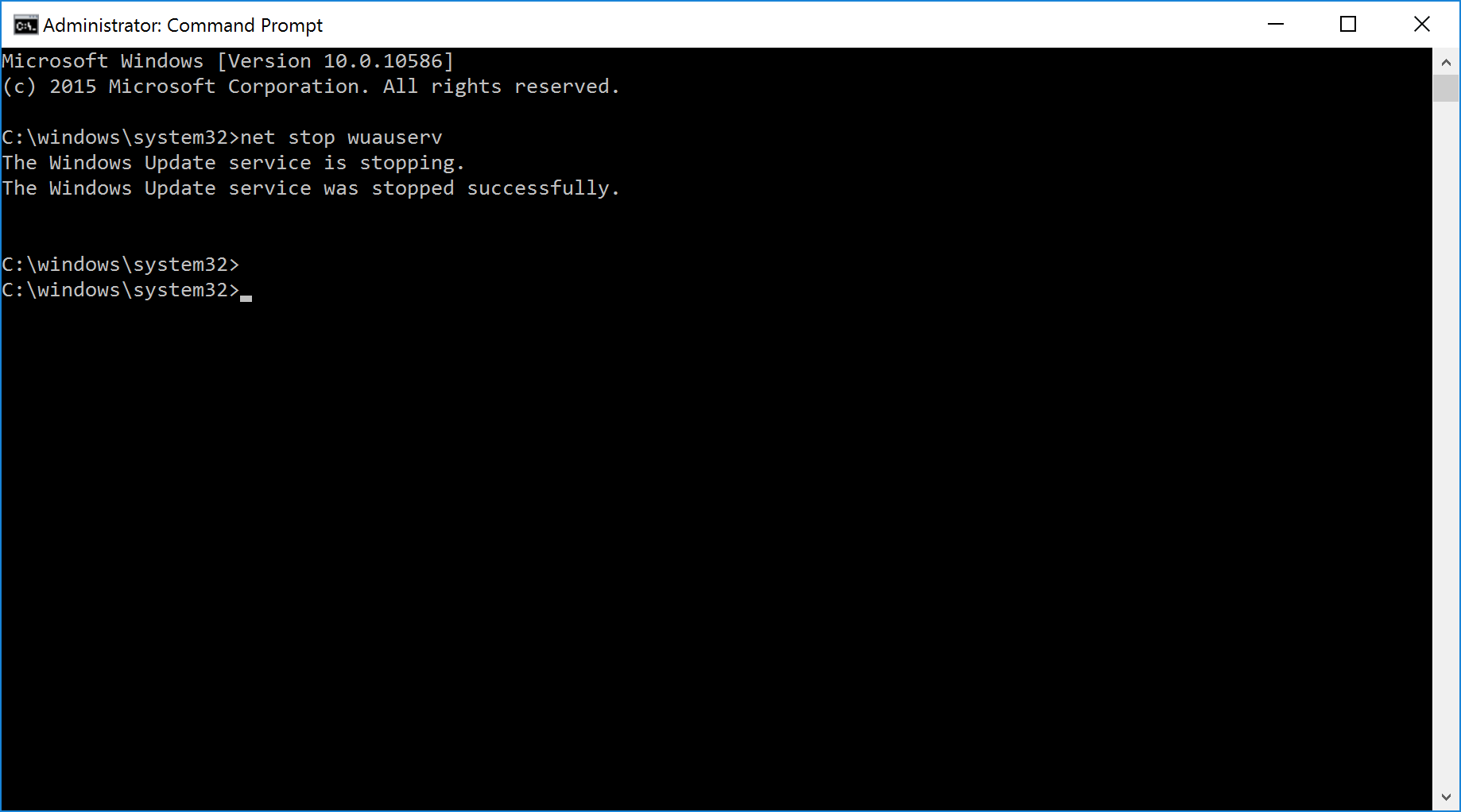
Fix Windows Updates From Being Stuck Downloading Updates In Windows 10

How To Copy Cmd Windows Command Prompt Command Lines Images
WEB Sep 25 2008 nbsp 0183 32 How can I script a bat or cmd to stop and start a service reliably with error checking or let me know that it wasn t successful for whatever reason

WEB May 31 2017 nbsp 0183 32 To stop a service type net stop lt name of service gt Or using powershell stop service name lt short name of service gt stop service displayname lt long name of service gt Note services have a long and short name For example quot Windows Update quot is also known as wuauserv

WEB Sep 12 2022 nbsp 0183 32 Use the following commands to start or stop a Windows service Start Service sc start ServiceName Stop Service sc stop ServiceName You can also change the Windows service startup type using the sc command The following examples will help you to change service startup to manual or disable it Set start type to manual
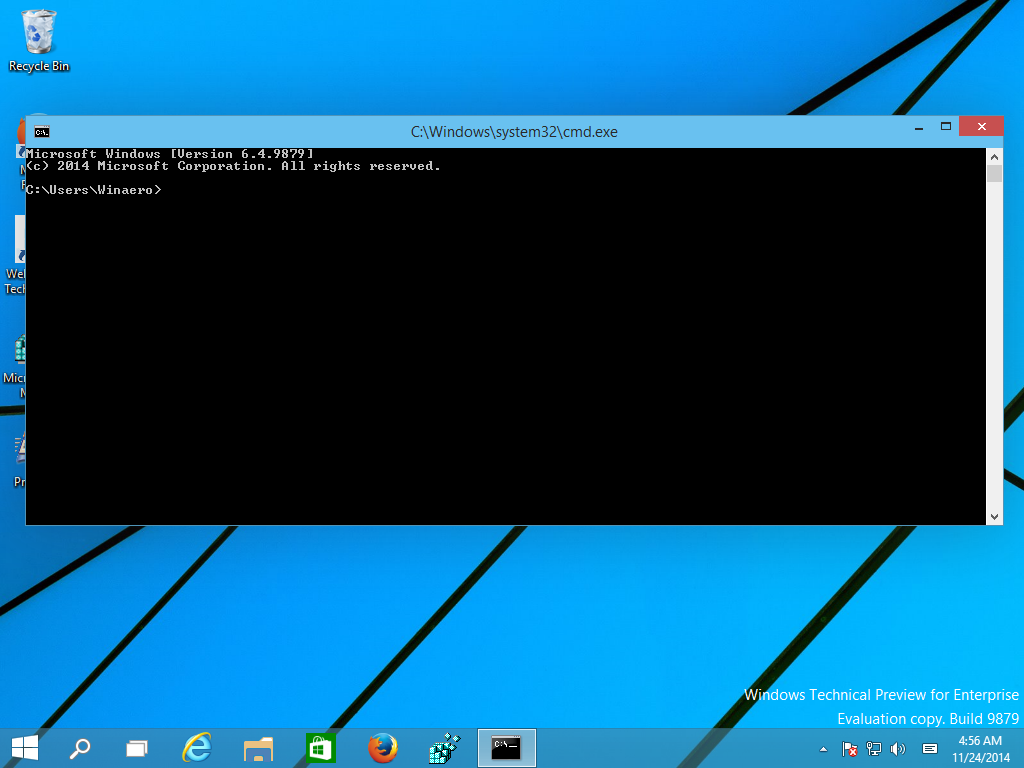
WEB Jul 7 2023 nbsp 0183 32 Learn how to Enable Disable Start Stop Refresh Restart Windows Services using PowerShell Command Prompt Task Manager and Net Command

WEB To restart a Windows service from the command prompt or scheduled tasks use this cmd c quot net stop quot Service Name quot amp sc start quot Service Name quot quot
WEB Press the Windows Key X and click on Task Manager You can also press Ctrl Shift Esc Click on the Services tab Locate the Service that you want to start stop or restart Right click on that Service and click on Start Stop or Restart WEB Dec 17 2022 nbsp 0183 32 Stop Service is used to stop one or more running services Set Service can change the properties of a service including the Status and StartupType Press Windows X and then press A to open Windows PowerShell Admin
WEB Nov 28 2021 nbsp 0183 32 Option One To Start Stop and Disable Services in Services Window Option Two To Start and Stop Services using net Command Option Three To Start Stop and Disable Services using Sc Command Option Four To Start Stop and Restart Services in Task Manager Option Five To Start Stop and Disable Services in