Start Stop Service Command Line Windows Linux Command Line Powercmd Download Windows Terminal The New Command Prompt For Windows 10 Www How To Change A Windows User Account Password From Command Prompt Windows Command Line Cheat Sheet Cheat Sheet Www vrogue co How To Start With Amazon Web Service Command Line First Lesson Type net stop service name here net start service name here and press Enter net stop net start Check the status of the service
Press the start button in the lower left corner 2 In the search bar type Command Prompt without the quotation marks 3 It should pop up Stop Service Stop a running service Equivalent bash command Linux start stop daemon start and stop system daemon programs Copyright 1999
How To Start With Amazon Web Service Command Line First Lesson Solved Scan For Hardware Changes In Windows Using 9to5Answer Solved Is There A Way To Combine Text Files Using The 9to5Answer Command Line Windows Basic CMD Command Line Commands MiniTool How To Use Mysql Command Line Client In Windows Login Pages Info 22 Best CMD Commands For Windows 2021 GeekDost C ch T y Ch nh Command Prompt Tr n Windows YouTube Start Stop Service City Of Roseville
Start Stop Service Command Line Windows
 Start Stop Service Command Line Windows
https://www.powercmd.com/wp-content/uploads/lin-1024x560.jpg
Restart services start stop restart services through powershell how to restart start stop
Templates are pre-designed files or files that can be utilized for various purposes. They can save time and effort by supplying a ready-made format and design for producing various kinds of content. Templates can be utilized for personal or expert tasks, such as resumes, invitations, flyers, newsletters, reports, discussions, and more.
Start Stop Service Command Line Windows
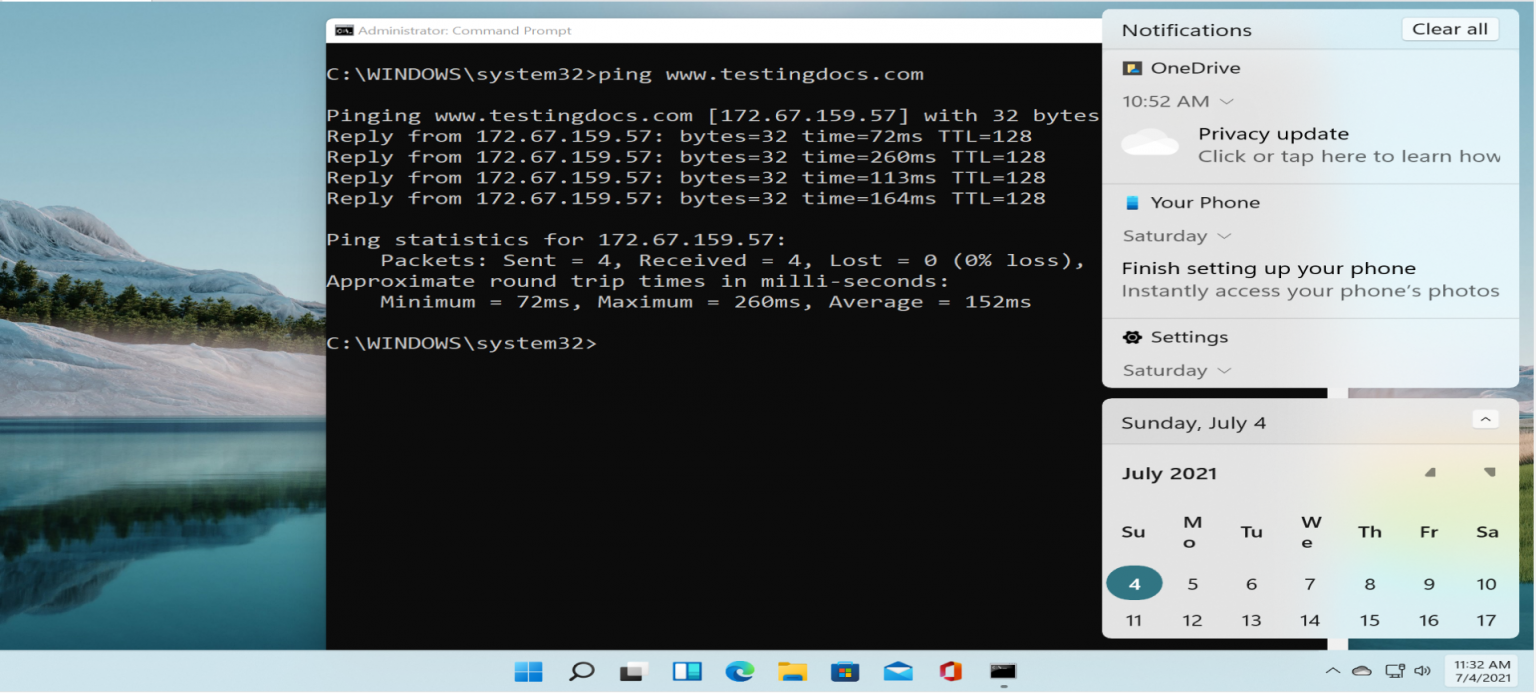
How To Launch Command Prompt Windows 10 Mokasinindiana

Solved Scan For Hardware Changes In Windows Using 9to5Answer

Solved Is There A Way To Combine Text Files Using The 9to5Answer
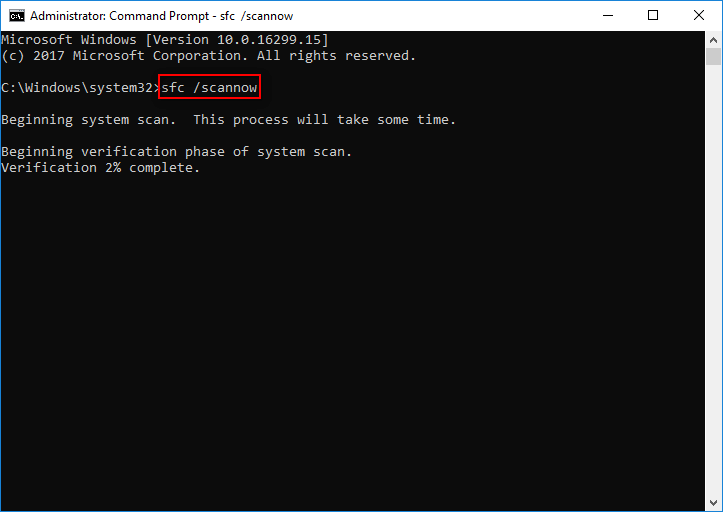
Command Line Windows Basic CMD Command Line Commands MiniTool
22 Best CMD Commands For Windows 2021 GeekDost
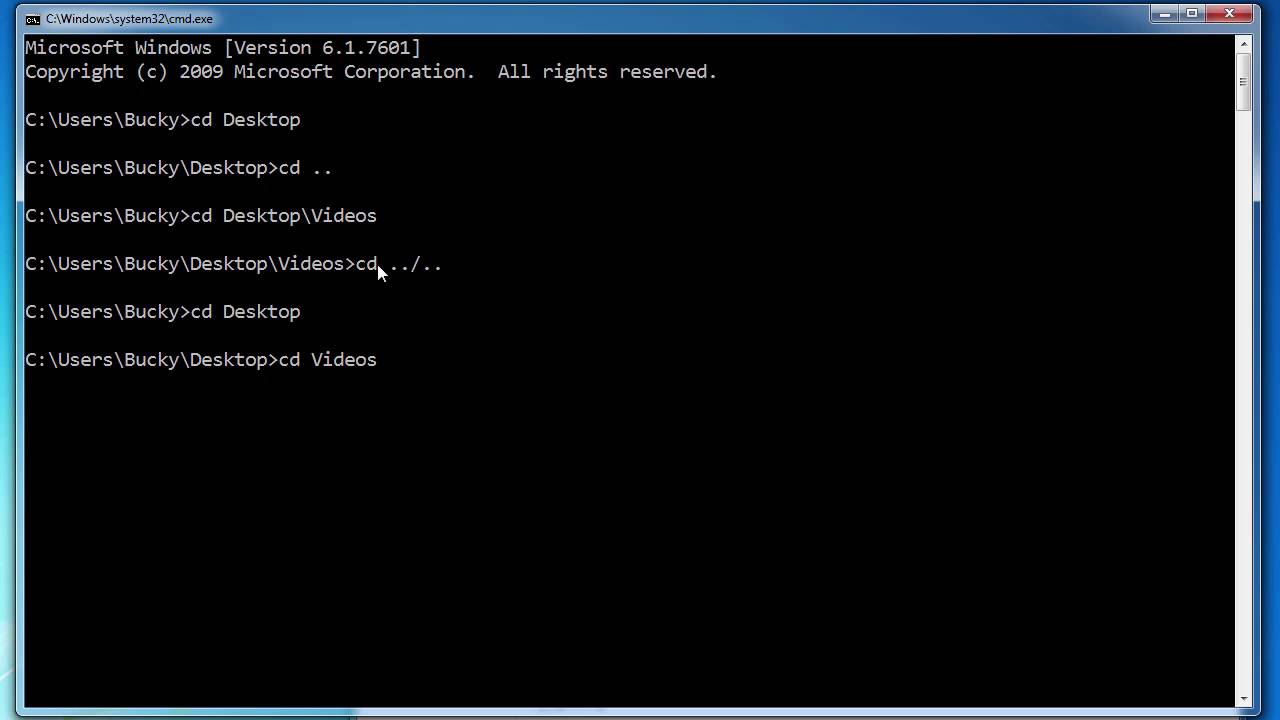
C ch T y Ch nh Command Prompt Tr n Windows
1 How to Start or Stop a Service Using the Services App Open the Run dialog box Type services msc in the text box and hit Enter In the

How to Start Stop a Windows Service using CLI Set start type to manual sc config ServiceName start manual Disable service sc config

A net start you can add filename to the end to make it output to a file i e net start services lst You can then try to shutdown each of them by

Microsoft Windows Server instructions on how to stop and start services from the command line Use name shown in Service Control Panel applet or in Registry

How to Start the Service s in Windows Command Line Get Service Status List and Stop All Running Tomcat Services Get Service
Right click on that Service and click on Start Stop or Restart You might also see the option you want in the top right corner Press the Windows Key X Enable or Disable Services using Command Prompt Press Windows key X to open Power User Menu Tap A on the keyboard to open Windows Terminal
You can use net stop service name to stop it and net start service name to start it up again basically restarting the service