Start Service In Command Line How To Compile Easytrieve Program Londonsabas How To Create User In Command Line Interface YouTube Command Line Power User Product Information Latest Updates And Search Forward In Command Line History 2 Solutions YouTube Solved Sed Command Working In Command Line But Not In 9to5Answer WEB Nov 28 2021 nbsp 0183 32 1 Open an elevated command prompt and do step 2 stop step 3 disable step 4 enable or step 5 start below for what you would like to do 2 To Stop a Service using quot Sc Stop quot Command in Command Prompt A Type the command below into the elevated command prompt press Enter and go to step 6 below
WEB Jun 19 2022 nbsp 0183 32 How to Start the Service s in Windows Command Line How to Restart the Service s in Windows Command Line How to List the Services in Windows Command Line To List all the Services in your Windows PC or Server Perform the Following Steps Open PowerShell Terminal or PowerShell ISE as Administrator WEB Jan 22 2023 nbsp 0183 32 3 How to Start or Stop a Service With the Command Prompt Don t like working with GUI No problem Windows also allows you to start and stop services through a command line tool To start or stop a service using Command Prompt Right click the Start icon or use the Win X keyboard shortcut to open the Power User menu
Solved Sed Command Working In Command Line But Not In 9to5Answer Command line Launcher In JetBrains By Akbar Tukhtamurotov Medium Top 7 Mac Command Line Tools Anyone Can Appreciate LaptrinhX Command Line Youdao Dictionary Open Source Agenda GitHub Gloveboxes Turn a Command Line tool into a REST API with Azure What s New In Command Line MiniScript V1 2 DEV Community Tools Command Line Amazing Grace How To Make A Computer Program With Command Prompt Lionker Pwgen Command Line Linux Econosilope
Start Service In Command Line
 Start Service In Command Line
https://londonsabas.weebly.com/uploads/1/3/8/0/138067144/240151954_orig.jpg
WEB Jul 28 2023 nbsp 0183 32 Type the following command to start a Windows 11 service and press Enter net start quot NAME SERVICE quot Type the following command to turn off a specific service and press Enter sc config quot NAME SERVICE quot start disabled Type the following command to enable a specific service and press Enter sc config quot NAME SERVICE quot start auto Type
Pre-crafted templates use a time-saving solution for producing a varied series of files and files. These pre-designed formats and layouts can be used for different individual and expert projects, consisting of resumes, invitations, leaflets, newsletters, reports, discussions, and more, improving the material development process.
Start Service In Command Line
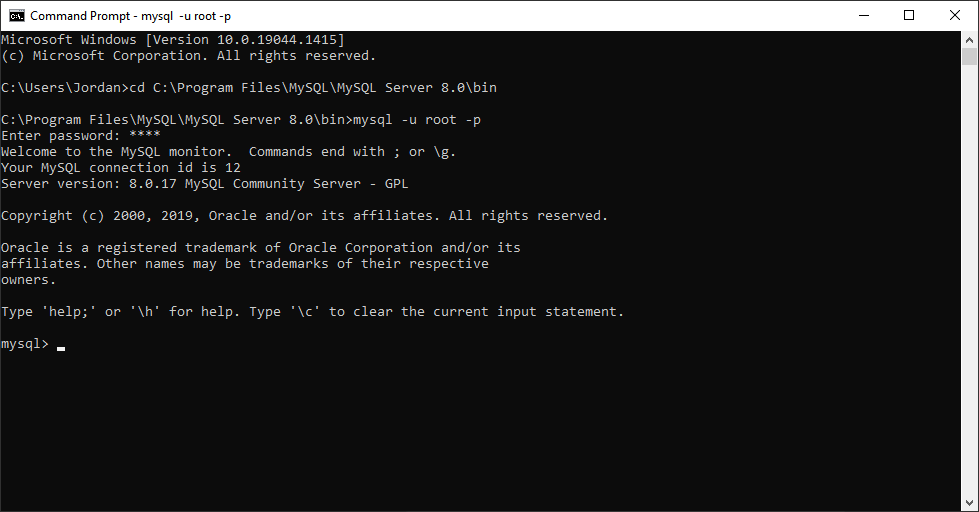
MySQL Command Line Client Getting Started Tutorial
Command line Launcher In JetBrains By Akbar Tukhtamurotov Medium
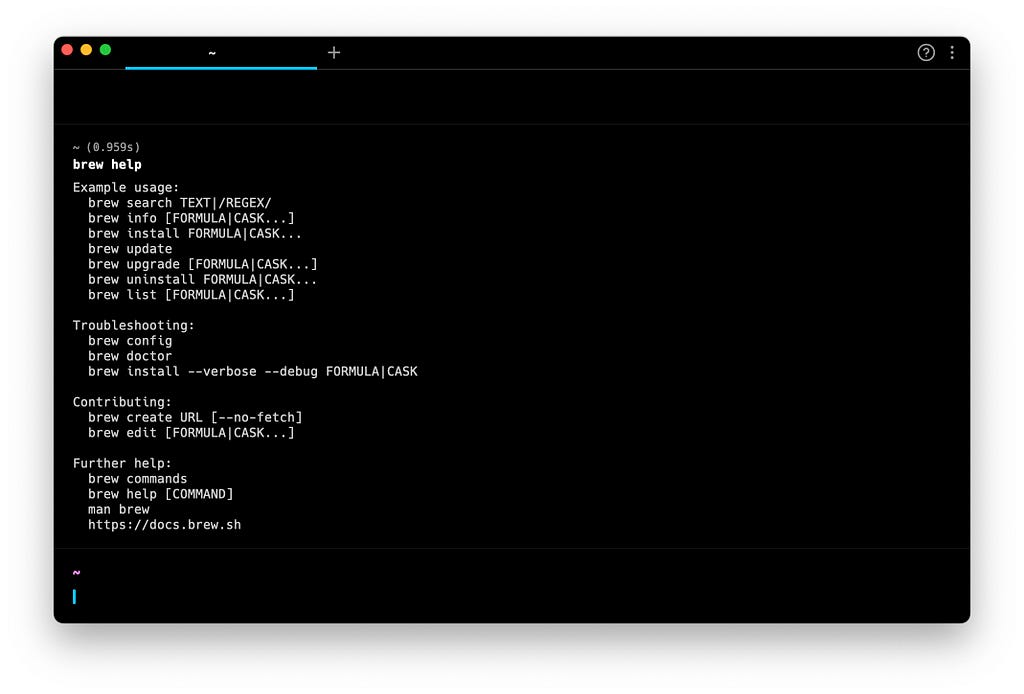
Top 7 Mac Command Line Tools Anyone Can Appreciate LaptrinhX

Command Line Youdao Dictionary Open Source Agenda

What s New In Command Line MiniScript V1 2 DEV Community
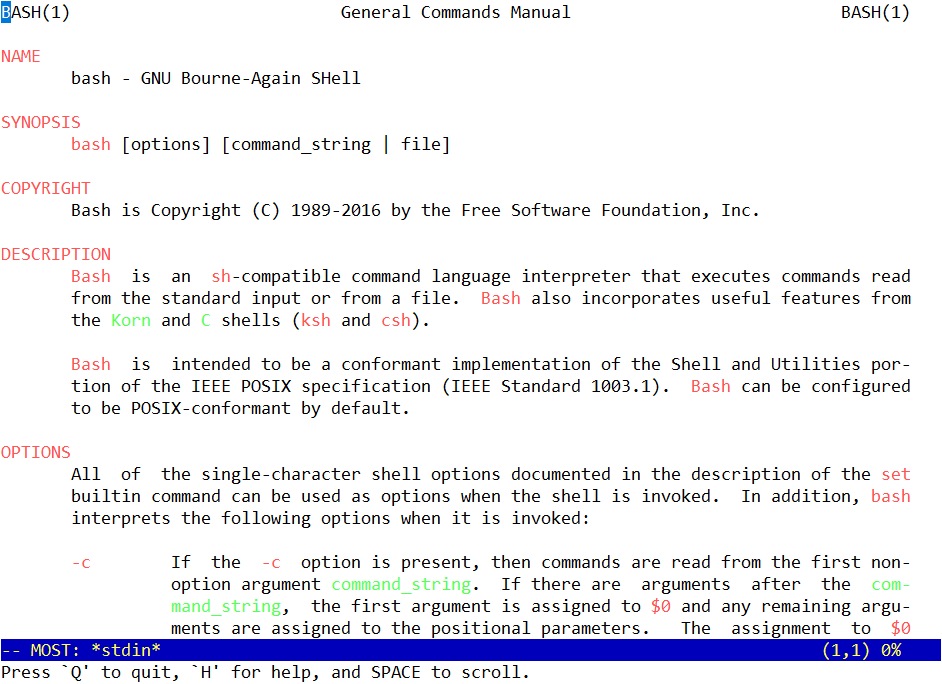
Tools Command Line Amazing Grace

WEB Sep 12 2022 nbsp 0183 32 Use the following commands to start or stop a Windows service Start Service sc start ServiceName Stop Service sc stop ServiceName You can also change the Windows service startup type using the sc command The following examples will help you to change service startup to manual or disable it Set start type to manual

WEB Sep 25 2008 nbsp 0183 32 Use the SC service control command it gives you a lot more options than just start amp stop DESCRIPTION SC is a command line program used for communicating with the NT Service Controller and services USAGE sc

WEB Oct 17 2019 nbsp 0183 32 Use the following commands to start stop or check the status of a service in Windows on the command line prompt CMD Start a service C gt net start serviceName Get a service status C gt sc query serviceName Stop a service C gt net stop serviceName Cool Tip Kill a hanging process in Windows from the CMD Read

WEB To restart a Windows service from the command prompt or scheduled tasks use this cmd c quot net stop quot Service Name quot amp sc start quot Service Name quot quot

WEB Dec 22 2022 nbsp 0183 32 To start a service with the command line use these steps Open Start Search for Command Prompt right click the top result and select the Run as administrator
WEB Oct 10 2018 nbsp 0183 32 English The Task Manager lets you quit apps and stop and start a Windows service It s an easy graphical way to stop a service if you ever need to but you can also stop and start a Windows service from the command prompt WEB Jun 2 2020 nbsp 0183 32 How to Stop and Start a Service with Net Command How to Stop Start and Disable Services with Sc in Command Prompt How to Stop Start and Restart a Service via Task Manager
WEB Apr 3 2017 nbsp 0183 32 Run powershell with admin privilges Run the start service command start service serviceName Do you want to Start or stop Windows service using Powershell This post explains how to manage any Windows