Start Remote Desktop Service Cmd 5 Benefits Of Using Remote Desktop Services RDS Remote Desktop Service RDS VDI Deployed With Best Practice Upwork How To Start Remote Desktop Connection mstsc Using Command Line Escuela Primaria Alianza Misil Desktop Remote Manager Free Dormido Lizenzgeb hren Insgesamt Auftakt How To Restart Router From Cmd Video Web Dec 2 2022 nbsp 0183 32 To enable remote desktop via CMD enter the following command and hit Enter reg add quot HKEY LOCAL MACHINE SYSTEM CurrentControlSet Control Terminal
Web Feb 3 2023 nbsp 0183 32 Reference article for the mstsc command which creates connections to Remote Desktop Session Host servers or other remote computers and edits an existing Web Dec 7 2021 nbsp 0183 32 Guide to RDP Command line Options One of the most long standing and major features of Windows is Remote Desktop To run Microsoft s Remote Desktop
Lizenzgeb hren Insgesamt Auftakt How To Restart Router From Cmd Video Remote Desktop The Windows Option To Access My Computer From Another How To Remotely Access Another Computer Using CMD Install And Configure Remote Desktop Services Rds On Windows Mobile Understanding Active And Passive Voice Can Aid Your Students In Unduh How To Fix Windows Could Not Start The Remote Desktop Service Steps AweSun Releases MacOS Version For Multi Platform Remote Support AP News Remote Desktop Services Anpassungen In Der Lizenzierung Avanet Best Remote Desktop Software In 2018 The Gazette Review
Start Remote Desktop Service Cmd
 Start Remote Desktop Service Cmd
http://mycloudit.com/hubfs/Blog Images/RemoteApp.png#keepProtocol
Web Oct 2 2010 nbsp 0183 32 We can enable remote desktop from windows command line by running the following command reg add
Pre-crafted templates provide a time-saving service for developing a varied variety of documents and files. These pre-designed formats and layouts can be made use of for various individual and professional tasks, including resumes, invites, leaflets, newsletters, reports, discussions, and more, streamlining the content creation process.
Start Remote Desktop Service Cmd

How To Securely Deploy Remote Desktop Services RDS With The Gateway

Remote Desktop The Windows Option To Access My Computer From Another
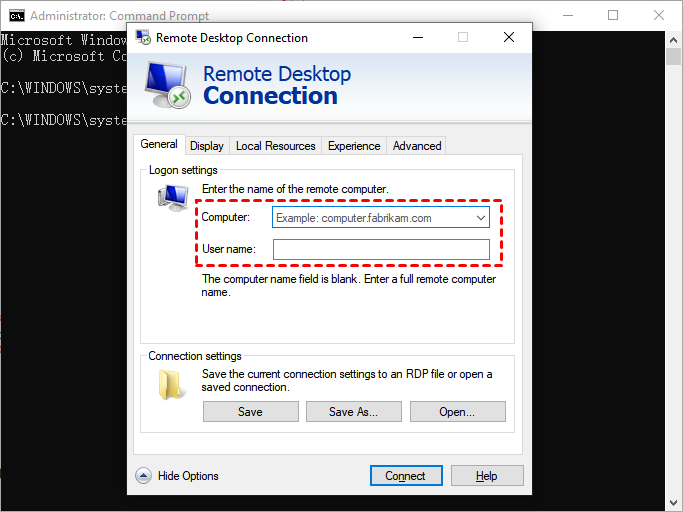
How To Remotely Access Another Computer Using CMD
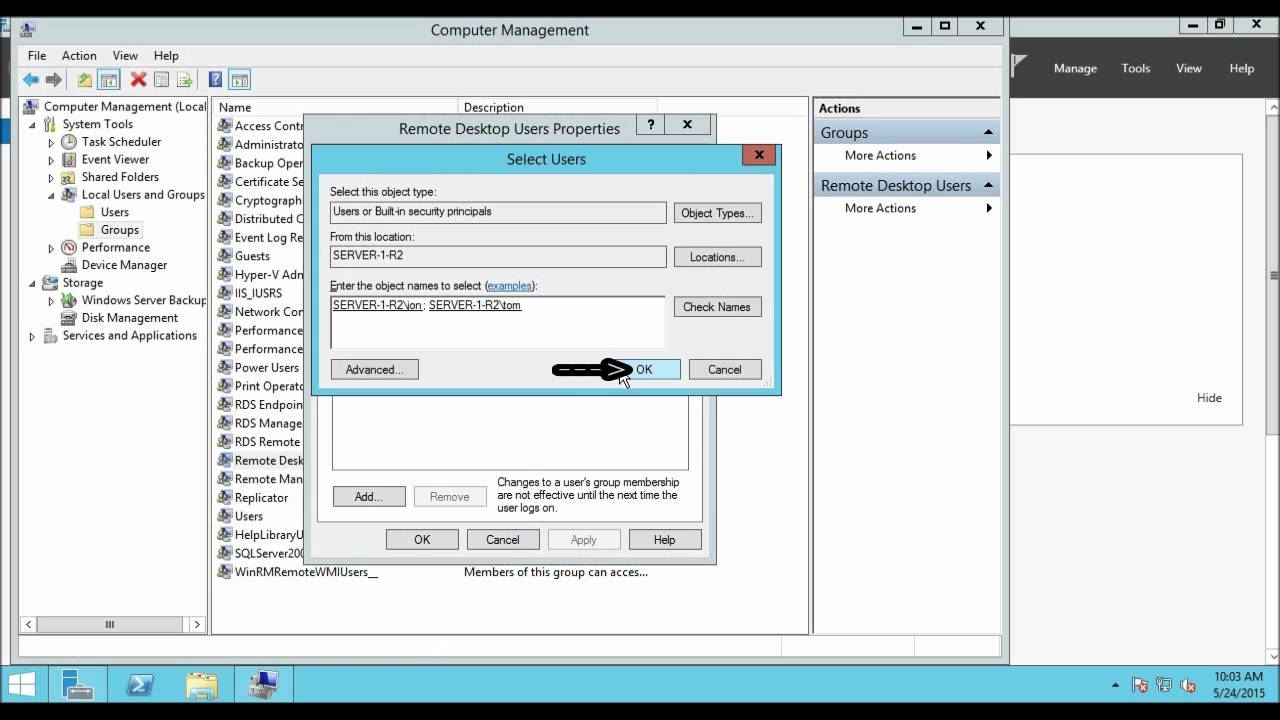
Install And Configure Remote Desktop Services Rds On Windows Mobile
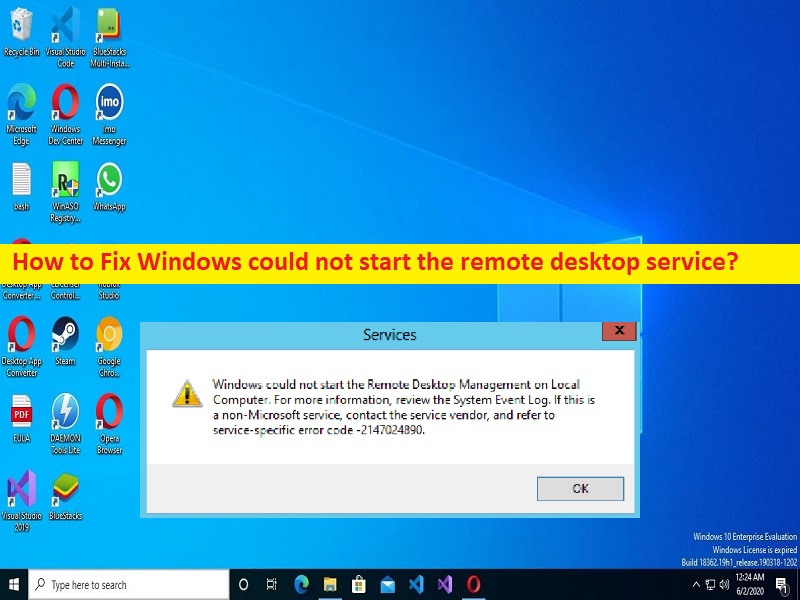
How To Fix Windows Could Not Start The Remote Desktop Service Steps

AweSun Releases MacOS Version For Multi Platform Remote Support AP News

Web Feb 3 2023 nbsp 0183 32 Applies to Windows Server 2022 Windows Server 2019 Windows Server 2016 Windows Server 2012 R2 Windows Server 2012 Learn about the available
Web MSTSC is the command that you need to use to open Windows Remote Desktop in the command prompt You can type MSTSC directly in to the search box on Windows 10 or click on Start gt Run in earlier Windows

Web Jul 11 2023 nbsp 0183 32 To enable Remote Desktop on Windows 10 open Command Prompt admin and run the reg add

Web Oct 30 2018 nbsp 0183 32 There is no Run command for opening remote desktop connection manager directly It is usually installed in the path C Program Files Remote Desktop Connection Manager RDCman exe By
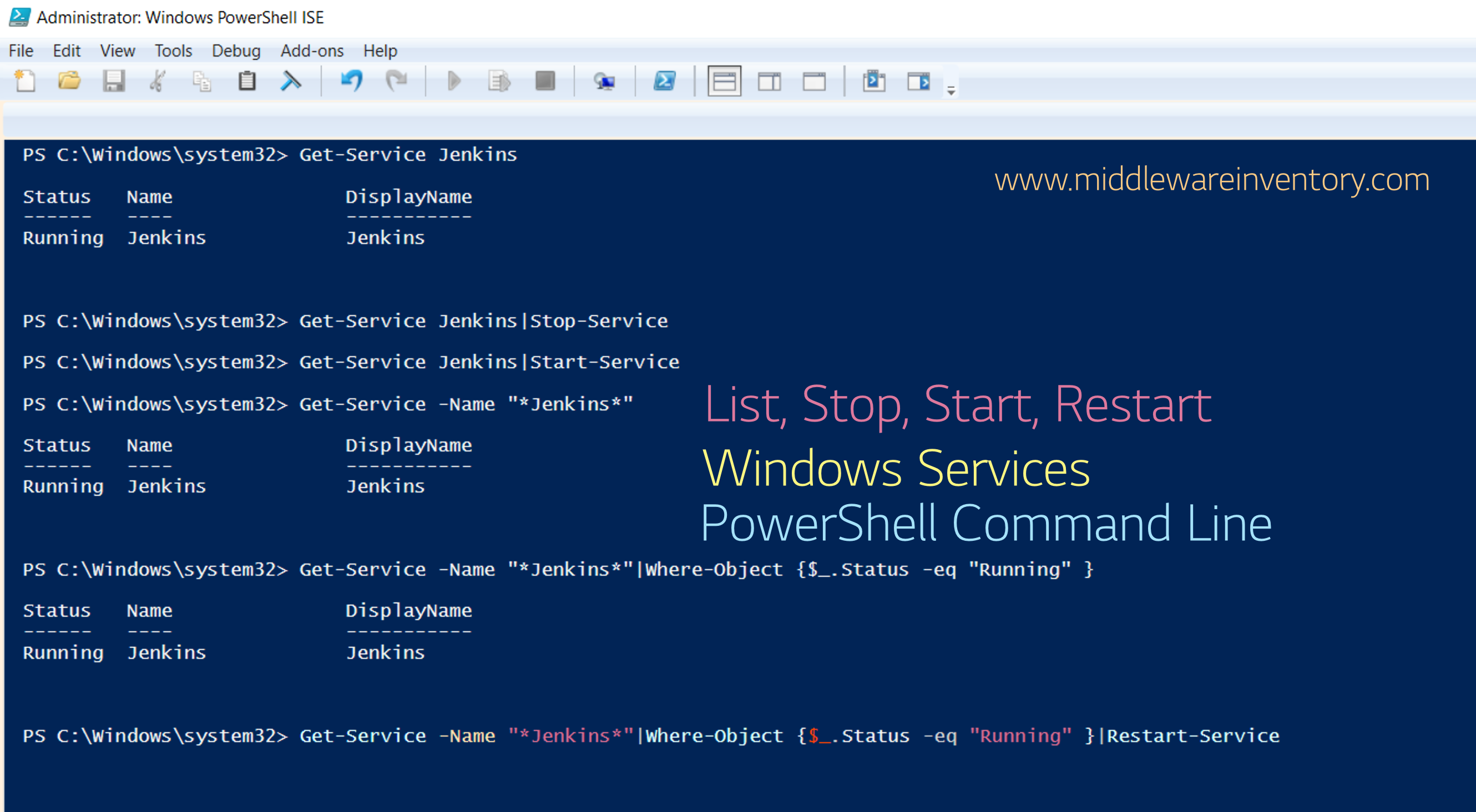
Web Aug 15 2010 nbsp 0183 32 Start or stop Windows service from command line CMD by Srini We normally use Services msc to start or stop or disable or enable any service We can do
Web Jul 2 2022 nbsp 0183 32 Step 1 Press the Win R keys together on your keyboard to open the Run command window Step 2 In the Run command search field type services msc and Web Feb 29 2016 nbsp 0183 32 1 Restarting a service is quite a common task to any system administrators whether on a local system or a remote computer Now let s take look a number of ways
Web Jun 21 2023 nbsp 0183 32 1 Answer Sorted by 1 After the crash of my Remote Desktop Session the Windows 10 RDP quot host quot machine shows this in Administrator Command Prompt