Start Idea From Command Line Ubuntu Simple Ubuntu Command Ubuntu Eject Device From Command Line YouTube Ubuntu 22 04 Connect To WiFi From Command Line Linux Tutorials Start GUI From Command Line On Ubuntu 22 04 Jammy Jellyfish Linux Ubuntu 22 04 Network Setup Linux Tutorials Learn Linux Configuration Web Jan 7 2021 nbsp 0183 32 Install the latest IntelliJ IDE on the ubuntu machine navigate to bin here you will find a file named something like quot intellij idea community quot run this file and intelliJ will
Web Sep 14 2023 nbsp 0183 32 Command line interface Open files from the command line Last modified 14 September 2023 Open an arbitrary file or folder in IntelliJ IDEA from the Web Nov 22 2017 nbsp 0183 32 Step 1 Create Command line Launcher Open your Goland editor And in main menu find Tools gt Create Command line Launcher Goland will ask you to save
Ubuntu 22 04 Network Setup Linux Tutorials Learn Linux Configuration How To Change PHP Version From Command Line In Ubuntu Example How To Update Ubuntu In The Command Line Ubuntu Commands How To Make Android Apps Without IDE From Command Line Android Create And Manage Git Branches From Command Line StackTips Ubuntu Command Line Script Disk Operations User Linux Advance How To Edit A Yaml File In Linux Systran Box How To Install IntelliJ IDEA On Ubuntu 20 04 Linux Desktop Linux
Start Idea From Command Line Ubuntu
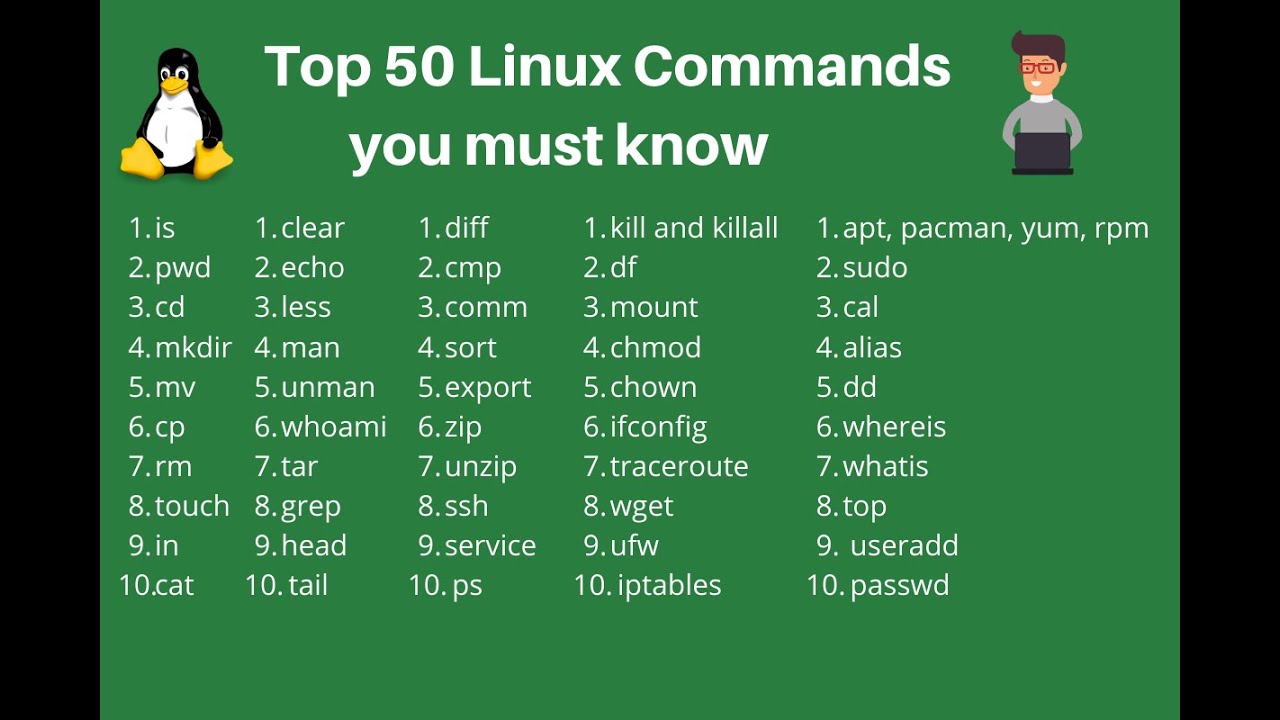 Start Idea From Command Line Ubuntu
https://benisnous.com/wp-content/uploads/2020/12/Simple-Ubuntu-command.jpg
Web Dec 2 2019 nbsp 0183 32 1 This question already has answers here How can I create launchers on my desktop 22 answers How can I set up PyCharm to launch from the Launcher 6
Templates are pre-designed files or files that can be utilized for different purposes. They can conserve effort and time by supplying a ready-made format and layout for developing various kinds of content. Templates can be utilized for personal or professional tasks, such as resumes, invites, flyers, newsletters, reports, discussions, and more.
Start Idea From Command Line Ubuntu
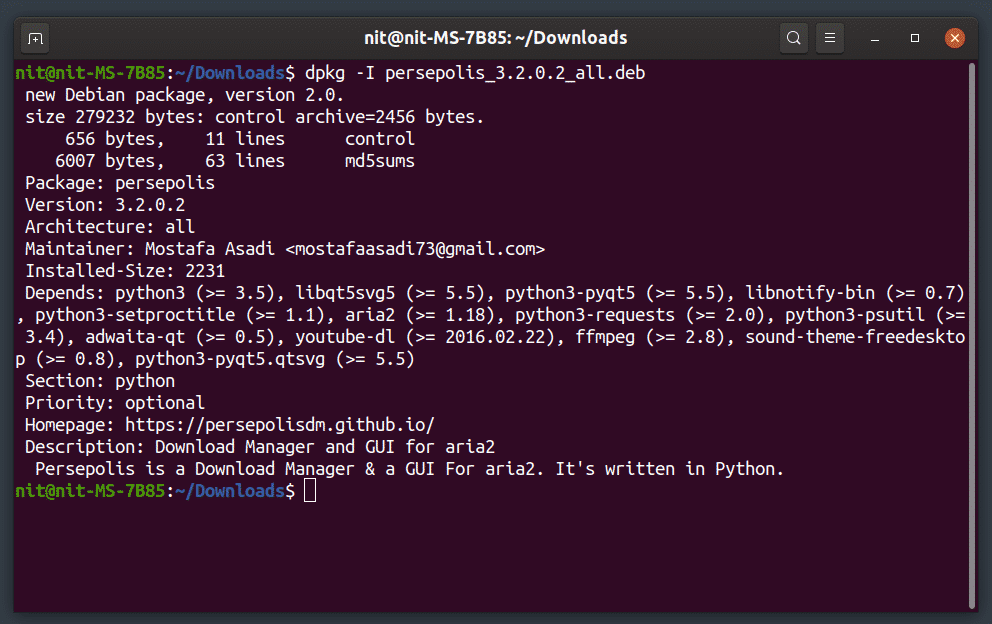
How To Manually Install A Deb Package Using Command Line In Ubuntu
How To Change PHP Version From Command Line In Ubuntu Example

How To Update Ubuntu In The Command Line
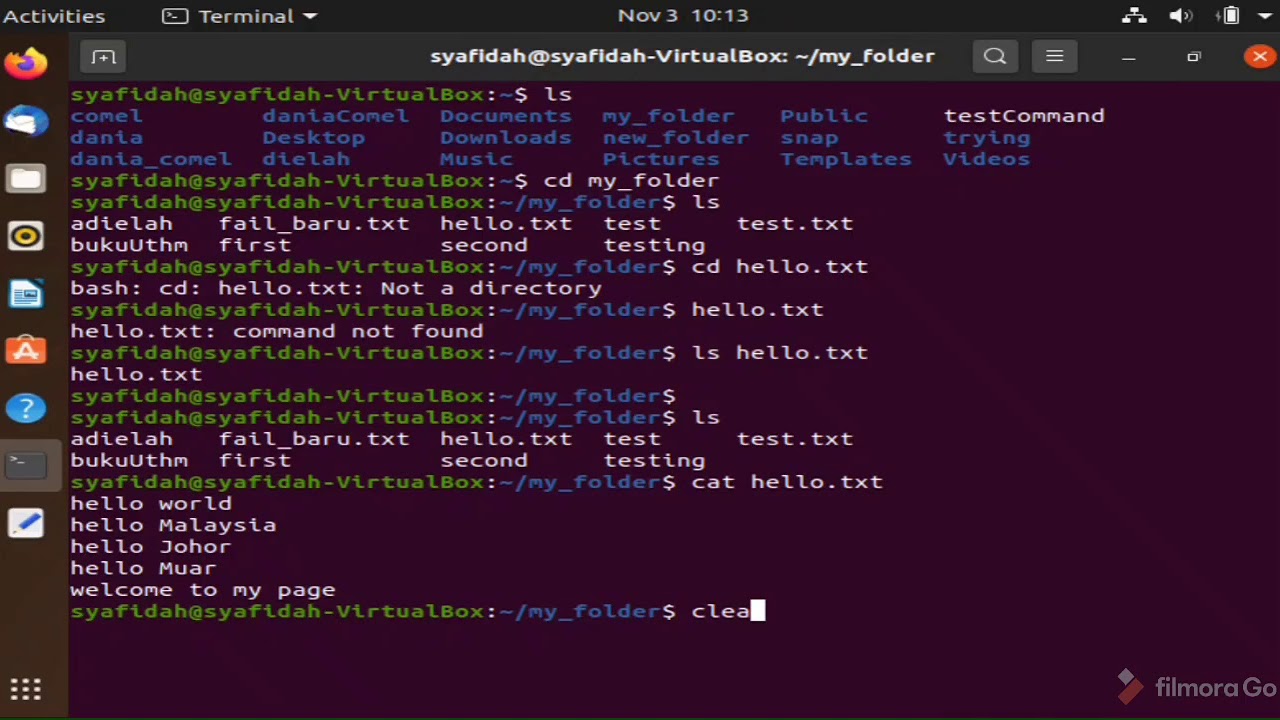
Ubuntu Commands

Create And Manage Git Branches From Command Line StackTips
Ubuntu Command Line Script Disk Operations User Linux Advance

Web Aug 21 2017 nbsp 0183 32 In the case of the linked guide you would have to add opt idea IC bin Then you have to log out or reboot for the changes you made to take effect Afterwards you

Web Oct 29 2017 nbsp 0183 32 Locate the installation Path of IntelliJ use which intellij idea ultimate to find them manually Go inside the folder and locate idea sh and copy the folder path Open

Web May 15 2020 nbsp 0183 32 Install IntelliJ IDEA from command line Start by opening a terminal window and execution of the bellow apt command Select your

Web Mar 1 2019 nbsp 0183 32 Go to Tools menu in Intellij IDEA and click on Create Command line Launcher Choose a command to add to user local bin Here I choose idea as

Web Feb 27 2017 nbsp 0183 32 Open IntelliJ IDEA go to Tools gt Create Command Line Launcher and optionally adjust the location and name of the script that will start IntelliJ IDEA Voil 224 Now from your command line you can type
Web Feb 14 2022 nbsp 0183 32 Start by opening a command line terminal and executing the below Snap command Select your preferred version to install sudo snap install intellij idea Web The solution is to install X and the Ubuntu Desktop Also don t forget the build essential packages sudo apt get install ubuntu desktop You might have to install X
Web Jul 24 2023 nbsp 0183 32 Quick Answer To boot into the console and launch the Ubuntu desktop from the command line you can access the command line interface by pressing Ctrl Alt