Start Application On Startup Startup 2016 Free Stock Photo Public Domain Pictures Digital Start Shopping Application By Jelena Mandi On Dribbble How To Make A Program Run On Startup In Windows 10 Tutorial YouTube Application Checklist START START START
Feb 19 2025 nbsp 0183 32 start pxe over ipv4 BIOS CPU F10 F2 F12 F1 DEL BIOS Mar 14 2024 nbsp 0183 32 start quot quot quot quot start
Application Checklist START Digital Business Startup Solutions Idearcade H l s Folyos Watt Start Apps Automatically Windows 10 Vil g t Szponzor S n Startup Free Stock Photo Public Domain Pictures Discount Offer Online Course Step By Step Deployment Of MEAN Stack EP 4 Bossup Solution About The Startup Medium Startup School Startup Chihuahua StartUp Latest Startup News Medium
Start Application On Startup
 Start Application On Startup
https://www.publicdomainpictures.net/pictures/150000/velka/startup-2016.jpg
Dont create a Start Menu folder START MENU START MENU
Pre-crafted templates use a time-saving service for producing a diverse range of files and files. These pre-designed formats and designs can be made use of for various personal and professional projects, consisting of resumes, invites, flyers, newsletters, reports, presentations, and more, simplifying the content development process.
Start Application On Startup

Startup Branding Hopkins Material Design Principles Feel Good

Digital Business Startup Solutions Idearcade

H l s Folyos Watt Start Apps Automatically Windows 10 Vil g t Szponzor S n
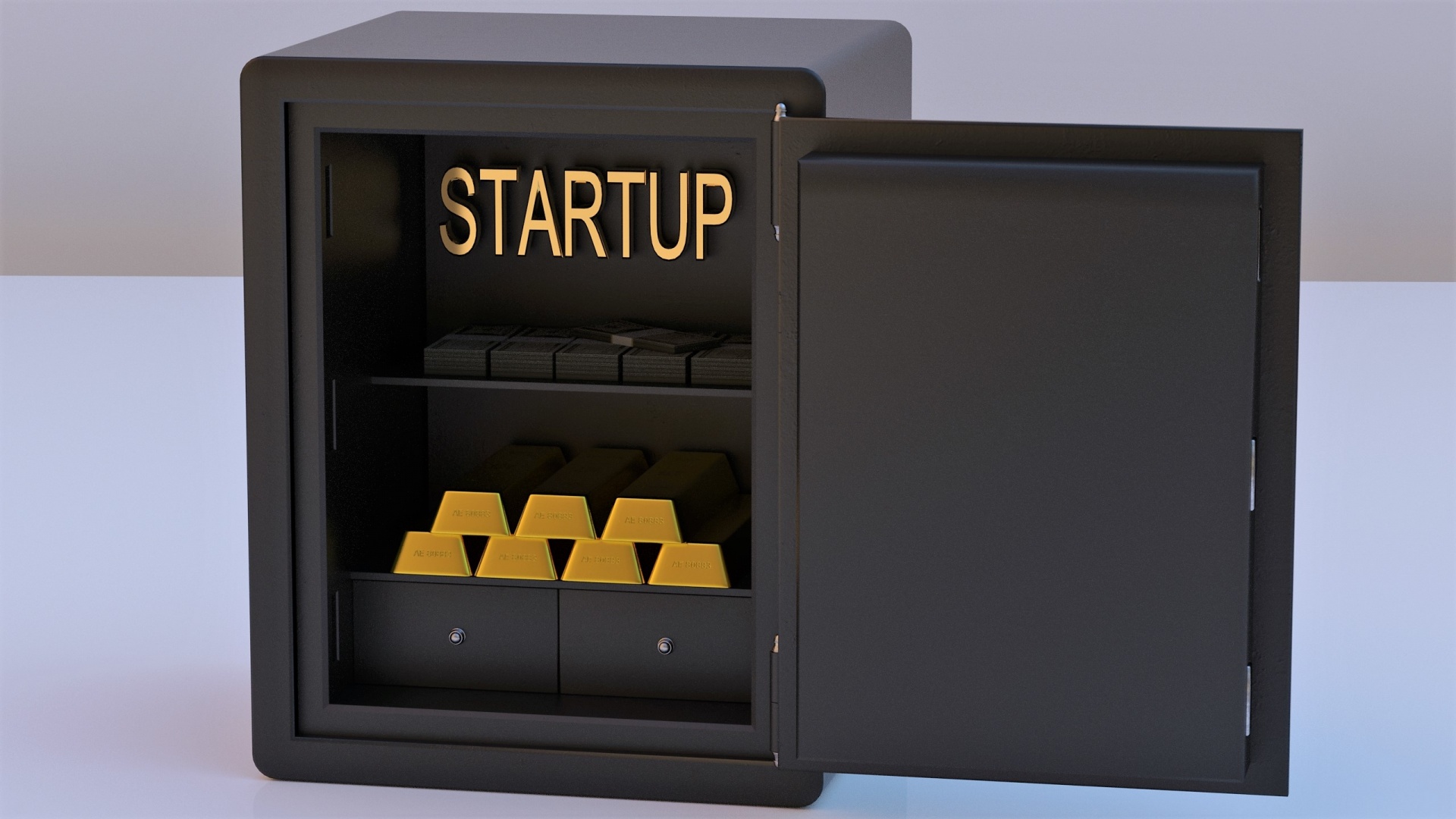
Startup Free Stock Photo Public Domain Pictures

EP 4 Bossup Solution

About The Startup Medium

Sep 22 2024 nbsp 0183 32 start to do amp doing sth Start to do quot quot start doing quot Start to do 1

Oct 23 2023 nbsp 0183 32 start to do start doing start to do start doing start to do start to do

Nov 7 2024 nbsp 0183 32 start start 2024

START VIP 15 START VIP SVIP

Jul 12 2025 nbsp 0183 32 d cmd start for D cmd start for cmd start for Windows
[desc-11] [desc-12]
[desc-13]