Standing Desk Pc Holder Standing Desk Pc Holder At Mia Stanfield Blog EUREKA ERGONOMIC Height Adjustable Computer Tower Stand 2 Tier ATX PC Gaming Standing Desk Setup Tour 2019 YouTube MOUNT PC06B Under Desk Gaming PC Mount By VIVO YouTube MOUNT PC02S Under Desk Adjustable Strap PC Mount By VIVO YouTube Translate text in images In the Translate app you can translate text from images on your phone With some devices you can also translate text you find through your camera Important The
Google Translate by speech If your device has a microphone you can translate spoken words and phrases In some languages you can hear the translation spoken aloud Important If you use
MOUNT PC02S Under Desk Adjustable Strap PC Mount By VIVO YouTube Walnut Standing Desk Setup For A Stylish Home Office Laptop Stand Deskside And Wall Gaming PC Mount VIVO Desk Solutions Screen Amazon Colarr 4 13 58 X 9 76 X 0 98 Heavy Duty Adjustable Under Desk PC Mount Computer Case Holder Supports Standing Desk MAGNUS Pro Metal Desk Secretlab AU Amazon VIVO PC CPU IKEA KARLBY L Shaped Battlestation
Standing Desk Pc Holder
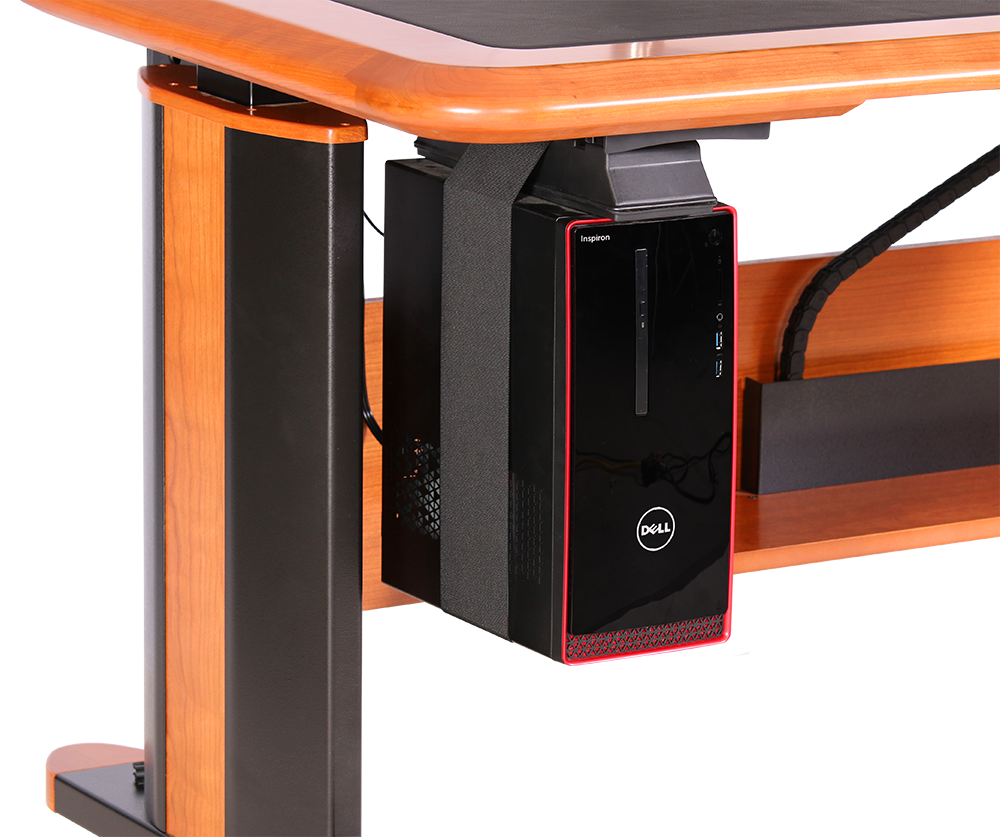 Standing Desk Pc Holder
https://www.carettaworkspace.com/upload/images/products/desk_accessories/cpu_holders/wellston_under_desk/under_desk_cpu_holder.png
Translate documents or write in a different language You can translate documents into many languages with Google Docs
Templates are pre-designed documents or files that can be used for numerous functions. They can conserve effort and time by providing a ready-made format and layout for producing different sort of material. Templates can be utilized for personal or expert projects, such as resumes, invites, leaflets, newsletters, reports, presentations, and more.
Standing Desk Pc Holder

MOUNT PC04A Heavy Duty Under Desk PC Mount Assembly By VIVO YouTube

Walnut Standing Desk Setup For A Stylish Home Office

Laptop Stand
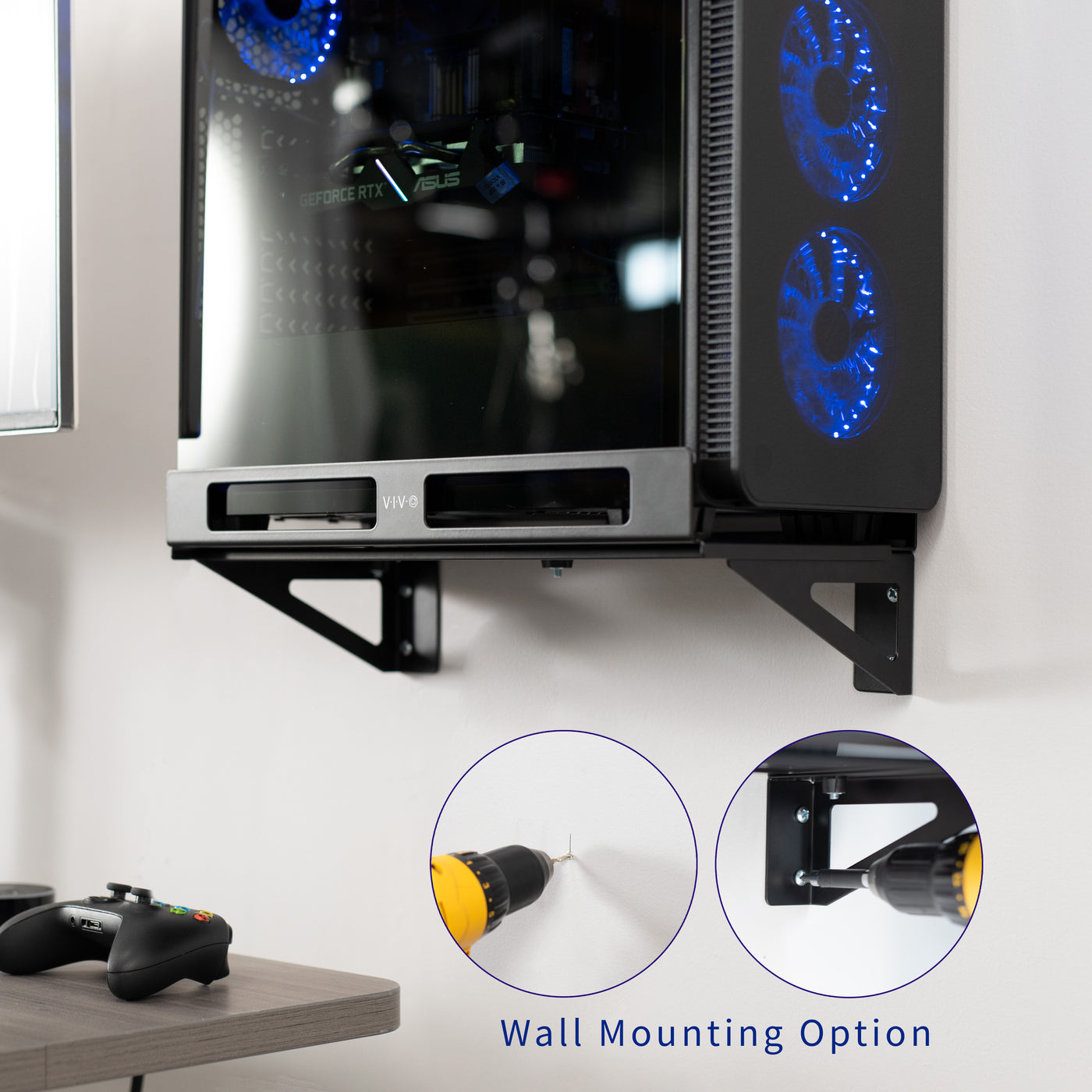
Deskside And Wall Gaming PC Mount VIVO Desk Solutions Screen
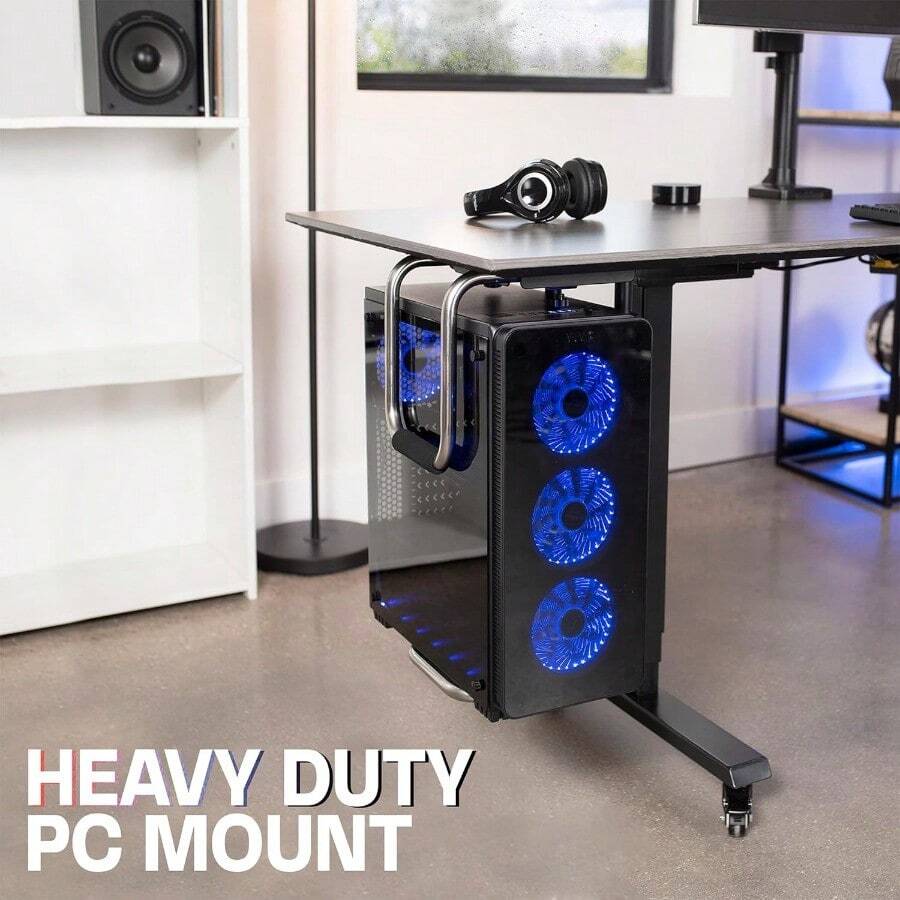
Heavy Duty Adjustable Under Desk PC Mount Computer Case Holder Supports

Standing Desk MAGNUS Pro Metal Desk Secretlab AU

In your browser go to Google Translate At the top click Documents Choose the languages to translate to and from To automatically set the original language of a document click Detect

Official Google Translate Help Center where you can find tips and tutorials on using Google Translate and other answers to frequently asked questions

You can use Chrome to translate pages You can also change your preferred language in Chrome Translate pages in Chrome You can use Chrome to translate a page into other

Translate images You can use your phone s camera to translate text in the Translate app For example you can translate signs or handwritten notes

Translate text Important Live translation in apps other than the Translate app is only available on Pixel 6 and up Learn more about live translation availability
[desc-11] [desc-12]
[desc-13]