Ssl Certificate Template Certificate Template Ssl ELISREGINAMAL SSL Certificate Creation Certificates Creative Template TemplateToaster Blog How To Get Private Key For Ssl Certificate QuyaSoft SSL Certification 101 Securing Your Website In 2023 Certificate templates contain properties that would be common to all certificates issued by the CA based on that template Windows includes several predefined templates but Administrators also have the ability to create their own templates specific for their enterprise
Certificate templates Create an artistic certificate in minutes with Canva s free certificate templates Our designs are easy to customize and print so you can reward every achievement big or small Skip to end of list Award Diploma Work Appreciation Employee Of The Month Recognition Academic School Sport Completion Birthday Achievement Resolution Creating a new default template To create a new default template Connect to the Root CA server or Subordinate CA server through RDP Note Connect to the CA server in which you are intending to perform your certificate generation Click Start Run type certtmpl msc and click OK The Certificate Template Console opens
SSL Certification 101 Securing Your Website In 2023 Creating A Microsoft Certificate Authority Template For SSL Certificate SSL FortiGate V 7 2023 HTTPS How To Get A Free SSL Certificate Create CSR Install SSL Certificate 2022 Tls Server Certificate TUTORE ORG Master Of Documents How To Get Private Key For Ssl Certificate QuyaSoft How To Create A CSR And Install SSL Certificate On IIS 10 Summa Lai Wireshark Tools Show Websites Pdnaa
Ssl Certificate Template
 Ssl Certificate Template
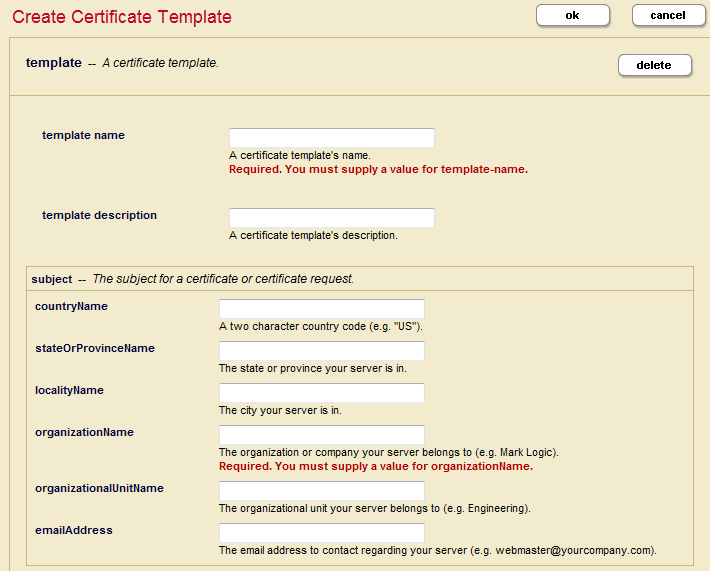
https://docs.marklogic.com/media/apidoc/8.0/guide/admin/SSL/images/certificate_template_blank.gif
PEM Format Most CAs Certificate Authority provide certificates in PEM format in Base64 ASCII encoded files The certificate file types can be pem crt cer or key The pem file can include the server certificate the intermediate certificate and
Templates are pre-designed documents or files that can be utilized for different purposes. They can save effort and time by supplying a ready-made format and layout for producing various kinds of content. Templates can be utilized for personal or expert jobs, such as resumes, invitations, leaflets, newsletters, reports, presentations, and more.
Ssl Certificate Template

Minutes Of Meeting Excel Template Landscape Effective Meetings
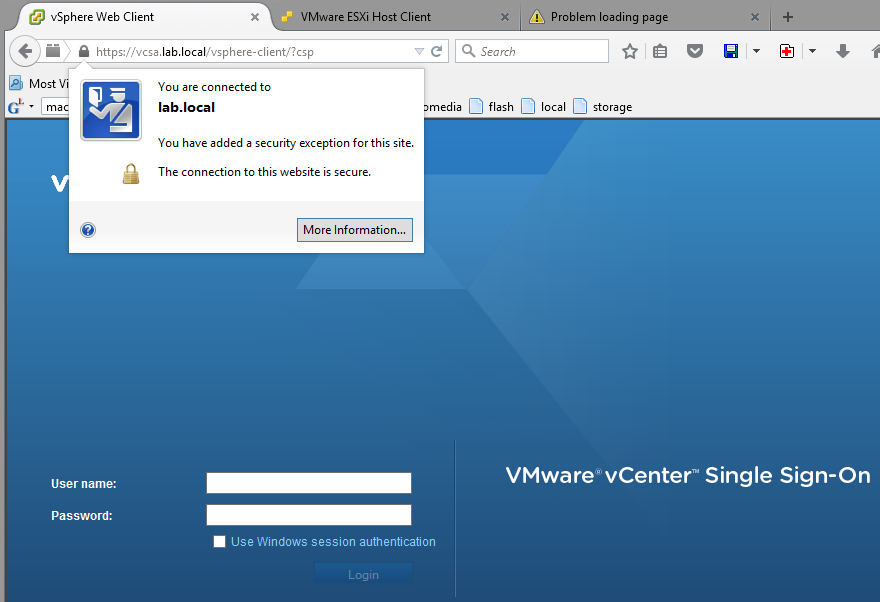
Creating A Microsoft Certificate Authority Template For SSL Certificate

SSL FortiGate V 7 2023 HTTPS

How To Get A Free SSL Certificate
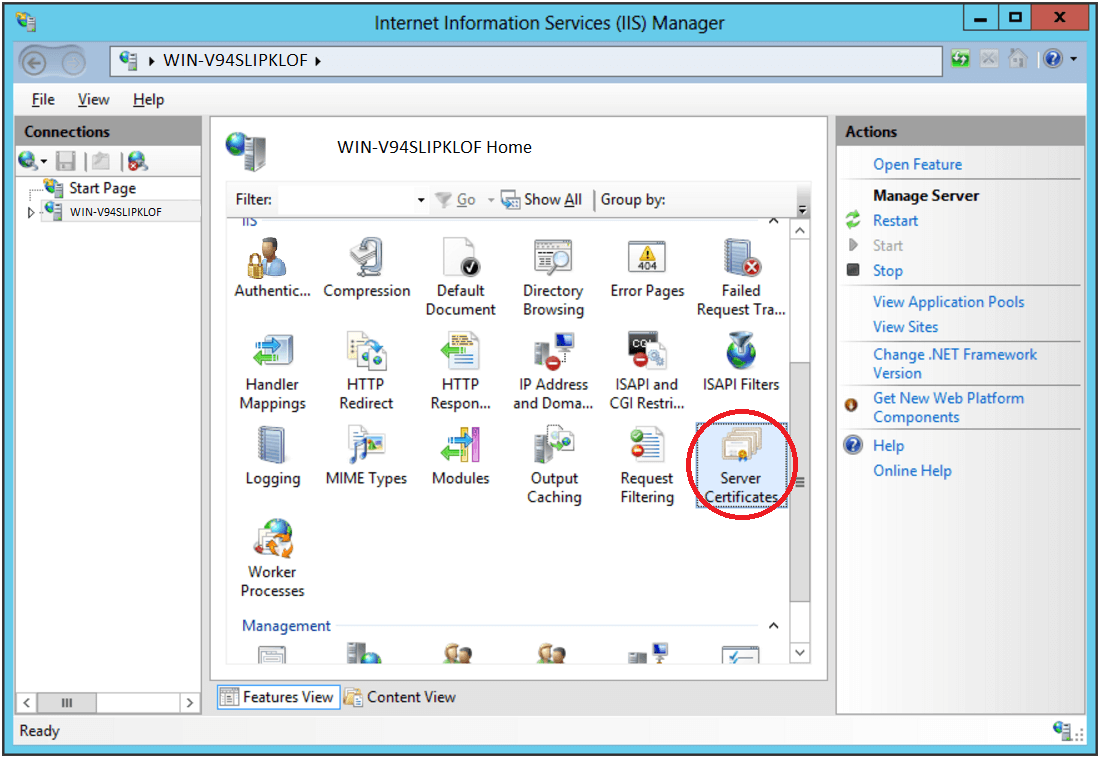
Tls Server Certificate TUTORE ORG Master Of Documents
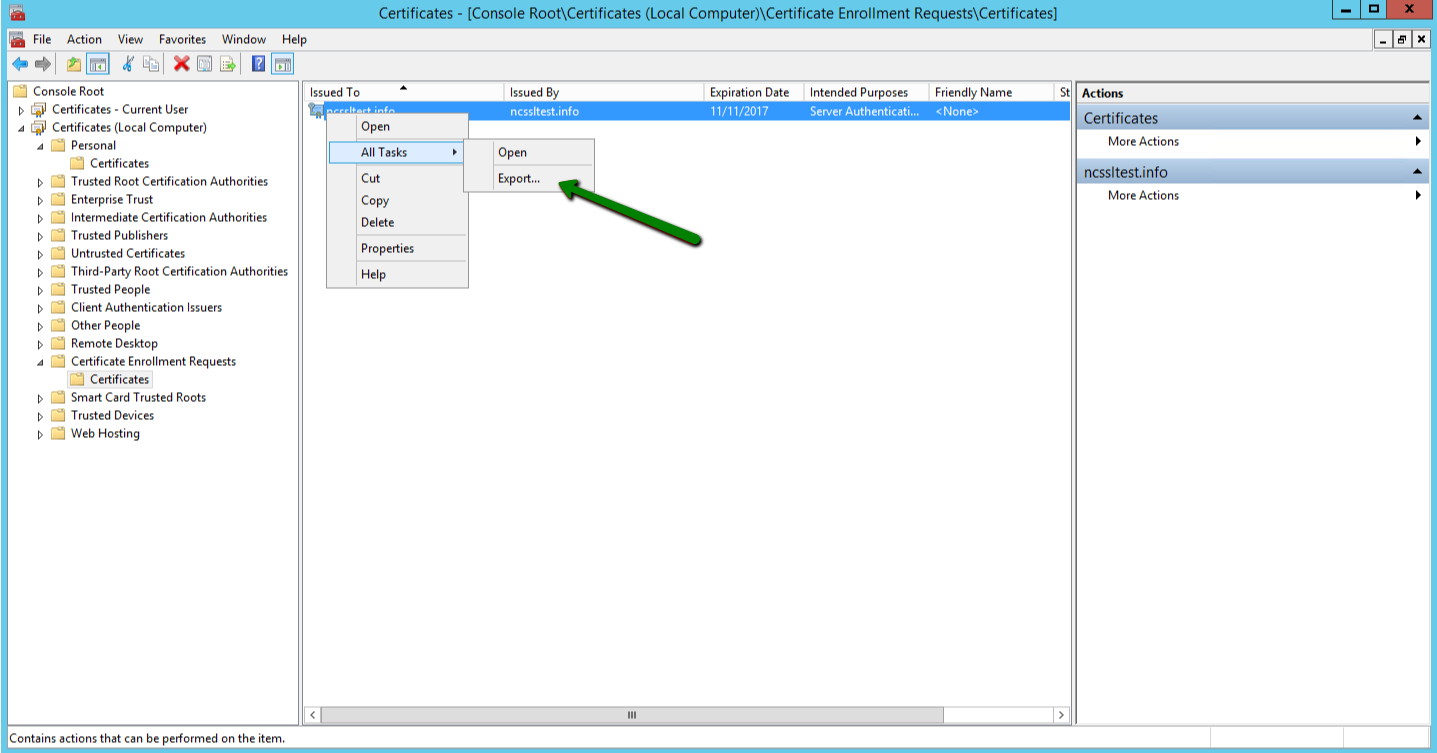
How To Get Private Key For Ssl Certificate QuyaSoft
Applies to Windows Server 2022 Windows Server 2019 Windows Server 2016 You can use this procedure to configure the certificate template that Active Directory Certificate Services AD CS uses as the basis for server certificates that are enrolled to servers on your network

1 Logon to your Microsoft Root CA and open the Certificate Services MMC Expand the first Certificate Templates tree which should reveal more than 30 Certificate Templates 2 Right click on Web Server duplicate the template and then select either template type but I choose Windows Server 2003 Enterprise

This article provides information on configuring Microsoft Certificate Authority CA templates for use with custom SSL certificate implementation in vSphere 6 Creating a Microsoft Certificate Authority Template for SSL certificate creation in vSphere 6 x 7 x 2112009 VMware KB

3 000 000 Free SSL Certificates Created With SSL For Free How It Works ZeroSSL and Let s Encrypt both offer free 90 day SSL certificates Starting the SSL certificate creation process above will allow you to create one or multiple free
Create Managed Certificate Free APEX root domain for WebApp SSL certificate for an ILB ASE or an ILB ASE v2 Configures the default SSL certificate for an ILB ASE or an ILB ASE v2 Web App integration with Key Vault Deploy a Web App certificate from Key Vault secret and use it for creating SSL binding
In the Certificate Templates snap in right click the Web Server template and select Duplicate On the Security tab click Add Click Object Types check Computers and then click Ok Enter Domain Computers Click Check Names and then lick OK With Domain Computers selected check read enroll and auto enroll permissions In the console tree of the Certification Authority console right click Certificate Templates click New and then click Certificate Template to Issue
Generating a Certificate Request To generate a certificate request for an ESXi 6 x 7 0 host Open a command prompt and navigate to the OpenSSL directory as previously configured using the Configuring OpenSSL for installation and configuration of CA signed certificates in the vSphere environment article By default this is C OpenSSL