Ssh Key Login Not Working 4 Simple Solutions For UniFi Cloud Key Login Not Working Internet Hulu Login Not Working Hifi Beast Generate SSH Key Virtuozzo Dev Docs Local Login Not Working SSH Localhost AaPanel Hosting Control Gitlab Generate Ssh Key Windows Milesclever Ssh has the i option to tell which private key file to use when authenticating i identity file Selects a file from which the identity private key for RSA or DSA authentication is read The default is
Jul 18 2009 nbsp 0183 32 Running ssh agent on a terminal will generate commands for assigning and setting the agent variables These commands can be saved in a file for use in a different terminal Alternatively Apr 1 2020 nbsp 0183 32 How do I set the host name and port in a config file for Windows using OpenSSH through PowerShell As on Unix Linux Edit or create the file now by typing nano ssh config In here
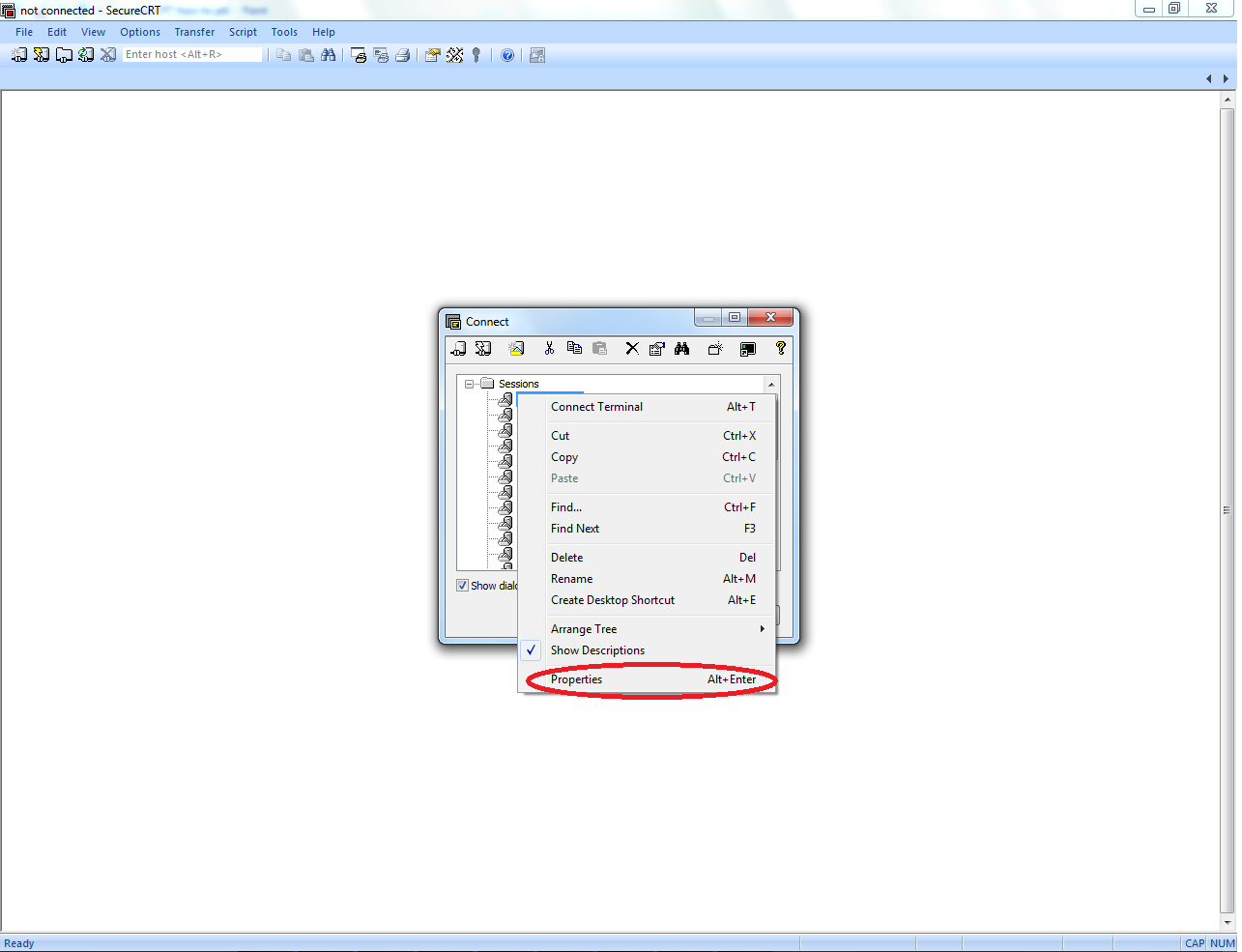
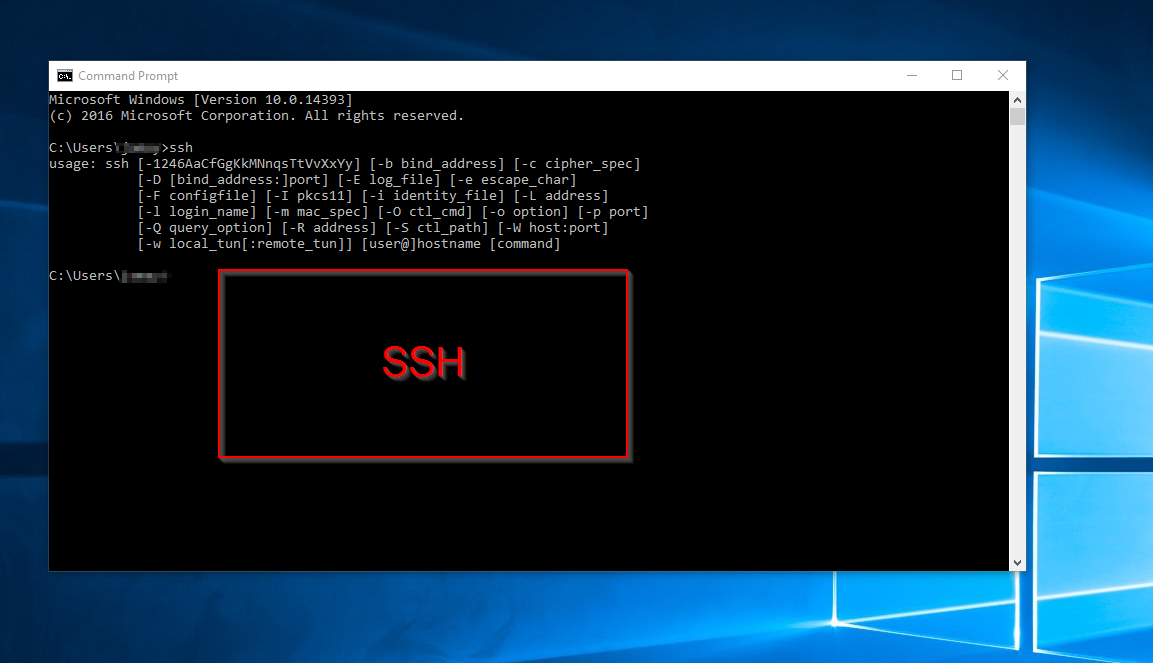
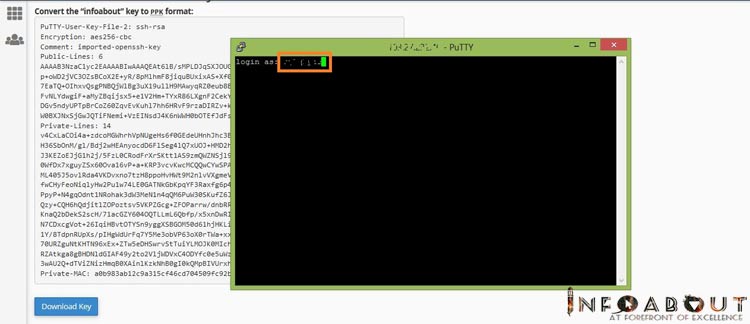
Gitlab Generate Ssh Key Windows Milesclever Tech And Beyond SecureCRT Delete Key Not Working In SSH SSH Erkl rung Login Und Anwendung YouTube Using SFTP To Set Up SSH Key Login 2 Solutions YouTube SSH Login Without Password YouTube How To Enable SSH On Windows 10 Command Prompt Easy Steps Manage SSH Access Via Putty Application InfoAbout So Erstellst Du Einen Ssh Key Setup Passwordless SSH Login For Multiple Remote Servers Using Script
Ssh Key Login Not Working
 Ssh Key Login Not Working
https://internet-access-guide.com/wp-content/uploads/2022/08/unifi-cloud-key-login-not-working.jpg
Oct 14 2022 nbsp 0183 32 I want to copy an SSH public key to a remote device on Windows I m not using PuTTYgen rather just OpenSSH through PowerShell I ran ssh keygen t rsa And it gave me a public
Pre-crafted templates use a time-saving service for developing a diverse series of files and files. These pre-designed formats and layouts can be made use of for different individual and professional tasks, consisting of resumes, invitations, flyers, newsletters, reports, discussions, and more, simplifying the material development process.
Ssh Key Login Not Working

Server Ssh Key Login Setup OSX
Tech And Beyond SecureCRT Delete Key Not Working In SSH

SSH Erkl rung Login Und Anwendung YouTube

Using SFTP To Set Up SSH Key Login 2 Solutions YouTube
How To Enable SSH On Windows 10 Command Prompt
Easy Steps Manage SSH Access Via Putty Application InfoAbout
Nov 17 2018 nbsp 0183 32 The ssh command will attempt all ssh keys before asking for a password as one can see when using the v flag Anyway after playing enough with SSH I figured that you can also set up a

May 22 2020 nbsp 0183 32 What is interesting there is the line Skipping ssh dss key root ssh id dsa not in PubkeyAcceptedKeyTypes This variable sounds like what I am looking for but it is not defined within

Nov 26 2020 nbsp 0183 32 From the terminal I type ssh user ip and then it prompts for a password Is there a way to specify the password in the ssh command itself

With ssh i lt private key filename gt you can instruct ssh to use an extra private key to try authentication The documentation is not clear on how to explicitly use only that key
Dec 4 2018 nbsp 0183 32 To automatically add a key for a new host just SSH to it To manually add a key for a new host 1 open the known hosts file in your text editor and 2 add the key for a new host following the
[desc-11] [desc-12]
[desc-13]