Ssh Command Line Port Forwarding SCP Transfer Files Using SSH Command Line On Windows 11 YouTube Entry Setup Ssh Cheat Sheet Ssh Command Line Guide Statidentity Blog Windows 10 SSH Technote Ssh has the i option to tell which private key file to use when authenticating i identity file Selects a file from which the identity private key for RSA or DSA authentication is read The default is
Nov 23 2015 nbsp 0183 32 Git SSH Windows 7 Dec 4 2018 nbsp 0183 32 To automatically add a key for a new host just SSH to it To manually add a key for a new host 1 open the known hosts file in your text editor and 2 add the key for a new host following the
Windows 10 SSH Technote A Visual Guide To SSH Tunnels with Labs SSH Linux 201 Windows Ssh Config How To Change SSH Port In Linux Using SSH Port Forwarding As A Security Tool In Linux Using SSH Port Forwarding As A Security Tool In Linux Images Of OpenSSH JapaneseClass jp Cisco Ios Port Forwarding Brazilmaha
Ssh Command Line Port Forwarding
 Ssh Command Line Port Forwarding
https://i.ytimg.com/vi/3s_GVX_i80g/maxresdefault.jpg
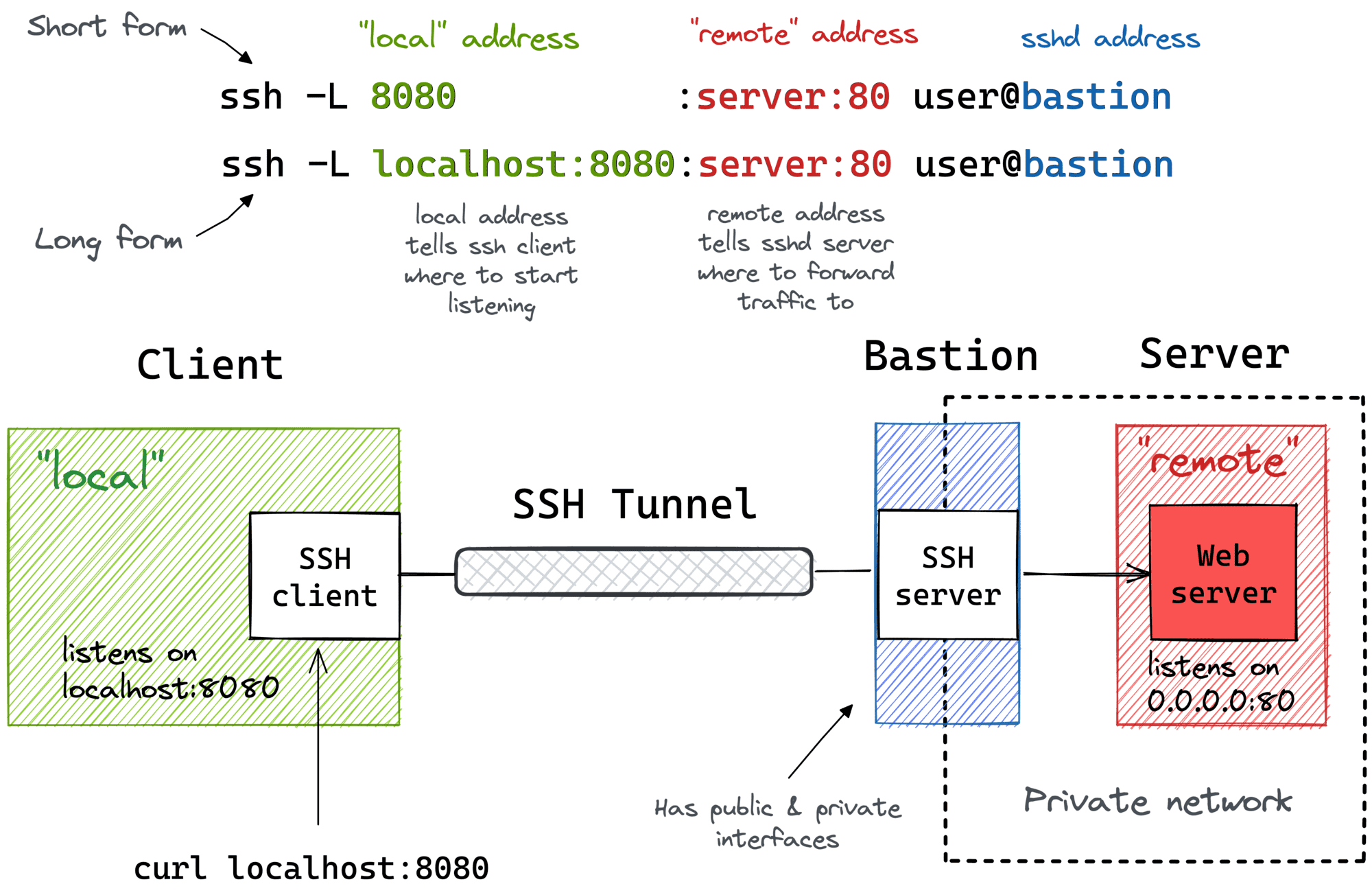
This machine is refered to by quot remote quot Local port forwarding with ssh means you connect from your client to your server and thereby open a tunnel so that another program on your client can connect
Templates are pre-designed documents or files that can be utilized for different purposes. They can conserve time and effort by offering a ready-made format and layout for developing different sort of material. Templates can be utilized for personal or professional jobs, such as resumes, invitations, leaflets, newsletters, reports, discussions, and more.
Ssh Command Line Port Forwarding
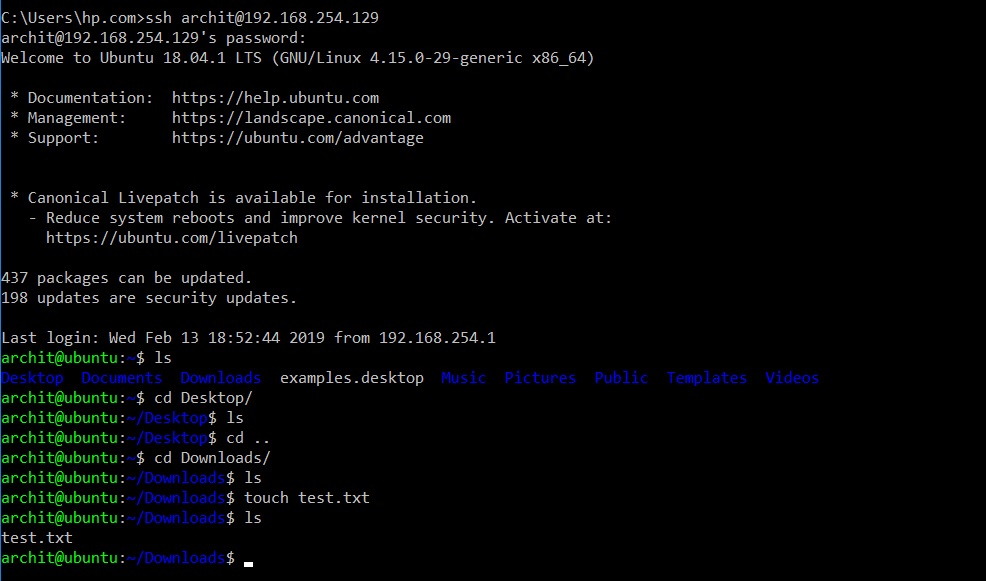
Windows 10 SSH Technote
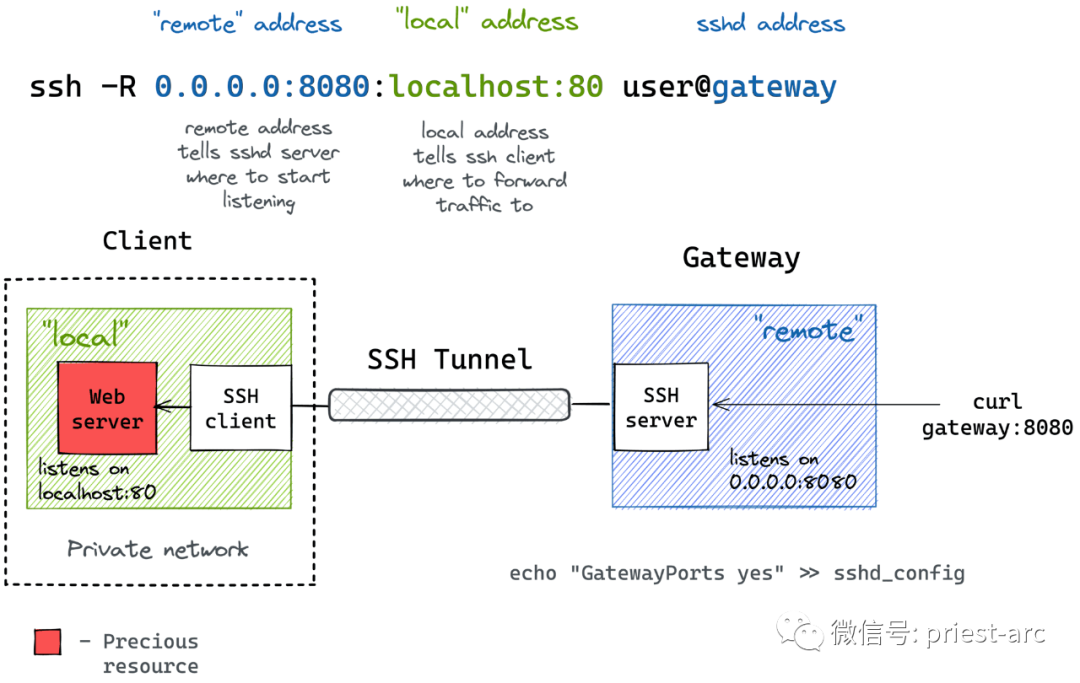
A Visual Guide To SSH Tunnels with Labs
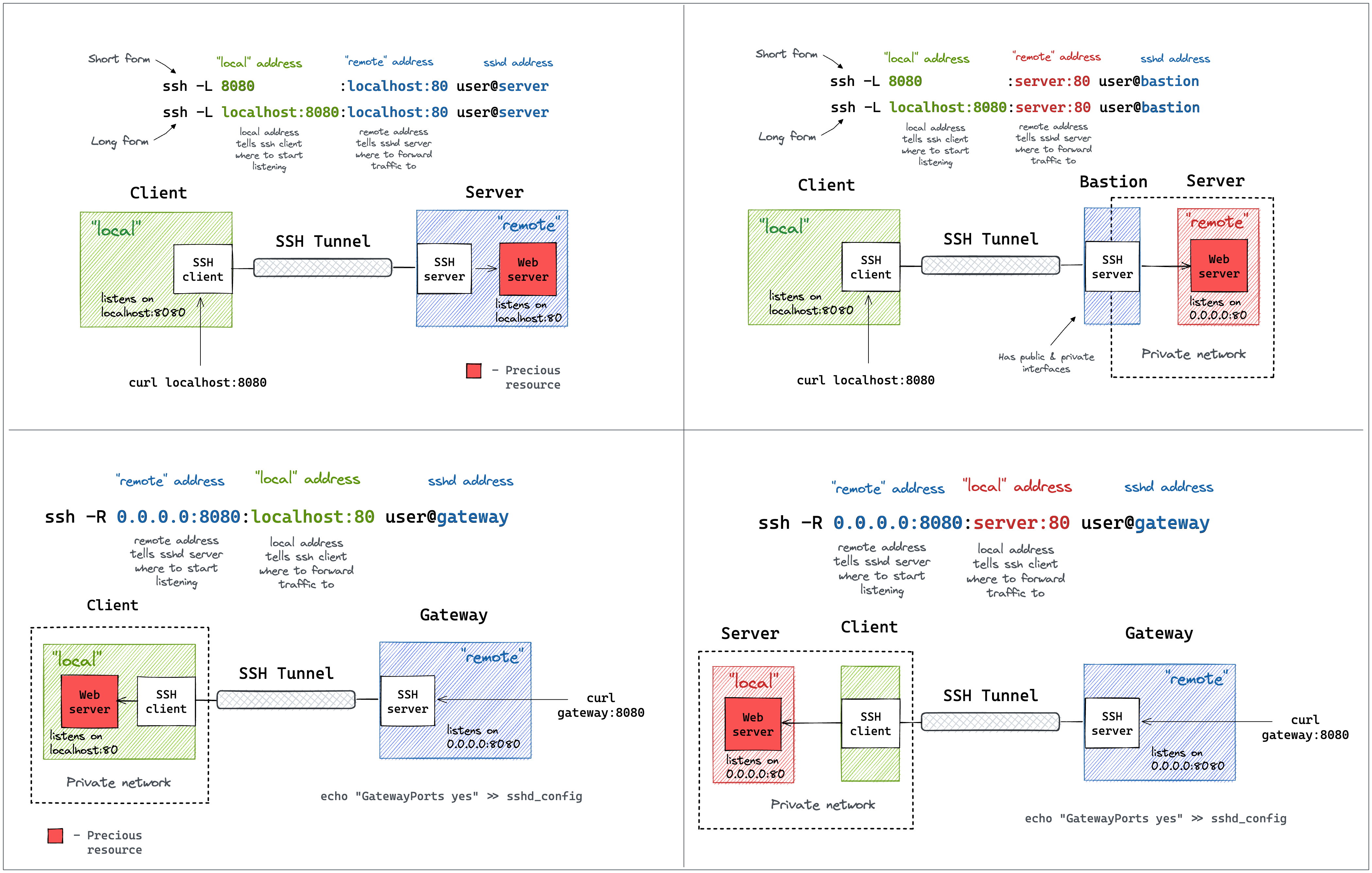
SSH Linux 201
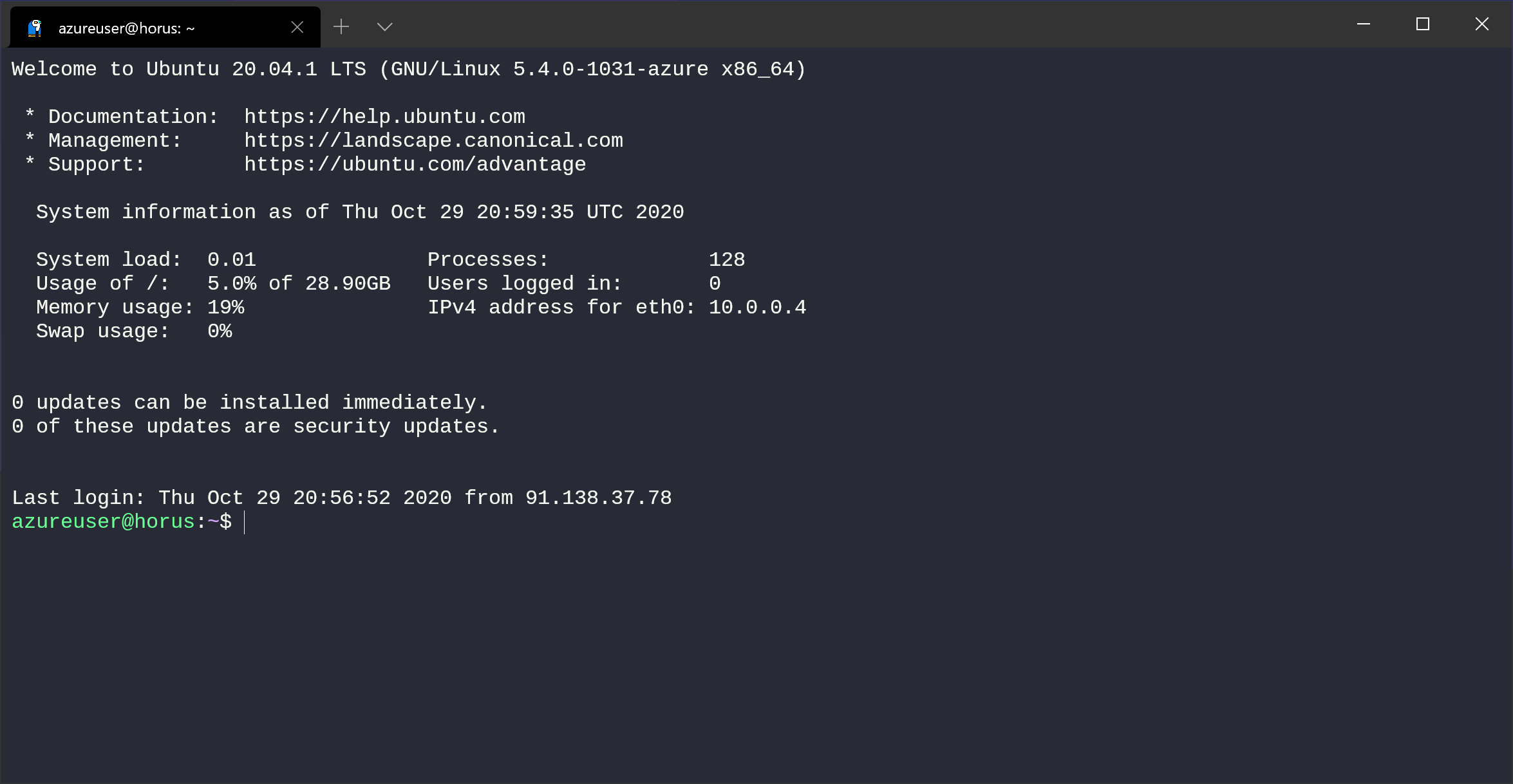
Windows Ssh Config
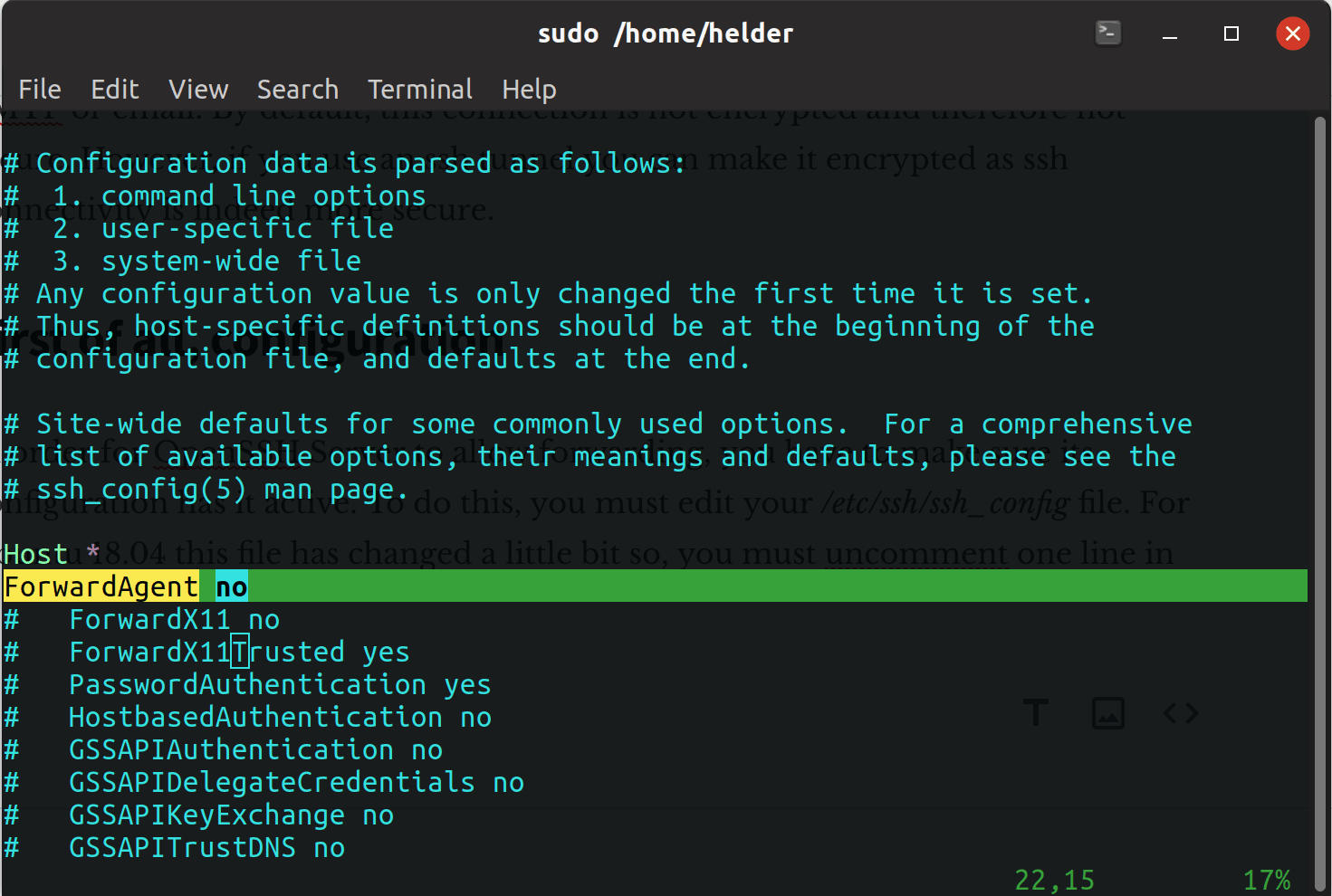
Using SSH Port Forwarding As A Security Tool In Linux
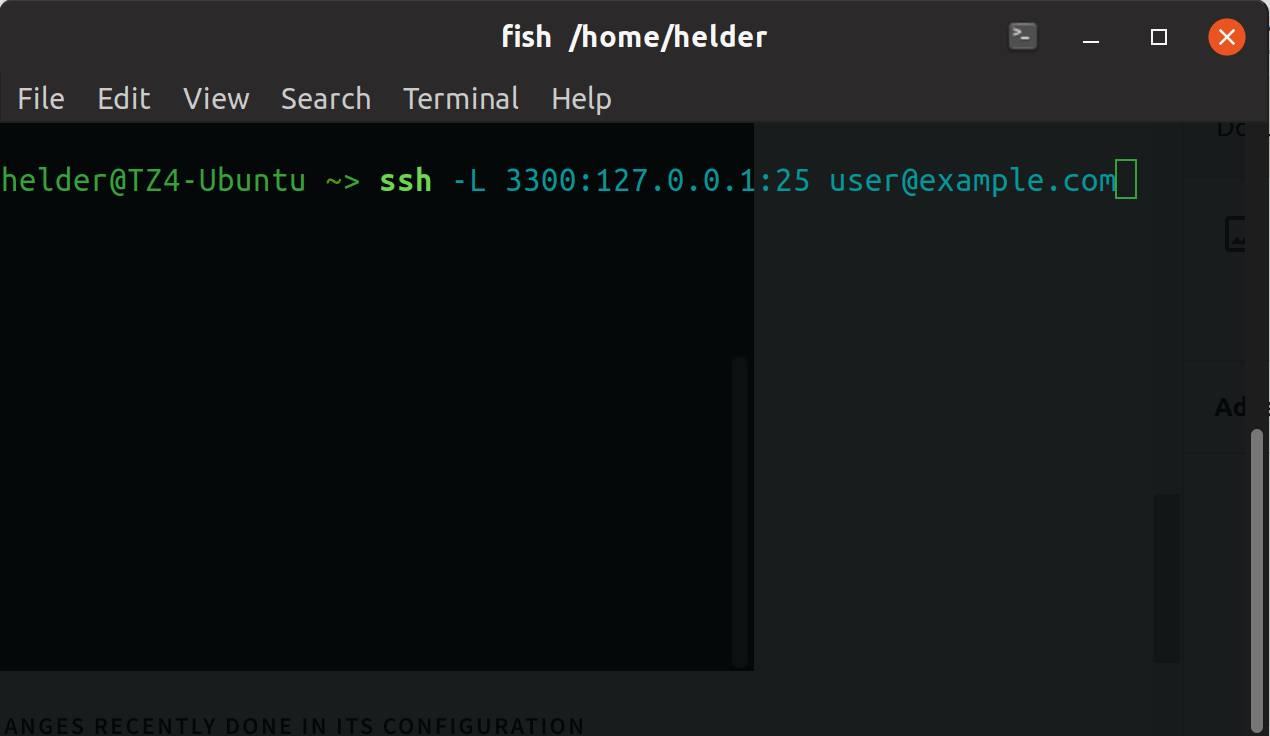
Using SSH Port Forwarding As A Security Tool In Linux

2 6 3 6 ssh 4 6

Dec 16 2017 nbsp 0183 32 I m SSH into a remote host Linux Fedora and I want to do ssh operation git with bitbucket there There is ssh agent running on that machine ps e grep sh agent 2203 00 00 00

Apr 1 2020 nbsp 0183 32 How do I set the host name and port in a config file for Windows using OpenSSH through PowerShell As on Unix Linux Edit or create the file now by typing nano ssh config In here
With ssh i amp lt private key filename amp gt you can instruct ssh to use an extra private key to try authentication The documentation is not clear on how to explicitly use only that key

Nov 26 2020 nbsp 0183 32 From the terminal I type ssh user ip and then it prompts for a password Is there a way to specify the password in the ssh command itself
[desc-11] [desc-12]
[desc-13]