Ssh Command Line Options Windows 11 Practical SSH Command Line Examples Open4G Media How To Enable SSH On Windows 10 Command Prompt Ssh Client On Windows 10 Using The Command Prompt Ssh From Windows To Ssh Client On Windows 10 Using The Command Prompt Ssh From Windows To What Is OpenSSH Core Syntax To connect to a remote system using SSH we ll use the ssh command If you are using Windows you ll need to install a version of OpenSSH in order to be able to ssh from a terminal If you prefer to work in PowerShell you can follow Microsoft s documentation to add OpenSSH to PowerShell
PuTTY Windows PowerShell Secure Shell for Google Chrome OpenSSH for Cygwin Terminal FileZilla s SSH FTP Feature Keep reading to find out how to use SSH Windows with each of these utilities 1 PuTTY for Windows Desktop PuTTY is the most popular app for connecting to SSH servers on Windows Web manual pages are available from OpenBSD for the following commands These manual pages reflect the latest development release of OpenSSH ssh 1 The basic rlogin rsh like client program sshd 8 The daemon that permits you to log in ssh config 5 The client configuration file sshd config 5 The daemon configuration file ssh agent 1 An authentication agent that can store
What Is OpenSSH Ssh Client On Windows 10 Using The Command Prompt Ssh From Windows To How To Access SSH Command Line In Windows HowTech How To Access SSH Command Line In Windows YouTube Open An SSH Command Line Session With BeagleBone Black Hardware Open Secure Shell JapaneseClass jp Windows 10 Official Natively Support SSH Basic SSH Commands Most Used PuTTy Commands In Linux BeginN R How To Enable The Built in OpenSSH Client In Windows 10 Tutorial
Ssh Command Line Options Windows
 Ssh Command Line Options Windows
https://www.open4g.com/static/3b42a90145c07b117940d130f263a1ff/fa073/11-practical-ssh-command-line-examples.jpg
109 I need to execute ssh from windows command line by providing password in a non interactive manner I could implement the key based authentication and able to execute the ssh commands just like ssh user host command Is there any commands like ssh user host P password command I don t know if it is feasible
Pre-crafted templates provide a time-saving option for developing a diverse range of documents and files. These pre-designed formats and layouts can be used for numerous individual and professional jobs, consisting of resumes, invites, flyers, newsletters, reports, discussions, and more, improving the content production procedure.
Ssh Command Line Options Windows
19 Popular SSH Commands KeyCDN Support
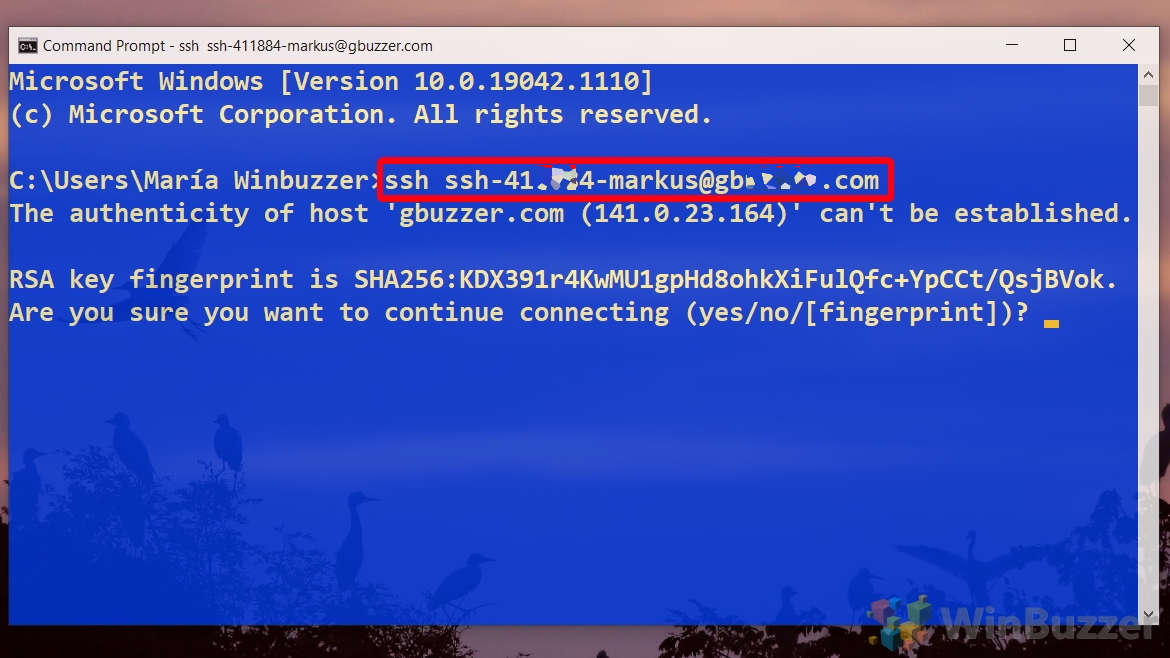
Ssh Client On Windows 10 Using The Command Prompt Ssh From Windows To
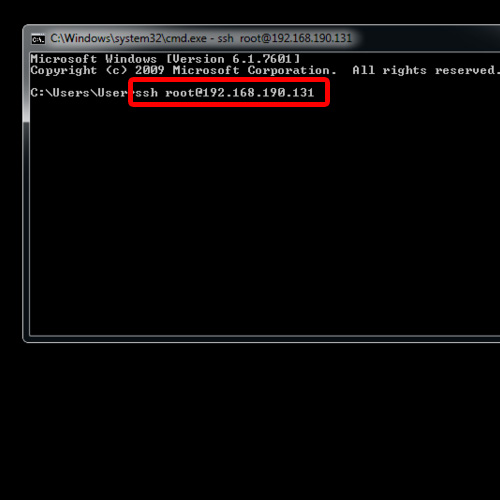
How To Access SSH Command Line In Windows HowTech
How To Access SSH Command Line In Windows YouTube
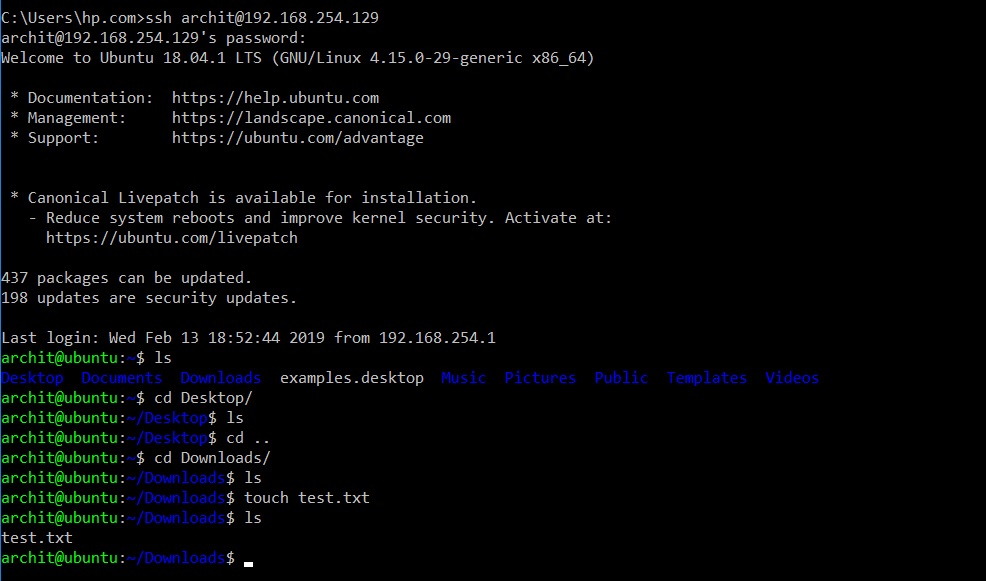
Open Secure Shell JapaneseClass jp
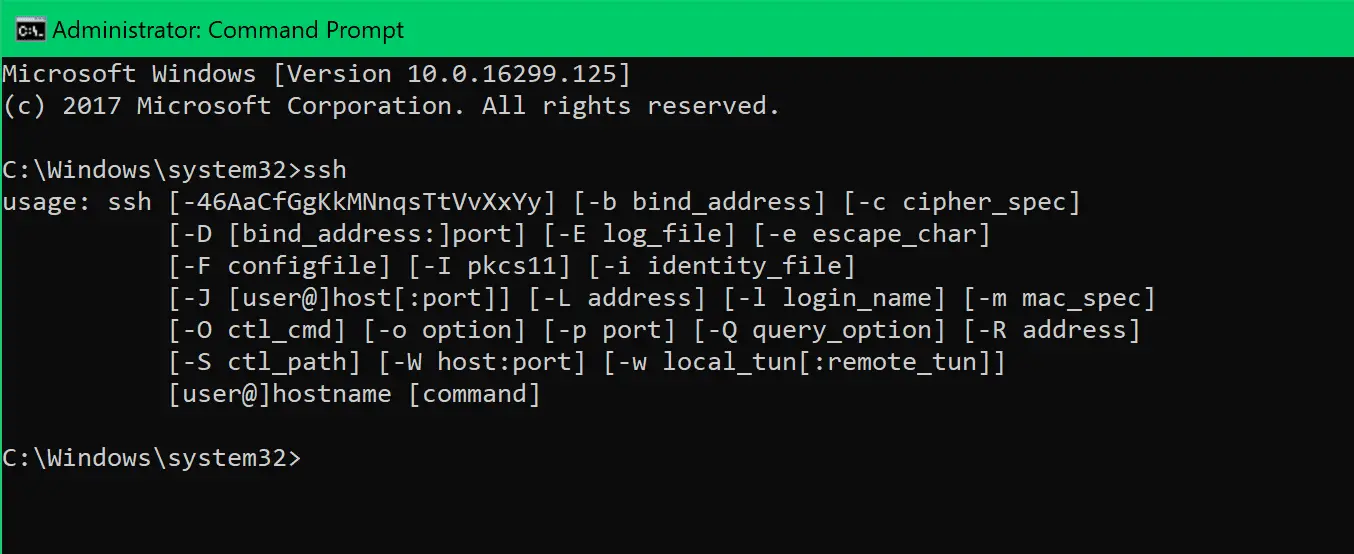
Windows 10 Official Natively Support SSH

To install it head to Settings Apps and click Manage optional features under Apps features Click Add a feature at the top of the list of installed features If you already have the SSH client installed it will appear in the list here Scroll down click the OpenSSH Client Beta option and click Install
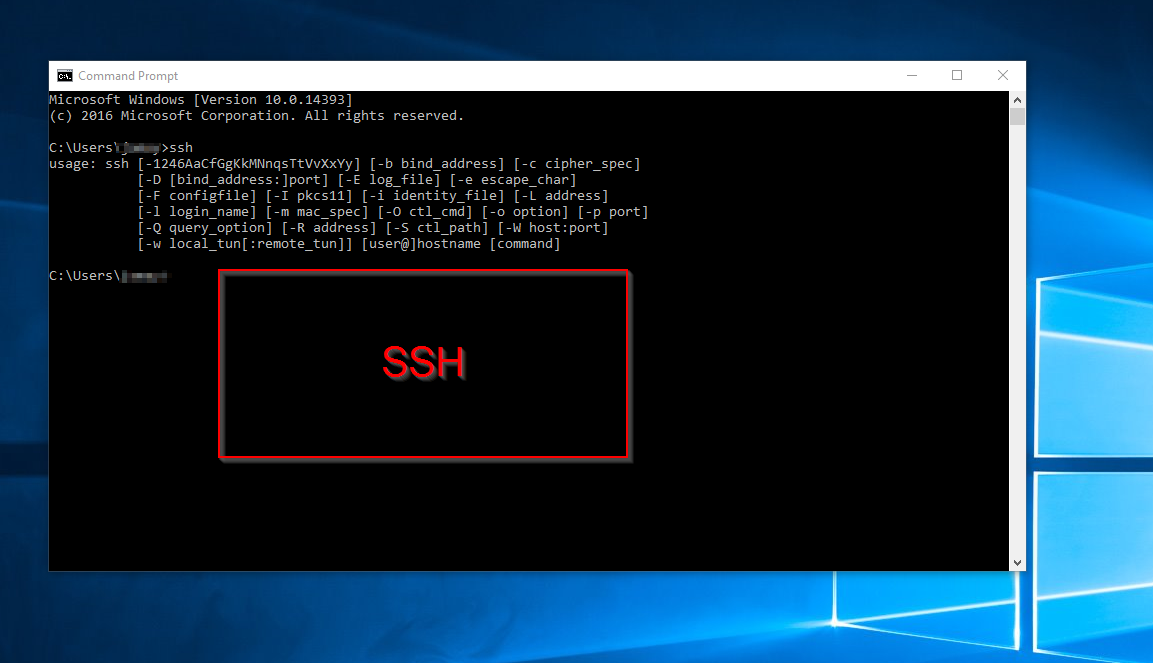
The terminal allows you to access your operating system s shell environment and run programs through the command line such as the SSH command Command Prompt or PowerShell Windows 10 or 11 This is the easiest method for most people using Windows 10 or later

Quick Links Option 1 Generate Keys in the Command Line Option 2 Generate Keys in WSL Option 3 Generate Keys With PuTTY Key Takeaways Generate SSH keys on Windows 10 or 11 by using Command Prompt PowerShell or Windows Terminal and entering ssh keygen followed by a passphrase Default storage location is in the C Users folder

Valid commands are check check that the master process is running forward request forwardings without command execution cancel cancel forwardings exit request the master to exit and stop request the master to stop accepting further multiplexing requests o option Can be used to give options in the format used in the
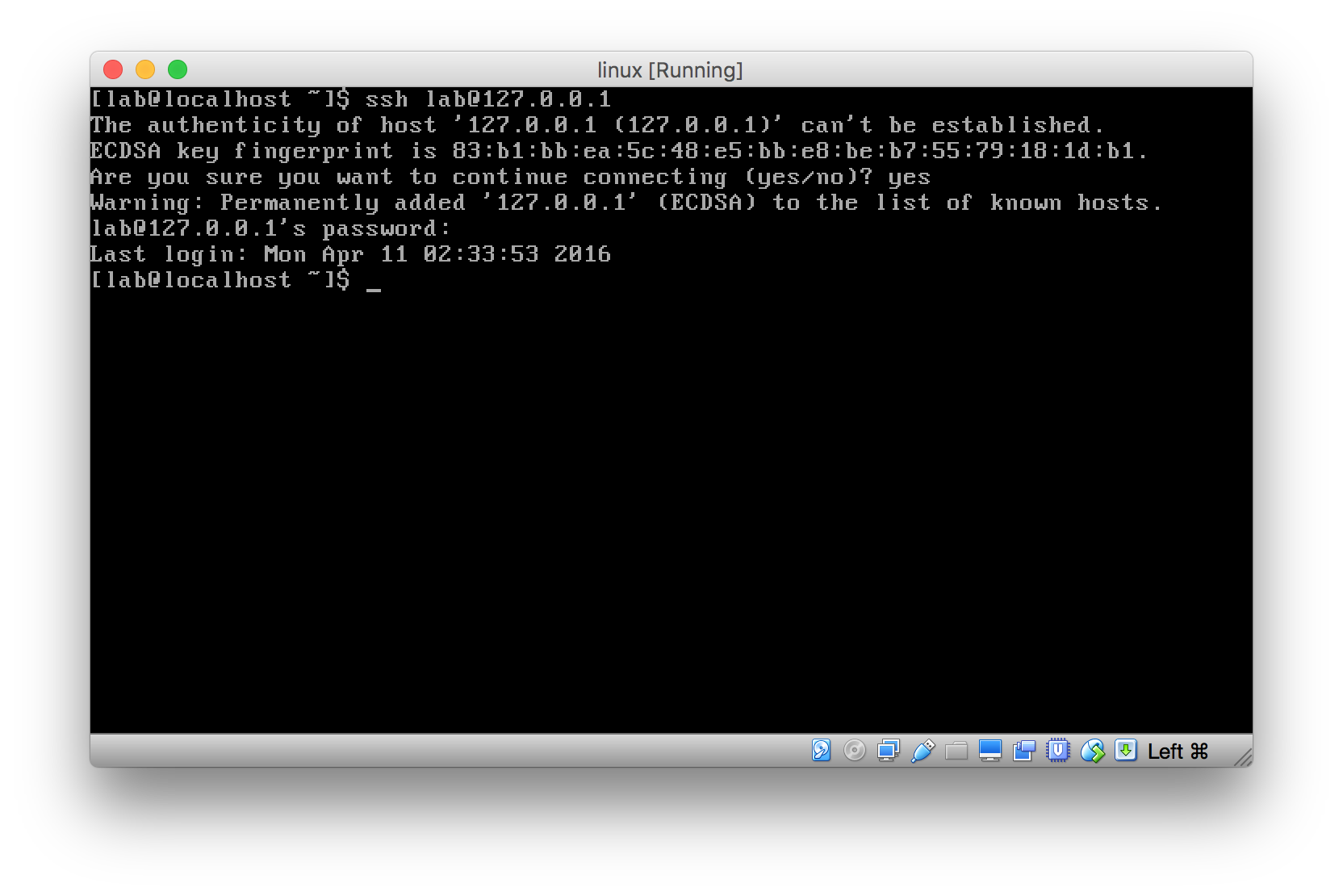
The command line SSH tool lets you log into your server and run commands remotely to perform any required task The Integrated OpenSSH for Windows Client The OpenSSH client for Windows is
The commands available in SSH are very similar to the standard Unix commands In fact in most cases they are exactly the same If you are unfamiliar with working at the command line you are more likely to access SSH through a Windows like console Most graphical interfaces for SSH offer point and click interpretations of the standard 4 Answers Sorted by 12 Use sshpass one of two forms sshpass ffilename ssh user ip prefer this sshpass pPa5sw0rd ssh user ip avoid this where your password is in the first line of the file filename or it is literally Pa5sw0rd Notes
The ssh command provides a secure encrypted connection between two hosts over an insecure network This connection can also be used for terminal access file transfers and for tunneling other applications Graphical X11 applications can also be run securely over SSH from a remote location Other SSH Commands