Square Symbol In Excel How To Put M2 In Excel Advanced Excel AuditExcel co za How To Type A Square Symbol In Excel YouTube Square Root In Excel Easy Excel Tutorial My XXX Hot Girl Square Root Symbol Excel Hot Sex Picture Hogyan rjunk Be N gyzet Alak Szimb lumot Macen MacBookon N gyzetgy k Szimb lum B rmely In this video you will learn How to Insert Square Symbol superscript in Excel using a quick and easy method Please note that there s more than one way to Insert Square Symbol or Superscript
Follow these steps Click inside a cell on your worksheet Type N 2 into the cell where N is the number you want to square For example to insert the square of 5 into cell A1 Press Enter to see the result Tip You can also click into another cell to see the squared result In order to insert a square symbol in Excel you have to do the following Enter the formula you want to use E g c2 a2 b2 Select the first 2 and expand the font window Ctrl 1 A new window will appear Check superscript and press OK Convert the other two into squares and you have a mathematical formula
Hogyan rjunk Be N gyzet Alak Szimb lumot Macen MacBookon N gyzetgy k Szimb lum B rmely How To Insert Square Root Symbol In Excel 8 Easy Ways Bpojet Blog How To Write X square In Excel YouTube Square Symbol In Excel Excel Tutorials How To Find A Square Root In Excel 2013 Live2Tech How To Insert Square Root Symbol In Excel 5 Easy Ways Spreadsheet Planet How To Insert A Square Root Symbol In Word Solve Your Tech Square Feet Symbol In Excel
Square Symbol In Excel
 Square Symbol In Excel
https://www.auditexcel.co.za/wp-content/uploads/2016/02/how-to-put-m2-in-excel-4.png
Do any of the following Insert symbol On the Insert menu click Advanced Symbol and then click the Symbols tab Click the symbol that you want Insert special characters On the Insert menu click Advanced Symbol and then click the Special Characters tab Click the character that you want Excel Insert a symbol On the Insert menu click Symbol
Templates are pre-designed documents or files that can be used for various functions. They can conserve time and effort by providing a ready-made format and layout for producing different type of content. Templates can be used for personal or professional jobs, such as resumes, invitations, leaflets, newsletters, reports, presentations, and more.
Square Symbol In Excel

How To Insert A Square Root Symbol In Excel
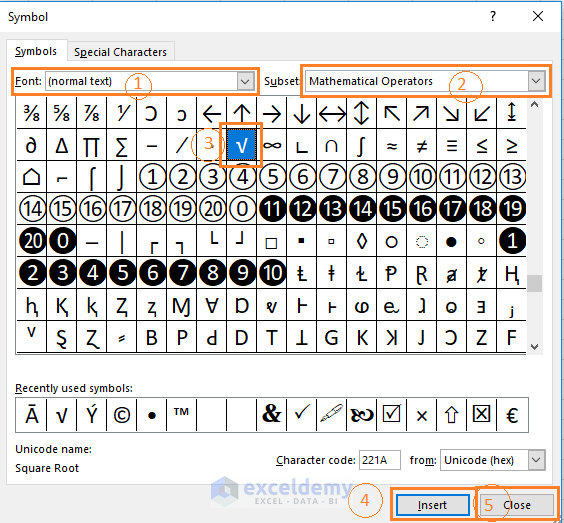
How To Insert Square Root Symbol In Excel 8 Easy Ways

Bpojet Blog
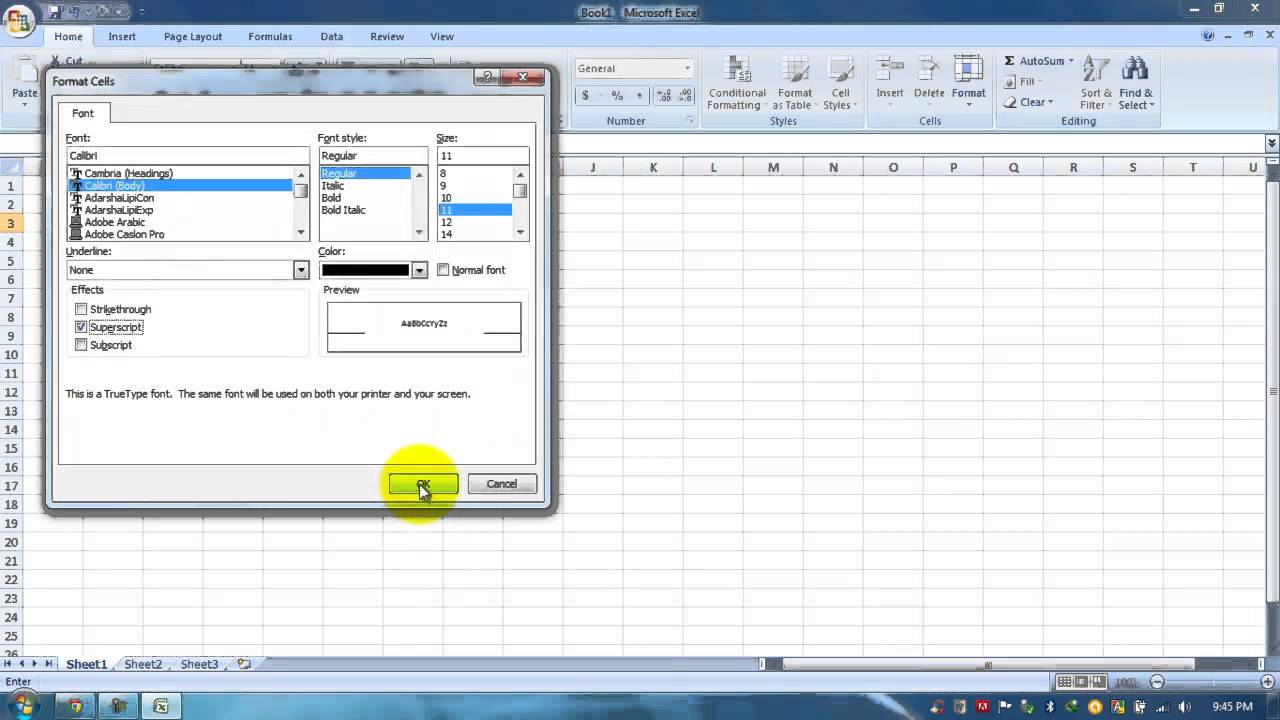
How To Write X square In Excel YouTube
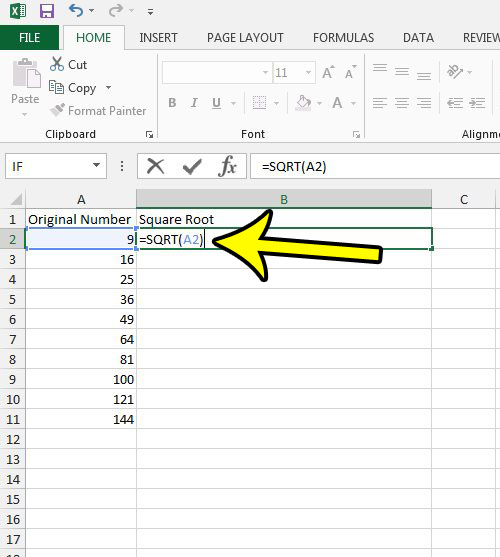
How To Find A Square Root In Excel 2013 Live2Tech
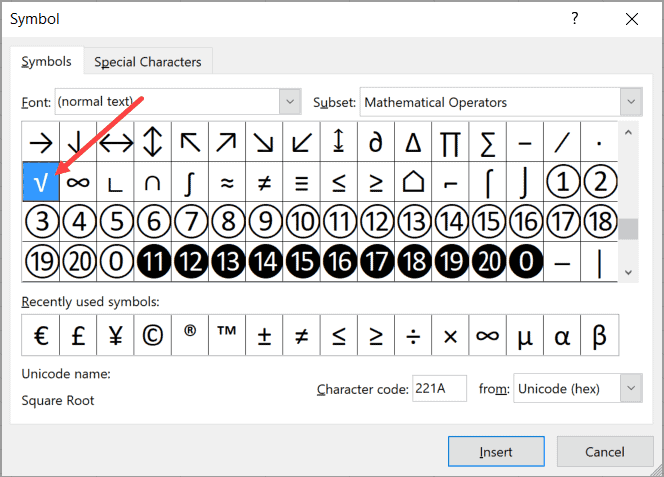
How To Insert Square Root Symbol In Excel 5 Easy Ways Spreadsheet Planet

This video tutorial offers a step by step guide on how to write the squared symbol in Excel We ll have a look at two ways to do this within text and with numbers too Let s start
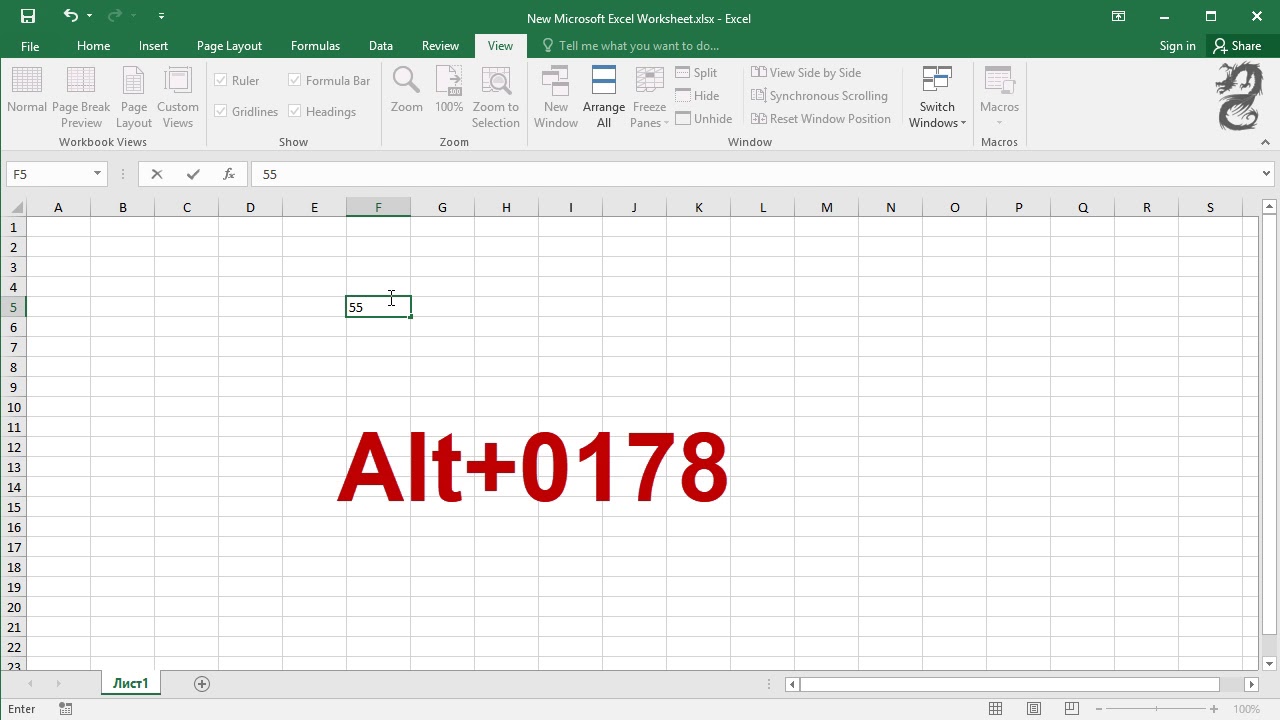
On the Advanced View section type Superscript Two in the search box The symbol you searched for i e the 2 Square symbol will now appear on the Character map Double click on it to
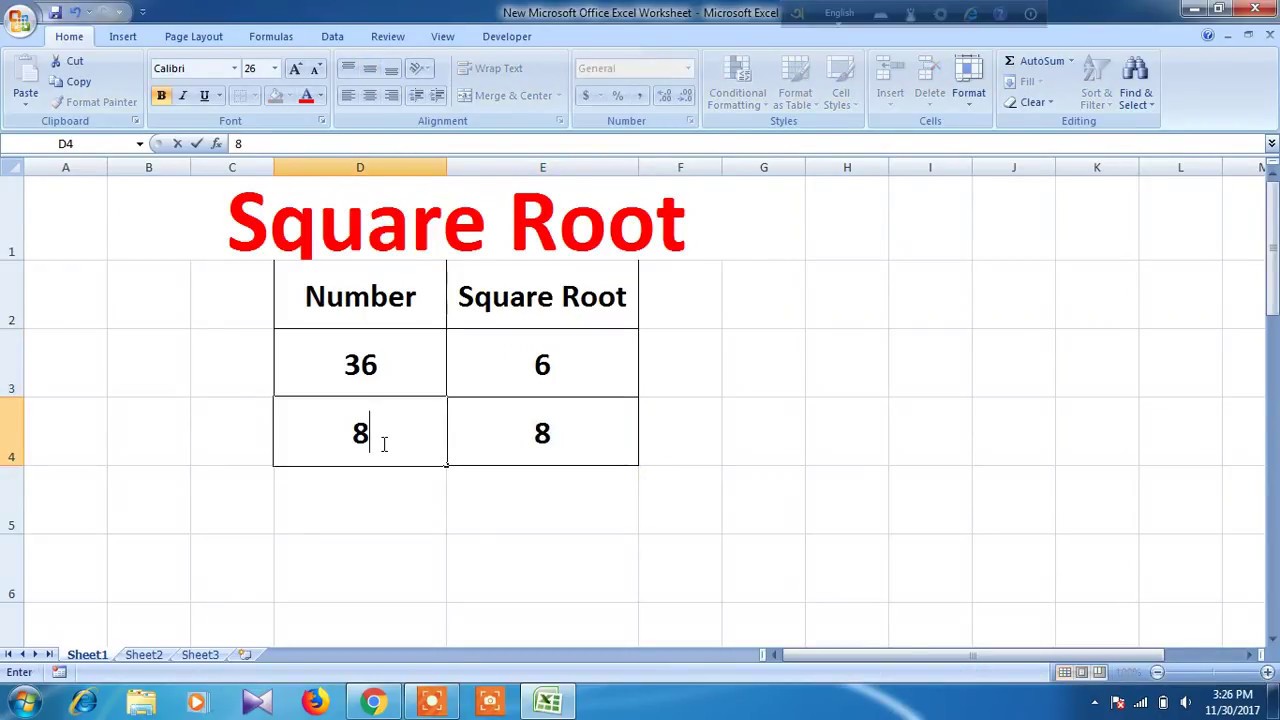
How to Type a Square Symbol in Excel How to Insert Square Symbol in Excel HOWZA 27 2K subscribers Subscribe 168K views 5 years ago Office In today s tutorial we will teach you how to type

In this video I show you three different methods for inserting the square symbol in Microsoft Excel Table of Contents 00 00 Introduction 00 19 Square symbol superscript method on text 00 45

Hi in this video we ll show you how to type the square symbol in Excel Timestamps0 00 Intro0 07 First Way1 06 Second Way1 24 Outro
[desc-11] [desc-12]
[desc-13]