Square Root In Word How To Write Square Root In Word Telegraph How To Insert Square Root In Word Equation Answeringeverything How To Write Square In Keyboard YouTube 5 Ways To Insert A Square Root Symbol In Word YouTube How To Type Square Root In Ms Word 2016 YouTube 0 00 5 55 Learn all the three methods to type the square root symbol in MS Office Word Excel PowerPoint or anywhere on Windows
There are several ways you can insert the square root symbol in Microsoft Word And using the insert equation option is just one of them To insert the square root symbol in word just follow the steps below Place the insertion pointer at where you want to insert the symbol Press Alt on your keyboard Ctrl Alt Q is a good keyboard shortcut to type square root because it s not used for anything else 5 Use AutoCorrect to Insert the Square Root Symbol You can configure an AutoCorrect to substitute the square root symbol whenever a string of characters like sqrt is typed
How To Type Square Root In Ms Word 2016 YouTube How To Write Extended Square Root In MicroSoft Word YouTube How To Write Square Root In Word YouTube How Do I Make The Square Root Symbol In Microsoft Word With Shortcut Positive And Negative Roots Visualizing Algebra YouTube How To Insert Square Root In Word shorts YouTube Unit 11 Solving Square Root Equation Word Problems YouTube How To Write Square Root In Word YouTube How To Type Numbers With The Square Root Symbol Using Microsoft Word
Square Root In Word
 Square Root In Word
https://telegra.ph/file/d4956b86d6c922406d6a1.jpg
5 Ways to Insert a Square Root Symbol in Word Layman Solution 4 7K subscribers Join Subscribe Subscribed 0 26 views 1 year ago Microsoft Word In this video we will learn 5 Ways to Insert a
Templates are pre-designed files or files that can be utilized for different purposes. They can save time and effort by providing a ready-made format and design for developing different kinds of material. Templates can be used for individual or professional projects, such as resumes, invites, flyers, newsletters, reports, presentations, and more.
Square Root In Word
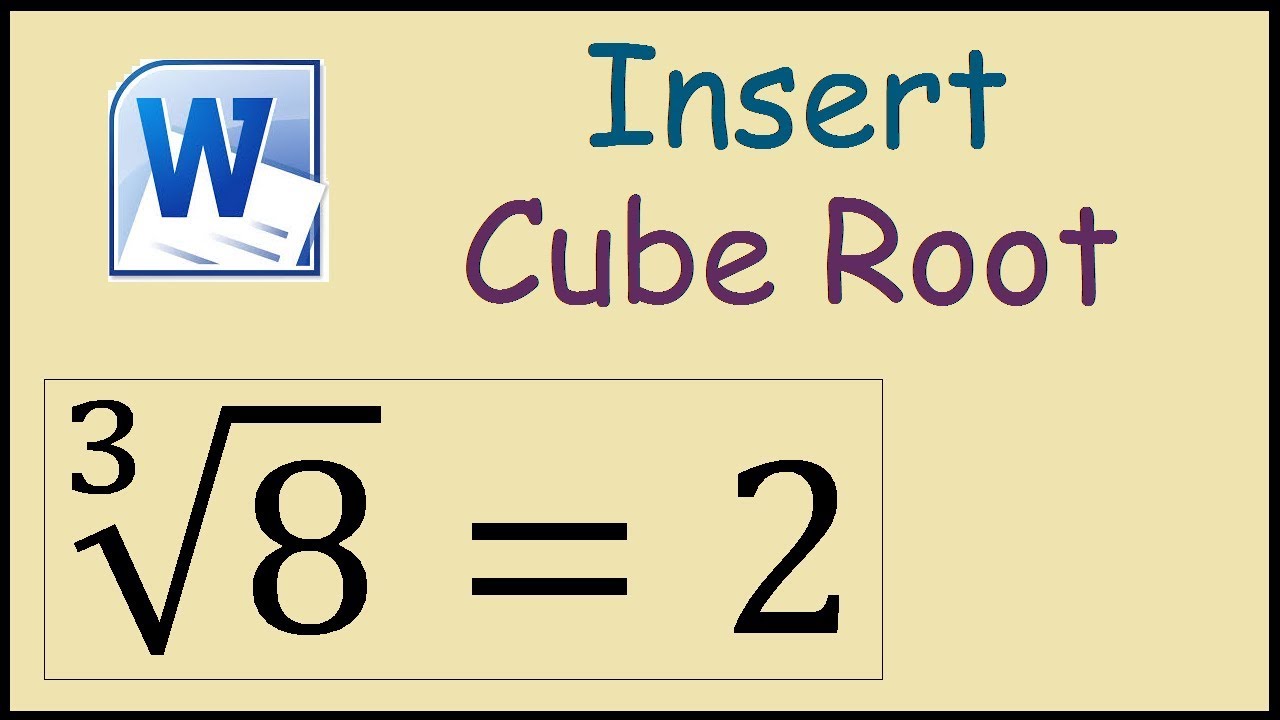
How To Type Cube Root In Word YouTube

How To Write Extended Square Root In MicroSoft Word YouTube

How To Write Square Root In Word YouTube

How Do I Make The Square Root Symbol In Microsoft Word With Shortcut
How To Insert Square Root In Word shorts YouTube
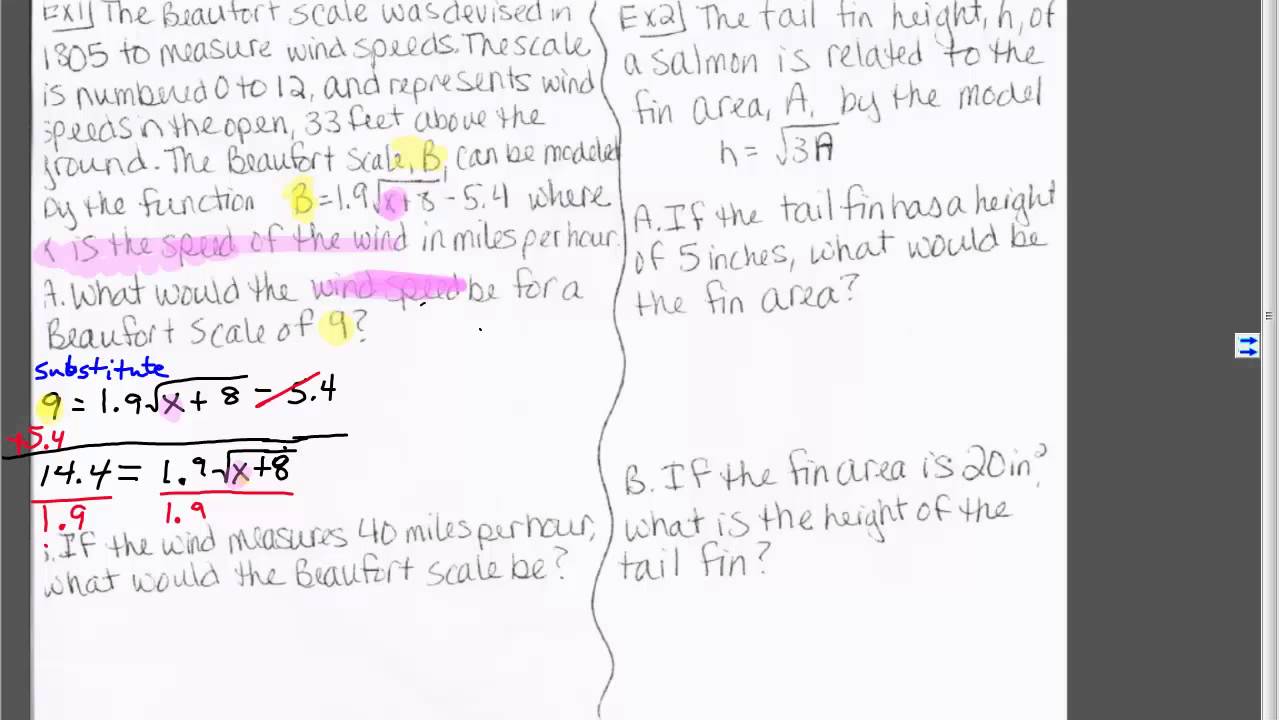
Unit 11 Solving Square Root Equation Word Problems YouTube

To type the square root symbol in Word on your keyboard press down the Alt key and type the

5 Ways to Insert a Square Root Symbol in Word 1 Copy Paste the symbol in Microsoft Word This is perhaps the simplest way to insert a square root sign in your 2 Use the Insert Symbol option Microsoft Word has a predefined set of signs and symbols including the square root 3 Inserting

How to insert square root symbol or radical sign in Word I Using the Equation II Using AutoCorrect for Math When you work with many documents and often need to paste a single special symbol you III Using a shortcut key Microsoft Word offers a pre defined shortcut key for popular

Simply press and hold the Alt key and while holding it type 251 on the numeric keypad make sure Num Lock is on This will insert the square root symbol directly into your document Another tip is to add the square root symbol to your Quick Access Toolbar This is particularly handy if you find yourself using the symbol frequently
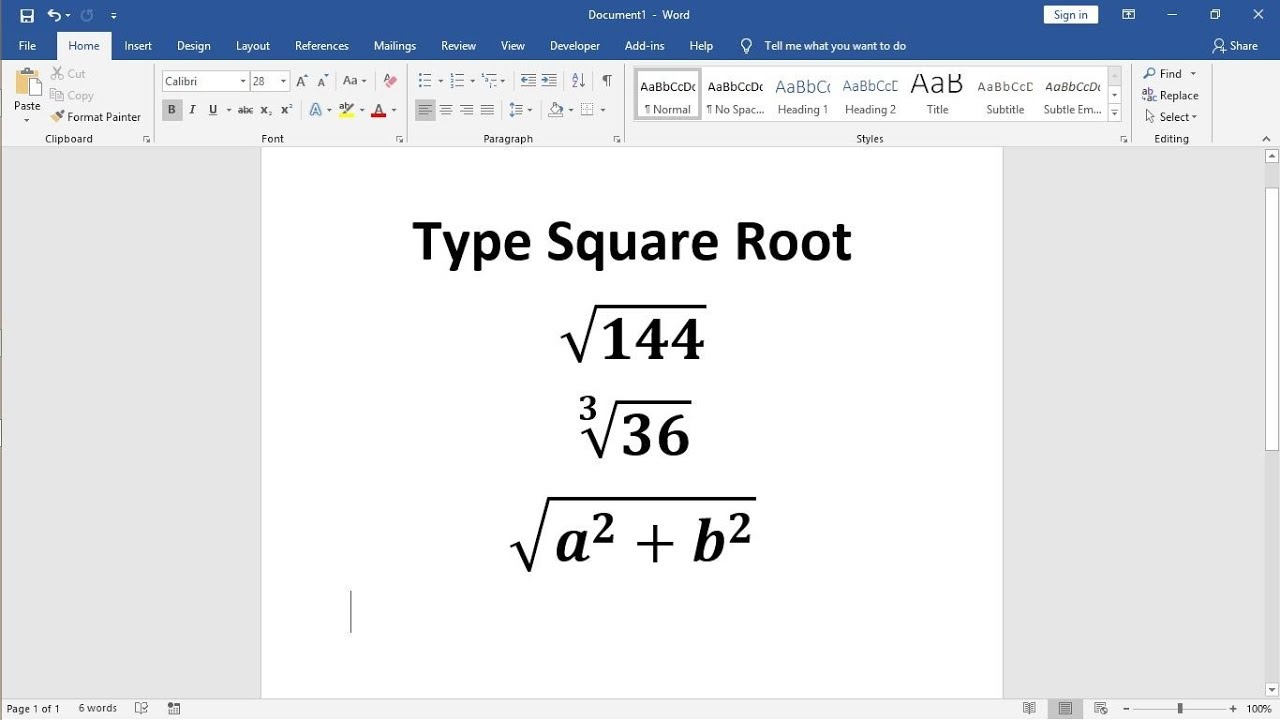
Table of Contents show How to Put a Square Root Symbol in Microsoft Word Documents Click Insert Click Symbols then More Symbols Choose Normal text then Mathematical Operators Select the square root symbol then click Insert This method is discussed with additional information as Option 3 below
[desc-11] [desc-12]
[desc-13]