Sql Query To Export Data In Excel GitHub Tossnet Blazor Excel export Example To Export Data In Excel Export Data In Excel Using Node JS How To Export Data In Excel Using Codeigniter 4 Webslesson SQL Query To Export Table From Database To CSV File GeeksforGeeks 1 Laravel Excel Export Data In Excel CSV Multiple Sheet Export Web May 20 2020 nbsp 0183 32 The goal of this article is to show how we could combine data returned using SQL query and SQL Server export to Excel This combination could prove to be very powerful One of the main reasons is that MS Excel provides many additional options like graphs calculations formatting results Also you could use one master Excel
Web Jan 30 2023 nbsp 0183 32 Export SQL data into Excel file using SQL Server Management Studio Harnessing the power of n8n a low code automation tool Let s get started and find out how you can get more in less time with creative automation Web 1 I am currently working on an automation which requires to export sql results to excel data I want to do this via SQL query Few options i know are as below but before i start exploring these things I would like to know the best possible approach
1 Laravel Excel Export Data In Excel CSV Multiple Sheet Export Import Export Data In Excel How To Export SQL Table To Excel SqlBak Blog How To Report On Multiple Projects Status How To Export Project Data Export SQL Data To Excel With Column Headers How To Export Sql To Excel Using Query NovusLion 3 Ways To Export An SQL Query To An Excel File Using SQL Management How To Export Data In EXCEL PDF CSV Word JSON XML And Text File In Export Database To Excel SQL Server YouTube
Sql Query To Export Data In Excel
Sql Query To Export Data In Excel
https://repository-images.githubusercontent.com/454427811/5c94153e-7aaf-4f0e-8963-89f11da01617
Web Feb 4 2020 nbsp 0183 32 It will open a dialog box asking you to choose a driver here is how it looks like Select the Connector ODBC driver and click OK You will be presented with the Data Source Name DSN dialog box Here is my ODBC Administrator Data Source Name dialog box 7 Enter the Data Source Name Here I named it Sample 8
Templates are pre-designed files or files that can be utilized for various functions. They can save effort and time by supplying a ready-made format and design for creating different type of content. Templates can be used for personal or professional projects, such as resumes, invitations, leaflets, newsletters, reports, presentations, and more.
Sql Query To Export Data In Excel
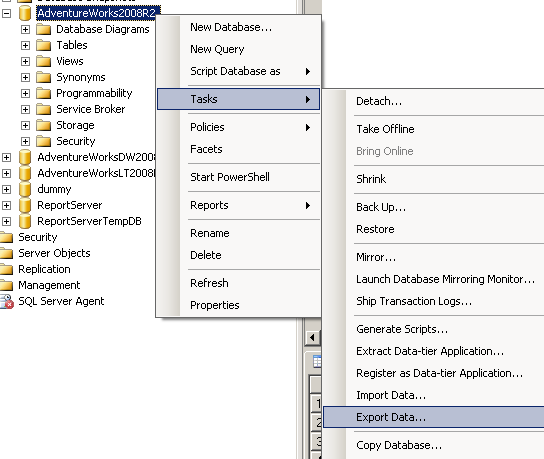
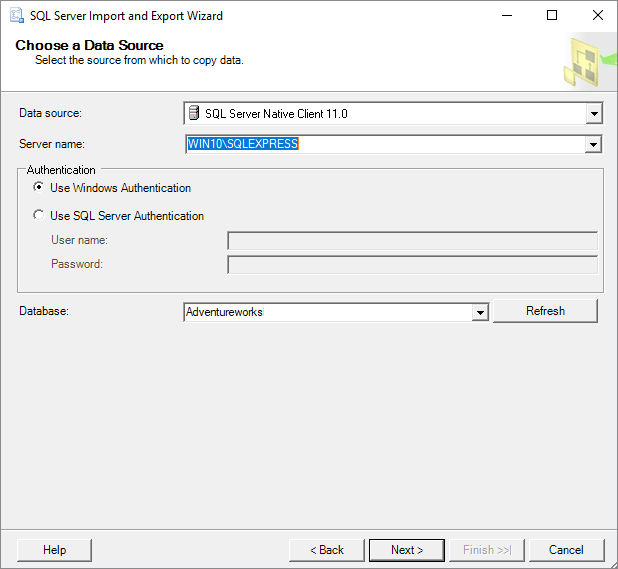
SQL Server Export To Excel Using SQL Server Import And Export Wizard
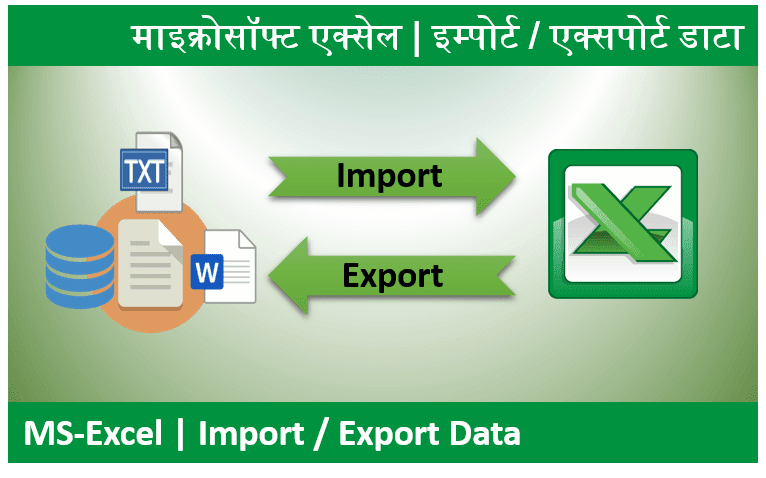
Import Export Data In Excel
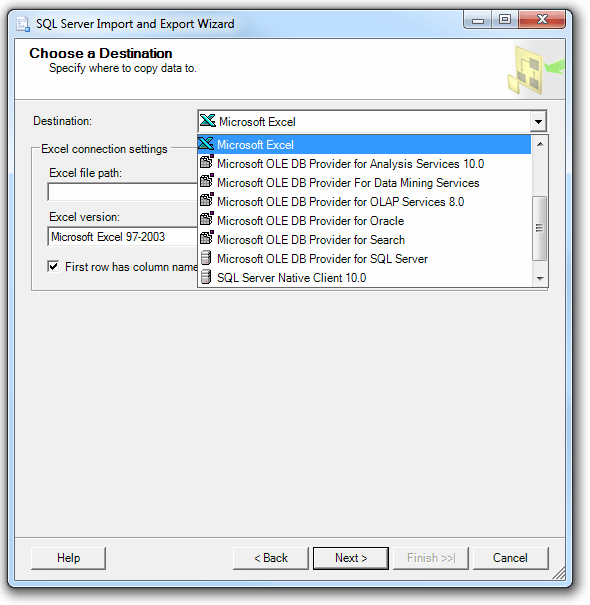
How To Export SQL Table To Excel SqlBak Blog
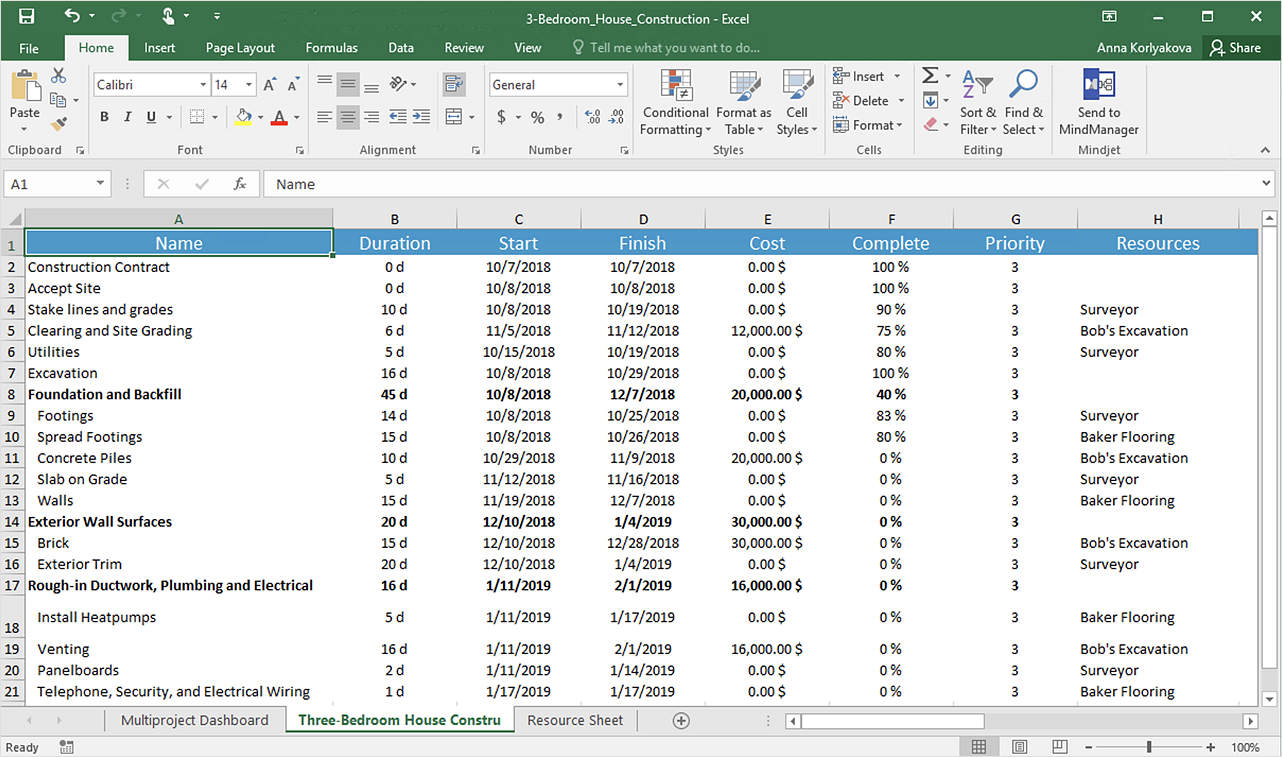
How To Report On Multiple Projects Status How To Export Project Data
How To Export Sql To Excel Using Query NovusLion
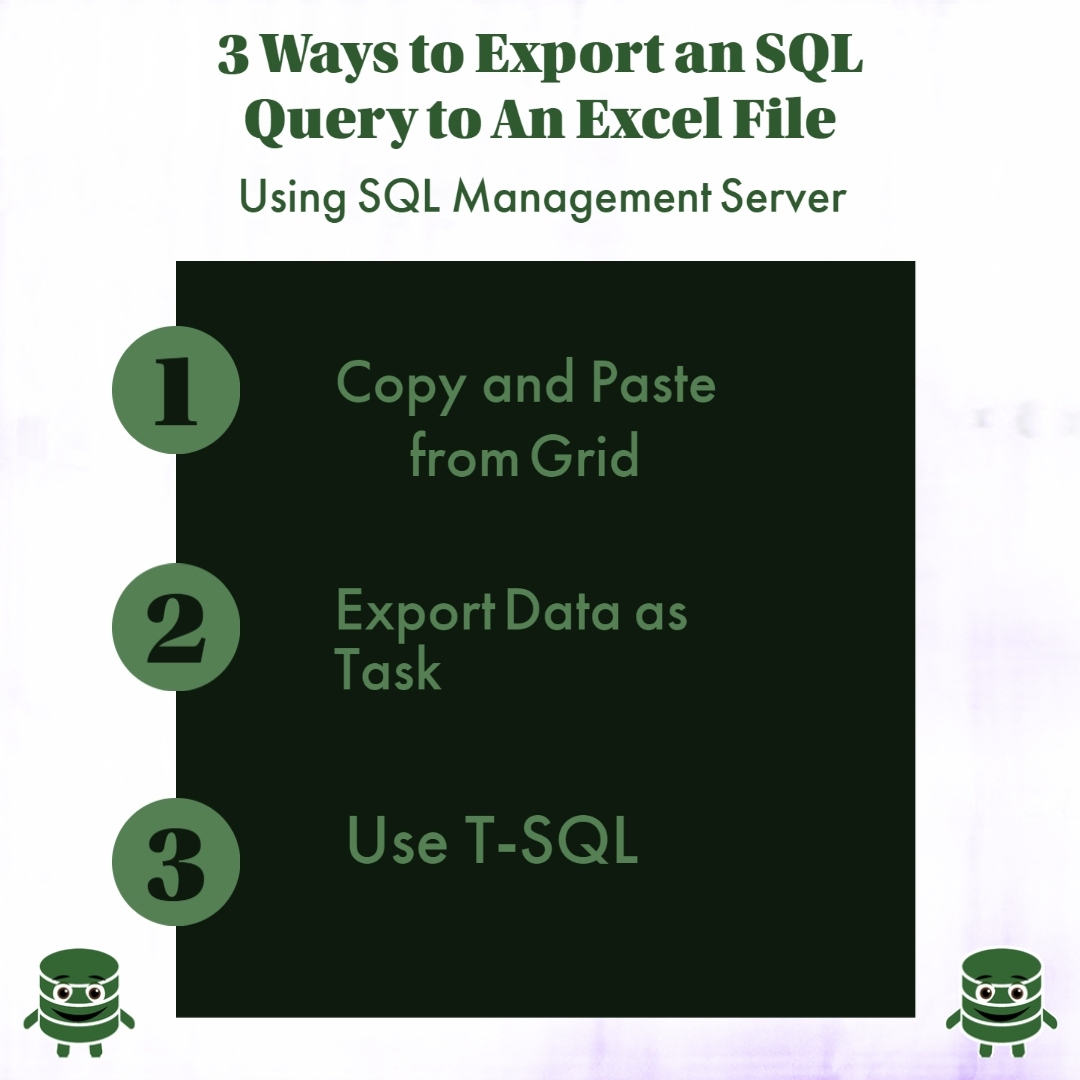
3 Ways To Export An SQL Query To An Excel File Using SQL Management
Web Jul 25 2006 nbsp 0183 32 Export data from SQL Server query to excel I want to export data from a query to excel file I know that there is a lot of questions like these one here but no one is acceptable in my situation For example like this topic using OPENROWSET T SQL Export to new Excel file

Web Jul 4 2022 nbsp 0183 32 In this article we re going to look at how to export data from SQL Server to Excel The first method uses the SQL Server Import and Export Wizard which can be used to export data to a number of destination types not just Excel The second method uses native functionality in Excel

Web Aug 23 2017 nbsp 0183 32 1 Right click your DB in object explorer window go to Tasks gt Export Data 2 Pick Sql Server native client as your source put in your connection parameters 3 Pick Excel as your destination 4 On the next screen paste your select query 5 go through the remaining screens making sure things look correct
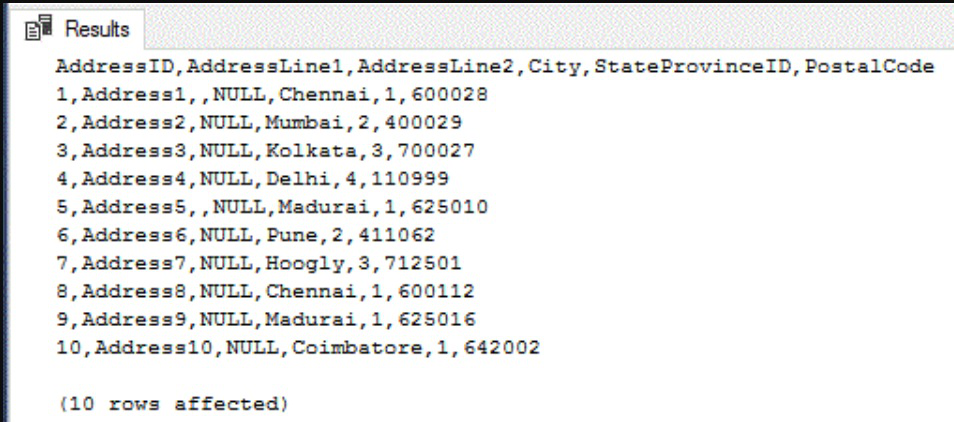
Web Aug 3 2019 nbsp 0183 32 1 Export data to existing EXCEL file from SQL Server table insert into OPENROWSET Microsoft Jet OLEDB 4 0 Excel 8 0 Database D testing xls SELECT FROM SheetName select from SQLServerTable 2 Export data from Excel to new SQL Server table

Web In this article a couple of ways to import and export SQL Server data to an Excel file will be explained Export SQL Server data to an Excel file using the SQL Server Import and Export Wizard T SQL code Export to Excel from ApexSQL Complete Import SQL Server data into Excel using the Data Connection Wizard
Web Jul 7 2022 nbsp 0183 32 Click the box in the upper left hand corner of the Results pane to highlight all records Click on Copy with Headers or Ctrl Shift C Open a blank workbook in Excel Right click Paste Alternatively Ctrl V And your results are pasted in the workbook and ready for your analysis Web Jun 28 2023 nbsp 0183 32 These methods include Using Microsoft Query A built in feature that allows you to import data from an external database and use SQL queries to filter and sort the data as needed
Web Click on the Data source drop down list and select the SQL Server Native Client 11 0 item The Server name drop box will appear with the Authentication section and the Database options Fill out the required choose the SQL database from which data will be copied and click on the Next button