Spyder Install Packages Pip SPYDER Finntack How To Install PIP For Python On Windows How To Install Python How To Install PIP On Windows And Manage Packages Installation Guide Spyder 4 Documentation How To Install Pandas With Pip In Windows 10 YouTube We ll create a file that allows us to write a Python script Right click on your project folder and choose New File The New File dialog displays Enter the name of your script ours is MyFile and click Save Remember to add a py extension at the end of name of the file name to designate it as a Python script
The bundled Spyder version can often be quite out of date missing new features and bug fixes from the latest version and if you install change or remove other packages there is a significant chance of dependency conflicts or a broken Spyder installation nTherefore we recommend ref installing Spyder into a new Conda environment install First open Spyder and click Tools Open command prompt You should see the Command Window appear in the bottom right of your screen Here we install the Python package seaborn as an example In the command line type pip install seaborn C Users your username Documents Python Scripts pip install seaborn
How To Install Pandas With Pip In Windows 10 YouTube Speenketting Woezel Pip Python Is There A Way To Have Spyder On Anaconda Import Numpy Manually Activate Spyder 3 Pro Software Darelohongkong Spyder Vs Pycharm Ultramzaer Python Pip Install Matplotlib And Scipy Lassaeden Install Ipython Pip Windows Masabazar Downloading And Installing Packages CADS Farmer School Of Business Linksprite Spyder Terminal Software Download Copaxanti
Spyder Install Packages Pip
 Spyder Install Packages Pip
https://finntack.com/pub_images/original/Logo_Spyder.jpg
Then the currently active Python interpreter will be used Alternative Methods Depending on how you installed Python there might be other mechanisms available to you for installing pip such as using Linux package managers These mechanisms are provided by redistributors of pip who may have modified pip to change its behaviour
Pre-crafted templates use a time-saving service for producing a varied range of files and files. These pre-designed formats and layouts can be utilized for different personal and expert projects, consisting of resumes, invites, flyers, newsletters, reports, presentations, and more, streamlining the material production process.
Spyder Install Packages Pip

Solved Python Install Packages Pip Matplotlib

Speenketting Woezel Pip

Python Is There A Way To Have Spyder On Anaconda Import Numpy

Manually Activate Spyder 3 Pro Software Darelohongkong
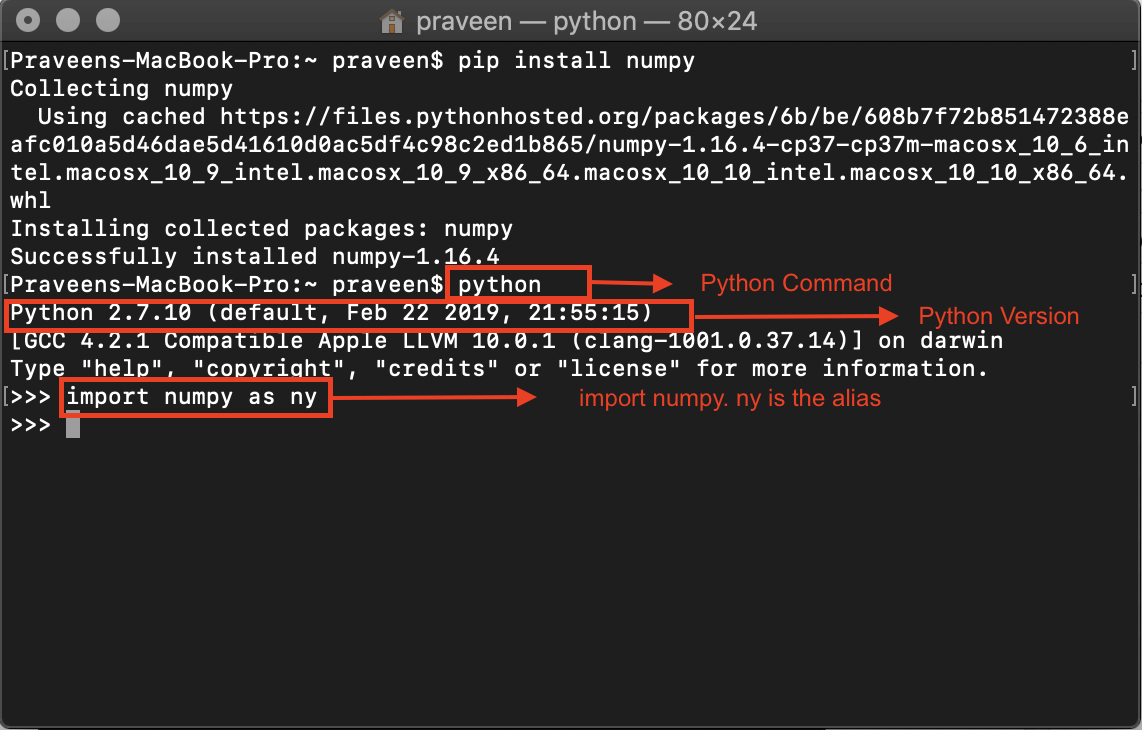
Python Pip Install Matplotlib And Scipy Lassaeden

Install Ipython Pip Windows Masabazar

Downloading and installing To download the supported Spyder installer for your platform simply click the appropriate link below for Linux see the Conda based distributions section Then double click the downloaded file to open the installer If a security warning pops up you may need to click Yes OK Open Allow or similar

Install just the spyder kernels package into the myenv environment and set your Python interpreter path in Spyder s Preferences to point to myenv s Python executable see the final section This requires one more initial step but requires less maintenance in the long run and avoids duplicate Spyder installs
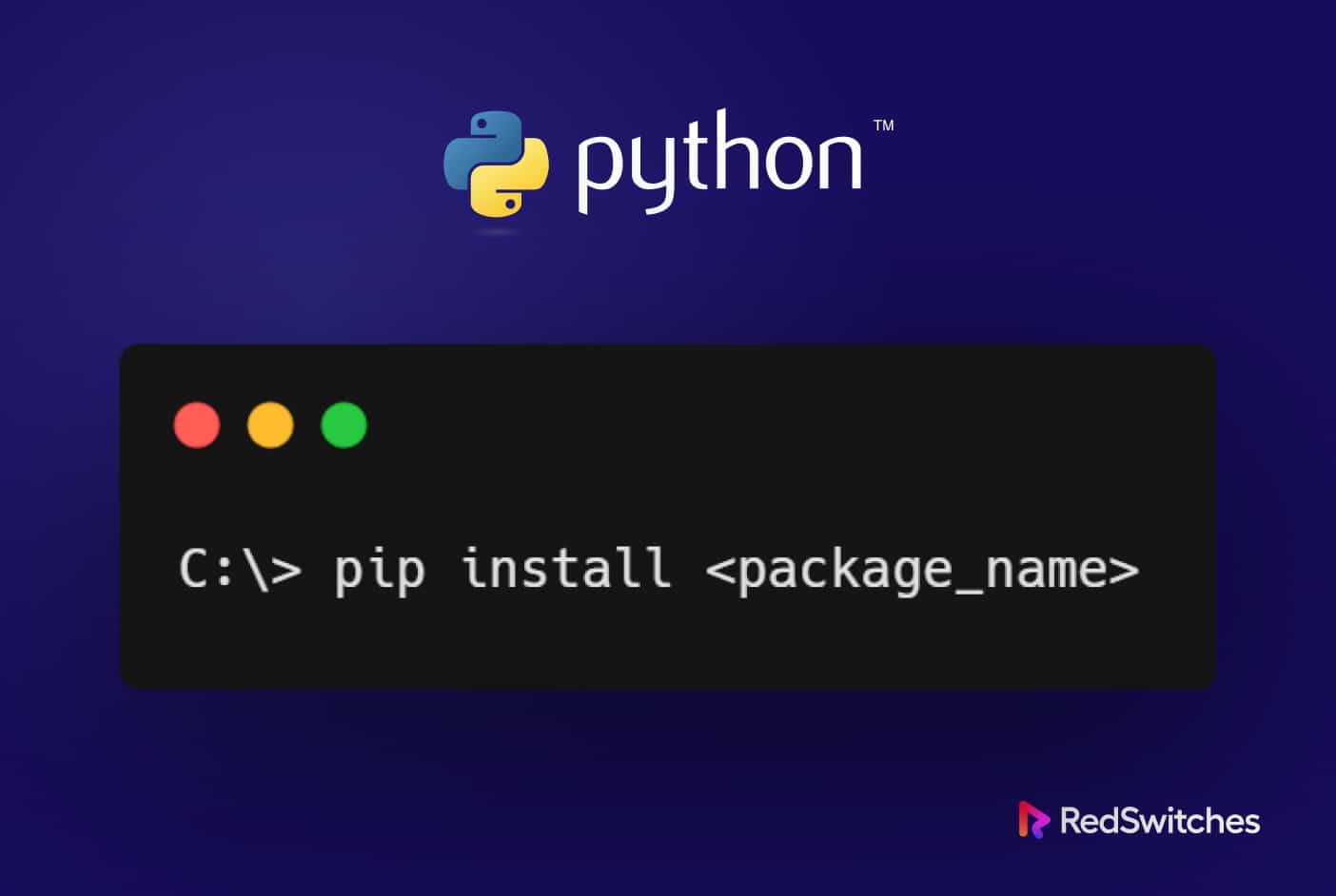
Install on Windows Spyder is also included in the WinPython scientific Python distribution although it doesn t include Anaconda s convenient conda package and environment manager like Anaconda You can use it immediately after installing just like with Anaconda Install on macOS
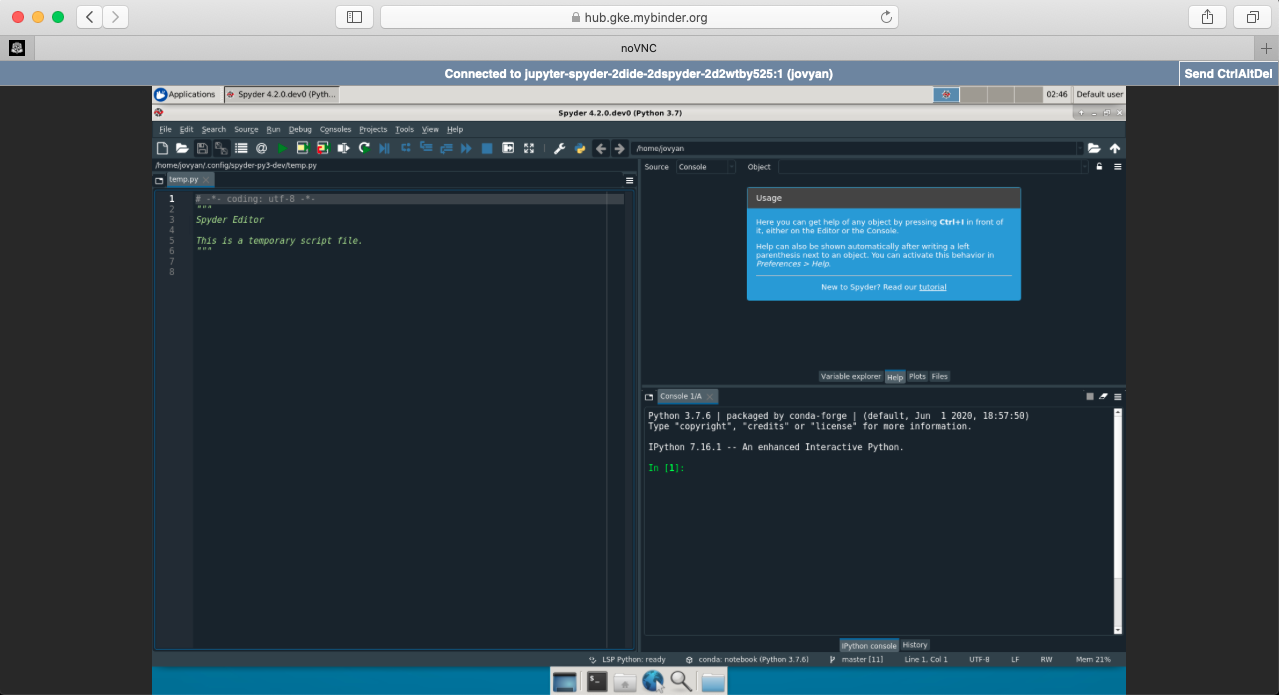
Pip packages in Spyder Asked 1 year 4 months ago Modified 1 year 4 months ago Viewed 311 times 0 Pulling my hair out at this Just installed a pip package pyodbc but can t import it with Spyder Error ModuleNotFoundError No module named pyodbc However if I just try from Python via CMD I have no issues
Installing Packages This section covers the basics of how to install Python packages It s important to note that the term package in this context is being used to describe a bundle of software to be installed i e as a synonym for a distribution It does not refer to the kind of package that you import in your Python source code i e a container of modules
Instead of going to command prompt or anaconda we can install a package in ide itself Edit the value of the LongPathsEnabled property of that key and set it to 1 Reinstall scikit learn ignoring the previous broken installation pip install exists action i scikit learn There are different ways to install scikit learn Install the latest official release This is the best approach for most users
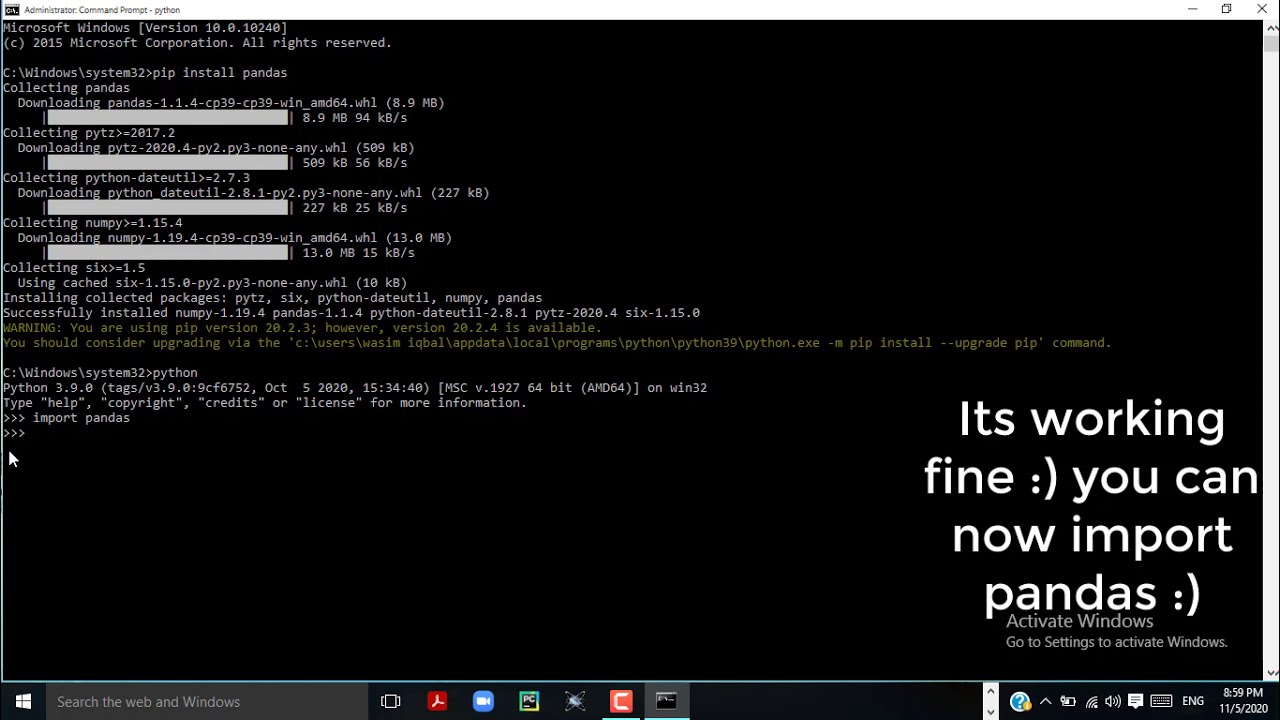
Methods to check whether any package is already installed Method 1 using import command no error indicates already installedMethod 2 using pip commands