Sourcetree Revert To Earlier Commit Commit Suicide ReverbNation How To Search For Commits In Bitbucket Server And Data Center Stiltsoft Commit To Culture C mo Instalar Sourcetree Para GIT En MacOS Barcelona Geeks COMMIT Registreren Web Nov 2 2018 nbsp 0183 32 1 First checkout to a specific branch 2 Then right click on a specific commit and select quot Reset current branch to this commit quot Similar to below 3 Choose from the following options To understand further on the different types of reset soft mixed hard view this page https git scm docs git reset 4
Web May 8 2019 nbsp 0183 32 I don t get how to revert changes I made My project stopped working so I want to go back to yesterday s version I found yesterday s commit in the history and tried both checkout and reset master to this commit but it seemed to leave the files I made today and it still shows unsaved changes Web Feb 6 2024 nbsp 0183 32 Reverting a Commit With git revert We can revert a commit in Git by using the git revert command It s important to remember that this command isn t a traditional undo operation Instead it inverts changes introduced by the commit and generates a new commit with the inverse content
COMMIT Registreren Earlier This Summer I Wove This Prototype Hand painted Cotton Ruana Git What Are Differences Between Revert Revert Commit And Reset Hot Change Commit Message Before Push Sourcetree Design Talk Revert To An Earlier Version Of A Cloud Document Sourcetree Pricing Alternatives More 2022 Capterra Git Delete SourceTree Commit History Stack Overflow How To Squash Many Commits Into One Commit In SourceTree Sting Git SourceTree
Sourcetree Revert To Earlier Commit
 Sourcetree Revert To Earlier Commit
https://gp1.wac.edgecastcdn.net/802892/http_public_production/artists/images/4221610/original/crop:x0y0w3200h3200/hash:1471250067/commit_2016_cover.jpg?1471250067
Web Oct 19 2022 nbsp 0183 32 In this article you ll learn how to revert to previous commits when tracking your project with Git The two commands we ll discuss in this article are git reset and git revert These commands can help you undo your commits and go back to a
Templates are pre-designed documents or files that can be utilized for different functions. They can save effort and time by offering a ready-made format and layout for developing various type of material. Templates can be utilized for personal or professional tasks, such as resumes, invitations, leaflets, newsletters, reports, presentations, and more.
Sourcetree Revert To Earlier Commit

What Is A SourceTree And How To Use It

Earlier This Summer I Wove This Prototype Hand painted Cotton Ruana
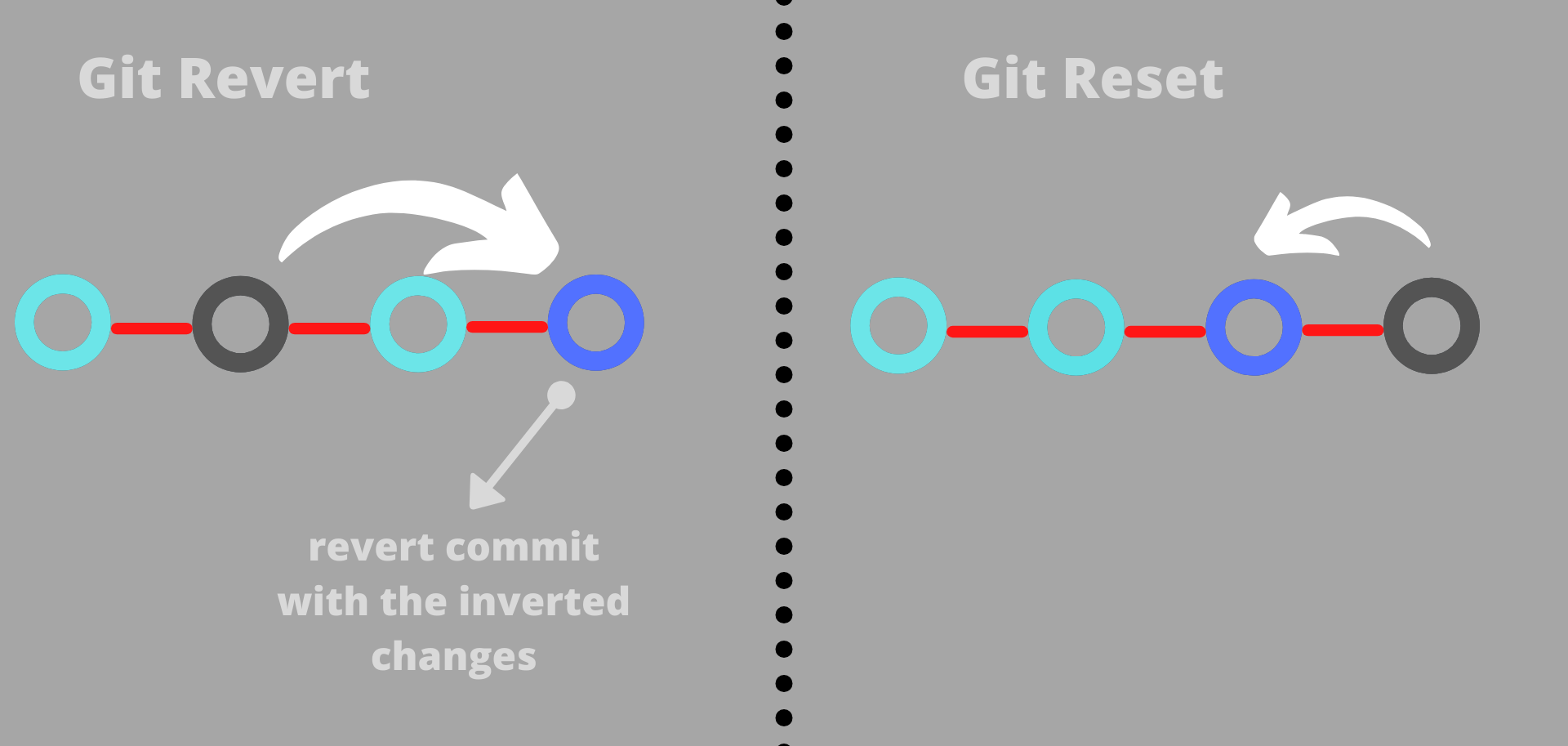
Git What Are Differences Between Revert Revert Commit And Reset Hot
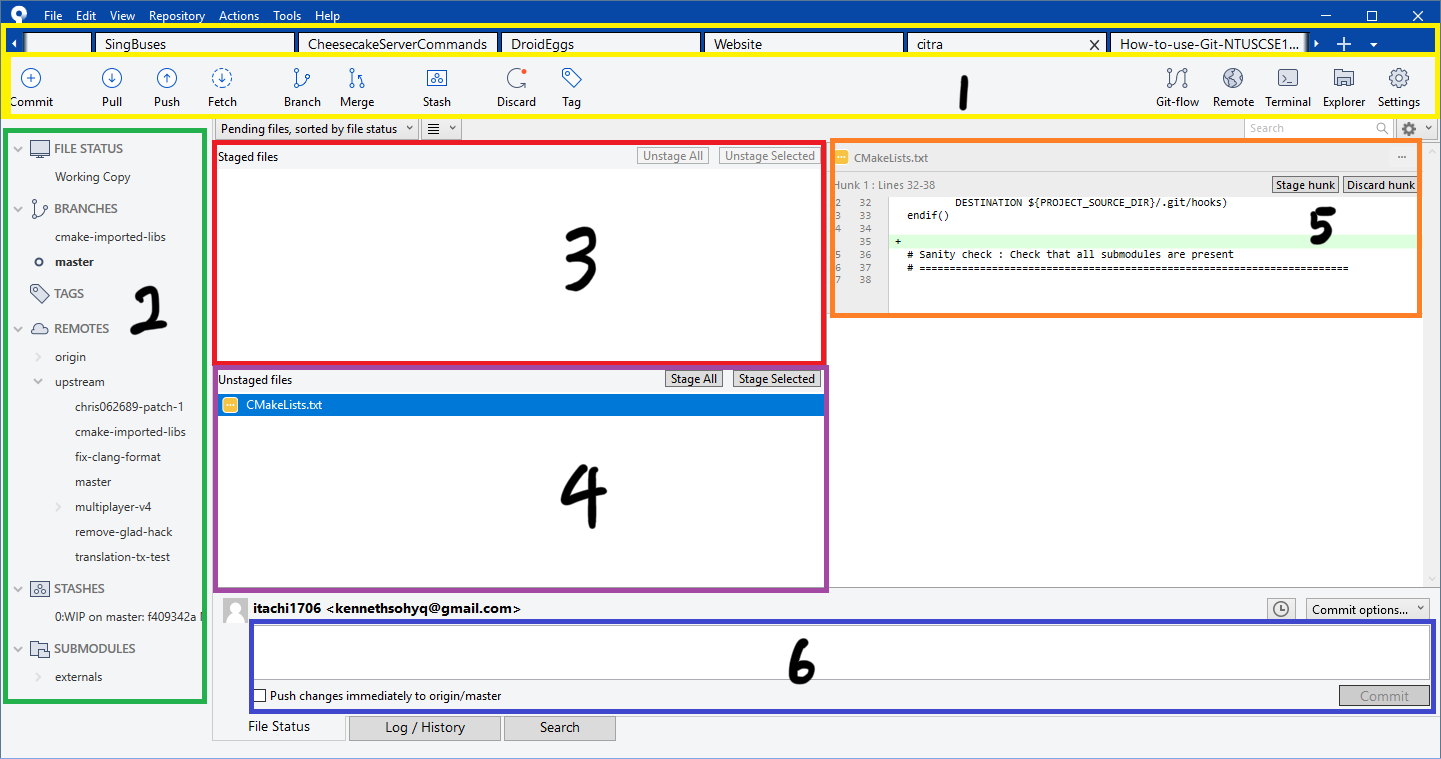
Change Commit Message Before Push Sourcetree Design Talk
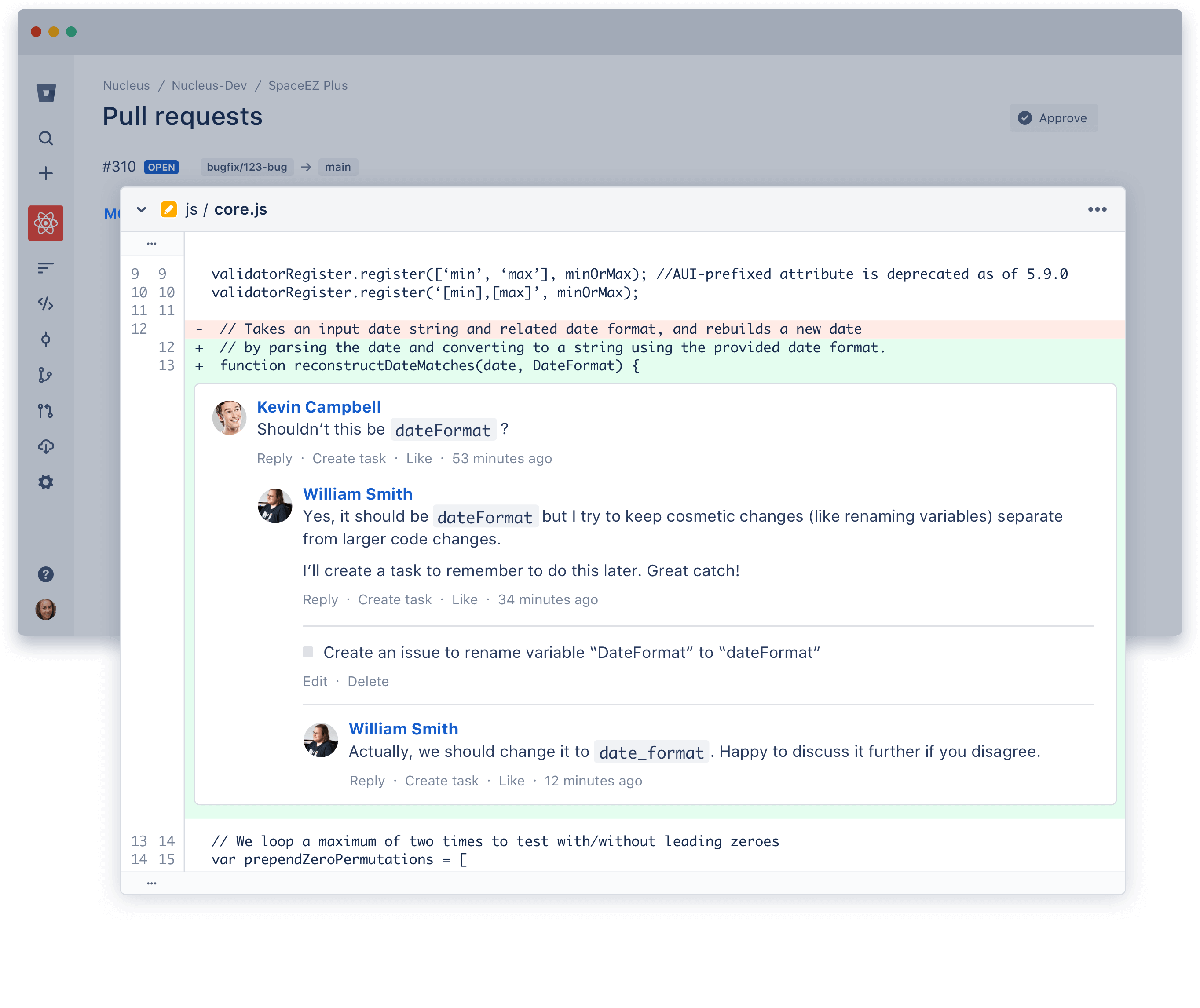
Sourcetree Pricing Alternatives More 2022 Capterra

Git Delete SourceTree Commit History Stack Overflow

Web Oct 9 2020 nbsp 0183 32 2 Answers Sorted by 48 Temporary Revert Back If you want to temporarily go back to this commit then come back to where you are Right click on the commit you want to revert to and click on quot checkout quot Permanent Revert Back This will add commits to revert all your work since this commit
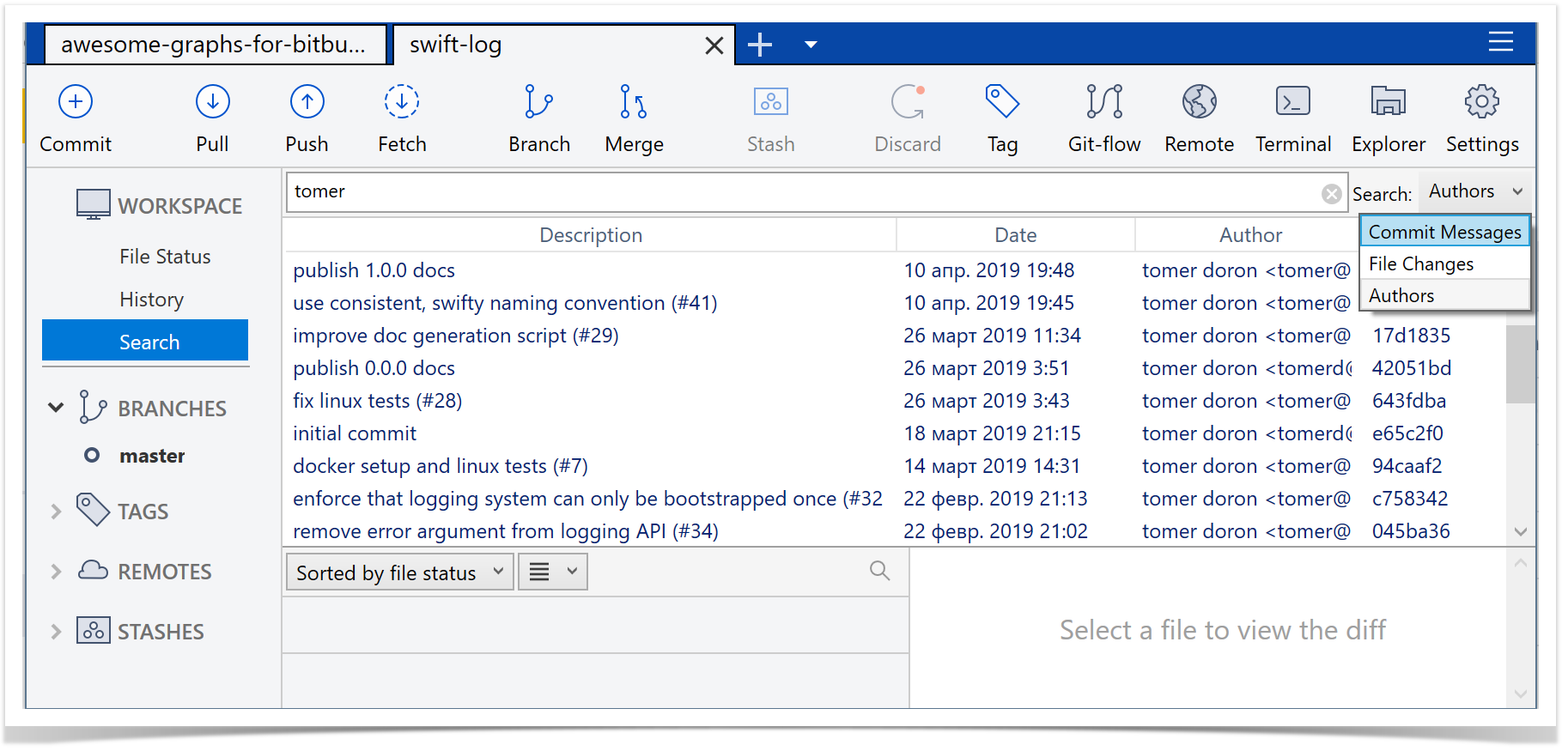
Web Nov 10 2017 nbsp 0183 32 3 Answers Sorted by 8 As Per Git Tower s Article What s a quot detached HEAD quot in Git Understanding how quot checkout quot works With the quot git checkout quot command you determine which revision of your project you want to work on Git then places all of that revision s files in your working copy folder

Web Jul 3 2019 nbsp 0183 32 1 answer Fetch simply pulls any changes from the remote repository into your local copy i e the git folder It will not change your local working copy hence the dotted circle to do that you need to Pull To view the contents of
Web Nov 2 2021 nbsp 0183 32 How can I revert my project to an older version commit and continue from there using Sourcetree Right now when I do a hard reset I get a pull request for ALL the commits WHICH I DO NOT WANT Also the Hard reset button is greyed out

Web sourcetree reverse If you want to return the file to a previous state there are a number of ways to do this Option 1 Right click the file in any view and pick Log Selected This gives you a history just of that file Pick the commit in the list which represents the state at which you want the file to be returned to
Web Sep 27 2018 nbsp 0183 32 Click the Commit button under the box You can now see your change under the History tab From Sourcetree click the Push button to push your committed changes Under the Push column from the dialog box that appears select the branch where you want to push the change and click OK Last modified on Sep 27 2018 Was this helpful Web Normally when you want to undo the changes of a commit that has been pushed you can do a reverse commit inside SourceTree by doing a right click on the commit and choose quot Reverse commit quot like in the image below But if the commit you re trying to reverse is a merge commit you ll get the message
Web Mar 13 2014 nbsp 0183 32 There are two options to revert one commit our merged branch A Using sourcetree Right click in commit Select reverse commit Sometimes it can be failed In that case please try option B B Using terminal Select your commit and look info on bottom side of screen Example commit id 1a6cd9879d8c7d98cdcd9da9cac8979dac7a89c