Slider Revolution 6 Carousel Examples Slider Revolution 6 Overview The World s Most Powerful Shopify Slider Tailwind CSS Carousel Free Examples Tutorial Get On Board The Slider Revolution Dashboard Slider Revolution Framer Learn How To Add A Carousel Flutter Image Slider Carousel Slider Fluttertpoint Vrogue Use navigation in Google Maps To get easy turn by turn navigation to places use the Google Maps app Maps shows you directions and uses real time traffic information to find the best route to your destination With voice navigation you can hear traffic alerts where to turn which lane to use and if there s a better route
On your desktop web browser open Google Earth At the bottom left click Layers Learn more about layers and related features in Google Earth Interact with the globe in Google Earth Create amp manage placemarks in Google Earth Draw a path or polygon in Google Earth To draw a line or a polygon click points on the map Update Google Maps To use the most recent Google Maps app features download the latest version of the app
Flutter Image Slider Carousel Slider Fluttertpoint Vrogue Slider Revolution 5 For Wordpress Carousel Slider Tutorial YouTube Post Based Carousel Slider Revolution Tutorial YouTube Slider Revolution 6 0 Basic Header Tutorial Example Download In Efficient Product Carousel Examples To Inspire You Creating Slides With The Carousel Slider Block WordPress Plugin Ultimate WordPress Revolution Sliders Tips Tricks 2023 17 Unique Instagram Carousel Examples Fun Creative Website Carousel Template
Slider Revolution 6 Carousel Examples
 Slider Revolution 6 Carousel Examples
https://i.ytimg.com/vi/yVGj9h6iY-k/maxresdefault.jpg
For easy and reliable navigation use the Google Maps app in your car Maps will guide you with real time traffic information to find the best route to your destination Voice navigation updates you with traffic information turn by turn instructions which lanes to use and route updates if a better route becomes available
Pre-crafted templates offer a time-saving service for developing a diverse variety of documents and files. These pre-designed formats and designs can be made use of for different individual and professional tasks, including resumes, invites, flyers, newsletters, reports, discussions, and more, improving the content creation process.
Slider Revolution 6 Carousel Examples
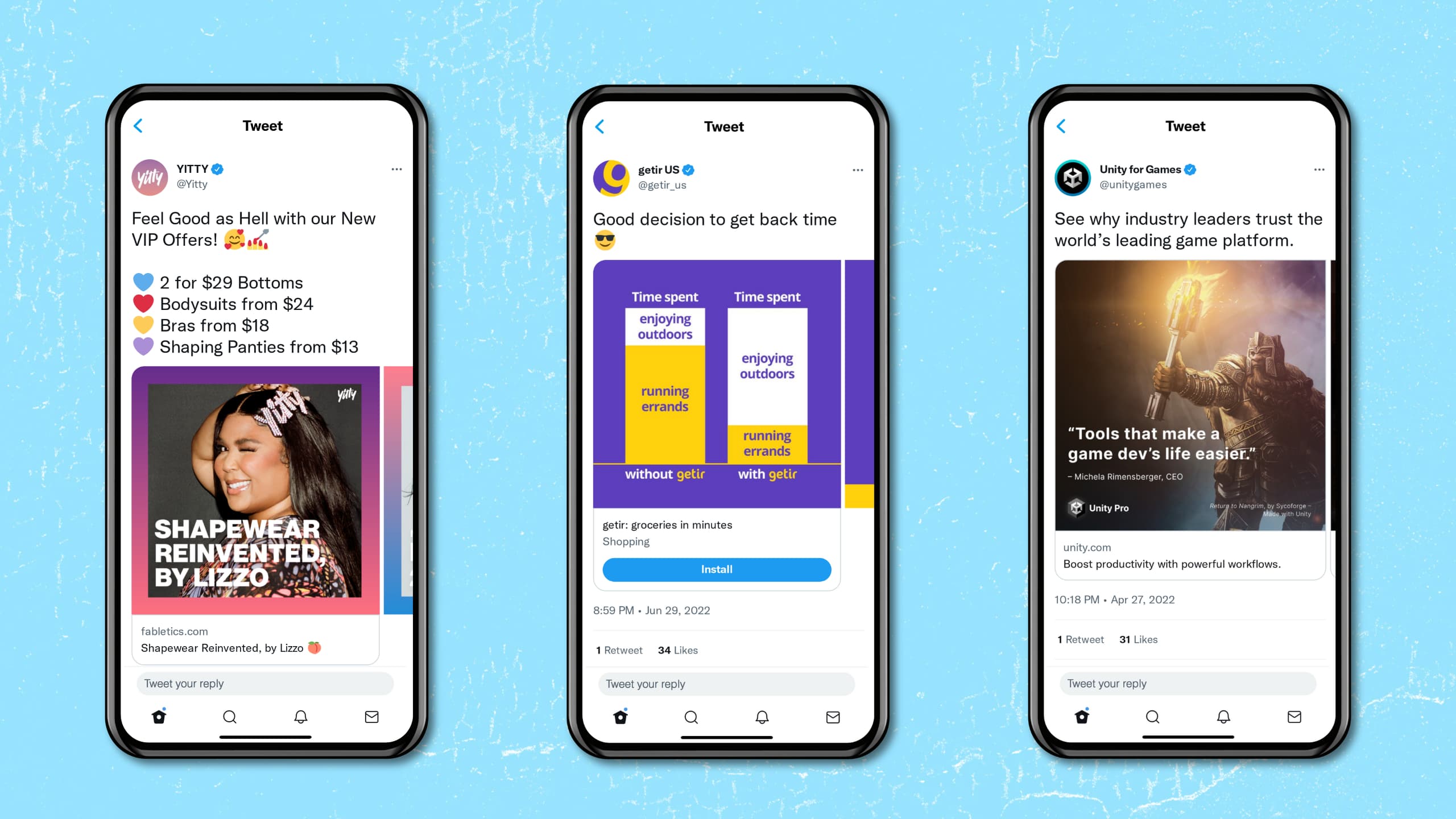
32 Best Website Carousel Examples Templates To Inspir Vrogue co

Slider Revolution 5 For Wordpress Carousel Slider Tutorial YouTube

Post Based Carousel Slider Revolution Tutorial YouTube

Slider Revolution 6 0 Basic Header Tutorial Example Download In
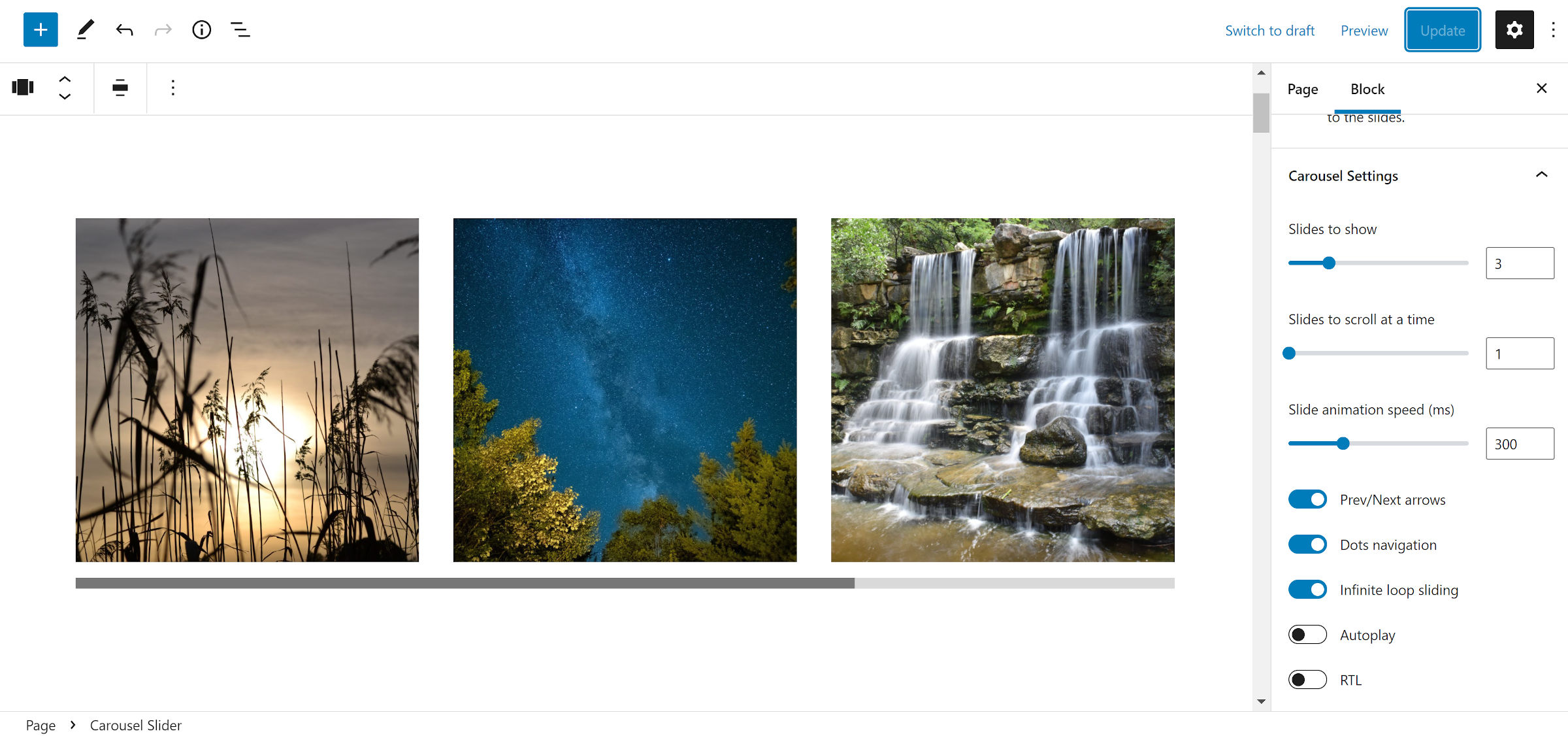
Creating Slides With The Carousel Slider Block WordPress Plugin
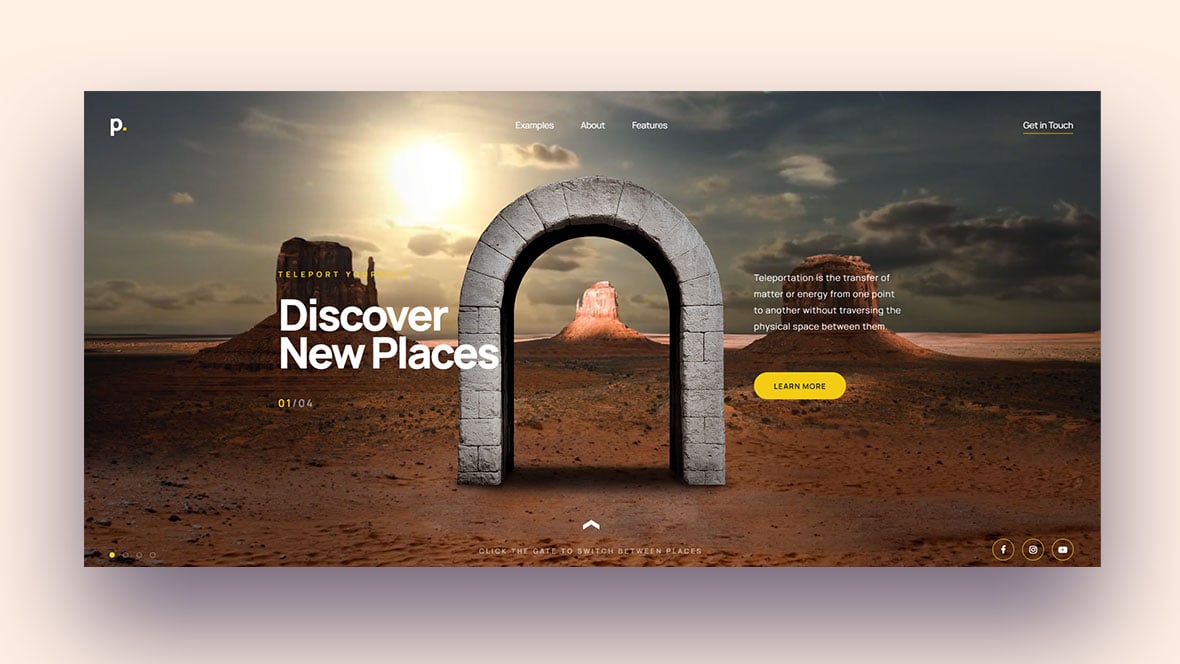
Ultimate WordPress Revolution Sliders Tips Tricks 2023

Search for a category of places on Google Maps On your computer open Google Maps In the search box enter a search like restaurants Under the search box personalised search results might appear Choose a place to check it on the map and get more information

Important To keep yourself and others safe stay aware of your surroundings when you use directions on Google Maps When in doubt follow actual traffic regulations and confirm signage from the road or path that you re on You can get directions for driving public transport walking ride sharing cycling flight or motorcycle on Google Maps

On your computer open Google Maps Make sure you re signed in On the left choose an option Get directions to relevant places Click a place in the list You ll get places based on your Gmail Calendar and recent travel history Get directions to saved places If you saved your work or home address in your Google Account click Home or Work You can edit your home or work

Get started with Google Maps This article will help you set up learn the basics and explain various features of Google Maps You can use the Google Maps app on your mobile device or Google Maps on your computer
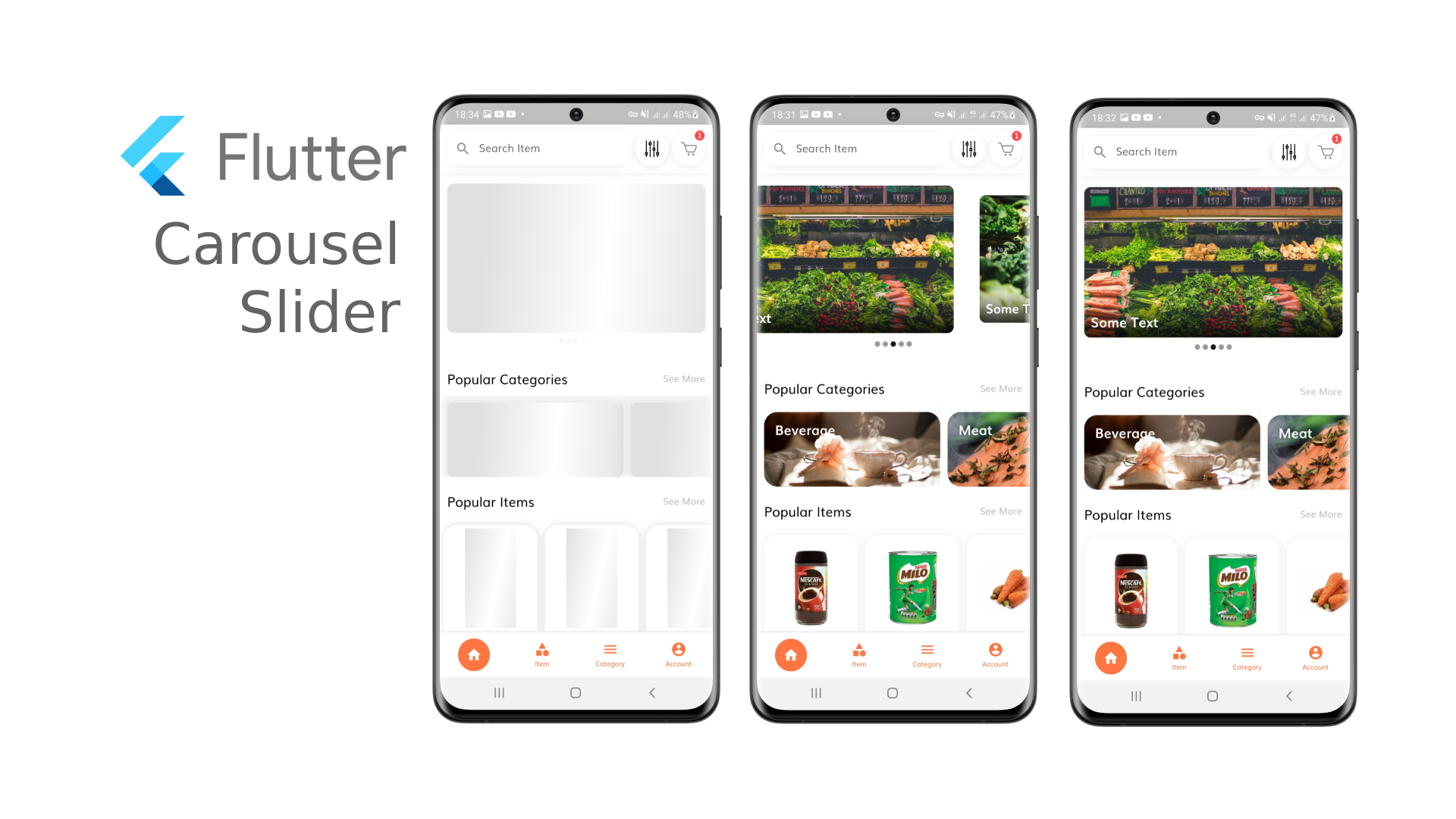
Search for nearby places and explore the area You can search for areas of interest things to do or notable locations in Google Maps Find places such as nearby museums new restaurants and popular bars and clubs You can also find ratings and descriptions of these places in Maps Important Google Maps contains content from different sources
[desc-11] [desc-12]
[desc-13]