Simple Excel Chart Templates Simple Gantt Chart 30 Free Gantt Chart Templates Excel Templatearchive Detik Cyou Excel Templates And Charts Riset Printable Gantt Chart Template 16 Free Gantt Chart Templates Excel PowerPoint Word TemplateLab Web Dec 5 2021 nbsp 0183 32 Creating a chart in Microsoft Excel is a reasonably simple process but it s the customizations you apply that take the most time So if you create a chart and want to reuse the colors and formatting save it as a template By turning your hard work into a reusable template you can save time later
Web Plot a course for interesting and inventive new ways to share your data find customizable chart design templates that ll take your visuals up a level Whether you use charts in research in presentations or to keep track of personal projects there s a chart template that ll help you get started Web Data management and information tracking are made easy with Excel templates Manage your business expenses with Excel templates for budgeting track assets with an inventory template and keep team members on track with a Gantt chart template To help manage life outside of work post a family chore schedule or coordinate your next trip with a
16 Free Gantt Chart Templates Excel PowerPoint Word TemplateLab Excel Chart Templates Free Download Excel Tmp Chart Excel Template Serat Gantt Chart On Excel 16 Free Gantt Chart Templates Excel PowerPoint Word TemplateLab Mastering Your Production Calendar FREE Gantt Chart Excel Template Free Excel Gantt Chart Template 3d Excel Chart Templates Free Download Templates Resume Designs Microsoft Excel Chart Templates Free LINK
Simple Excel Chart Templates
 Simple Excel Chart Templates
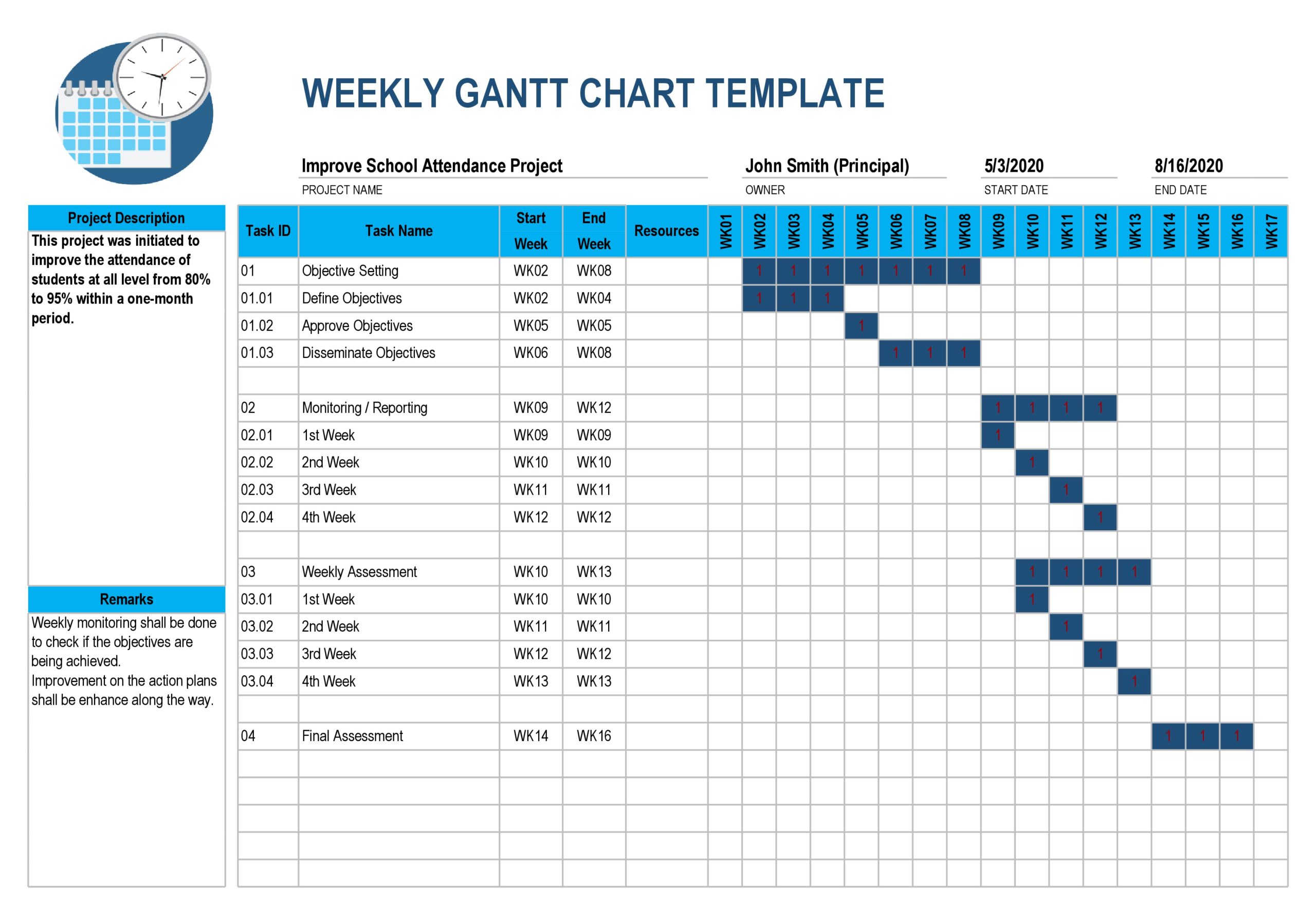
https://cdn.vertex42.com/ExcelTemplates/Images/ganttchart/simple-gantt-chart.png
Web Create a Chart To create a line chart execute the following steps 1 Select the range A1 D7 2 On the Insert tab in the Charts group click the Line symbol 3 Click Line with Markers Note enter a title by clicking on Chart Title
Pre-crafted templates provide a time-saving service for producing a diverse series of documents and files. These pre-designed formats and layouts can be utilized for various individual and professional projects, consisting of resumes, invites, leaflets, newsletters, reports, discussions, and more, improving the material creation procedure.
Simple Excel Chart Templates

Top 10 Best Excel Gantt Chart Templates For Microsoft Excel Sheets
Excel Chart Templates Free Download Excel Tmp
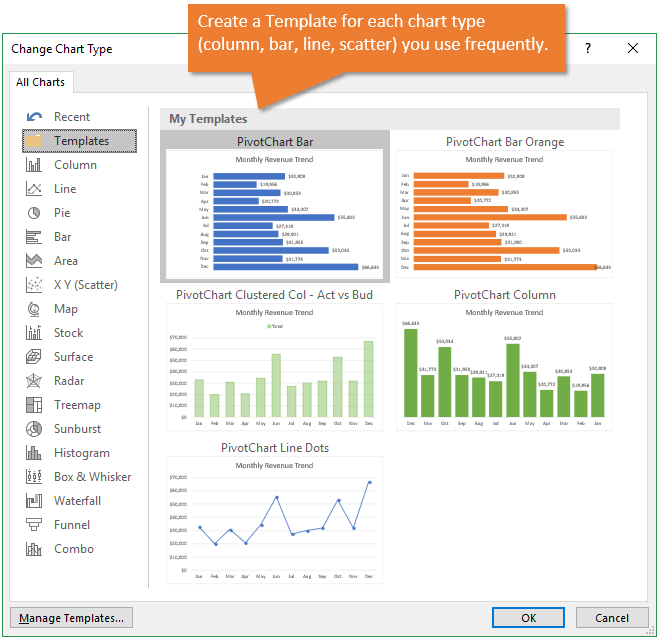
Chart Excel Template Serat
Gantt Chart On Excel
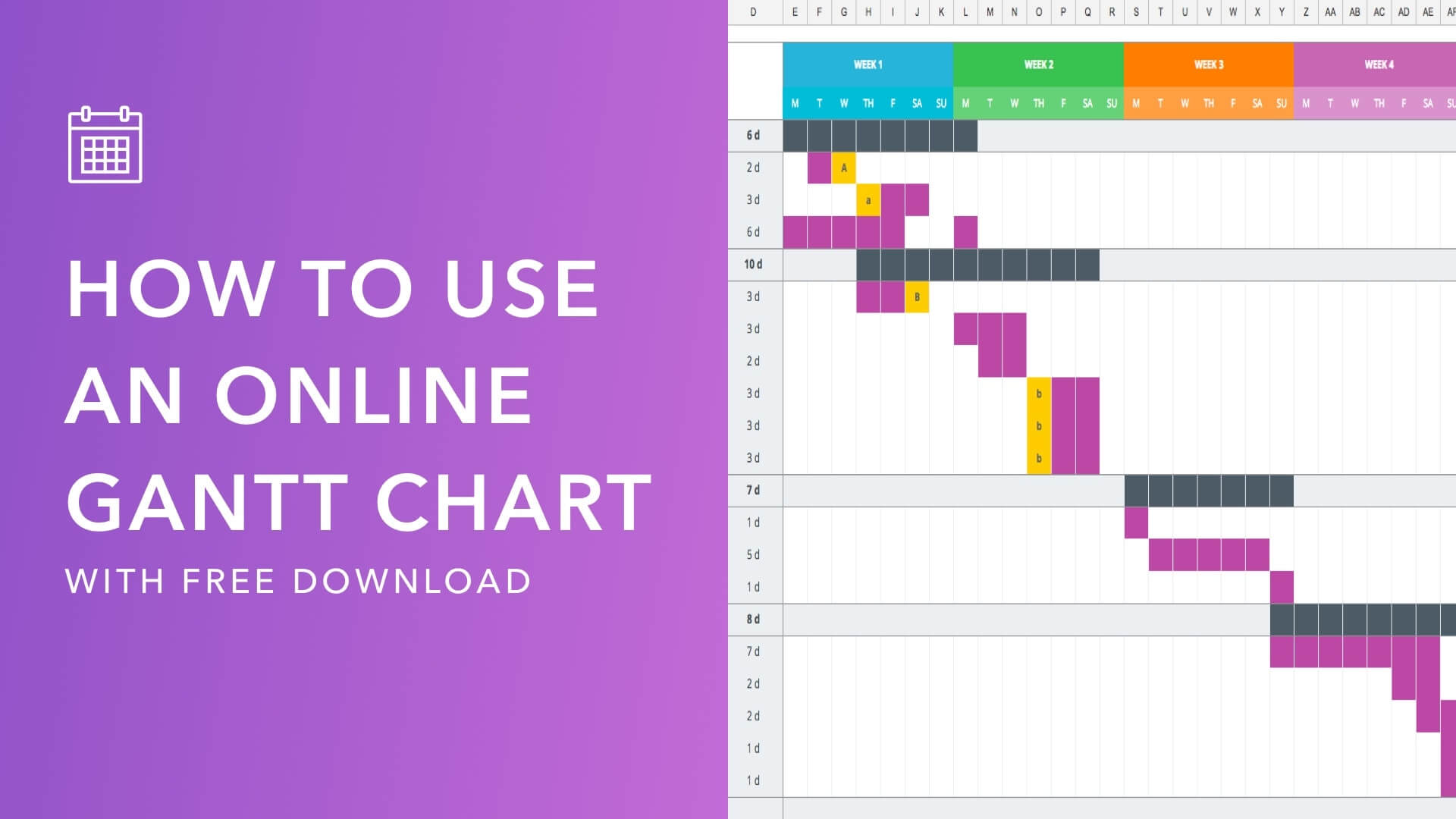
Mastering Your Production Calendar FREE Gantt Chart Excel Template
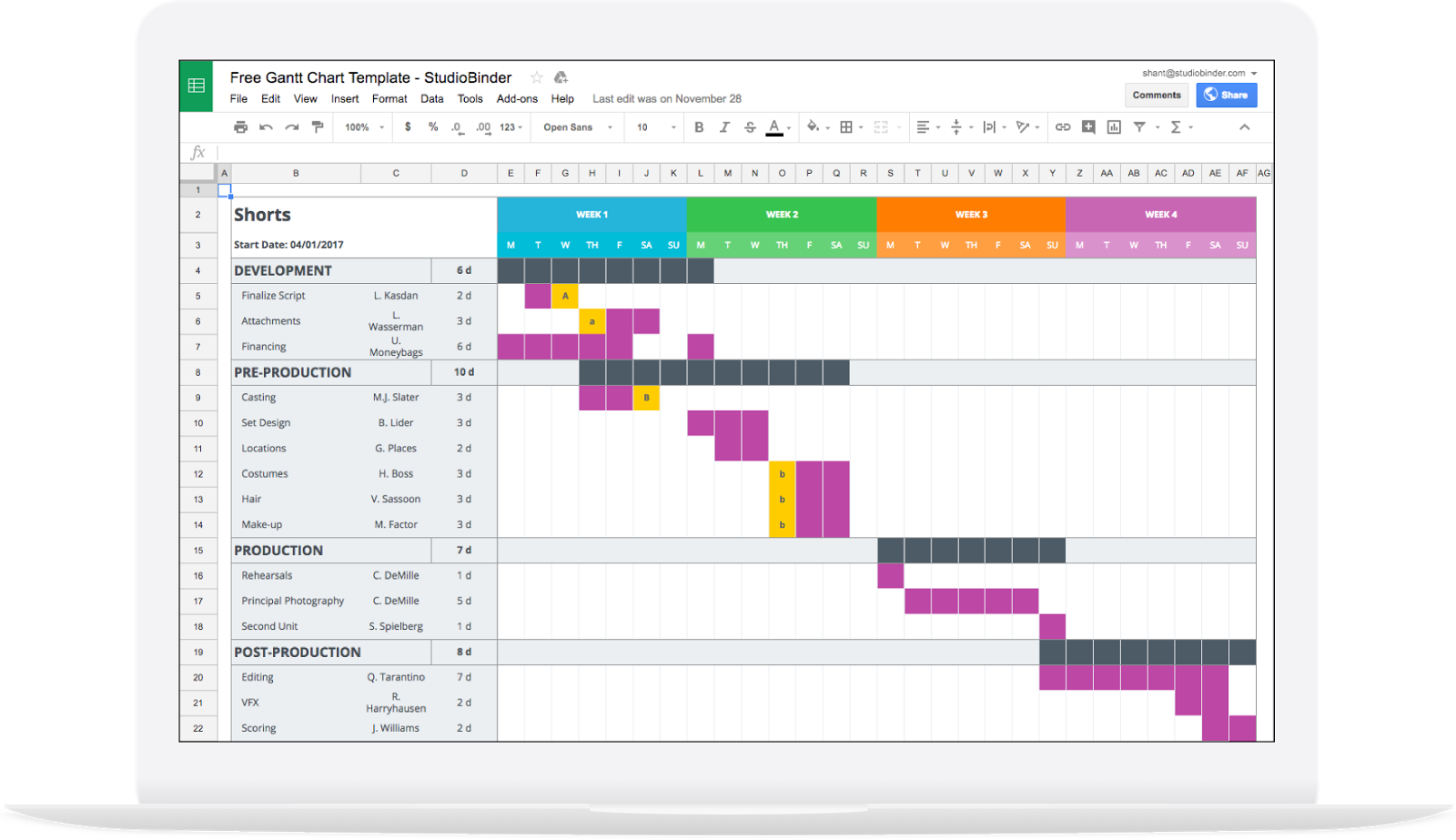
Free Excel Gantt Chart Template

Web Oct 7 2023 nbsp 0183 32 25 Free Excel Chart Templates Stream Graph Dynamic Chart Template with Rollover Hyperlink effect Mekko Chart Market Segmentation Graph Bubble Chart Template Radial Bar Chart Conditional Bar Chart Template Progress Circle Chart Panel Chart Small Multiples Progress Bar Chart Score Meter Template People Graph
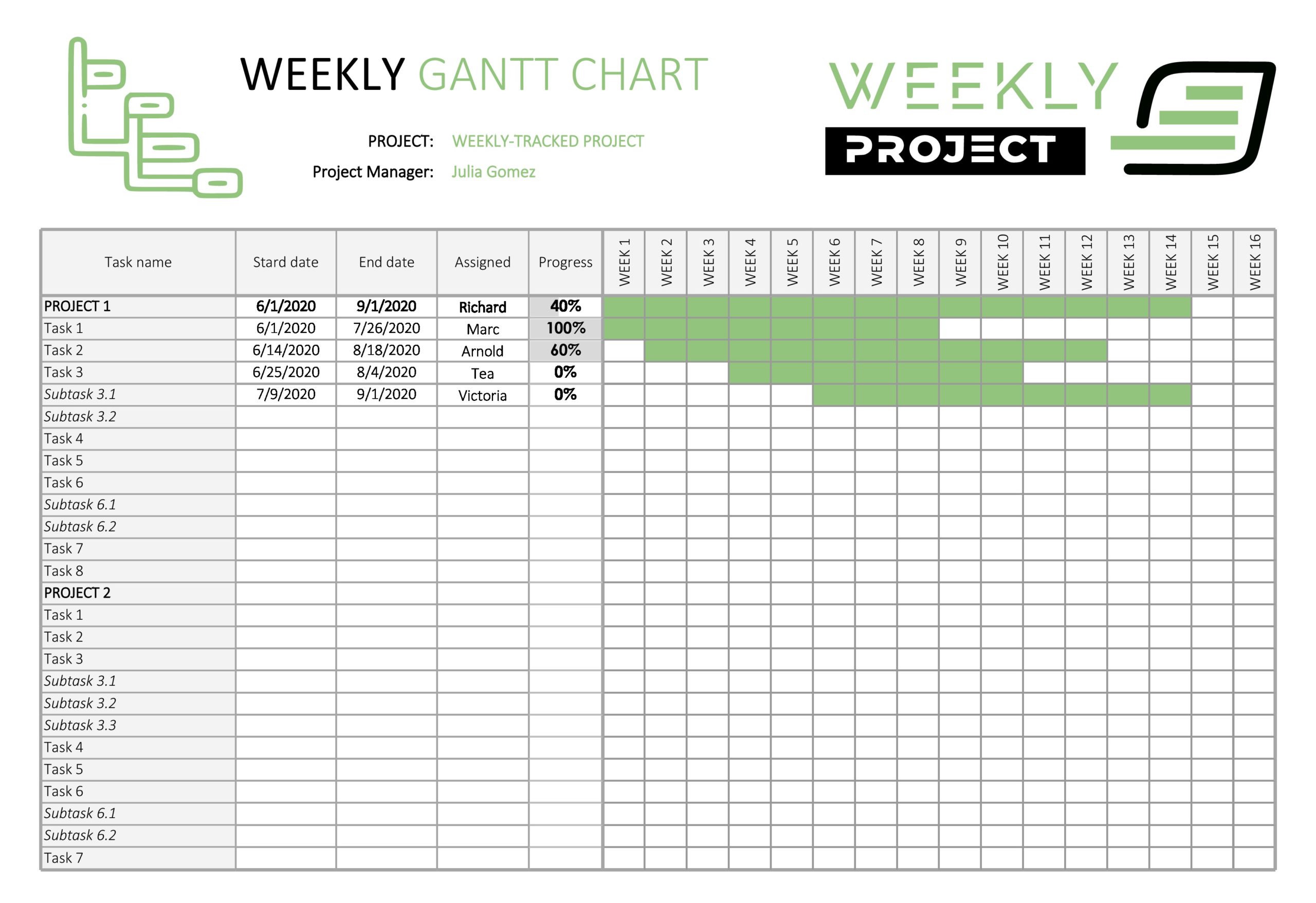
Web Learn how to create a chart in Excel and add a trendline Visualize your data with a column bar pie line or scatter chart or graph in Office
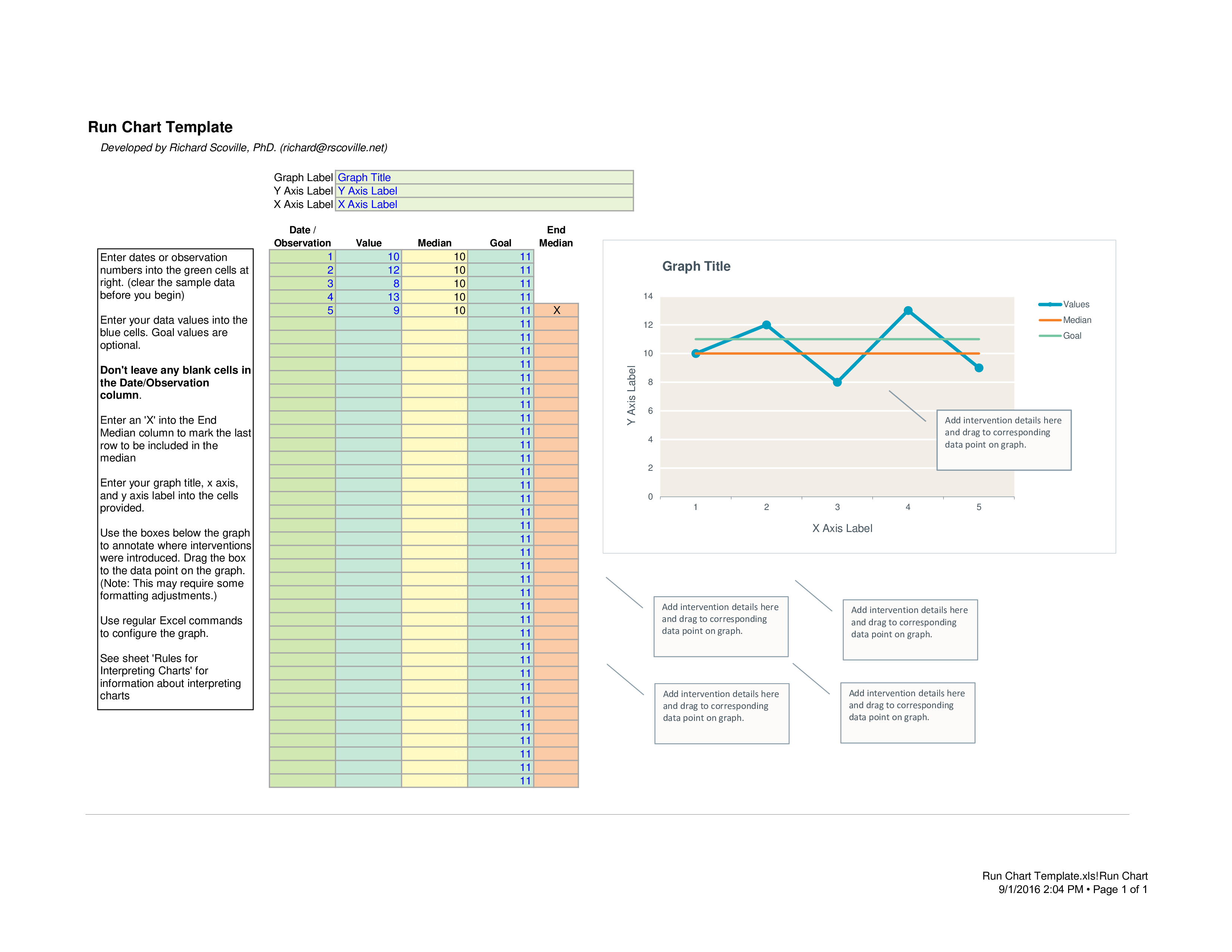
Web Chart Templates Use dynamic interactive graphs and templates and effective data visualization to tell a better story and support the decision makers
Web Oct 22 2015 nbsp 0183 32 How to apply the chart template To create a chart in Excel based on a specific chart template open the Insert Chart dialog by clicking the Dialog Box Launcher in the Charts group on the ribbon On the All Charts tab switch to the Templates folder and click on the template you want to apply

Web Create chart templates using built in Excel charts to change the default look of your graph Our goal is simple Build reusable charts for specific projects We will explain all the steps to create save and manage a chart template based on custom graphs
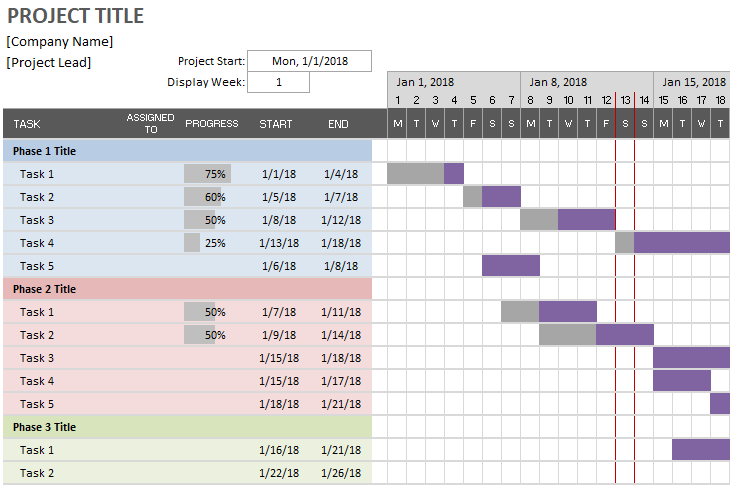
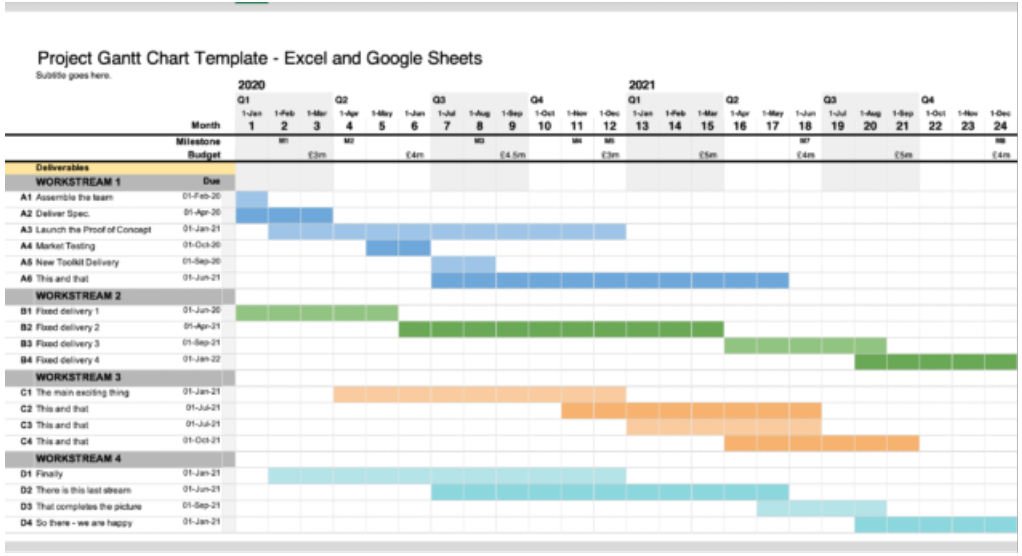
Web Enjoy these free and easy to use Excel graph templates to generate beautiful data visualizations Excel Graph Templates Free Resource In this download you d get a set of colorful graph templates as well as more simple graphs you can use for more basic and scaled back presentations Web Windows MacOS Need to show status for a simple project schedule with a Gantt chart Though Excel doesn t have a predefined Gantt chart type you can create one using these free Gantt chart templates Did you know
Web Right click the chart and select Save as Template In the File name box type an appropriate name for the chart template Click Save The chart template automatically appears in the Templates folder for charts You ll find the Templates folder on the All Charts tab in the Insert Chart or Change Chart Type dialog box where you can apply a