Sign Out Html Code Font Awesome Sign Out Alt Icon HTML CSS Class Fas Fa Sign Out Alt Font Awesome Sign Out Fa Fa Sign Out Fas Fa Signout Fa Solid Fa Sign Out Of All Devices Aprogrammerlife Colores Html Vector e jp Signsoo The W3Schools online code editor allows you to edit code and view the result in your browser
If you want to learn how to set a log out button at the right corner of your website using html you can find a helpful question and answer on Stack Overflow You will see how to use css properties such as position text align and right to achieve the desired layout About External Resources You can apply CSS to your Pen from any stylesheet on the web Just put a URL to it here and we ll apply it in the order you have them before the CSS in the Pen itself
Signsoo How To Make Multiple Choice Quiz In Html Code In n Out Burger Editable Direction To Pay Form Fill Out And Sign Printable Pdf Template Visual Studio Code Align Code Shortcut Free Technology For Teachers How To Use Microsoft Forms For A Html Code Stock Photo Alexstar 1207040 How To Use Hard Key To Run Python In Visual Studio Code Pearlmokasin Free Technology For Teachers Make Sign in Sign out Sheets With Google
Sign Out Html Code
 Sign Out Html Code
https://www.sarkarinaukriexams.com/images/editor/1660367864Sign_Out_Alt_Icon.jpg
35 CSS Login Forms June 13 2023 In today s digital landscape where online interactions are the norm having an effective and visually appealing login form on your website or application is essential Your login form is often the first point of contact between users and your platform making it crucial to leave a lasting impression
Pre-crafted templates provide a time-saving option for producing a varied variety of documents and files. These pre-designed formats and layouts can be utilized for various personal and professional projects, consisting of resumes, invites, flyers, newsletters, reports, discussions, and more, improving the material creation process.
Sign Out Html Code

Interactive Validation Nametag Developer Documentation
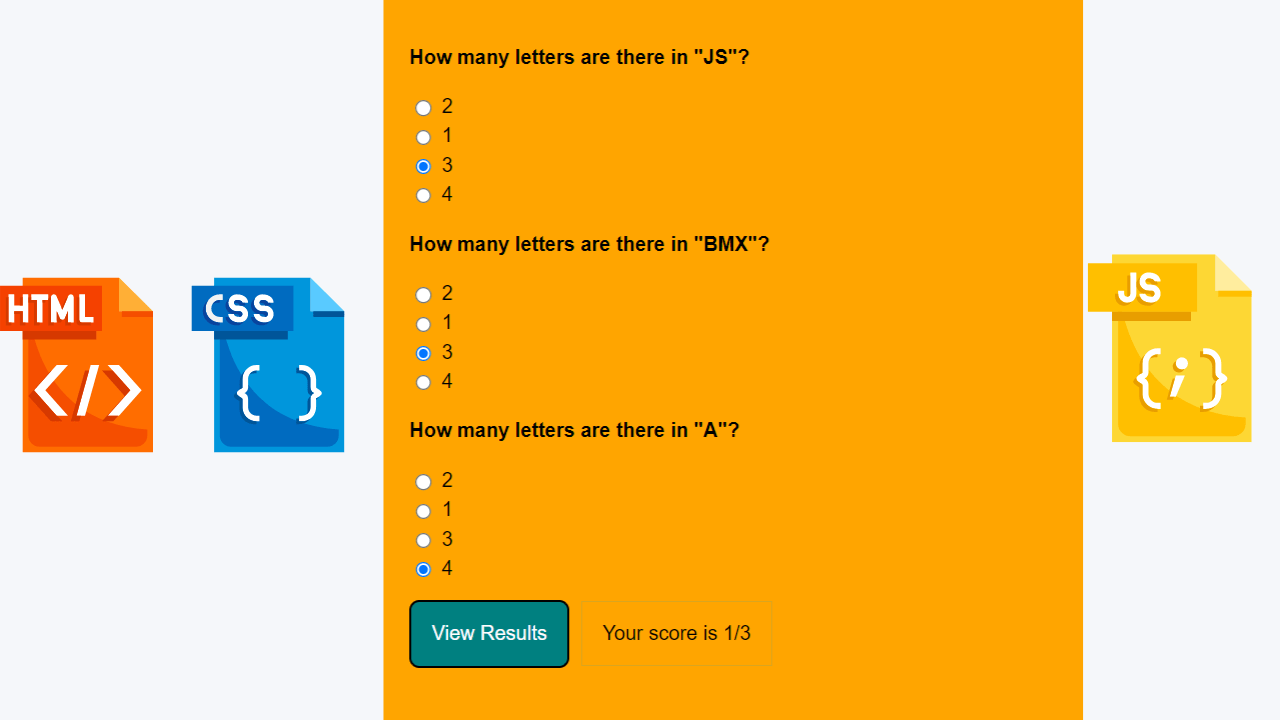
How To Make Multiple Choice Quiz In Html Code

In n Out Burger
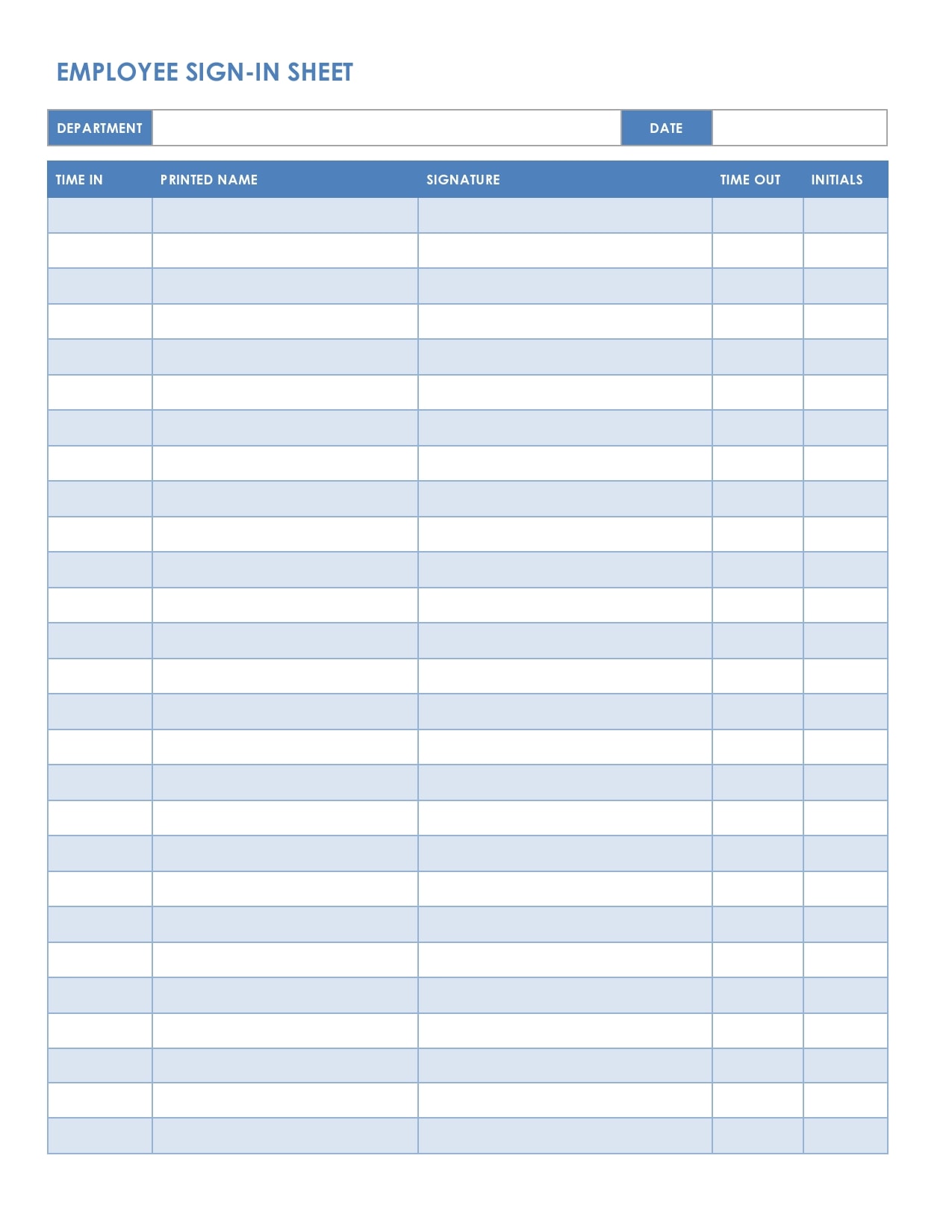
Editable Direction To Pay Form Fill Out And Sign Printable Pdf Template
Free Technology For Teachers How To Use Microsoft Forms For A

Html Code Stock Photo Alexstar 1207040
Learn how to create a simple and elegant login form with HTML CSS and JavaScript from W3Schools the world s largest web development tutorial site Follow the step by step instructions and examples to customize your own login form with different styles colors and icons
Do you want to build a logout button with HTML for your website Userfront provides a simple and secure way to manage user authentication without complexity Follow the tutorial and the code example to create a logout button that will handle the token clearing and redirection for you You can also check out how to do the same with React in the related webpage

About External Resources You can apply CSS to your Pen from any stylesheet on the web Just put a URL to it here and we ll apply it in the order you have them before the CSS in the Pen itself
And on logging out you need to destroy this session value unset SESSION loged in unset specific session or session destroy destroy al And most important part you need to check for this session value on each page where you don t want user to go with out log in like

Playing with a log out interaction that will live in a header navigation Pen Settings HTML CSS JS Behavior Editor HTML HTML Preprocessor About HTML Preprocessors HTML preprocessors can make writing HTML more powerful or convenient For instance Markdown is designed to be easier to write and read for text documents and you could write a
Step 3 Apply HTML code Open index html file using a text editor of your choice copy paste the code below and save changes HTML Code is available here It is a simple HTML code with all the necessary forms to create a login page You can modify it based on your needs Step 4 Apply CSS Write the necessary CSS code to make your login form Source Codes For Login and Logout System All the source codes and source files and available to download from here Use the download button or copy and paste the code from the text editors My opinion is first try to do it by following the video line by line It will help you t o understand all of it
Code By Webdevtrick https webdevtrick Now create a CSS file named style css and put these codes given here The final step Create a JavaScript file named function js and put the codes That s It Now you have successfully created HTML Login and Signup Form With CSS JavaScript Switch Between Two Forms