Shutdown Vm From Command Line Proxmox Proxmox Command Line PDF Command Line Interface Virtual Machine Editing LXC Hostnames Using Command Line Proxmox 7 YouTube Proxmox Essential Command Line Operations For PVE VMs And Containers Proxmox Backup Server 2 3 Brings Essential Enhancements Definisi Server Proxmox PVE Beserta Kekurangan Dan Kelebihannya Zata Nov 13 2024 nbsp 0183 32 Use Keyboard Shortcuts Pressing Alt F4 on the desktop will bring up the shutdown menu quickly Enable Fast Startup This feature helps your computer boot faster
Jun 13 2025 nbsp 0183 32 Things You Should Know On Windows 10 and 11 click the Start menu click the power icon and then select Shut down On any version of Windows press Control Alt Oct 3 2023 nbsp 0183 32 Learn how to shut down Windows 11 using the taskbar keyboard shortcuts Ctrl Alt Delete the Power button the Power User Menu the Shutdown command a desktop
Definisi Server Proxmox PVE Beserta Kekurangan Dan Kelebihannya Zata Introducir 34 Imagen Uninstall Office 365 Command Line Abzlocal mx How To Change IP Address On Proxmox Server Decode How To Run A VirtualBox VM From Command Line YouTube How To Start Shutdown Or Reboot A VM From The Command Line In VMware C Autoformat Code From Command Line YouTube Proxmox Network Interface Setup Via Command Line BENISNOUS Install AdGuard On Ubuntu 20 0 4 Using Proxmox And One Line Of Command How To Unlock A VM In Proxmox 7 Virtualize Everything
Shutdown Vm From Command Line Proxmox

https://imgv2-2-f.scribdassets.com/img/document/411561795/original/1197fbe667/1672704201?v=1
Jan 25 2024 nbsp 0183 32 Whenever the focus in Windows 10 is on the desktop you can use the Alt F4 shutdown shortcut to open the Shut Down Windows menu and turn off your laptop or desktop PC
Templates are pre-designed documents or files that can be used for numerous functions. They can conserve effort and time by offering a ready-made format and design for producing various type of content. Templates can be utilized for individual or professional projects, such as resumes, invitations, leaflets, newsletters, reports, discussions, and more.
Shutdown Vm From Command Line Proxmox
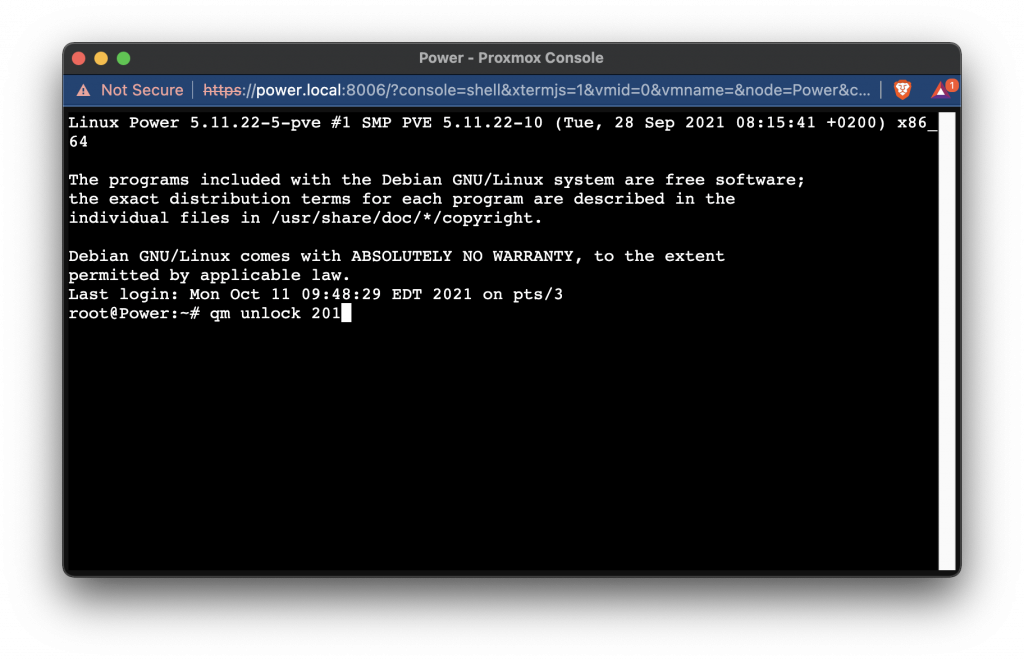
How To Unlock A VM In Proxmox 7 Virtualize Everything
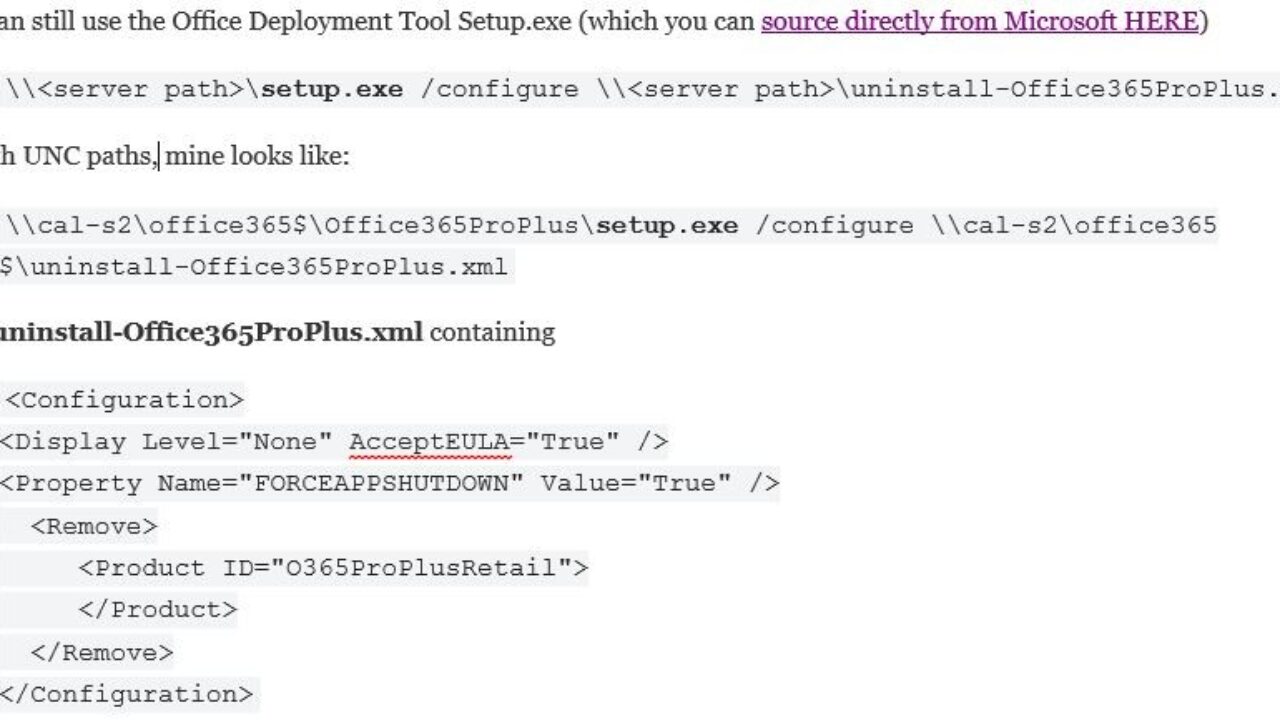
Introducir 34 Imagen Uninstall Office 365 Command Line Abzlocal mx

How To Change IP Address On Proxmox Server Decode

How To Run A VirtualBox VM From Command Line YouTube
C Autoformat Code From Command Line YouTube

Proxmox Network Interface Setup Via Command Line BENISNOUS

To turn off your PC in Windows 10 select the Start button select the Power button and then select Shut down

Shutting down your Windows 11 PC can be done in multiple ways including using the physical power button on your device or through software guided shutdown options

Select Change settings that are currently unavailable In the Shutdown settings section select Hibernate Select Save changes Now you ll be able to hibernate your PC in a few different

Jun 1 2025 nbsp 0183 32 Press the Windows key on the keyboard or click Start From the Start menu click Shut Down Shut down in MS DOS and the Windows command line Press the Windows key
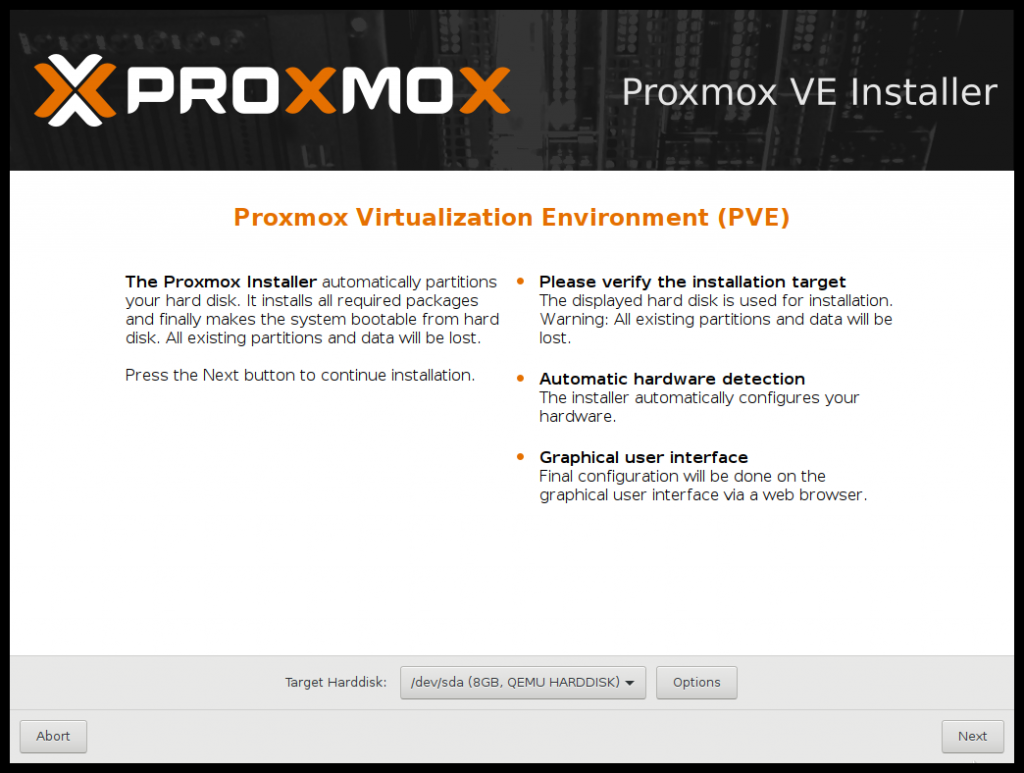
Sep 20 2021 nbsp 0183 32 How to shut down a Windows 11 laptop or PC with the keyboard or a shortcut key How to use the shutdown command
[desc-11] [desc-12]
[desc-13]