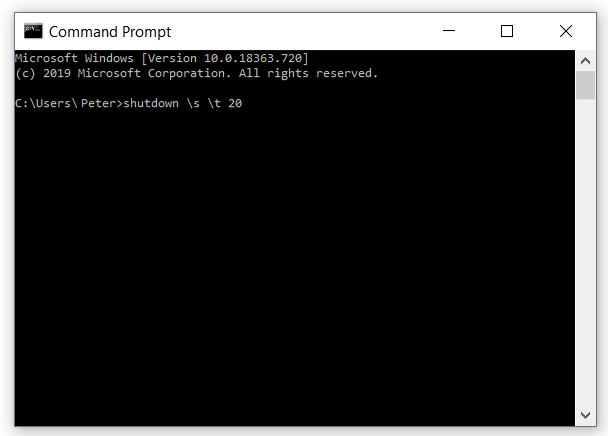
Shutdown Time Command Windows 10 Shutdown Timer Windows 10 Cmd Radsapje Slik Sl r Du Av Din Windows 10 PC Ved Hjelp Av Ledetekst Kultur Horisont How To Shutdown Windows 10 With CMD Timer Shutdown Command Prompt Tutorial 2022 YouTube Shutdown Commands How To Shut Down Windows Via CMD IONOS How To Use Shutdown Command Tool On Windows 10 Windows Central Jun 15 2023 nbsp 0183 32 I created 4 desktop shortcuts for Shutdown Sleep Restart and Slide to Shutdown then dragged them to my taskbar so each one works with one click of the mouse
Mar 12 2022 nbsp 0183 32 A shutdown will close all apps sign out all users and completely turn off the PC Hybrid shutdown performs a shutdown of the computer and prepares it for fast startup Starting Jun 1 2025 nbsp 0183 32 Press the Windows key on the keyboard or click Start From the Start menu click Shut Down Shut down in MS DOS and the Windows command line Press the Windows key
How To Use Shutdown Command Tool On Windows 10 Windows Central 4 Ways To Set Auto Shutdown In Windows 10 Free Shutdown Timer Windows 10 Easylockq How To Schedule Shutdown On Windows 10 Sync Time In Windows With NTP Server Using Command Line Interface Shutdown Timer Command Windows 10 Garryfar Shutdown Timer Command Windows 10 Garryfar Free Shutdown Timer Windows 10 Easylockq Shutdown Restart Windows Using Command Prompt And PowerShell Windows OS Hub
Shutdown Time Command Windows 10
 Shutdown Time Command Windows 10
https://techwiser.com/wp-content/uploads/2021/07/How-to-Shutdown-Restart-Schedule-Windows-10-with-CMD.jpg
In this tutorial I will share with you the three built in keyboard shortcuts to shutdown Windows If the default shortcuts are not to your liking I will also show a method that helps you create your
Templates are pre-designed documents or files that can be used for different purposes. They can conserve time and effort by providing a ready-made format and layout for creating different sort of content. Templates can be used for personal or professional tasks, such as resumes, invites, flyers, newsletters, reports, discussions, and more.
Shutdown Time Command Windows 10

How To Schedule Shutdown On Windows 10
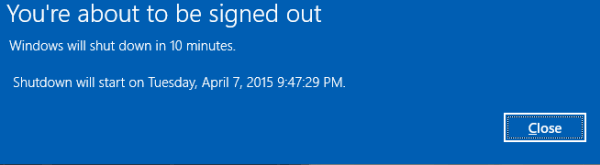
4 Ways To Set Auto Shutdown In Windows 10
Free Shutdown Timer Windows 10 Easylockq

How To Schedule Shutdown On Windows 10
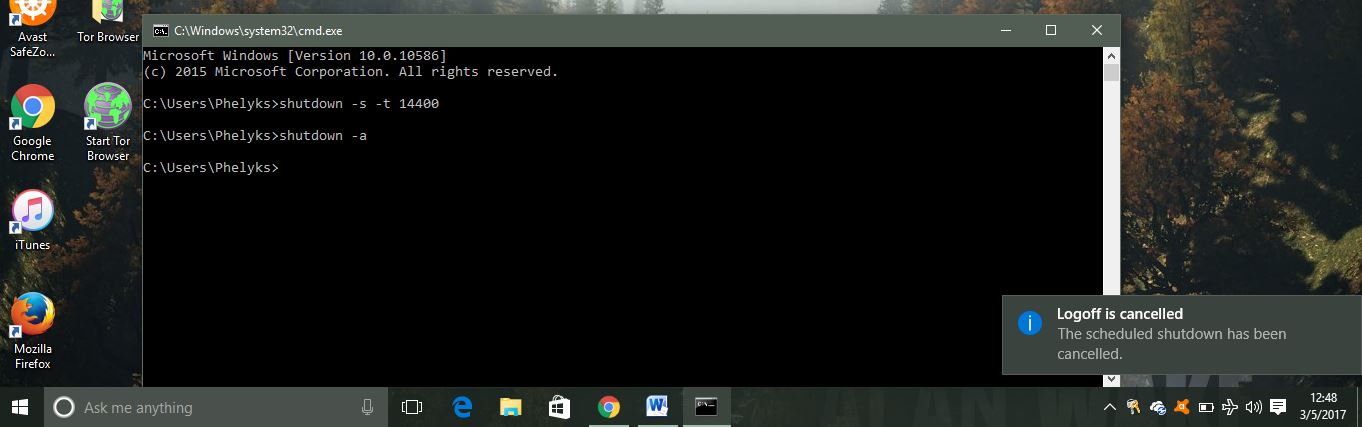
Shutdown Timer Command Windows 10 Garryfar
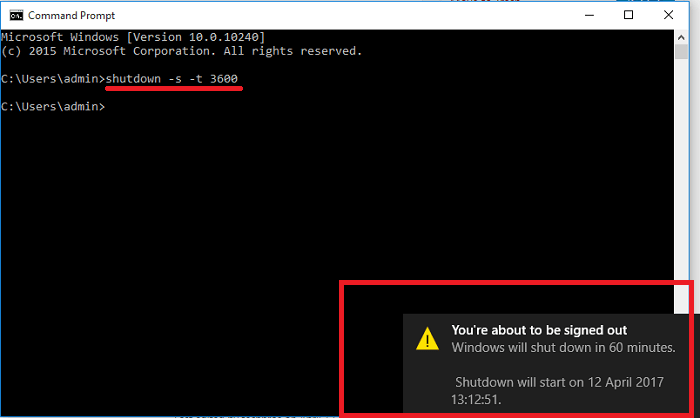
Shutdown Timer Command Windows 10 Garryfar

Shut down turn off your PCTo turn off your PC in Windows 11 select the Start button select the Power button and then select Shut down

Shutting down your Windows 11 PC can be done in multiple ways including using the physical power button on your device or through software guided shutdown options

Dec 16 2022 nbsp 0183 32 Shutdown Windows come usare il comando per spegnere riavviare il sistema anche in modalit 224 remota ed effettuare operazioni avanzate
Oct 3 2023 nbsp 0183 32 Learn how to shut down Windows 11 using the taskbar keyboard shortcuts Ctrl Alt Delete the Power button the Power User Menu the Shutdown command a desktop

Sep 20 2021 nbsp 0183 32 How to shut down a Windows 11 laptop or PC with the keyboard or a shortcut key How to use the shutdown command
[desc-11] [desc-12]
[desc-13]