Shutdown Pc Using Command Prompt Comment teindre Un Ordinateur L aide De L invite De Commande How To Shut Down Your Windows Computer From The Command Line Tutorial Shutdown PC Using Command Prompt CMD YouTube HOW TO SHUTDOWN COMPUTER USING COMMAND PROMPT REMOTELY YouTube How To Reset PC Using Command Prompt Windows 10 2020 YouTube WEB May 15 2018 nbsp 0183 32 Type shutdown s into Command Prompt This command will shut down your computer within a minute of the command being issued If you want to shut down your computer immediately instead type shutdown s t 00 into Command Prompt
WEB Sep 16 2020 nbsp 0183 32 The first step call up the command prompt for shutdown commands If one would like to use cmd exe for entering Windows shutdown commands two methods are available depending on your preferences for operating the computer Call up via mouse click and entry of cmd Call up via keyboard combination and entry of cmd WEB Open the Command Prompt or PowerShell The command you need to know is shutdown followed by a command or argument Go ahead and type in shutdown or restart now to see a list of available commands For example type in shutdown r to restart your computer or shutdown s to shut down your computer
How To Reset PC Using Command Prompt Windows 10 2020 YouTube How To Shutdown Ubuntu From Terminal Linux Shutdown Command Example How To Shutdown Windows 11 Computer Using Command Prompt Shutdown Cmd To Shutdown Windows 7 8 10 Shutdown Windows Using Command Prompt Shutdown Restart Computer Using Command Prompt How To Shutdown Remote Computer Using Cmd Shutdown Or Restart Windows How To Shutdown Windows 10 With Command Prompt Timer YouTube HOW TO SHUTDOWN PC USING CMD COMMAND PROMPT YouTube Shutdown A Computer Using Run Command How To Shutdown Computer Using
Shutdown Pc Using Command Prompt
 Shutdown Pc Using Command Prompt
https://media.geeksforgeeks.org/wp-content/uploads/20200906193431/shutdownt.png
WEB Syntax SHUTDOWN shutdown option s m Computer other options shutdown options i Display the GUI must be the first option l Log off This cannot be used with m or d option s Shutdown sg Shutdown and on the next boot restart any registered applications r Restart
Templates are pre-designed files or files that can be utilized for different functions. They can conserve time and effort by offering a ready-made format and design for creating different kinds of material. Templates can be used for individual or professional projects, such as resumes, invitations, leaflets, newsletters, reports, presentations, and more.
Shutdown Pc Using Command Prompt

How To Shutdown Someone Else s Computer Using CMD command Prompt
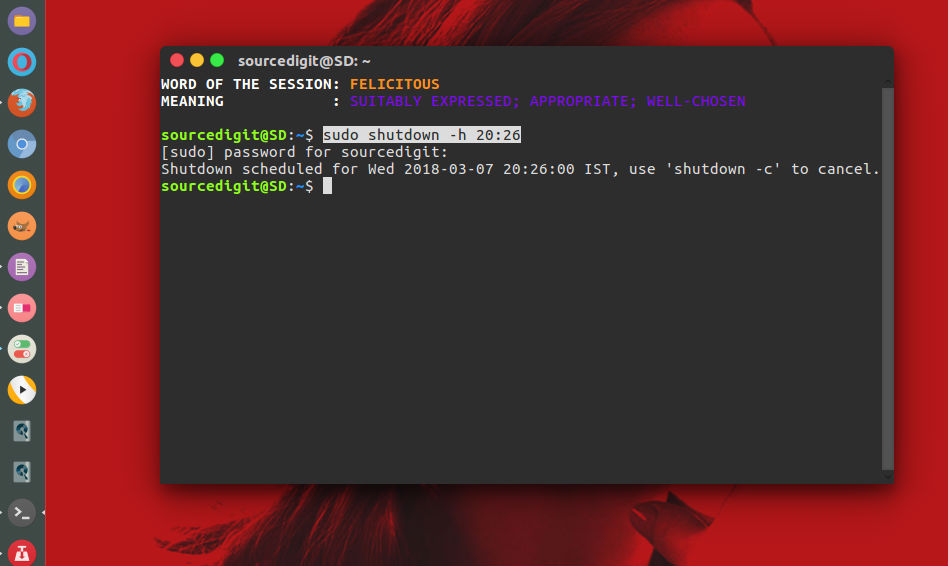
How To Shutdown Ubuntu From Terminal Linux Shutdown Command Example

How To Shutdown Windows 11 Computer Using Command Prompt Shutdown

Cmd To Shutdown Windows 7 8 10 Shutdown Windows Using Command Prompt

How To Shutdown Remote Computer Using Cmd Shutdown Or Restart Windows
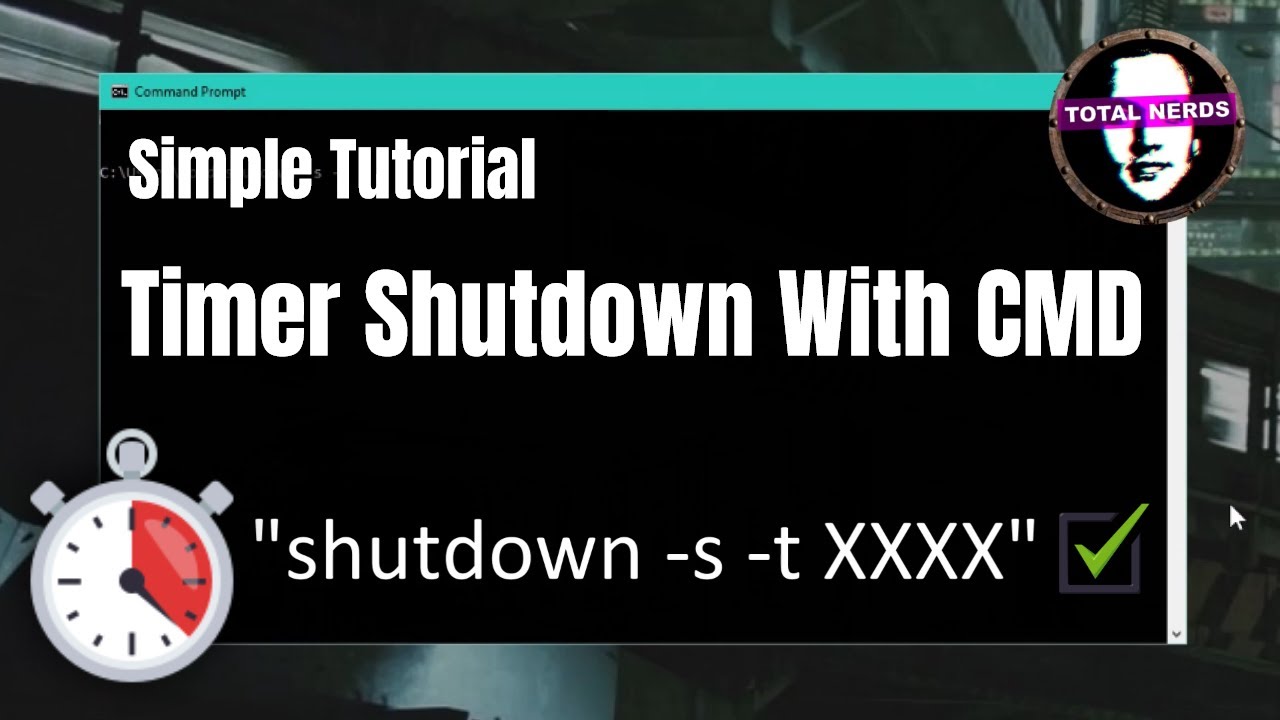
How To Shutdown Windows 10 With Command Prompt Timer YouTube
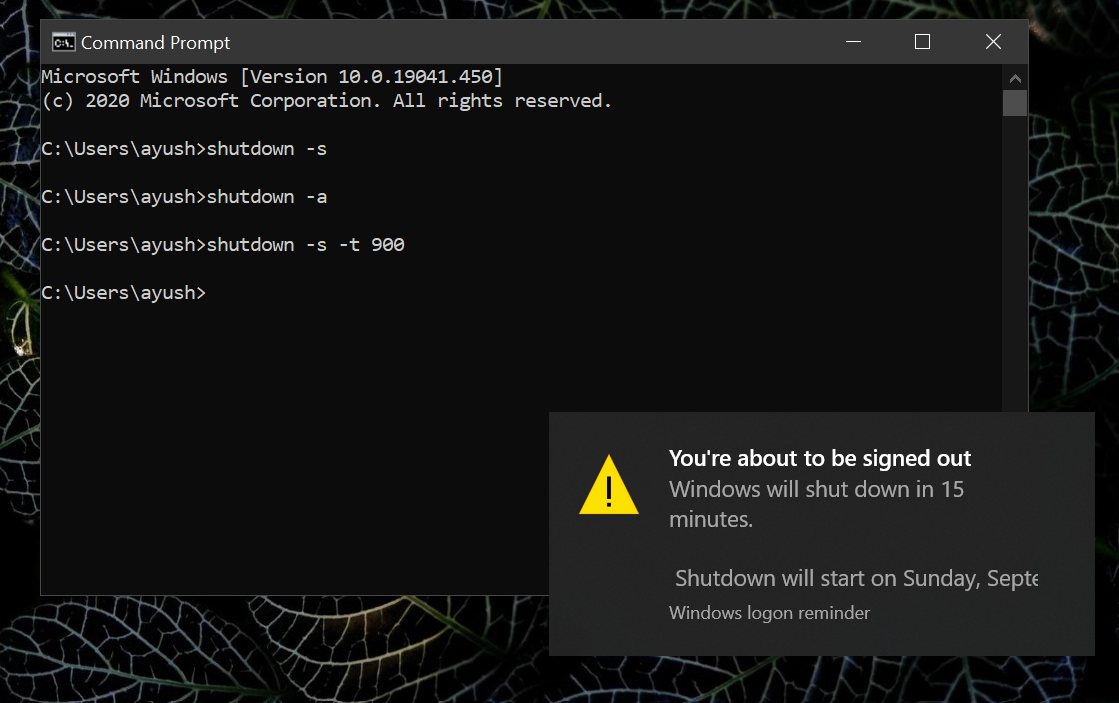
WEB Mar 15 2024 nbsp 0183 32 The Shutdown exe is a built in Windows command line tool that allows you to reboot shutdown put your computer to sleep hibernate or end a user session In this guide we ll show the basic examples of using the shutdown command in Windows

WEB Oct 1 2020 nbsp 0183 32 The remote shutdown of a computer GUI aided in network can be done with the help of the following command shutdown i or shutdown i Shutdown commands with additional parameters You can save the above code as a bat file and execute it instead of always clicking start gt power gt shutdown

WEB Dec 14 2022 nbsp 0183 32 To shut down the computer manually with Command Prompt use these steps Open Start Search for Command Prompt right click the top result and select the Run as administrator option Type the

WEB Using t 0 initiates an immediate action shutdown s t 60 Any scheduled shutdown or reboot initiated with the t option can be canceled using the a command shutdown a The h option Hibernate the computer which means it saves the current state of your computer to your hard drive and then shutdown the computer

WEB Nov 11 2021 nbsp 0183 32 Learn how you can shut down restart schedule and display a custom message on Windows 10 PC using Command Prompt even remotely
WEB Apr 2 2020 nbsp 0183 32 Here s how to do the shutdown functions via a the CLI batch file shutdown r restarts shutdown s shutsdown shutdown l logoff shutdown t xx where xx is number of seconds to wait till shutdown restart logoff shutdown i gives you a dialog box to fill in what function you want to use WEB Here is quick tutorial to shutdown your computer using command prompt cmd offers us to perform different task on our PC with only simple commands
WEB Mar 3 2022 nbsp 0183 32 Shutdown options using the Command Prompt To see all the available shutdown options in Windows type cmd in start search and hit Enter In the cmd window type shutdown and hit Enter This