Shutdown Linux From Command Line How to shut down a Linux PC that won't turn off Command to Shutdown Kali Linux from Terminal with Example - YouTube command line - Why is "shutdown p 01:00" not working? - Ask Ubuntu Shutdown Linux Using The Command Line - Linux Stans Steps to fix Linux shutdown command not found | Safe Mode Linux users can easily shut down the system from the terminal using the shutdown command which can be used in different ways already discussed in the
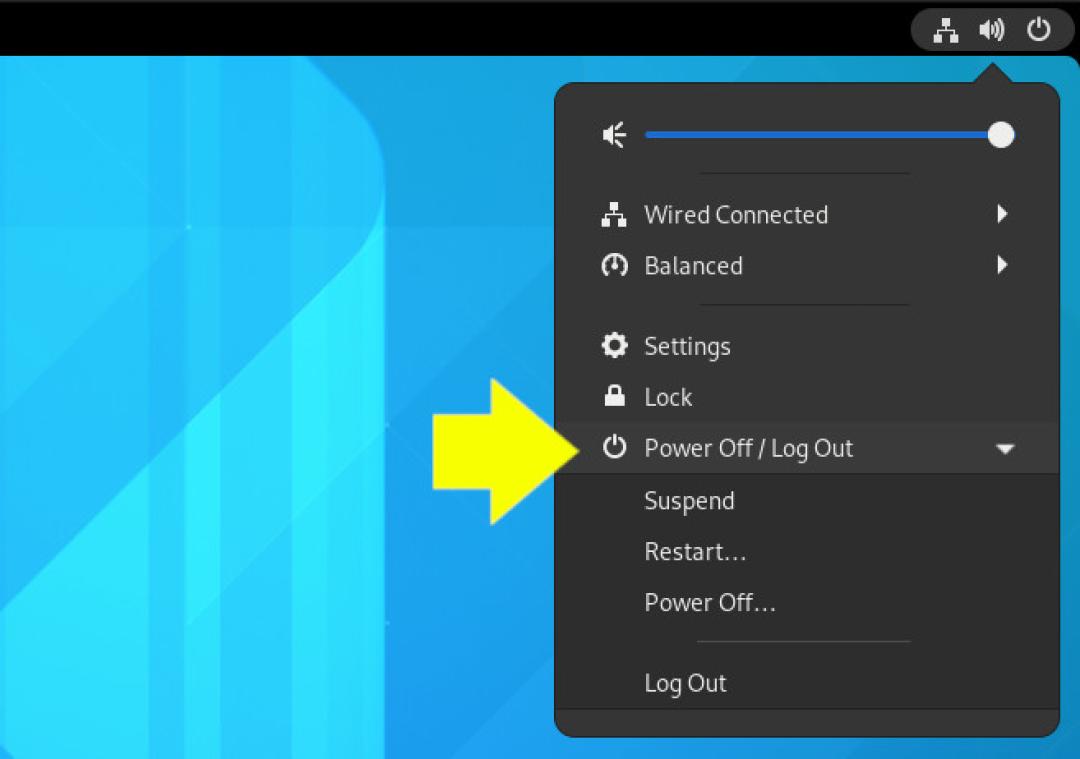
How to Shutdown Linux Using Command Line and GUI 1 Head over to the System menu in the top bar and select the Shut Down option from the To power off the machine use poweroff or shutdown h now The systemd init system provides additional commands that perform the same functions for example
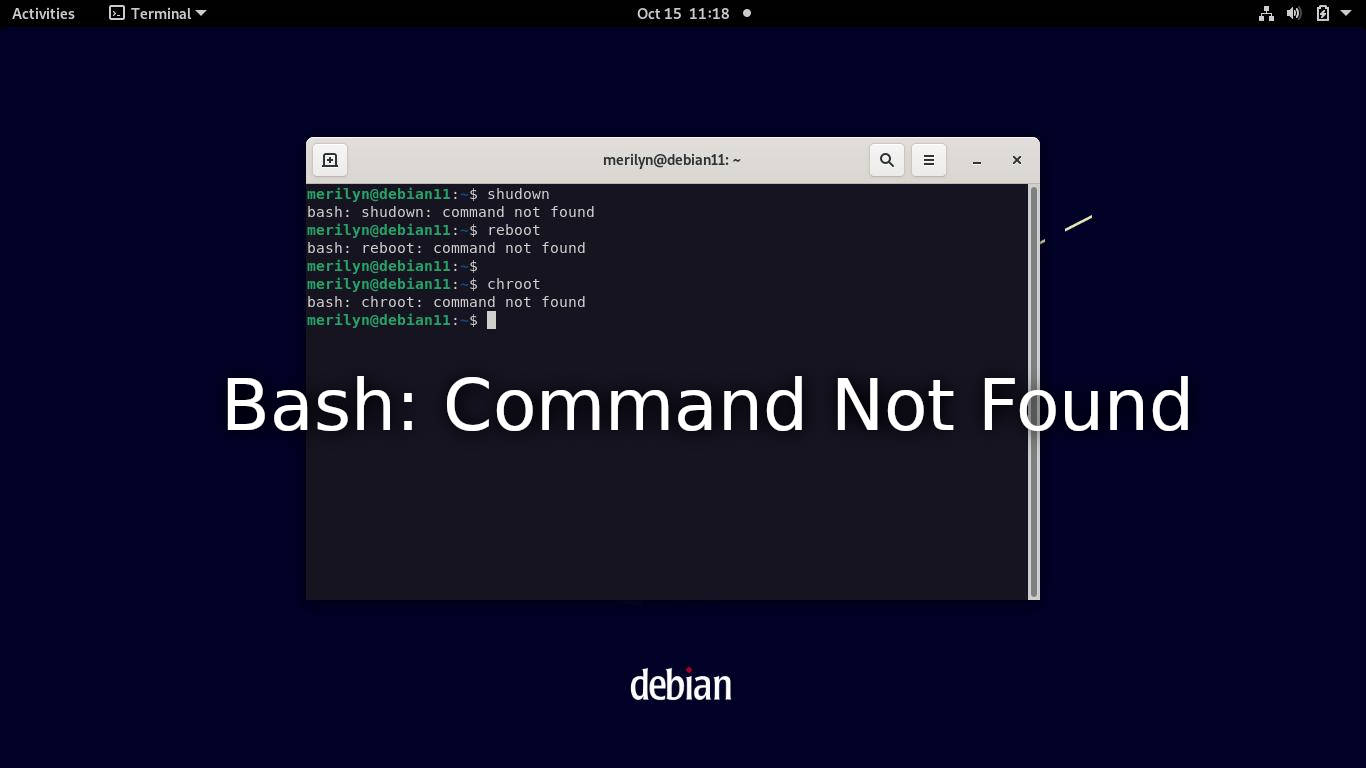
Steps to fix Linux shutdown command not found | Safe Mode linux - Best way to remove shutdown command, but keep reboot - Server Fault reset command in Linux with Examples - GeeksforGeeks 5 Ways to Shut Down Your Linux Computer From the Command Line How To Shutdown Kali Linux Using Terminal 2022 (Fast) - YouTube 16.04 - Terminal command to gracefully shutdown Ubuntu - Ask Ubuntu Shutdown CMD | Shutdown-Befehle für das Herunterfahren des PCs - IONOS Linux: Das System über die Shell herunterfahren und neu starten Install Quit on Linux | Snap Store
Shutdown Linux From Command Line
 Shutdown Linux From Command Line
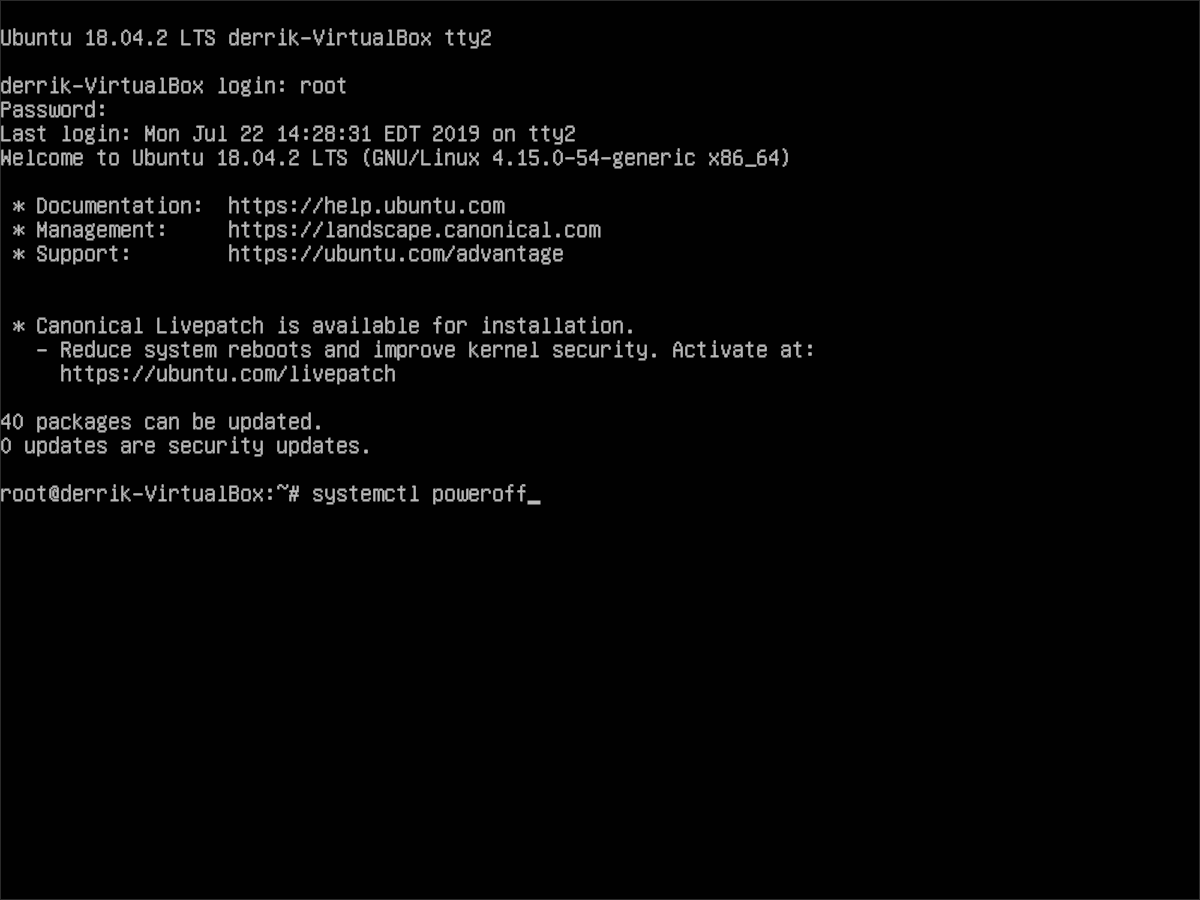
https://www.addictivetips.com/app/uploads/2019/07/systemctl-poweroff.png
To shut down the system from a terminal session sign in or su to the root account Then type sbin shutdown r now It may take several moments for all
Templates are pre-designed documents or files that can be utilized for different functions. They can save time and effort by supplying a ready-made format and layout for creating various kinds of content. Templates can be used for individual or professional tasks, such as resumes, invitations, leaflets, newsletters, reports, presentations, and more.
Shutdown Linux From Command Line
How to boot, shut down, and suspend your system from the Linux command line | Enable Sysadmin

linux - Best way to remove shutdown command, but keep reboot - Server Fault
reset command in Linux with Examples - GeeksforGeeks

5 Ways to Shut Down Your Linux Computer From the Command Line

16.04 - Terminal command to gracefully shutdown Ubuntu - Ask Ubuntu

Shutdown CMD | Shutdown-Befehle für das Herunterfahren des PCs - IONOS
The shutdown command features two options halt and poweroff The halt option stops the operating system while the poweroff option

Linux shutdown commands are entered in the Linux terminal that is launched by using the keyboard shortcut Ctrl Alt T You can then

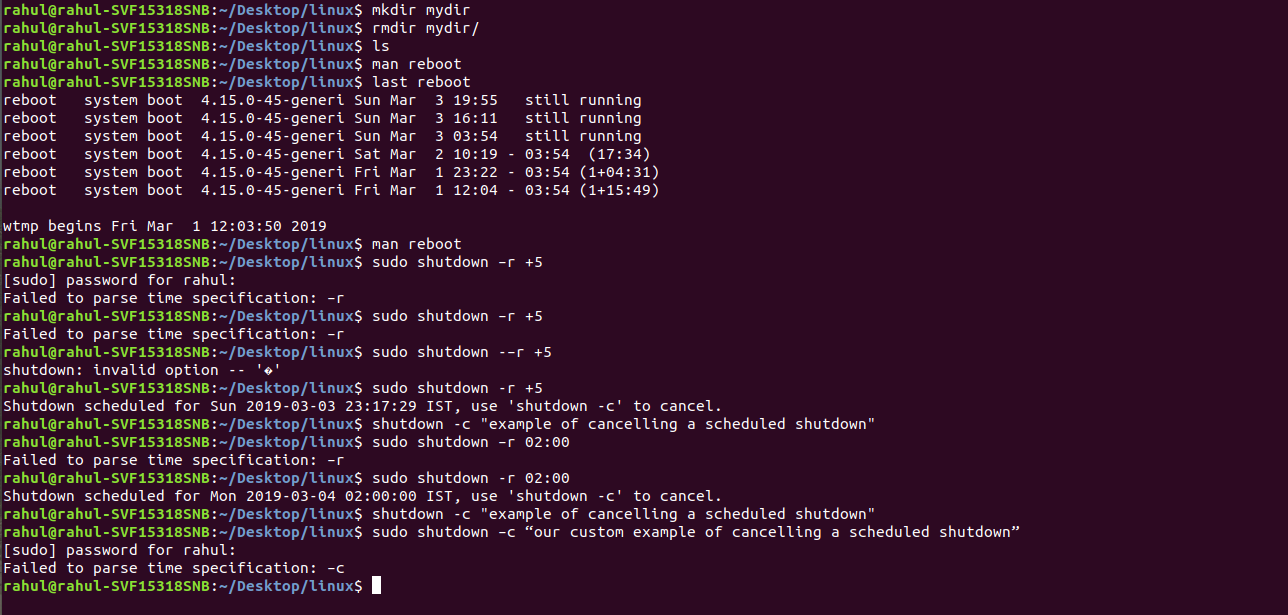
The basic syntax of the shutdown command is shutdown OPTIONS TIME MESSAGE The TIME is used to delay the shutdown command
For shutdown sudo poweroff For restart sudo reboot Appendix If your keyboard is locked up so you can t enter a command like reboot which would run
You can shut down your system immediately or at the specified time Shutdown Command Syntax Before going into how to use the shutdown command
The shutdown command is a safe way to power off or reboot your computer allowing disks to sync and processes to end This command prevents new Sudo shutdown h now This will perform a system shutdown in a proper way You can also specify a timer in seconds instead of the word now for example
If you use the command without additional arguments running sudo shutdown in a terminal window executes the shutdown in 60 seconds In the