Shutdown From Command Prompt Windows 10 Top 10 Hidden Command Prompt Tricks For Windows 10 Windows 10 Quick Tips Command Prompt Awol Daves Computer Tips Riset How To Change Directories In Command Prompt Command Prompt Windows 10 Tell Your Windows To Take Actions Digital Windows Shutdown Timer Command Corehety Oct 3 2023 nbsp 0183 32 Learn how to shut down Windows 11 using the taskbar keyboard shortcuts Ctrl Alt Delete the Power button the Power User Menu the Shutdown command a desktop
Nov 13 2024 nbsp 0183 32 Use Keyboard Shortcuts Pressing Alt F4 on the desktop will bring up the shutdown menu quickly Enable Fast Startup This feature helps your computer boot faster Jun 15 2023 nbsp 0183 32 I created 4 desktop shortcuts for Shutdown Sleep Restart and Slide to Shutdown then dragged them to my taskbar so each one works with one click of the mouse
Windows Shutdown Timer Command Corehety How To Open Command Prompt Windows 11 10 8 7 Etc How To Open Elevated Command Prompt In Windows 10 Vrogue How To Reset Windows 10 Via CMD Command Prompt 1 Tech Command Prompt What It Is And How To Use It Useful CMD Commands To Use Your Computer Efficiently Command Prompt How To Open The Command Prompt In Windows 10 Gambaran System Image Recovery From Command Prompt Windows 10 Ulsdultimate Command Prompt What It Is And How To Use It
Shutdown From Command Prompt Windows 10
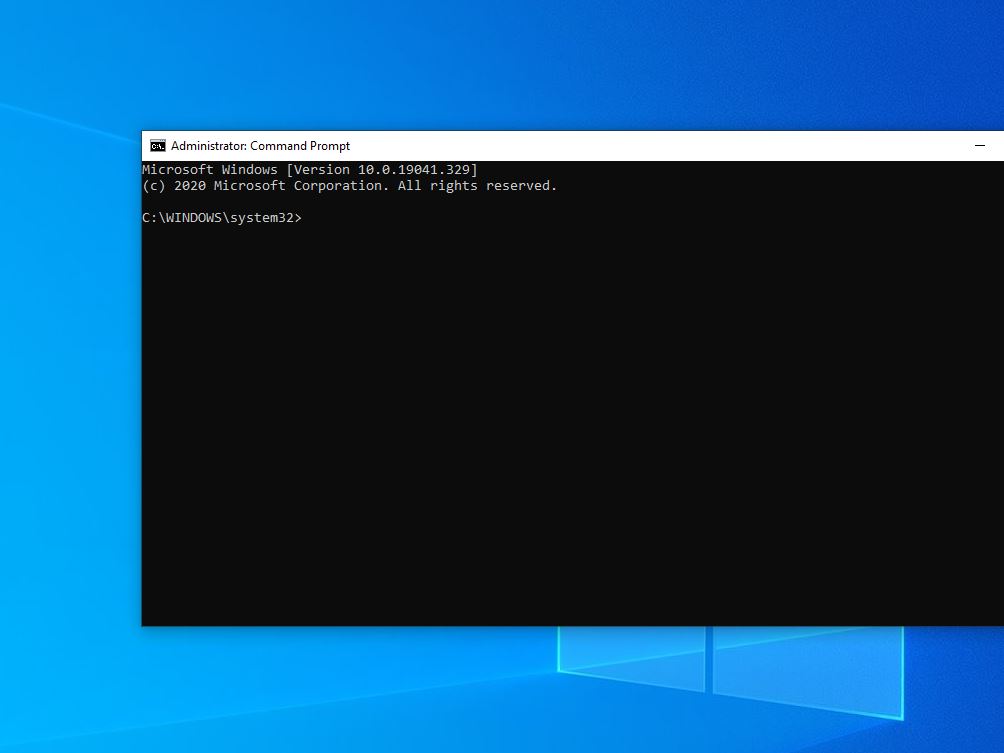 Shutdown From Command Prompt Windows 10
https://windows101tricks.com/wp-content/uploads/2020/06/Windows-10-Command-prompt.jpg
Oct 2 2021 nbsp 0183 32 Step 1 Open the Command Prompt using search Step 2 In the Command Prompt window execute the following command shutdown s shut down shutdown h hibernate
Pre-crafted templates provide a time-saving option for developing a varied variety of documents and files. These pre-designed formats and designs can be made use of for various personal and expert jobs, consisting of resumes, invites, flyers, newsletters, reports, discussions, and more, enhancing the material creation procedure.
Shutdown From Command Prompt Windows 10

4 Ways To Open The Command Prompt In Windows Wikihow Images And

How To Open Command Prompt Windows 11 10 8 7 Etc

How To Open Elevated Command Prompt In Windows 10 Vrogue
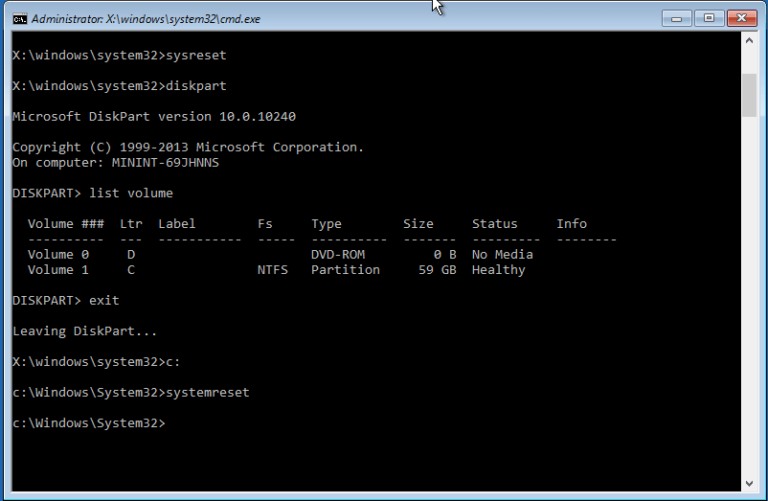
How To Reset Windows 10 Via CMD Command Prompt 1 Tech

Useful CMD Commands To Use Your Computer Efficiently Command Prompt
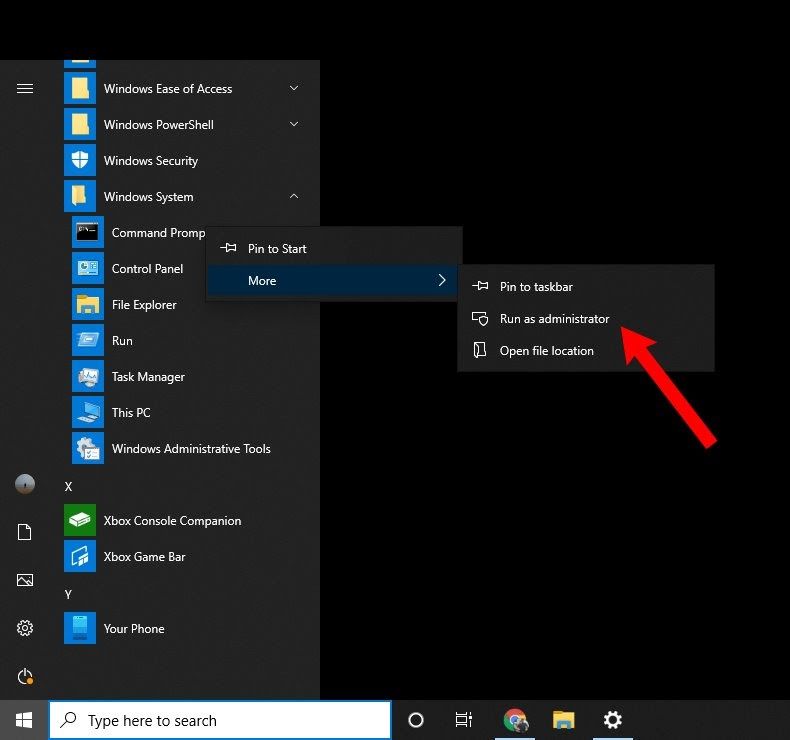
How To Open The Command Prompt In Windows 10 Gambaran

To turn off your PC in Windows 10 select the Start button select the Power button and then select Shut down

Shutting down your Windows 11 PC can be done in multiple ways including using the physical power button on your device or through software guided shutdown options

Sep 20 2021 nbsp 0183 32 How to shut down a Windows 11 laptop or PC with the keyboard or a shortcut key How to use the shutdown command

Jun 1 2025 nbsp 0183 32 Press the Windows key on the keyboard or click Start From the Start menu click Shut Down Shut down in MS DOS and the Windows command line Press the Windows key

Mar 12 2022 nbsp 0183 32 A shutdown will close all apps sign out all users and completely turn off the PC Hybrid shutdown performs a shutdown of the computer and prepares it for fast startup Starting
[desc-11] [desc-12]
[desc-13]