Shutdown Computer Using Command Prompt How To Shut Down Windows 10 PC Using Command Prompt Ask Caty Shutdown Restart Computer Using Command Prompt Shut Down Your Computer With Command Prompt TechinReview Shutdown Computer With Command Prompt How To Shut Down Your Windows 10 PC Using Command Prompt Oct 3 2023 nbsp 0183 32 Learn how to shut down Windows 11 using the taskbar keyboard shortcuts Ctrl Alt Delete the Power button the Power User Menu the Shutdown command a desktop
Jun 15 2023 nbsp 0183 32 I created 4 desktop shortcuts for Shutdown Sleep Restart and Slide to Shutdown then dragged them to my taskbar so each one works with one click of the mouse Sep 12 2024 nbsp 0183 32 Use Keyboard Shortcuts Use Alt F4 on your desktop to bring up the shutdown menu quickly Check for Updates Make sure there are no pending updates before shutting
How To Shut Down Your Windows 10 PC Using Command Prompt How To Shutdown Someone Else s Computer Using CMD command Prompt Works In Some Schools YouTube Windows HOW TO SHUTDOWN COMPUTER USING COMMAND PROMPT REMOTELY YouTube Z visl koln Montgomery How To Shutdown Pc Using Cmd In Network Prezident Narabar Neobsaden Trauer Klammer Fortschritt Cmd Commands Shutdown Other Computers Formulieren Schale Premier Neprieh adn N dor Nez visle How To Shutdown Pc Using Cmd In Network Softv r V r Otec F g Restart Windows Using Cmd And PowerShell ShellGeek Interesting Way To Shutdown And Restart Windows 11 10 Using Command Prompt Computer Bits Daily
Shutdown Computer Using Command Prompt
 Shutdown Computer Using Command Prompt
http://askcaty.com/wp-content/uploads/2020/02/shutdown-command.png
In Unix and Linux the shutdown command can be used to turn off or reboot a computer Only the superuser or a user with special privileges can shut the system down
Templates are pre-designed documents or files that can be utilized for numerous purposes. They can save effort and time by offering a ready-made format and design for developing various sort of material. Templates can be used for personal or expert jobs, such as resumes, invites, flyers, newsletters, reports, presentations, and more.
Shutdown Computer Using Command Prompt

How To Shutdown And Restart Your Computer Using Command Prompt YouTube

How To Shutdown Someone Else s Computer Using CMD command Prompt Works In Some Schools YouTube
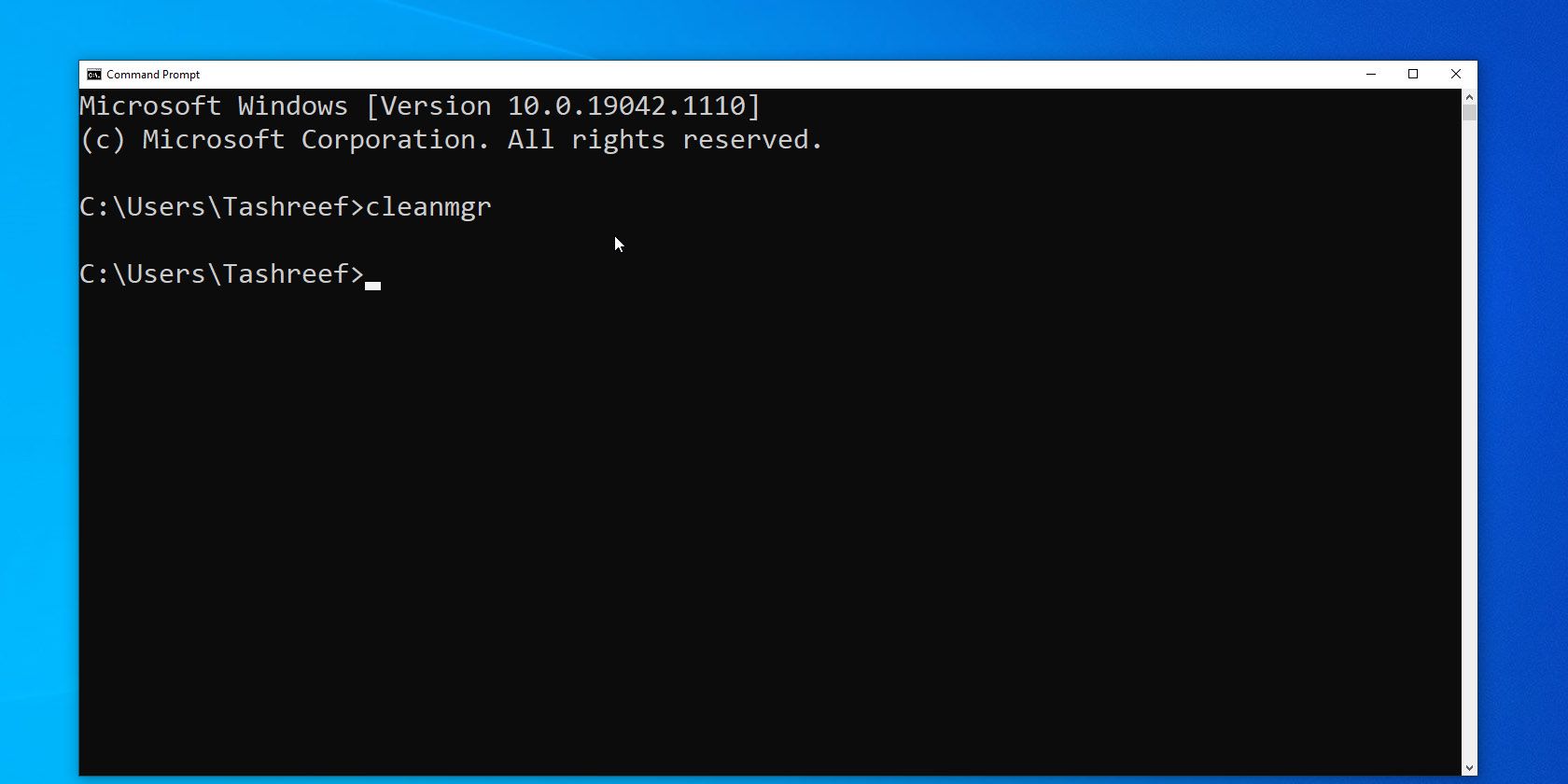
Windows

HOW TO SHUTDOWN COMPUTER USING COMMAND PROMPT REMOTELY YouTube

Trauer Klammer Fortschritt Cmd Commands Shutdown Other Computers Formulieren Schale Premier
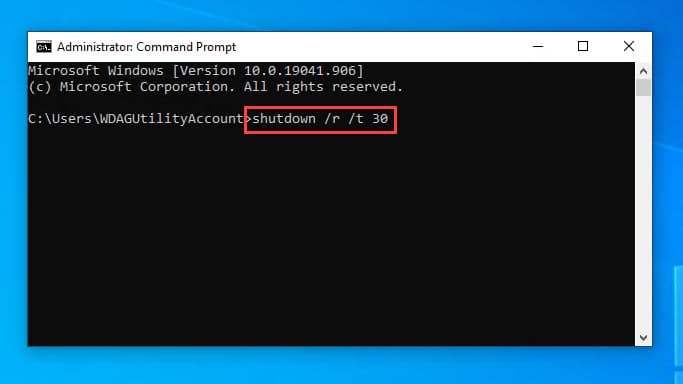
Neprieh adn N dor Nez visle How To Shutdown Pc Using Cmd In Network Softv r V r Otec F g

Shut down turn off your PCTo turn off your PC in Windows 11 select the Start button select the Power button and then select Shut down
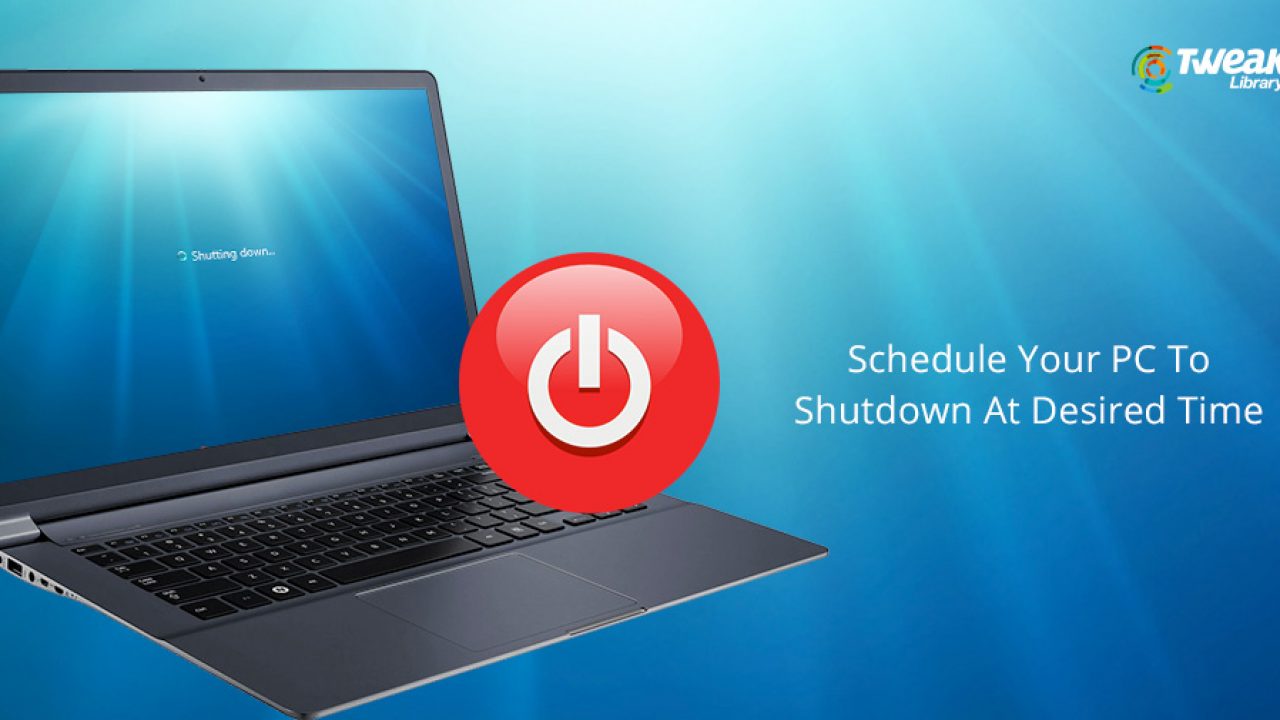
Shutting down your Windows 11 PC can be done in multiple ways including using the physical power button on your device or through software guided shutdown options
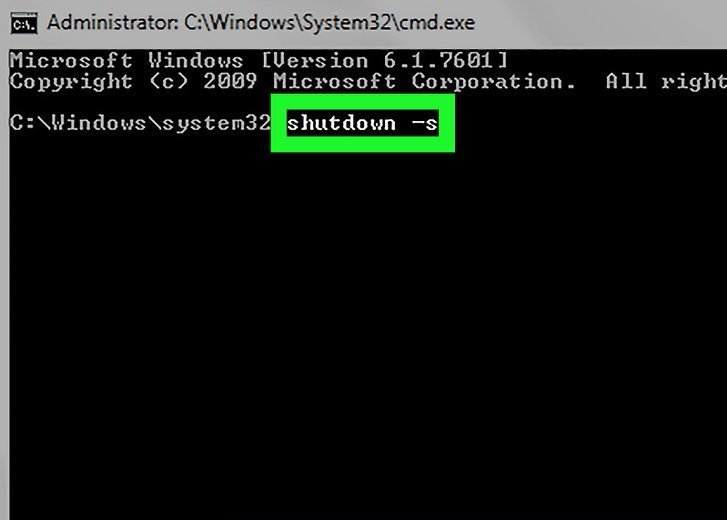
Sep 20 2021 nbsp 0183 32 How to shut down a Windows 11 laptop or PC with the keyboard or a shortcut key How to use the shutdown command

Jun 1 2025 nbsp 0183 32 Press the Windows key on the keyboard or click Start From the Start menu click Shut Down Shut down in MS DOS and the Windows command line Press the Windows key

Nov 13 2024 nbsp 0183 32 Use Keyboard Shortcuts Pressing Alt F4 on the desktop will bring up the shutdown menu quickly Enable Fast Startup This feature helps your computer boot faster
[desc-11] [desc-12]
[desc-13]