Shutdown Command In Windows Shutdown Windows 11 What Is The Shutdown Command In Windows What Is The Shutdown Command In Windows CitizenSide Shutdown Command In Windows 10 Microsoft Community How To Remotely Shut Down Windows 10 With CMD Command Line MiniTool Sep 18 2025 nbsp 0183 32 Explore how to shut down a computer on Windows 11 tailored for different situations for optimal device management and for consistency across devices
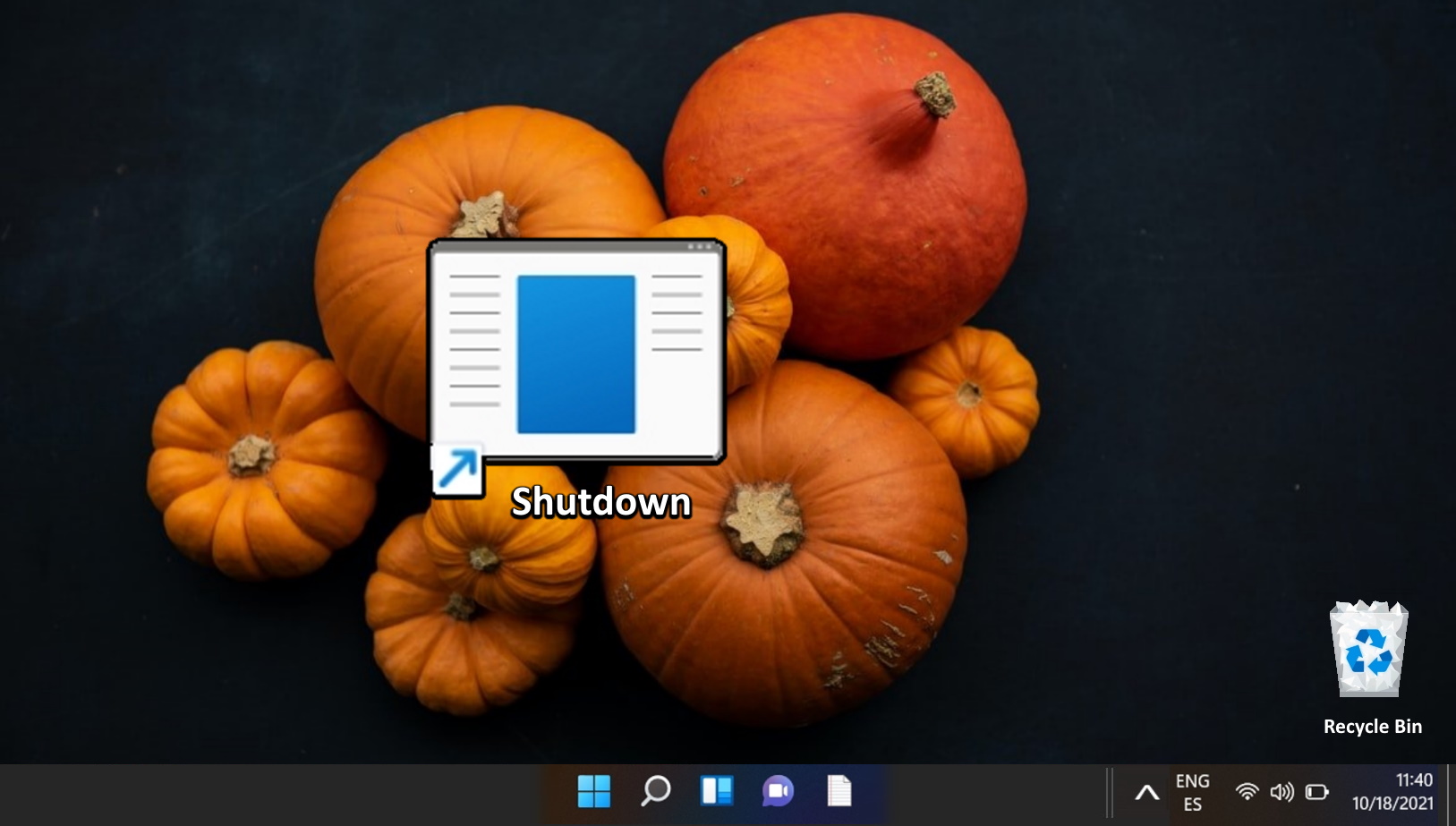
5 days ago nbsp 0183 32 Learn how to shutdown Windows 11 This guide covers every method Start menu keyboard shortcuts command line and custom shortcuts Oct 20 2023 nbsp 0183 32 Shutting down your Windows 11 PC can be done in multiple ways including using the physical power button on your device or through software guided shutdown options
How To Remotely Shut Down Windows 10 With CMD Command Line MiniTool How To Access Advanced Startup Options In Windows 10 8 Program Keystrokes Windows Perriver How To Schedule A Shutdown In Windows 10 IONOS How To Force Shutdown Windows 10 11 How To Shut Down Laptop In Windows 10 With Keyboard YouTube How To Shutdown Windows 10 With Command Prompt Timer YouTube How To Shutdown Remote Computer Using Cmd Shutdown Or Restart Windows How To Restart Shutdown Using CMD
Shutdown Command In Windows
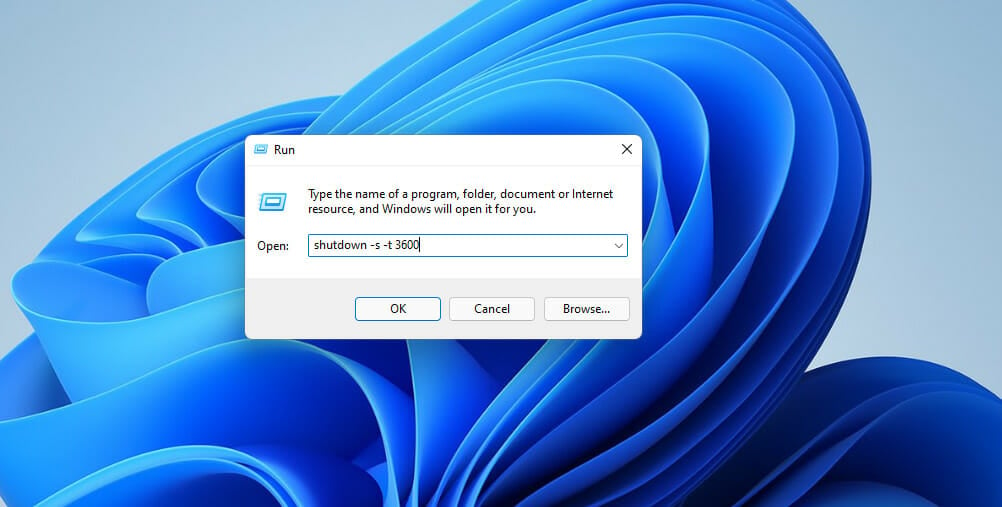 Shutdown Command In Windows
https://cdn.windowsreport.com/wp-content/uploads/2021/12/shutdown-command-in-run.jpg
Jul 23 2025 nbsp 0183 32 Whether you prefer the traditional Start menu approach a quick keyboard shortcut or a command line shutdown Windows 11 provides versatile options to turn off your device
Templates are pre-designed files or files that can be used for various purposes. They can conserve effort and time by supplying a ready-made format and layout for creating various kinds of material. Templates can be used for personal or expert jobs, such as resumes, invites, leaflets, newsletters, reports, presentations, and more.
Shutdown Command In Windows

Shutdown Command Examples Options Switches And More

How To Access Advanced Startup Options In Windows 10 8
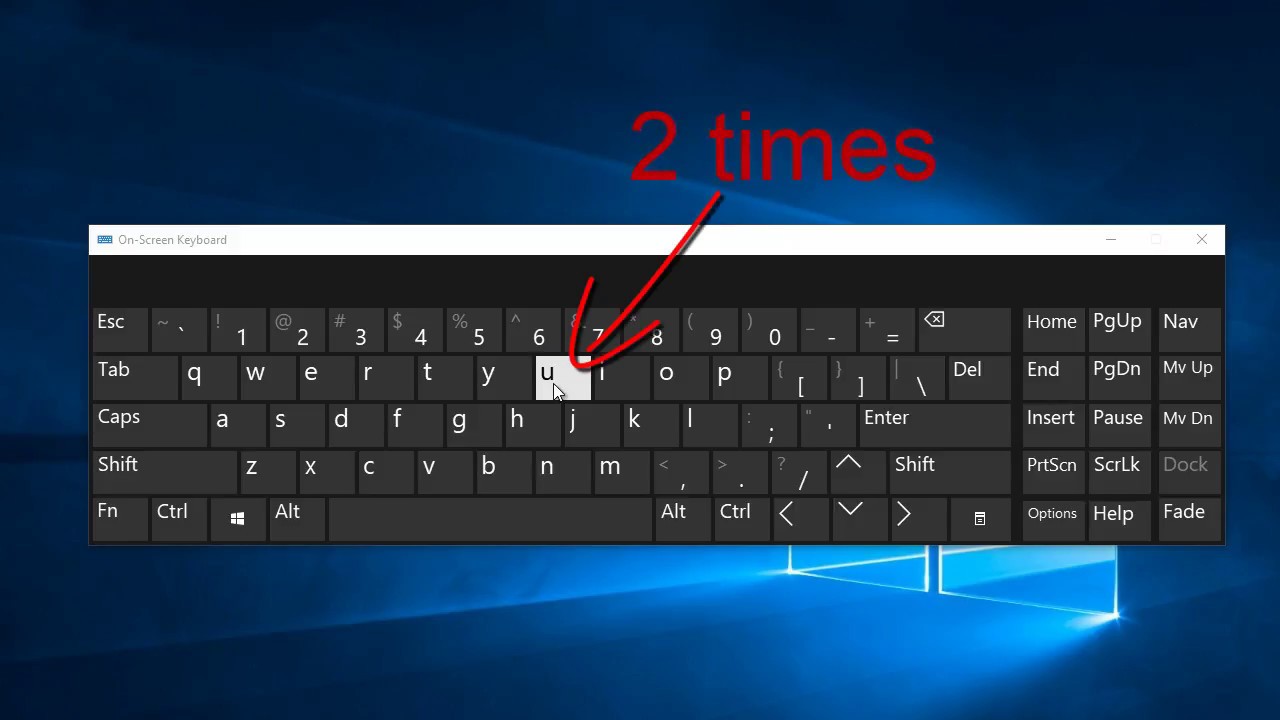
Program Keystrokes Windows Perriver
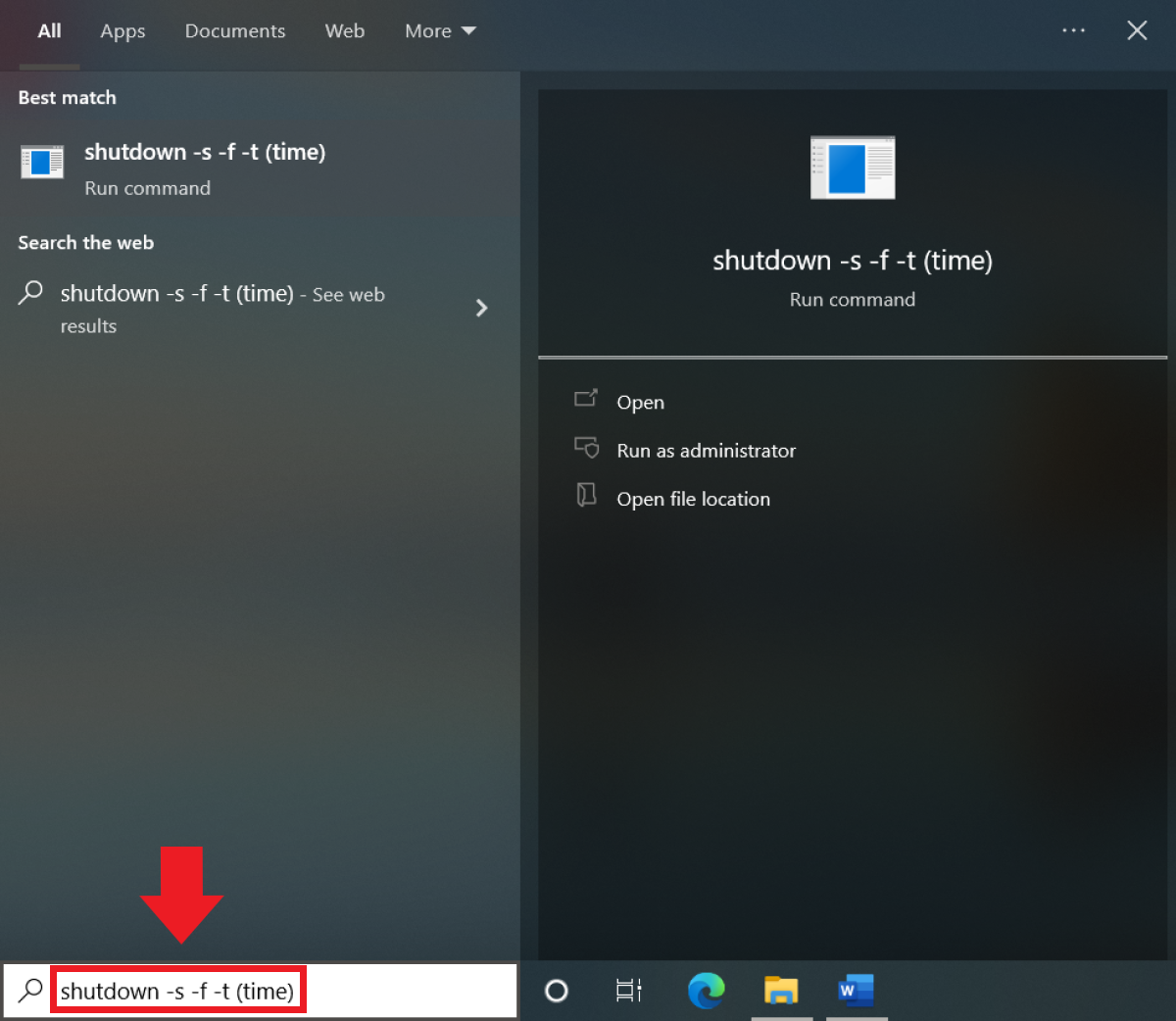
How To Schedule A Shutdown In Windows 10 IONOS

How To Shut Down Laptop In Windows 10 With Keyboard YouTube
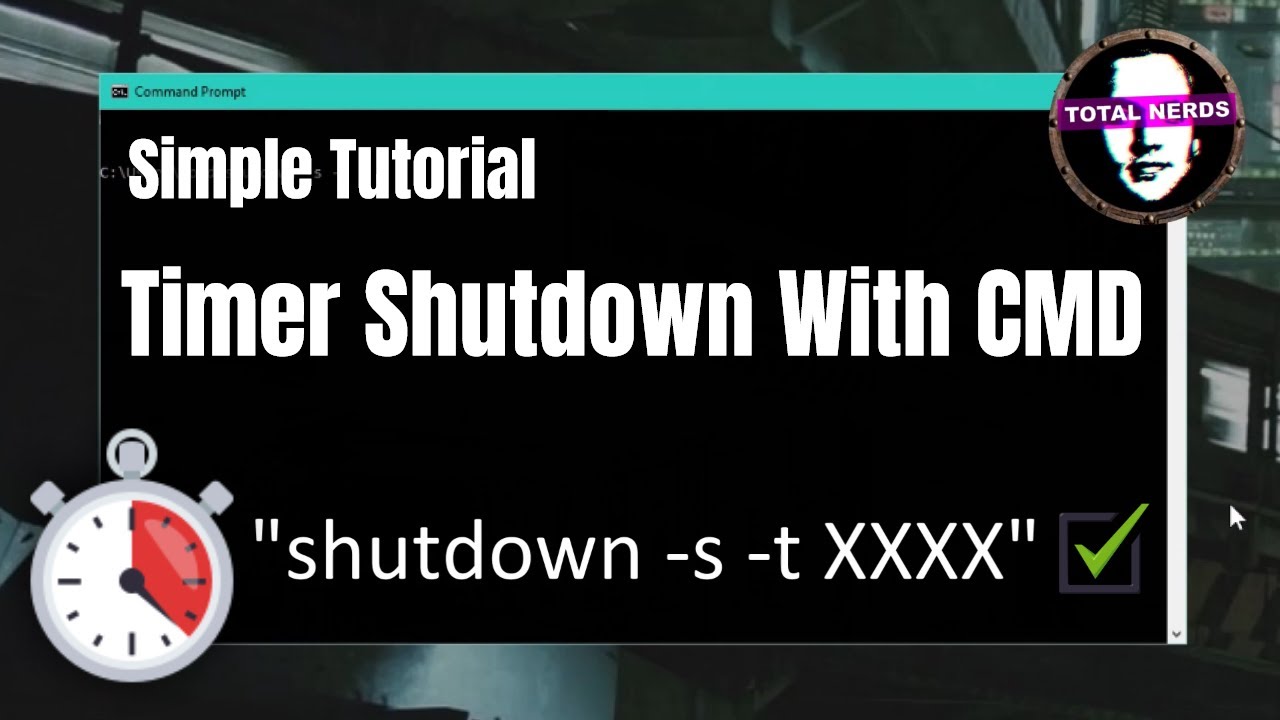
How To Shutdown Windows 10 With Command Prompt Timer YouTube

Shut down turn off your PCTo turn off your PC in Windows 11 select the Start button select the Power button and then select Shut down

2 days ago nbsp 0183 32 The federal government is still shutdown for the 16th day as the stalemate in Congress drags on Many federal employees missed their first paycheck yesterday Follow for
2 days ago nbsp 0183 32 The government shutdown is now the third longest funding lapse in modern history and the Senate won t meet until Monday

Jun 1 2025 nbsp 0183 32 Each of these cases may require a forced shutdown to turn off the computer To force a computer to shut down find the computer s power button The picture shows an
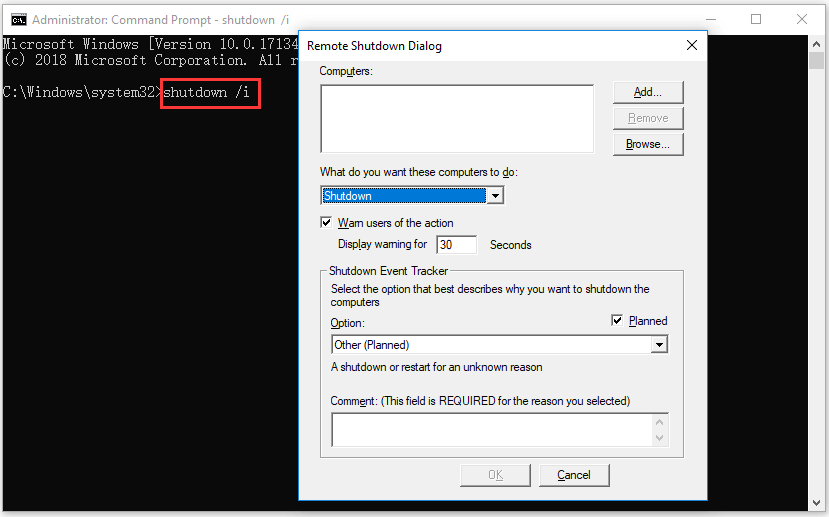
Oct 10 2025 nbsp 0183 32 There is a shutdown command in Windows 11 that you will probably like if you re using command line interfaces like Command Prompt PowerShell or Windows Terminal You
[desc-11] [desc-12]
[desc-13]