Shut Down Shortcut Command Windows 10 Shortcut Keys For Shut Down What Are The Shortcut Keys To Shut Down Keyboard Shortcut For Shutting Down Windows 10 YouTube How To Shutdown Windows 11 PC Laptop Using Keyboard Shutdown How To Shut Down Your Windows Computer From The Command Line How To Shutdown Lenovo Laptop Using Keyboards Shutdown Shortcut Key Press a Physical Power Button Click the Power Icon in the Start Menu Right Click the Start Menu Shut Down from the Ctrl Alt Delete or Login Screen Click the Desktop and Press Alt F4 Shut Down from the Command Prompt When it comes time to turn off a Windows 10 PC you might not know the best way to do it
Go to the desktop Right click on the desktop Select the New Shortcut option Type shutdown exe s t 00 in the location field Click the Next button Type Shutdown in the name field Click Finish With that you ve created the shutdown shortcut on the desktop First thing go to the desktop 1 Create a new shortcut on the desktop Right click on the desktop select New and then choose Shortcut This will open the Create Shortcut window If you re using Windows 8 open Desktop Mode by pressing the Windows key D 2 Enter the shutdown command In the field labeled Type the location of the item enter shutdown s This
How To Shutdown Lenovo Laptop Using Keyboards Shutdown Shortcut Key Create Shutdown Shortcut On Windows YouTube Large MS Keyboard Windows Shutdown Timer Command Corehety Shutdown Icon Windows 10 2042 Free Icons Library Shutdown Icon Windows 10 2061 Free Icons Library 10 Most Useful Computer Keyboard Shortcut Keys Window Mac YouTube How To Shut Down Windows 10 Pc With A Timer Beebom To Create Shutdown How To Create Shutdown Restart Hibernate And Sleep Shortcuts In
Shut Down Shortcut Command Windows 10
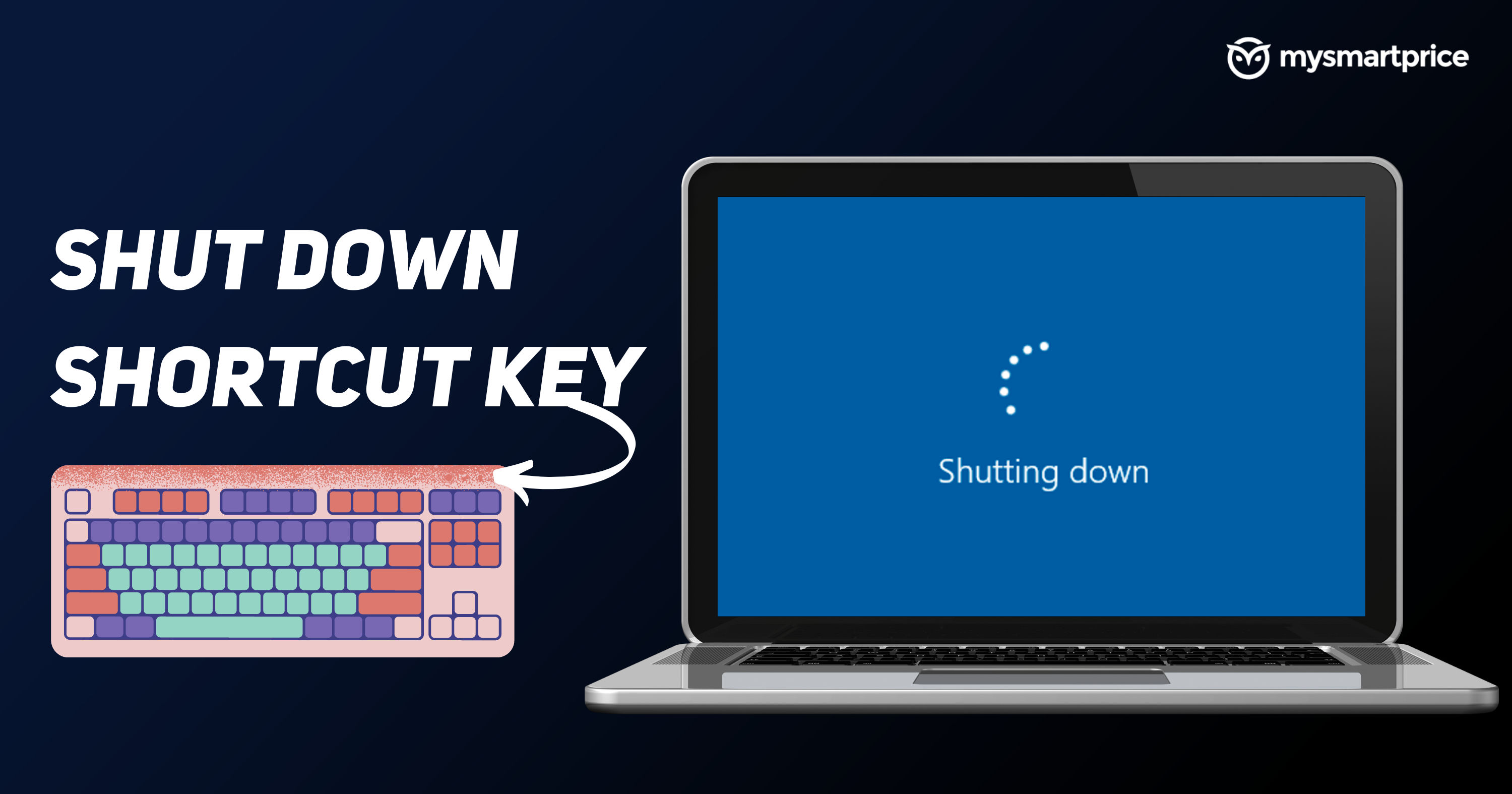 Shut Down Shortcut Command Windows 10
https://assets.mspimages.in/wp-content/uploads/2022/05/Shut-Down-Shortcut-Key.png
Step 1 Right click your desktop Click New Shortcut Step 2 You will find a dialog box Create the command shutdown s t and click Next If this command does not work for you try shutdown s t Step 3 Give the title to your shortcut and click Finish Step 4 Right click your shortcut and choose Properties
Templates are pre-designed files or files that can be used for numerous functions. They can conserve effort and time by providing a ready-made format and design for producing different sort of content. Templates can be used for personal or expert projects, such as resumes, invitations, leaflets, newsletters, reports, presentations, and more.
Shut Down Shortcut Command Windows 10

How To Shut Down Your Windows 10 PC Using Command Prompt

Create Shutdown Shortcut On Windows YouTube

Large MS Keyboard

Windows Shutdown Timer Command Corehety

Shutdown Icon Windows 10 2061 Free Icons Library
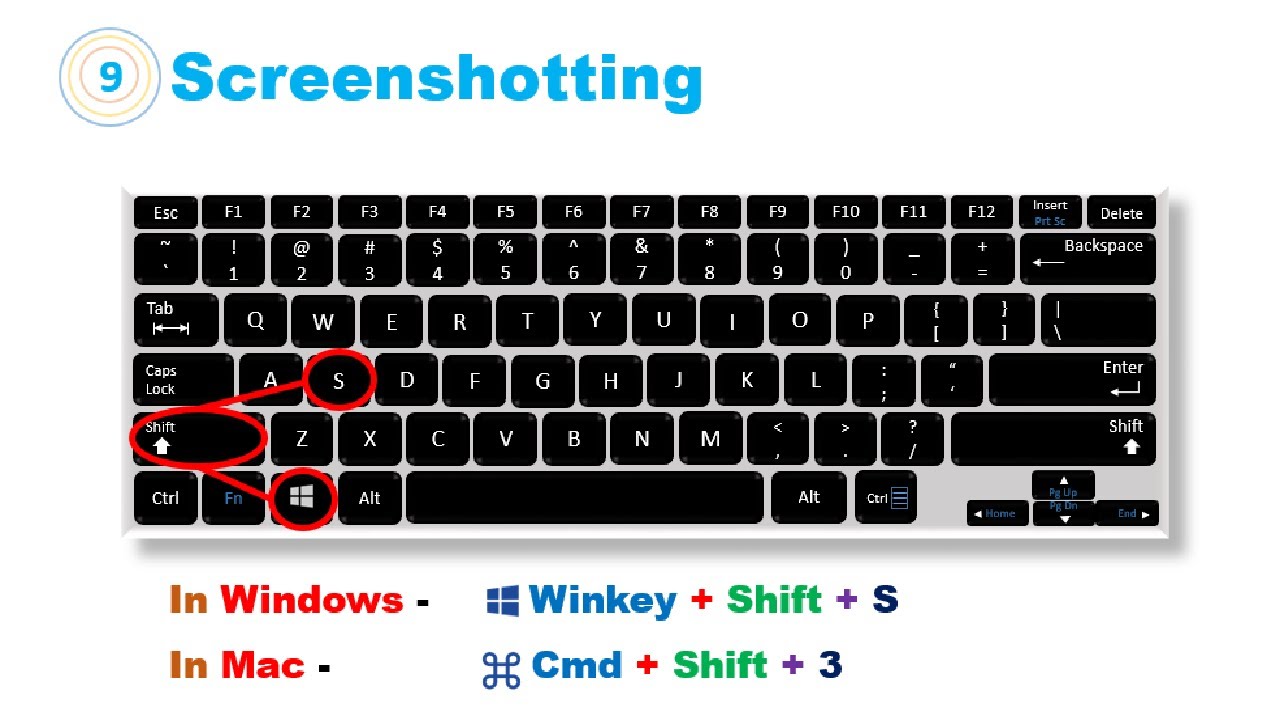
10 Most Useful Computer Keyboard Shortcut Keys Window Mac YouTube
1 Press Ctrl Alt Del This keyboard shortcut will work regardless of what programs you have open This will open a new screen with options to lock switch user sign out change a password open the Task Manager and more This method will shut down your computer or laptop without safely closing programs
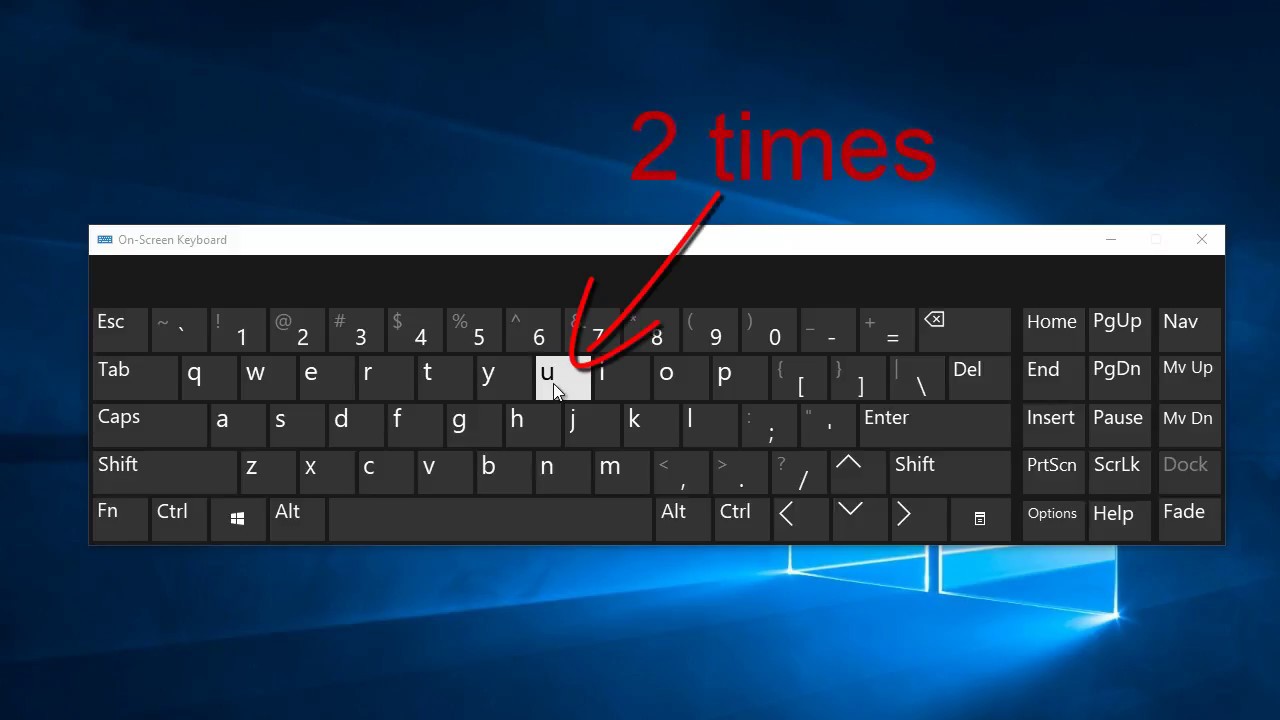
To use the Command Prompt to shut down a computer remotely use these steps Open Start Search for Command Prompt right click the top result and select the Run as administrator option Type the

Option 3 Remember to right click If you right click the Start button you ll see a lengthy pop up shortcut menu with Shut down or sign out right near the bottom Mouse over that option and

Create a Shutdown Icon To create a shutdown icon right click your Desktop hover over New and then select Shortcut The Create Shortcut menu appears In the text box under Type the location of the item type the following command and then click Next In the next window type a name for your new shortcut if you want

The Alt F4 Sleep Mode Shortcut As you might know pressing Alt F4 closes the current app window just like clicking the X in the top right corner of a program However if you don t have a window currently selected you can use Alt F4 as a shortcut for sleep in Windows 10 or any Windows version To make sure you don t have any apps in
Shutdown s f t 0 This command forces all the open software on your PC to close down and fully shutdown your Windows 10 PC 5 Remotely Shutdown a Windows 10 Computer shutdown m computername r f Replace computername in the above command and it will remotely shut down the chosen computer For example if you want to check the IP address on your Windows system you can use a series of mouse clicks and windows to navigate Right click Start Network Connections Ethernet Select the network connection To display the IP address at the CLI open a terminal from the taskbar and type ipconfig
A shutdown shortcut on the desktop is quickly produced enter shutdown s t 20 without quotation marks click on Next assign a meaningful name end the process with Finish A click on the shortcut then shuts down the PC with a 20 second delay