Show Path In Cmd HOW TO ADD PROGRAM TO PATH IN CMD YouTube How To Find CMD cmd exe Path Location On Windows YouTube Show The Current Path In The Finder Command Prompt Deriving UNC Network Path Blog How To Change Directory Path In Cmd Command Prompt On Windows 10 Windows 10 Windows 11 Path syntax Windows 10 and Windows 11 syntax Windows 8 and earlier syntax Windows 10 and Windows 11 syntax Displays or sets a search path for executable files
NOTE The information shared in this tutorial applies to Windows 11 Windows 10 and even older Microsoft operating systems such as Windows 7 1 How to 14 Answers Sorted by 638 According to the Stack Overflow answer at Is there an equivalent of which on windows where exe does this on Windows 7 and Windows Server 2003
How To Change Directory Path In Cmd Command Prompt On Windows 10 Set Path In Cmd In Windows Cmd Windows 10 How To Open Specific Folder Path In Cmd On Windows 11 10 Technoresult Hr Business Partner Career Path Raisa Blog How To Show Path In Windows Explorer Windows Explorer Replacements How Do I Change The Default Path In CMD YouTube Delete A Folder Using Cmd Cheapest Order Save 56 Jlcatj gob mx How To Restart Shutdown Using CMD
Show Path In Cmd
 Show Path In Cmd
https://i.ytimg.com/vi/lw7G4llLZMI/maxresdefault.jpg
Path environment variables Share Improve this question Follow edited Jun 27 2020 at 16 45 Peter Mortensen 30 8k 22 106 131 asked Mar 3 2012 at 12 58 Netorica
Templates are pre-designed documents or files that can be used for numerous functions. They can save effort and time by offering a ready-made format and layout for creating various kinds of material. Templates can be used for individual or professional jobs, such as resumes, invites, leaflets, newsletters, reports, presentations, and more.
Show Path In Cmd
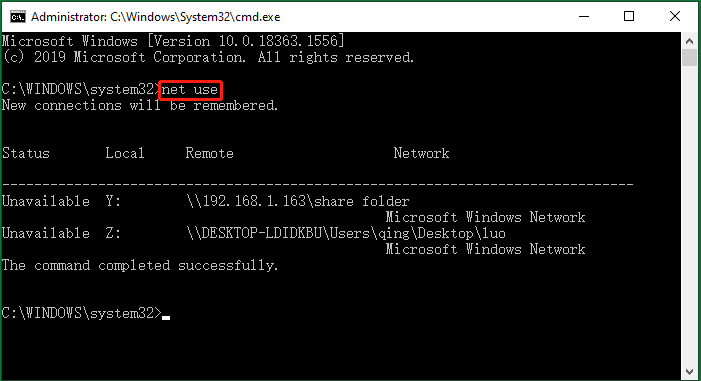
Review What Is UNC Path And How To Use It MiniTool

Set Path In Cmd In Windows
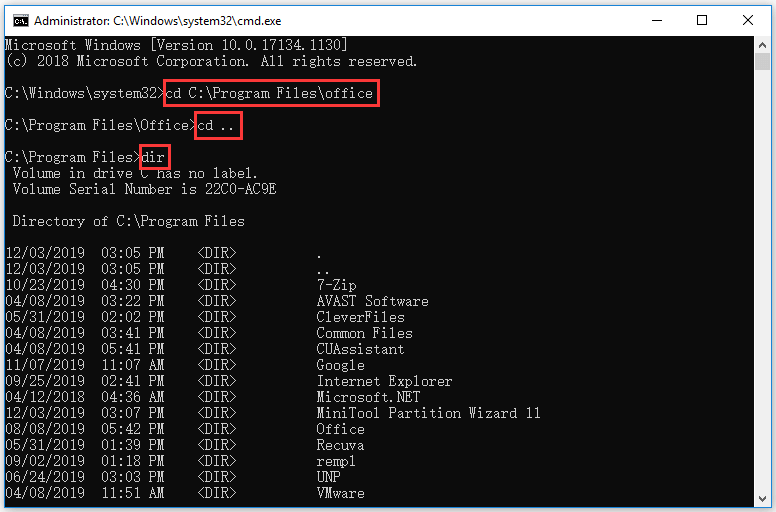
Cmd Windows 10
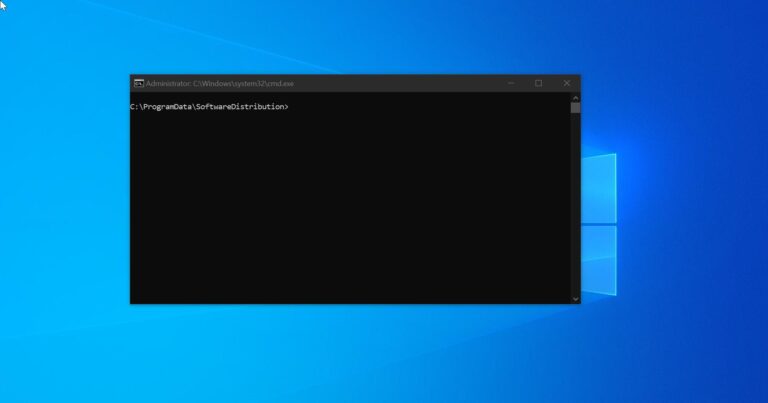
How To Open Specific Folder Path In Cmd On Windows 11 10 Technoresult
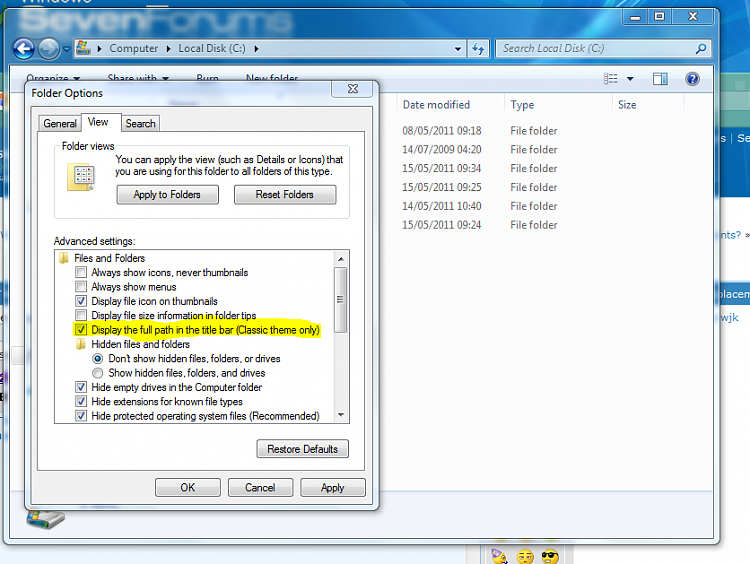
How To Show Path In Windows Explorer Windows Explorer Replacements

How Do I Change The Default Path In CMD YouTube

To display all variables starting with h type set h Press enter after typing to get computer response duh Above commands are for cmd not powershell In

To get just the system paths without Path at the beginning use this Set WshShell CreateObject WScript Shell Set wshsysEnv WshShell Environment
Command Line Syntax Key Feedback Submit and view feedback for This page View all page feedback Reference article for setting the command path in the

PowerShell handles environment variables differently to cmd To display their values in PowerShell use the following syntax Env variablename Example echo Path

Display or set a search path for executable files at the command line Syntax PATH path path path path PATH PATH PATH Key path A directory path to be
The PATH tells Windows where it should look for executables making them accessible via command line interfaces or scripts To add a new folder to PATH Open administrator command prompt Run the below command pathman as directoryPath Remove path from system path environment variable Run the below
1 Open the command prompt as administrator then enter the command set 2 Scroll through the list of paths then find the variable you want to edit The variable