Show Folder Size Command Line 4 Ways To Show Folder Size In Windows Tech News Today How To See Folder Size In Windows 10 Cmd Printable Templates CMD Ping Test How To Ping From Command Prompt Windows 10 11 How To Delete File And Folder In Command Line Techulk Ls How Do I Get The Size Of A Directory On The Command Line Unix Web Mar 9 2023 nbsp 0183 32 View folder size using Command Prompt Alternatively you can also use the CD cmdlet to change the directory to the folder you want to know the size of and then
Web Jul 19 2023 nbsp 0183 32 du options directories and or files To get the total size of a directory use the s option for a summary and the h option for human readable format du sh Web Aug 16 2022 nbsp 0183 32 You can even use the command lines to see the file sizes on windows These commands can also show detailed information about the files To use Command
Ls How Do I Get The Size Of A Directory On The Command Line Unix Solved How Can I Check The Size Of Each Single Folder Or Dropbox How To Show Folder Size In Windows 10 File Explorer Folder Size How How To Download A File From The Command Line Www vrogue co How To Get A List Of Files In A Folder Into Excel Riset One Cool Tip Com How To Change The Default File Explorer Folder View How To Find The Size Of The Folder In Linux YouTube Folder Size Analyzer Jasnfc How To Show Folder Size In Windows 10 WindowsHelper
Show Folder Size Command Line
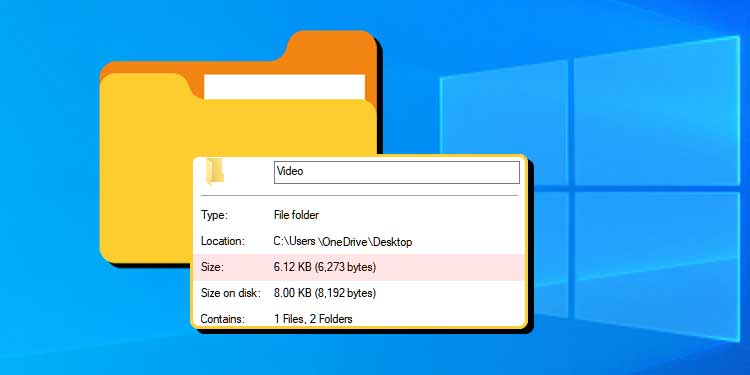 Show Folder Size Command Line
https://www.technewstoday.com/wp-content/uploads/2022/08/Show-Folder-Size-1.jpg
Web Mar 9 2017 nbsp 0183 32 Getting the Size of a Directory via Command Line From the Terminal command line issue the following syntax to see the size of a directory du sh
Templates are pre-designed documents or files that can be utilized for different purposes. They can conserve effort and time by supplying a ready-made format and layout for creating various sort of material. Templates can be utilized for individual or professional tasks, such as resumes, invitations, leaflets, newsletters, reports, discussions, and more.
Show Folder Size Command Line

Get Folder Size Powershell Shop Cheapest Save 44 Jlcatj gob mx

Solved How Can I Check The Size Of Each Single Folder Or Dropbox

How To Show Folder Size In Windows 10 File Explorer Folder Size How
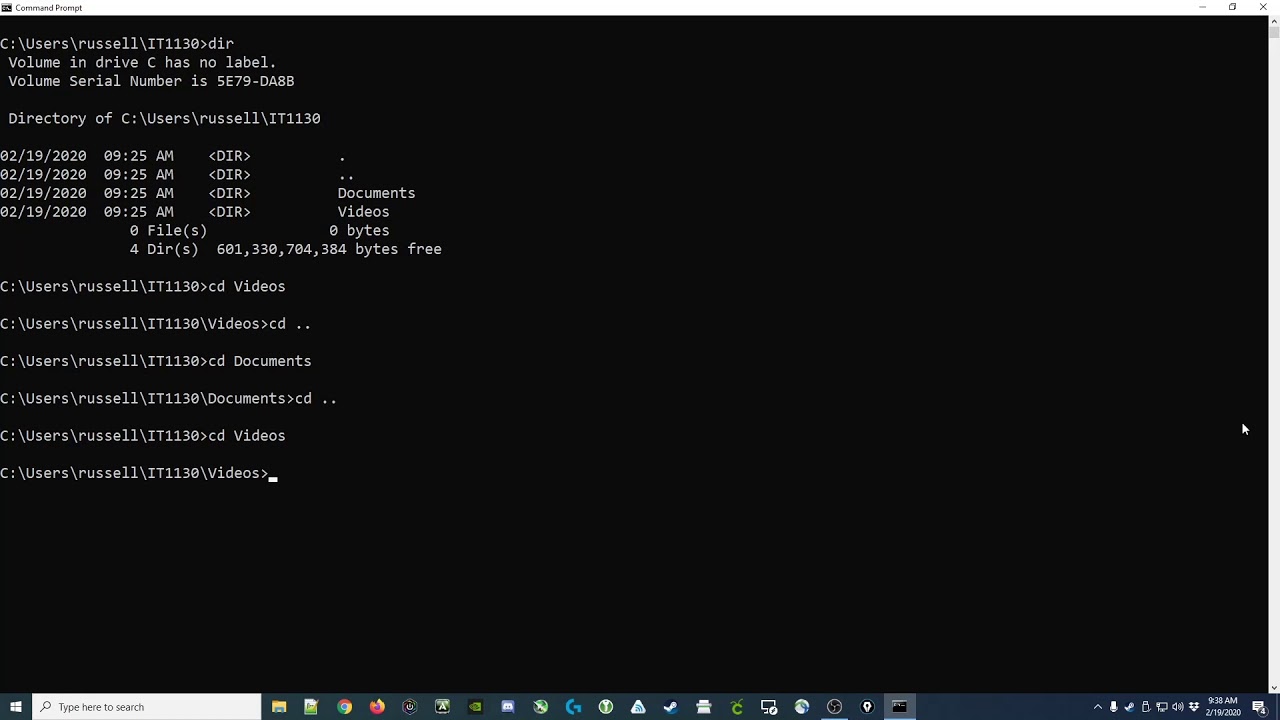
How To Download A File From The Command Line Www vrogue co
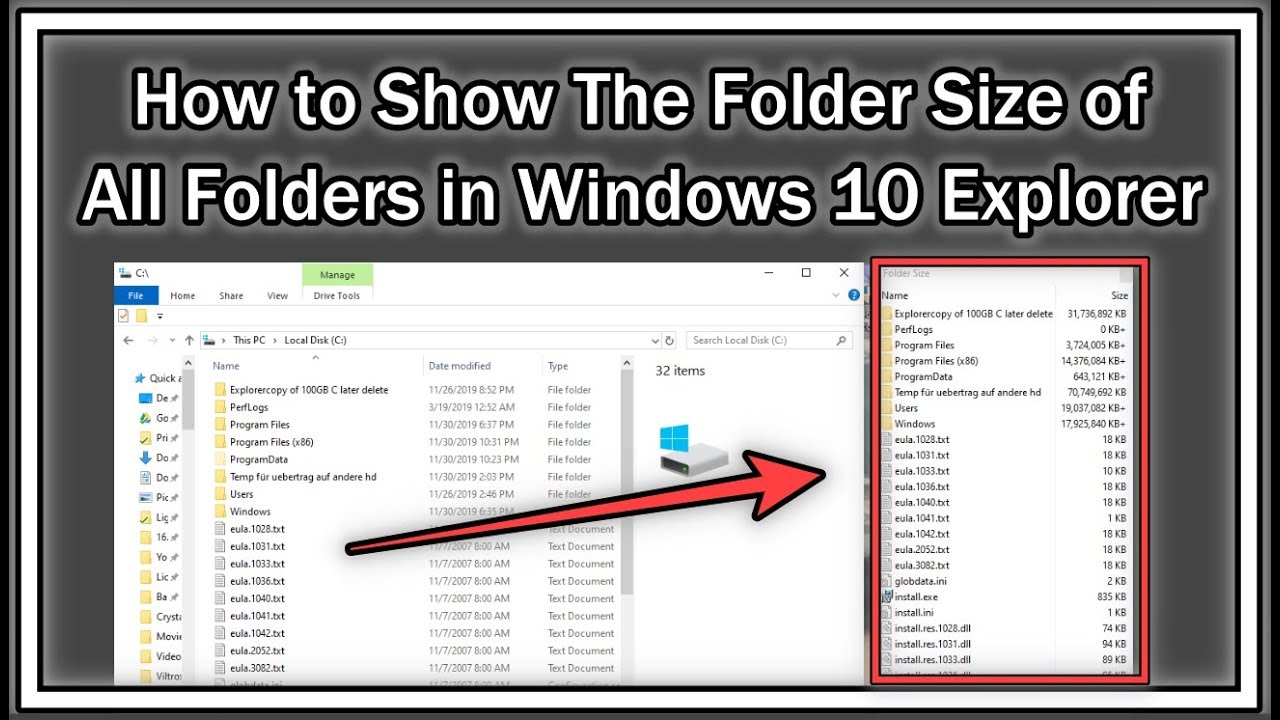
One Cool Tip Com How To Change The Default File Explorer Folder View

How To Find The Size Of The Folder In Linux YouTube
Web Jun 22 2016 nbsp 0183 32 Closed 7 years ago Recently I used the command dir s on gt FileList txt Which turned out to be very usefull for that situation Now I have another issue where I

Web For only the directory size in a readable format use the below du hs directoryname This probably isn t in the correct section but from the command line you could try ls sh filename The s is size and the h is
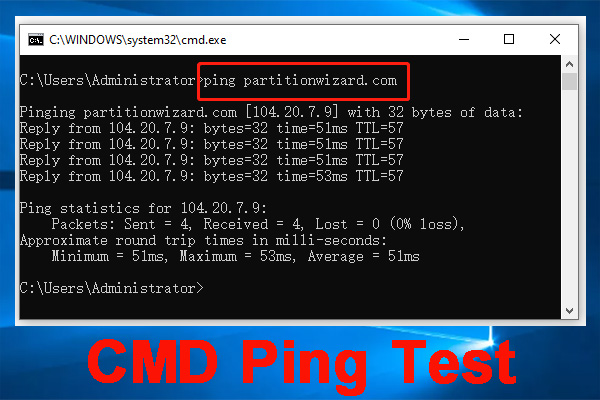
Web Sep 10 2011 nbsp 0183 32 In Windows we can use dir command to get the file size C gt dir vlcplayer exe Directory of C 02 22 2011 10 30 PM 20 364 702 vlcplayer exe 1 File s

Web Feb 20 2023 nbsp 0183 32 In this article we ll show you how to quickly get the size of the specific folder on the disk and all subfolders using PowerShell You can use the Get ChildItem

Web Feb 20 2015 nbsp 0183 32 If you just want to know the total size of a directory then jump into it and run du hs If you also would like to know which sub folders take up how much disk space
Web Sep 27 2023 nbsp 0183 32 1 2 Using the hover feature Step 1 Open the File Explorer by pressing Windows E Step 2 Hover the cursor above any folder and the file size along with Web May 15 2020 nbsp 0183 32 You can display the size of your current directory by typing du in the command line du The system should display a list of the contents of your home
Web Use ls command for files and du command for directories Checking File Sizes ls l filename Displays Size of the specified file ls l Displays Size of All the files in the