Shortcut To Run Code In Eclipse Eclipse Shortcuts Eclipse Software Java Programming Language Python Visual Studio How To Auto Run Python Code On Sublime Text What Is Mark Down Top 30 Eclipse Keyboard Shortcuts For Java Programmer Java Run Python In Visual Studio Code There is no shortcut key to color a cell Use the Fill color icon in the toolbar To automate fill colors use Format gt Conditional formatting To create your own shortcut keys use Extensions
Use keyboard shortcuts in Google Sheets to navigate format and use formulas Note Some shortcuts might not work for all languages or keyboards To see a list of keyboard shortc With keyboard shortcuts save time navigating YouTube To access the list of Keyboard shortcuts go to your profile picture
Run Python In Visual Studio Code Run Python In Visual Studio Code Lasopainn Learn How To Use Sublime Text A Quick Overview Pycharm Shortcut Keys All Answers Brandiscrafts Nilay Keyboard ShortCut Visual Studio 2010 Visual Studio Shortcuts Build And Run Azgardwp How To Run Code Sublime Text Windows Beijinglokasin Visual Studio Keyboard Shortcuts You Must Know DotnetCrunch EditPlus Shortcut Keys Setting For Running Python Java Program YouTube
Shortcut To Run Code In Eclipse

https://imgv2-2-f.scribdassets.com/img/document/360563520/original/4885d68cee/1580261469?v=1
Turn on keyboard shortcuts On your computer open Google Calendar In the top right corner click Settings Settings Check the box next to Enable keyboard shortcuts At the bottom of the
Pre-crafted templates offer a time-saving option for creating a varied range of files and files. These pre-designed formats and designs can be used for numerous personal and expert projects, including resumes, invites, leaflets, newsletters, reports, discussions, and more, improving the content development procedure.
Shortcut To Run Code In Eclipse
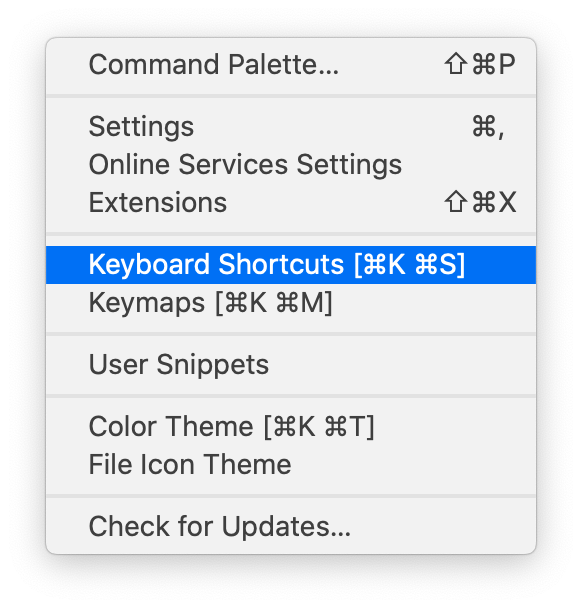
VsCode Keyboard Shortcut To Run Python In The Terminal
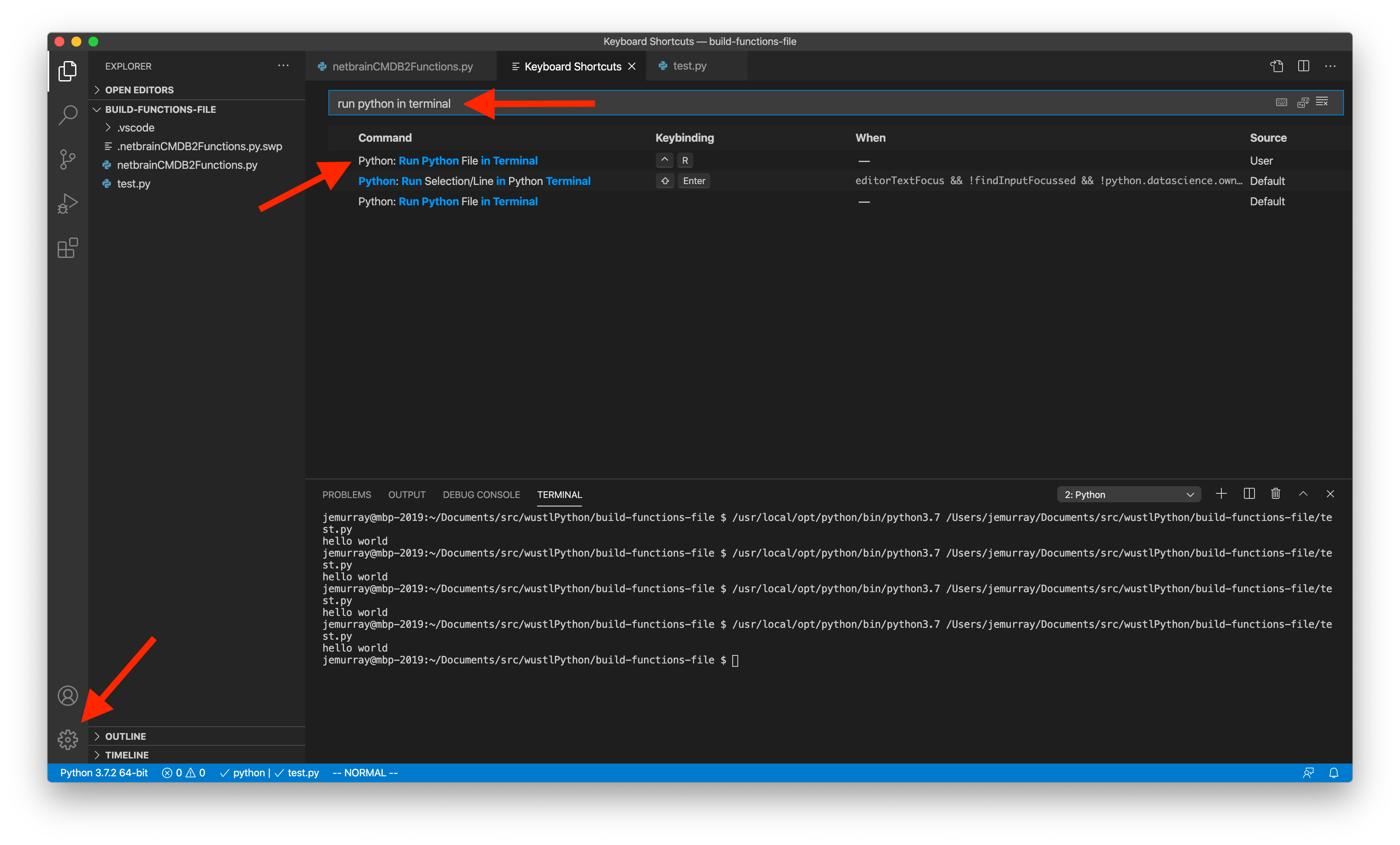
Run Python In Visual Studio Code Lasopainn
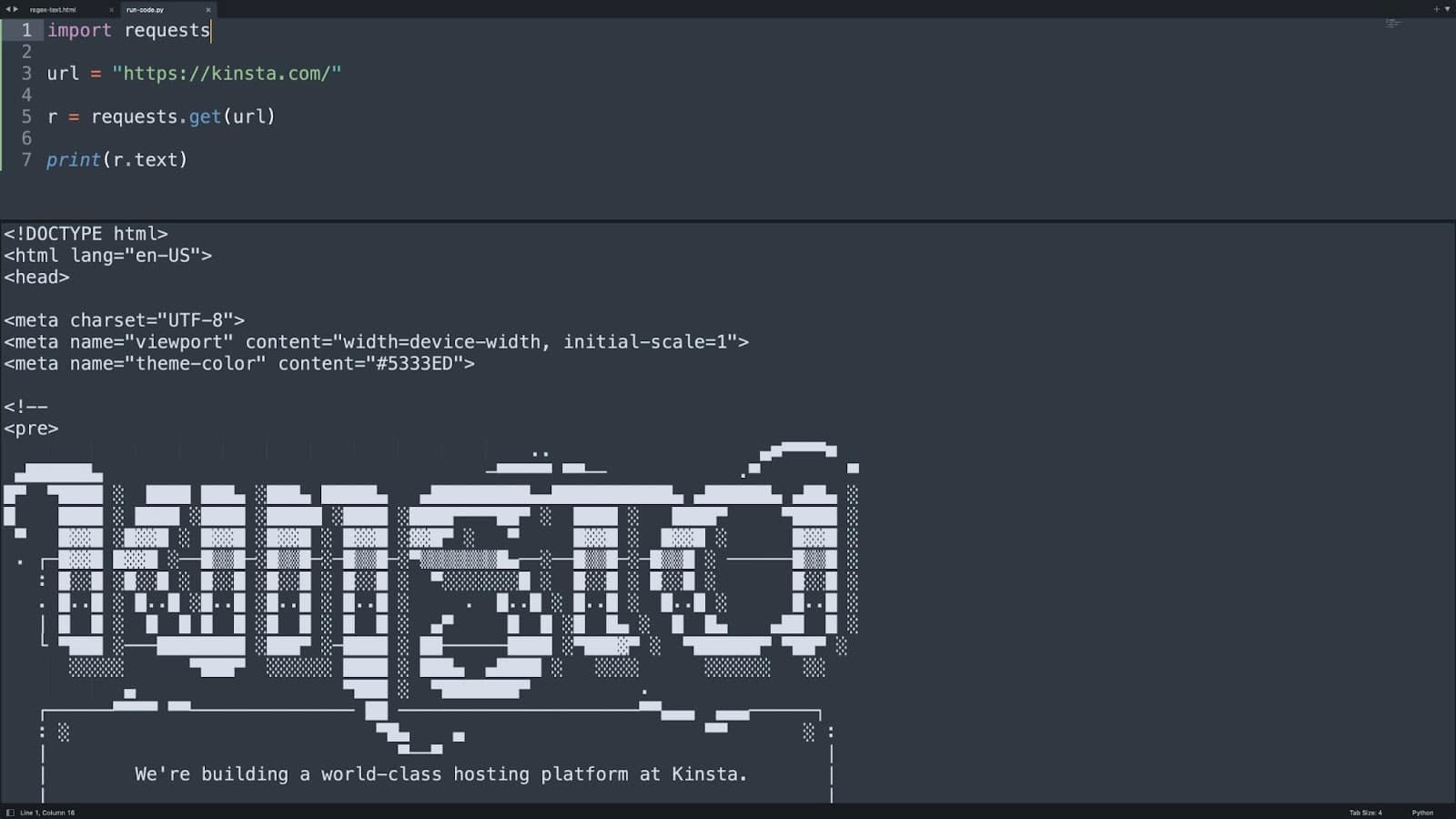
Learn How To Use Sublime Text A Quick Overview
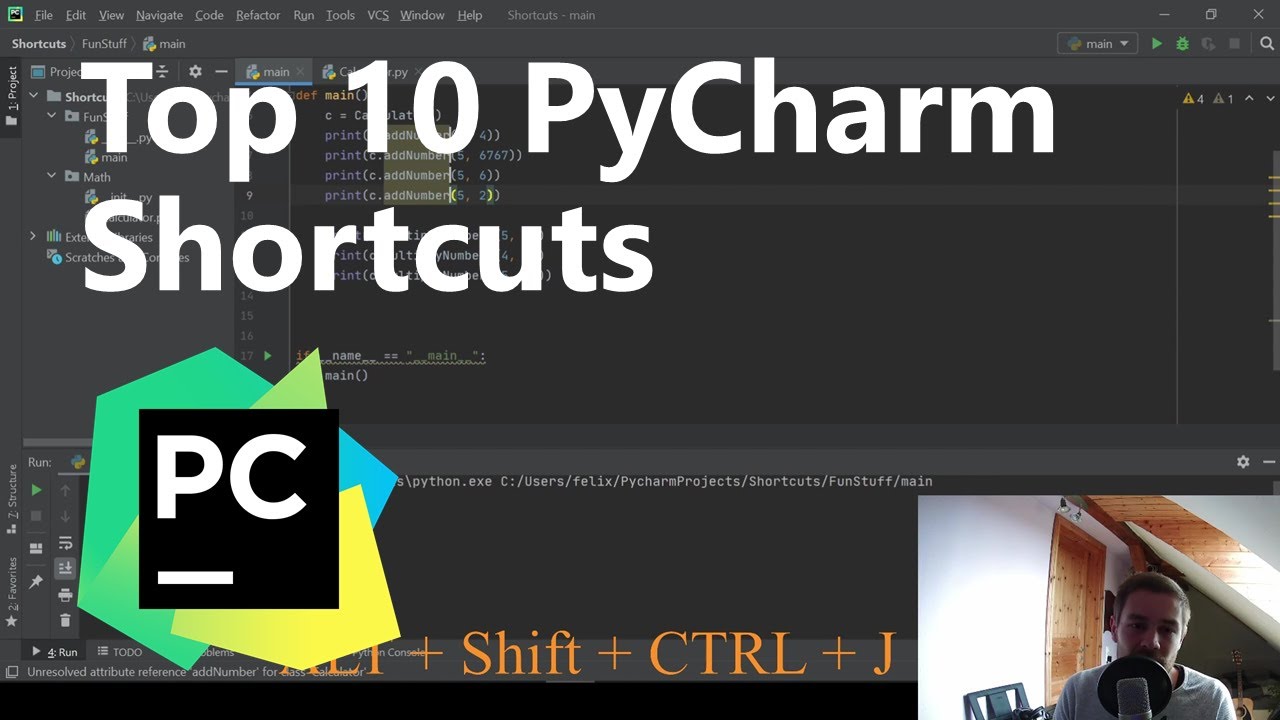
Pycharm Shortcut Keys All Answers Brandiscrafts
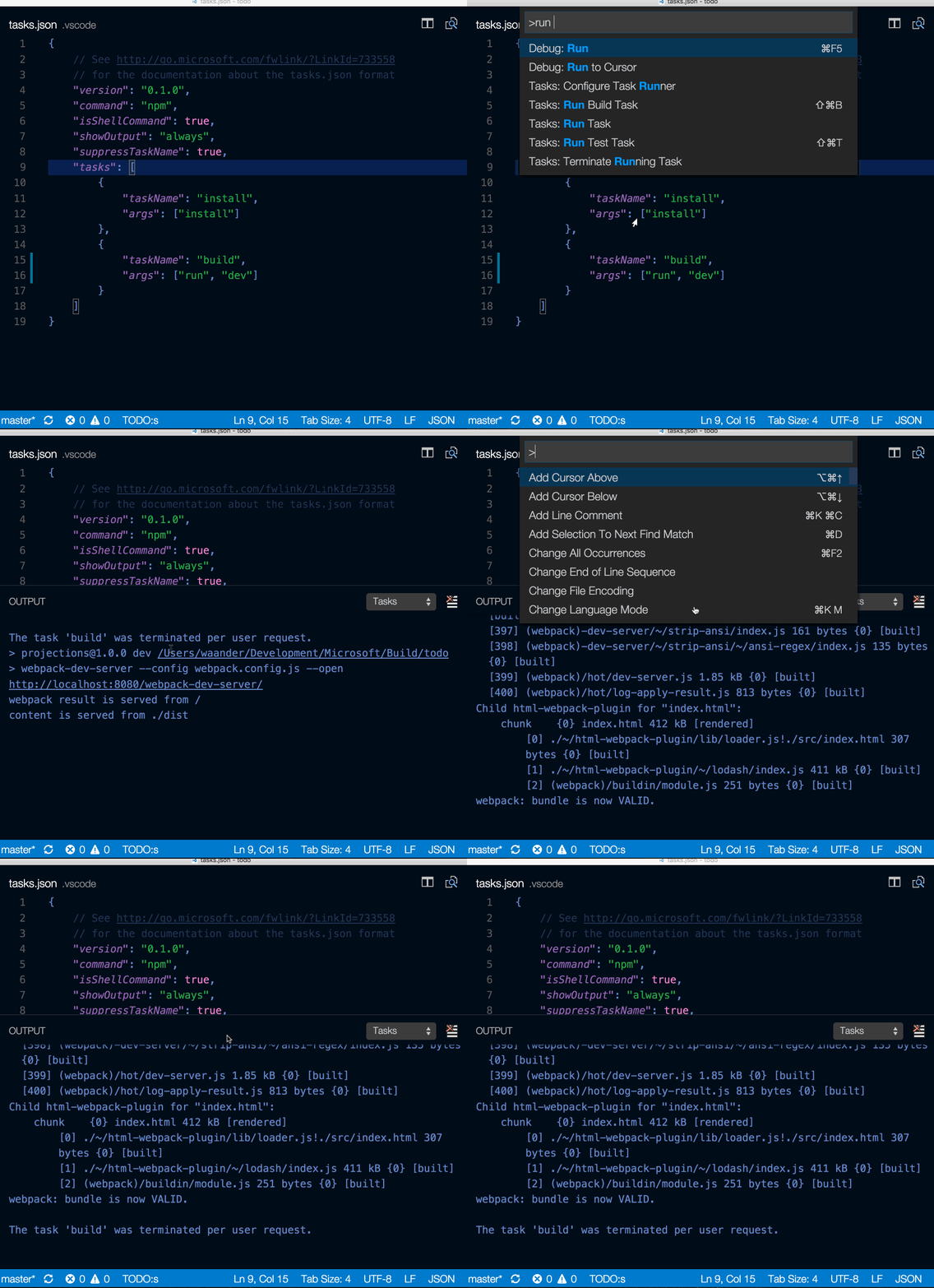
Visual Studio Shortcuts Build And Run Azgardwp
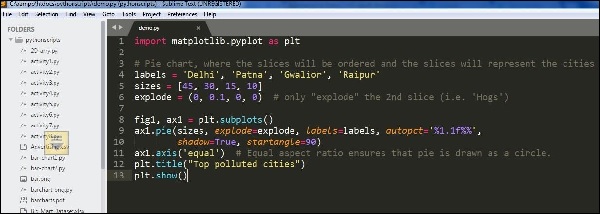
How To Run Code Sublime Text Windows Beijinglokasin

It was a blue page with shortcut icons I could click to go where I wanted to go Now its a white screen with no shortcuts or icons and no way to add them

To add a URL shortcut to Google Drive as a file using Chrome on Android start by opening the webpage you want to create the shortcut for Once you have the webpage open tap the menu

Below you ll find a list of keyboard shortcuts for Google Drive on the web To display the keyboard shortcut list in Google Drive press Ctrl Windows and Chrome OS or command

Open Incognito mode Important When you use an Incognito window you can browse more privately You can switch between Incognito tabs and regular Chrome tabs On your computer

Save time navigating in Gmail by using keyboard shortcuts Turn on keyboard shortcuts On a computer go to Gmail
[desc-11] [desc-12]
[desc-13]