Shortcut To Format Python Code In Vscode Advanced Visual Studio Code For Python Developers LaptrinhX Format Numbers As Currency With Python 3 Easy Methods CopyAssignment Javascript How To See Codes In Full Width In Vscode Stack Overflow How To Use VS Code For Python Beginners A Comprehensive Guide Web Running Python Script In Vscode Mobile Legends WEB The Python extension then provides shortcuts to run Python code using the currently selected interpreter Python Select Interpreter in the Command Palette To run the active Python file click the Run Python File in Terminal play button in
WEB Mar 29 2024 nbsp 0183 32 In this article you ll set up Prettier to automatically format your code in Visual Studio Code also known as VS Code For demonstration purposes here s the sample code you will be formatting const name quot James quot const person first name WEB Sep 8 2022 nbsp 0183 32 There are multiple ways in which you can format code in Visual Studio Code IDE also known as VS Code Option 1 Using Keyboard Shortcut For Windows Keyboard Shortcut Shift Alt F For Mac macOS Keyboard Shortcut Shift Option F For Linux Keyboard Shortcut Shift Option I
Running Python Script In Vscode Mobile Legends Run Python Code In Vscode Using German Keyboard Layout Wilddiki Visual Studio Code Vscode Define Custom Shortcut For Restart And Run Python With VSCode Tutorial Getting Started YouTube Creating A Shortcut In Vscode To Switch Between The Terminal And Editor Formatting Python Code In IntelliJ 5 Minute Read Visual Studio Code VSCode Issue With Python Versions And Environments How To Use Hard Key To Run Python In Visual Studio Code Pearlmokasin Write Your Code Online Blog withcode uk
Shortcut To Format Python Code In Vscode
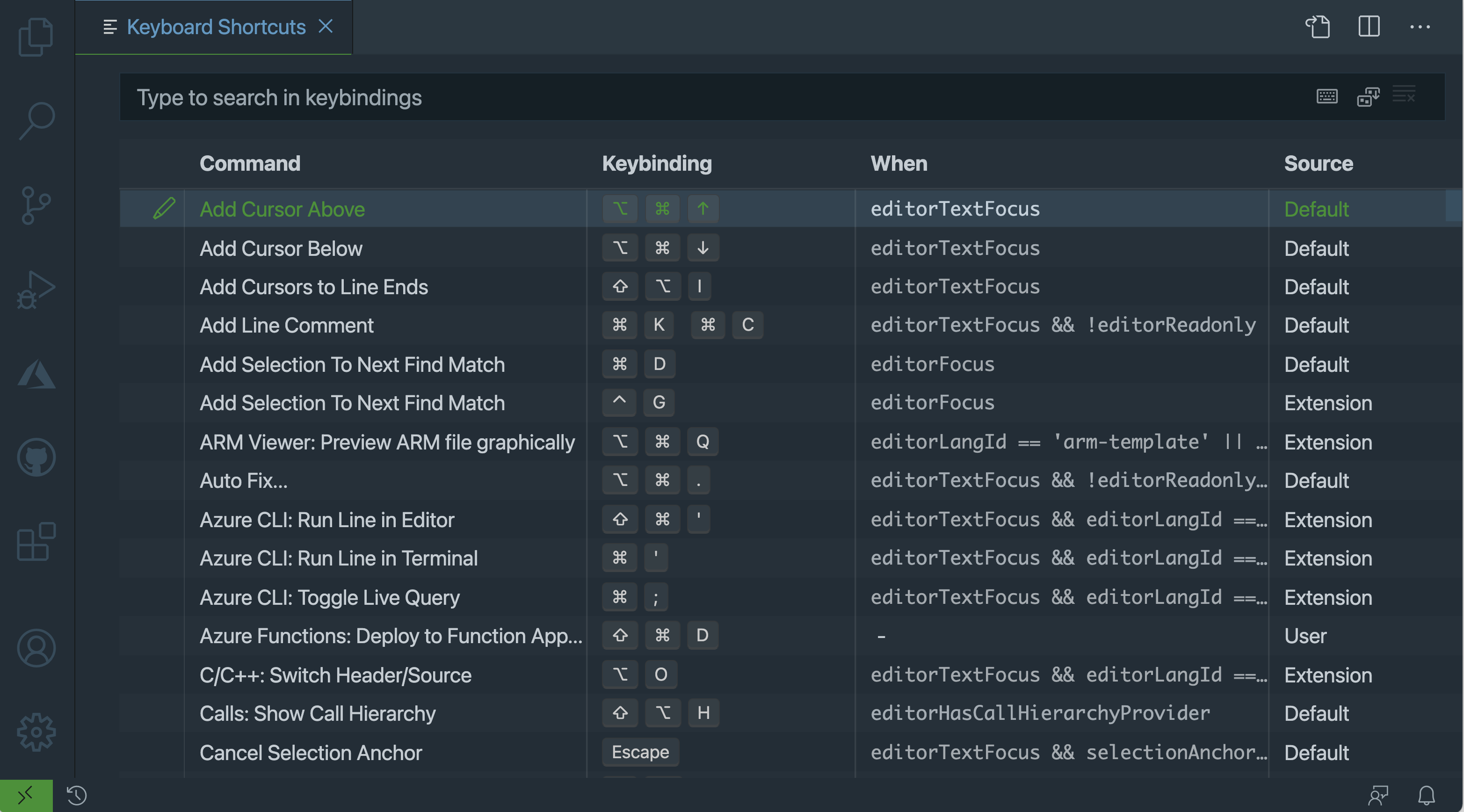 Shortcut To Format Python Code In Vscode
https://files.realpython.com/media/vscode-keyboard-shortcuts.687df9891a26.png
WEB Code formatting is supported using either one of yapf or autopep8 The default code format provider is autopep8
Templates are pre-designed files or files that can be utilized for numerous purposes. They can conserve time and effort by supplying a ready-made format and design for creating different sort of material. Templates can be used for individual or professional tasks, such as resumes, invites, flyers, newsletters, reports, discussions, and more.
Shortcut To Format Python Code In Vscode

Running Python Script In Vscode Mobile Legends
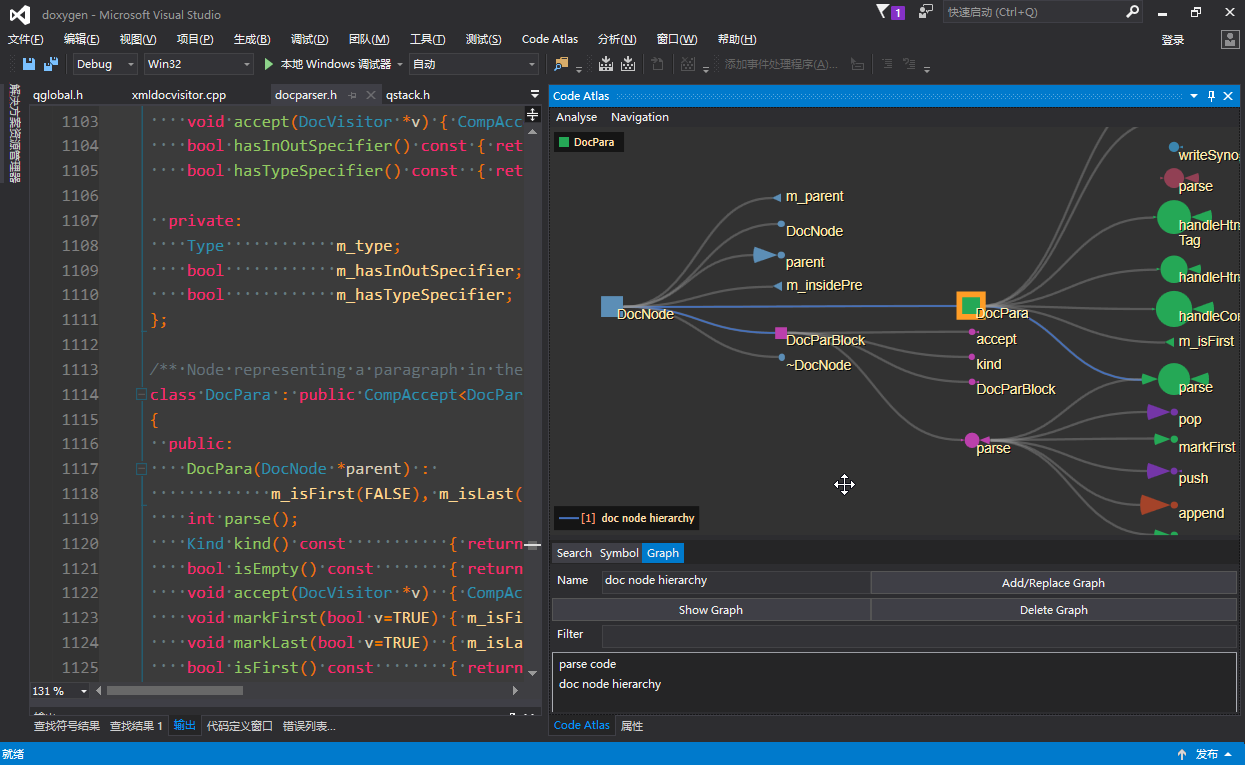
Run Python Code In Vscode Using German Keyboard Layout Wilddiki
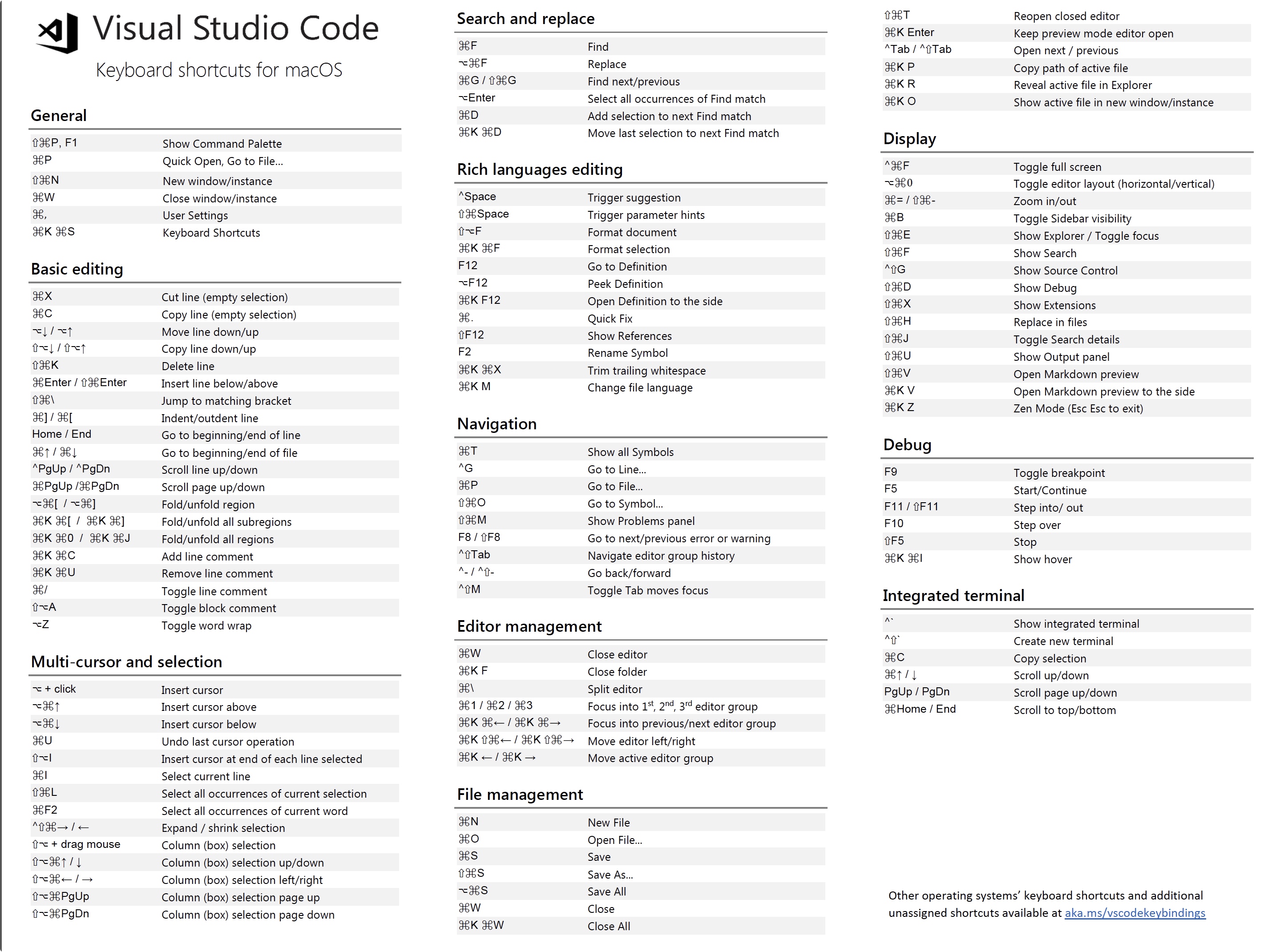
Visual Studio Code Vscode Define Custom Shortcut For Restart And Run
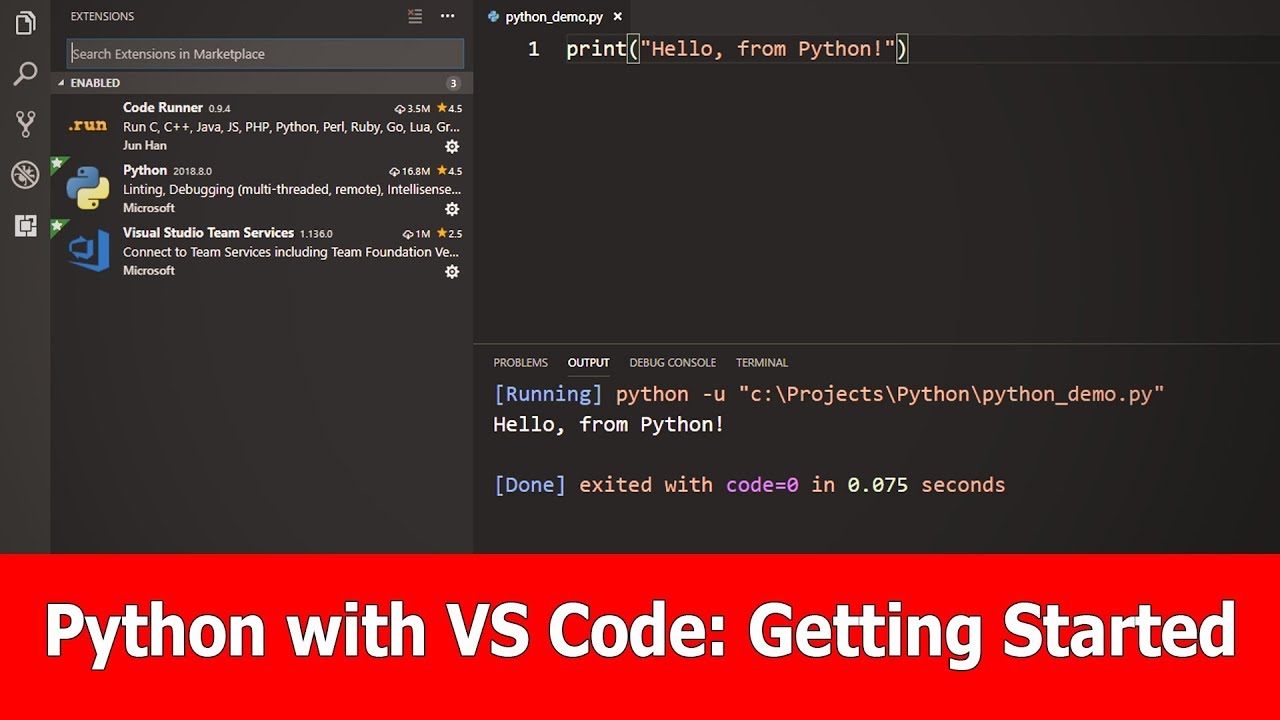
Python With VSCode Tutorial Getting Started YouTube

Formatting Python Code In IntelliJ 5 Minute Read

Visual Studio Code VSCode Issue With Python Versions And Environments

WEB Jun 28 2023 nbsp 0183 32 The code formatting is available in Visual Studio Code VSCode through the following shortcuts or key combinations On Windows Shift Alt F On macOS Shift Option F

WEB Oct 11 2017 nbsp 0183 32 Install the below python packages for Python Code Format supporting in Windows pip install autopep8 pip install pylint Once you have successfully installed the packages Open the code in vs code gt Press Ctrl A and Ctrl K it will format the code answered Mar 27 2020 at 4 42

WEB Apr 30 2015 nbsp 0183 32 The code formatting is available in Visual Studio Code through the following shortcuts On Windows Shift Alt F On Mac Shift Option F On Linux Ctrl Shift I

WEB Ctrl Shift PgUp PgDn Move editor left right Ctrl K Move active editor group Other operating systems keyboard shortcuts and additional unassigned shortcuts available at aka ms vscodekeybindings
WEB Apr 30 2020 nbsp 0183 32 It can be configured to automatically format your code whenever you save a file in VSCode Install Black in your virtual environment pip install black Install Microsoft s Python extension in VSCode Open your VSCode settings by going Code gt Preferences
WEB The autopep8 extension for Visual Studio Code provides formatting support for your Python files Check out the Settings section for more details on how to customize this extension Integrated formatting Once this extension is installed in VS Code autopep8 will be automatically available as a formatter for Python WEB Run and monitor Python tests by integrating your test framework into Visual Studio Code Lint and format code with Pylance and external linters Debug local and remote environments over SSH and Docker Spin up data science tools to work with Jupyter Notebooks You can use this knowledge to put yourself on track to be a VS Code power
WEB Sep 3 2023 nbsp 0183 32 VS Code provides handy shortcuts that can help you quickly and conveniently format the whole code file that is being focused Mac Option Shift F Windows Alt Shift F