Shortcut To Comment Out Code In Vscode How To Comment In Python Shortcut Whereintop Visual Studio Code Comment And Uncomment Code Shortcut Or Hotkeys VSCode Keyboard Shortcuts visual Studio Code Key Bindings Tutorial How To Comment In VS Code The VSCode Comment Shortcut Javascript How To See Codes In Full Width In Vscode Stack Overflow Shift Alt A Longer HotKey to Comment and Uncomment Lines Note if you press Shift Alt A or CTRL without lines selection VS Code will add an empty
Comment and uncomment block of code in vscode shortcut key to comment code Sagar S Comment Uncomment faster than the light speed When you highlight a block of code you can press Ctrl K while holding down Ctrl press C C
Javascript How To See Codes In Full Width In Vscode Stack Overflow Html Template Vscode Shortcut Printable Templates Visual Studio Code Comment And Uncomment Code Shortcut Or Hotkeys Run Python Code In Vscode Using German Keyboard Layout Earlynibht Html Template Vscode Shortcut Printable Templates 6 Shortcut Wajib Di Visual Studio Code Untuk Flutter Developer Visual Studio Code Comment And Uncomment Code Shortcut Or Hotkeys VS Code 25 Most Used VS Code Shortcuts And More Cheat Sheet
Shortcut To Comment Out Code In Vscode
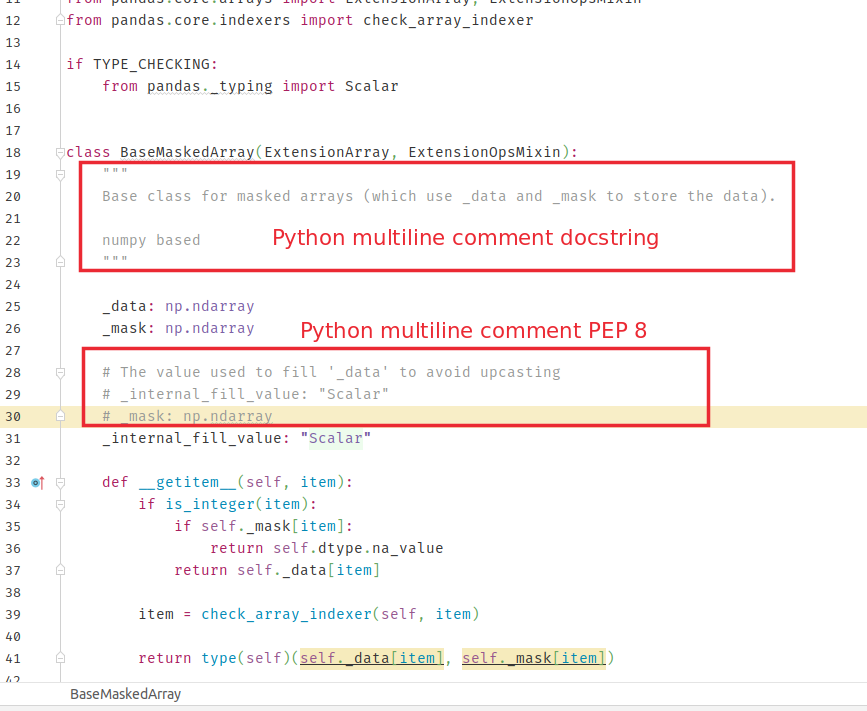 Shortcut To Comment Out Code In Vscode
https://softhints.com/content/images/2021/07/python-multiline-comments-or-how-to-comment-multiple-lines.png
Basic Editing Add Line Comment Ctrl K Ctrl C editor action addCommentLine Remove Line Comment Ctrl K Ctrl U editor action removeCommentLine Toggle Line
Pre-crafted templates provide a time-saving option for producing a varied series of documents and files. These pre-designed formats and designs can be used for various individual and expert tasks, consisting of resumes, invitations, flyers, newsletters, reports, presentations, and more, improving the content development procedure.
Shortcut To Comment Out Code In Vscode
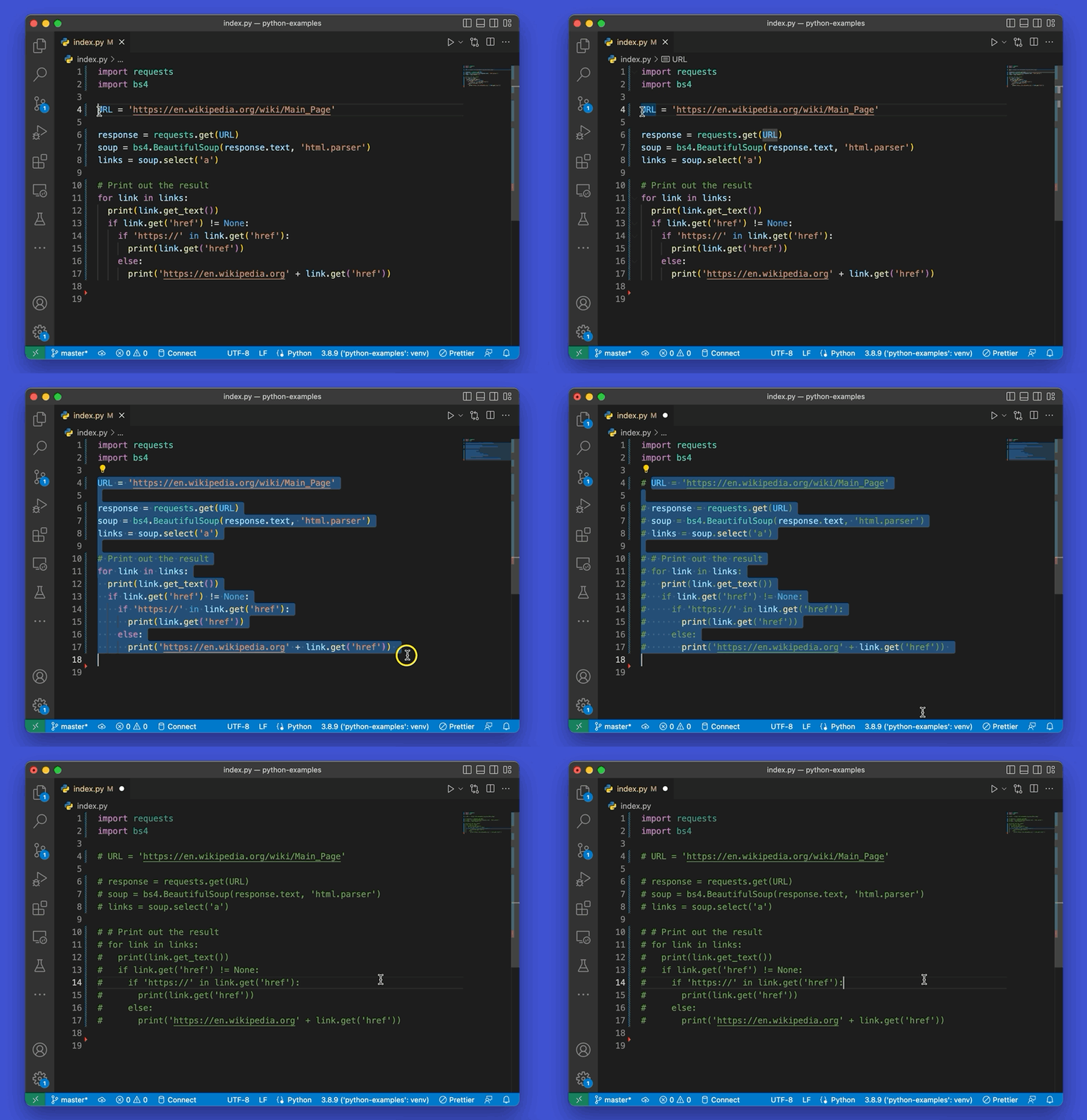
Bunkr Neuropatie P i adit How To Comment Multiple Lines In Visual
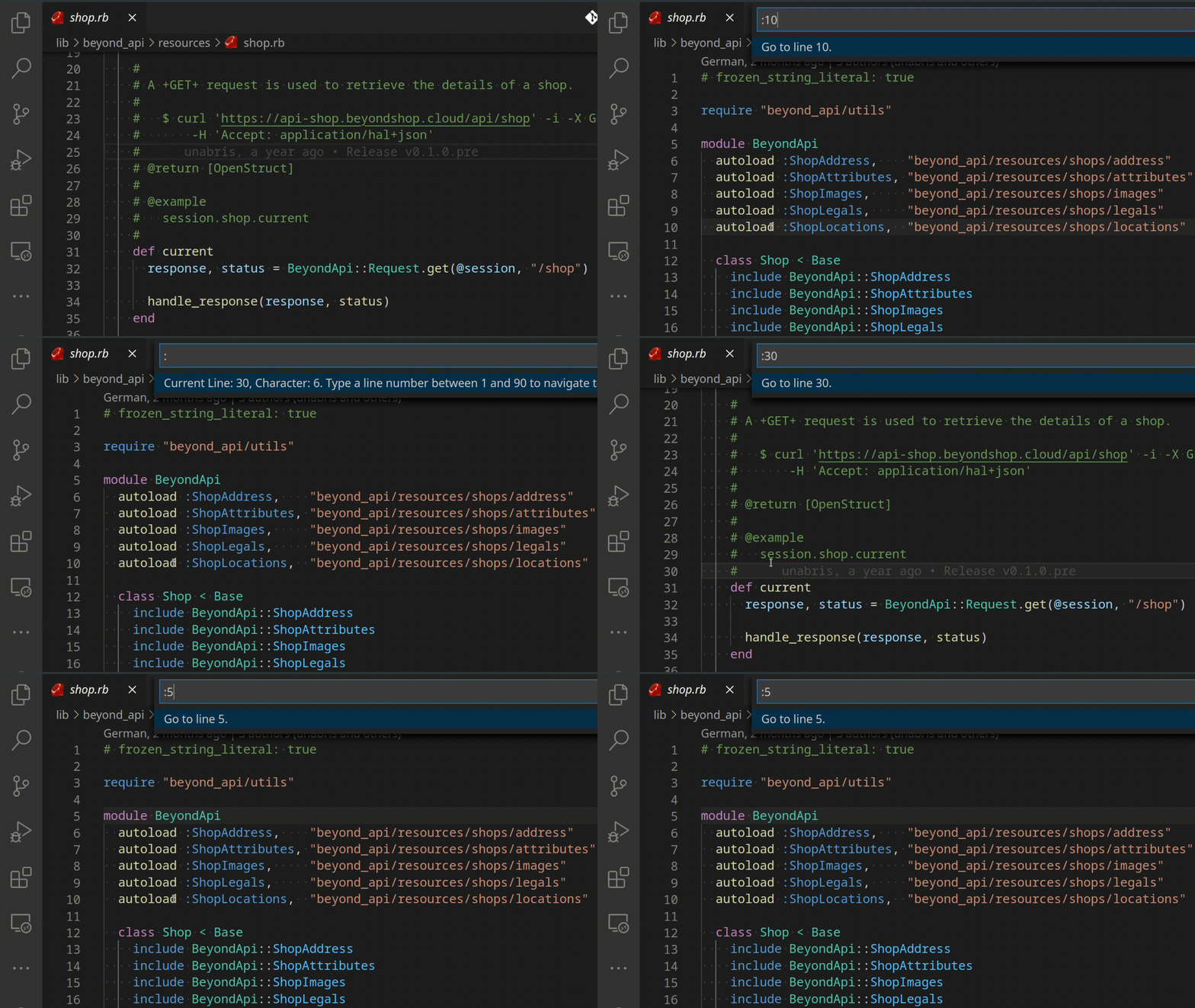
Html Template Vscode Shortcut Printable Templates

Visual Studio Code Comment And Uncomment Code Shortcut Or Hotkeys
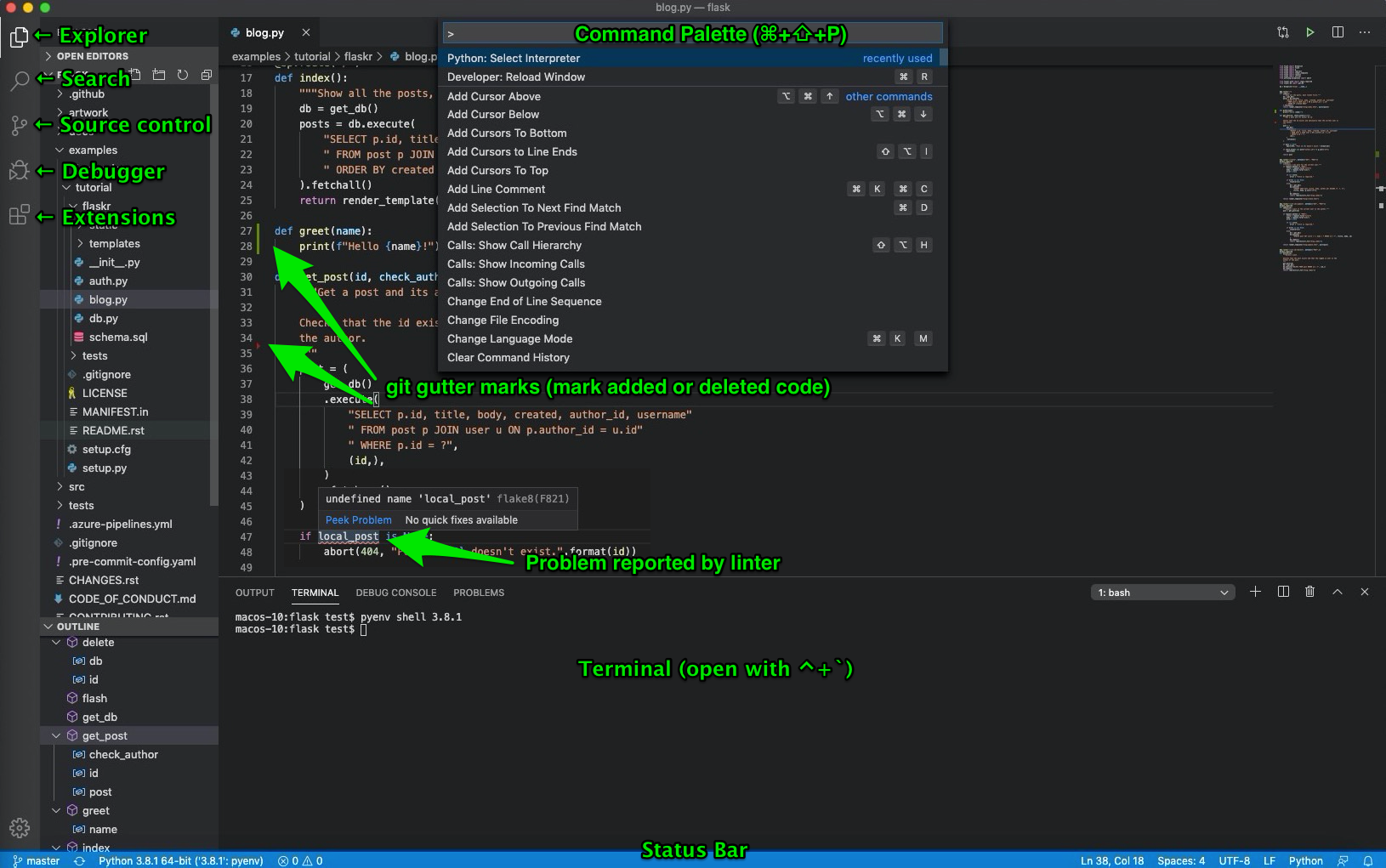
Run Python Code In Vscode Using German Keyboard Layout Earlynibht

6 Shortcut Wajib Di Visual Studio Code Untuk Flutter Developer

Visual Studio Code Comment And Uncomment Code Shortcut Or Hotkeys
PS I prefer Ctrl Shift for toggling block comments because Ctrl is shortcut for toggling line comments so it s naturally easier to remember To do so

Need to comment out multiple lines that are not together You can of course keep on pressing Ctrl when you are on the desired lines But there
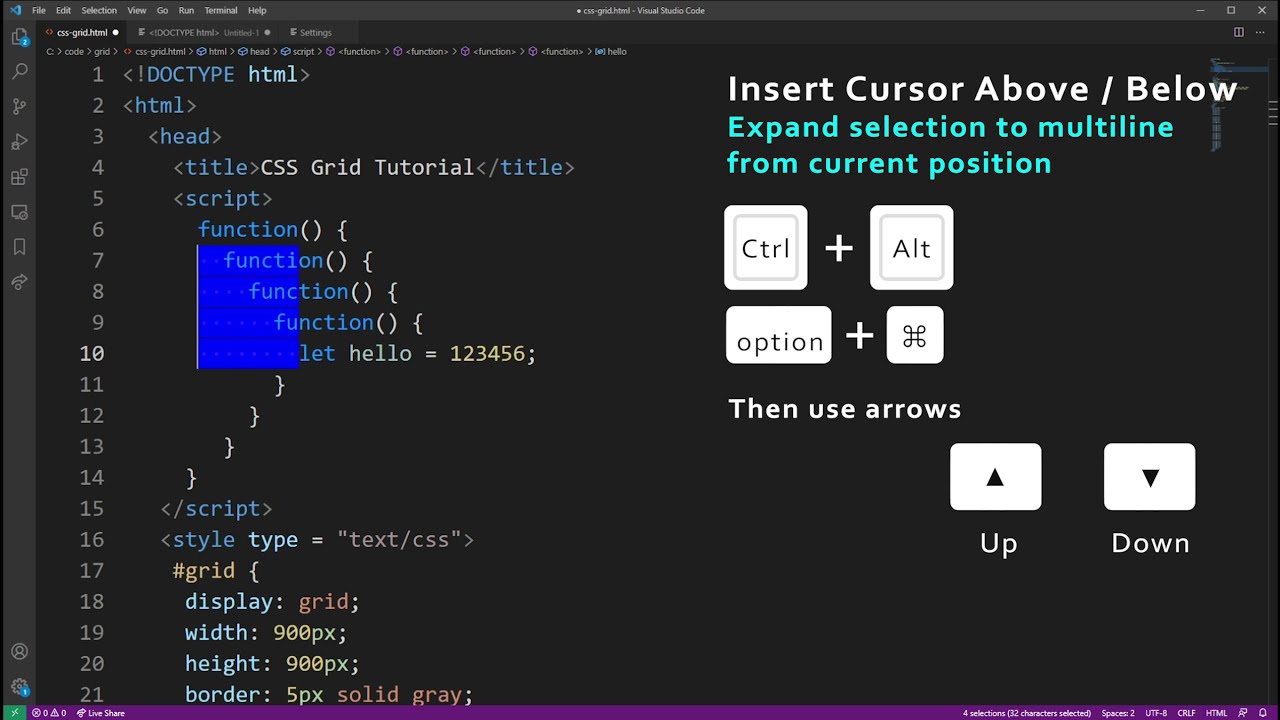
If you select a block of code and use the key sequence Ctrl K C you ll comment out the section of code Ctrl K U will uncomment the code Peek
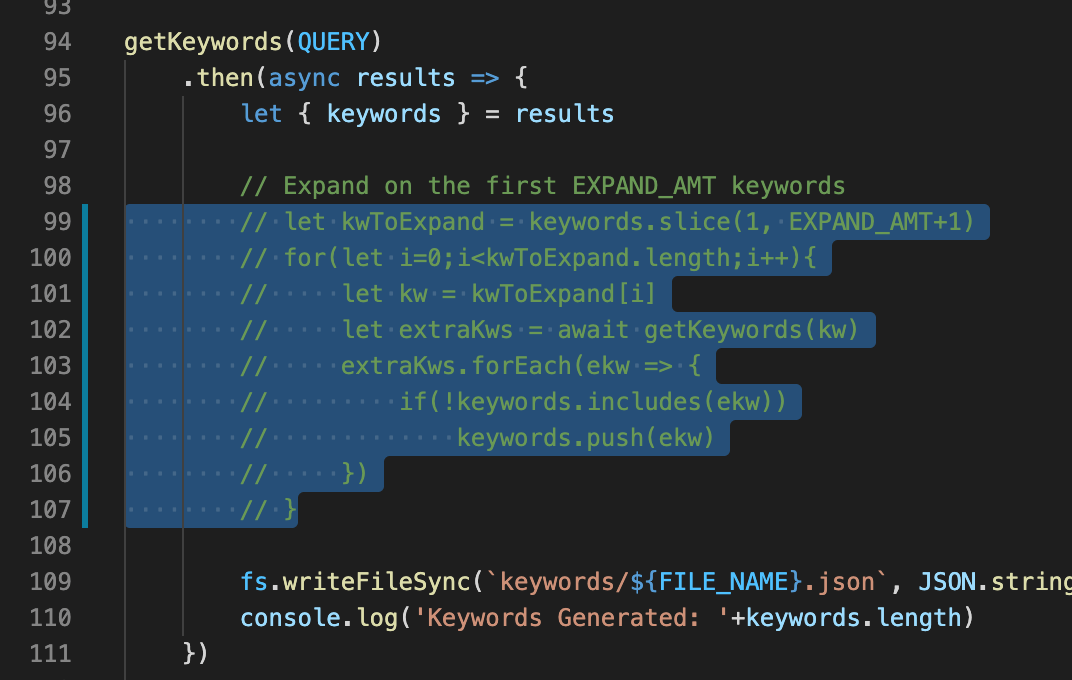
Sign Up https semicolon dev YouTube We re free online community meet other makers

Sign Up https semicolon dev YouTube We re free online community meet other makers How to
Suggested shortcuts are Ctrl K Ctrl C for commenting and Ctrl K Ctrl U for uncommenting None of thse shortcuts perform the expected behavior VS Code allows you to quickly find text and replace in the currently opened file Press Ctrl F to open the Find Widget in the editor search results will be
Add line comment K U Remove line comment Toggle line comment A Toggle block comment Z Toggle word wrap Multi cursor and selection