Shortcut For Commenting In Vs Code HTML Commenting Shortcut YouTube How To Create HTMl Template Shortcut In VS Code YouTube How To COMMENT Or UNCOMMENT MULTIPLE LINES In VS CODE Shortcut YouTube VS Code Keyboard Shortcut Commenting Lisa s Home Page Shortcut To Commenting In HTML And CSS In VS Code YouTube If your Chromebook has it press the Screenshot key If your Chromebook has no Screenshot key At the bottom right of your screen select Settings Screen Capture Press Shift Ctrl Show windows If your external keyboard doesn t have a Show windows key press Ctrl Shift F5 In the menu at the bottom select Screenshot Select an option Take a full screen screenshot
Learn keyboard shortcuts and become a pro at using Chrome Windows amp Linux Tab amp window shortcuts Apr 27 2020 nbsp 0183 32 1 shotcut 2 3 Blend Mode 4
Shortcut To Commenting In HTML And CSS In VS Code YouTube VS Code Extension Sapling VS Code Extension Sapling Top 5 Extension In Vs Code VS Code 5 Extension Use These For VS Comment Out Code 3 Ways In Arduino IDE 1 And 2 VS Code Extension Ditto How To Comment In Python Shortcut Whereintop Multiple Line Comment Python How To Locate Elements In Playwright Debbie Codes
Shortcut For Commenting In Vs Code
 Shortcut For Commenting In Vs Code
https://i.ytimg.com/vi/9yLGszXvxs8/maxresdefault.jpg
Save time navigating in Gmail by using keyboard shortcuts Turn on keyboard shortcuts On a computer go to Gmail
Templates are pre-designed documents or files that can be used for various purposes. They can conserve effort and time by supplying a ready-made format and layout for creating different type of material. Templates can be utilized for individual or professional projects, such as resumes, invitations, leaflets, newsletters, reports, discussions, and more.
Shortcut For Commenting In Vs Code
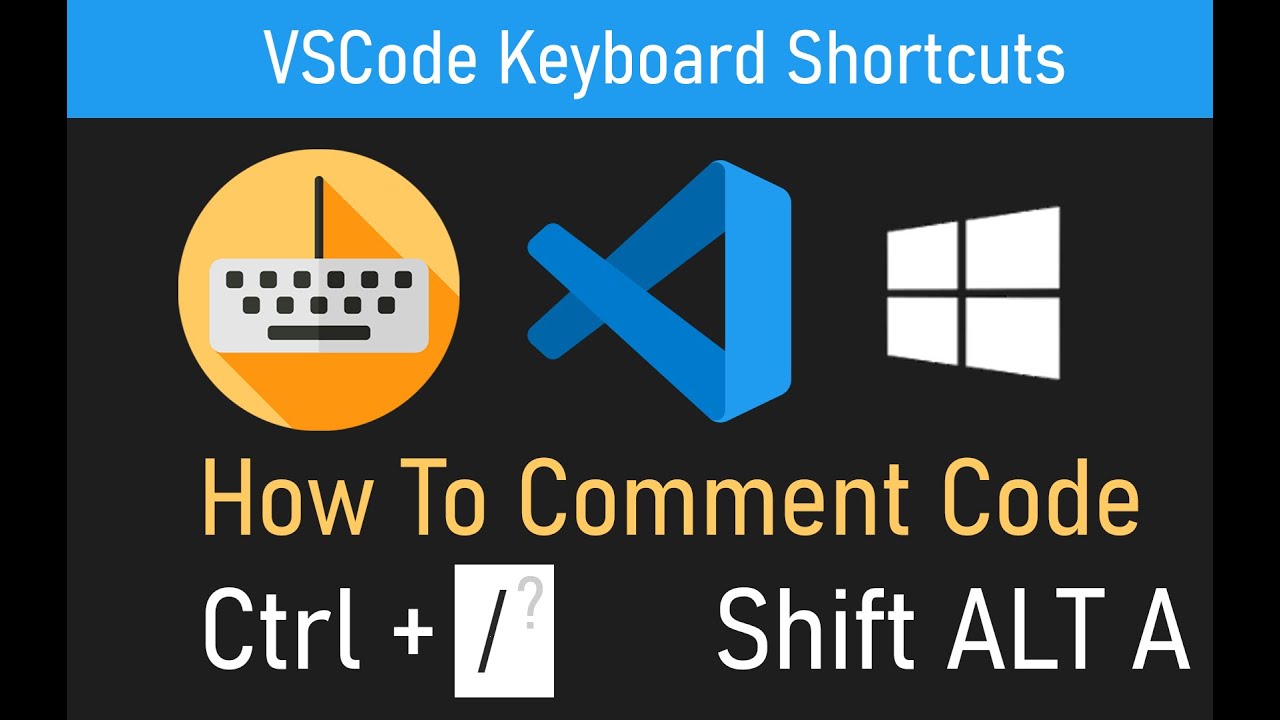
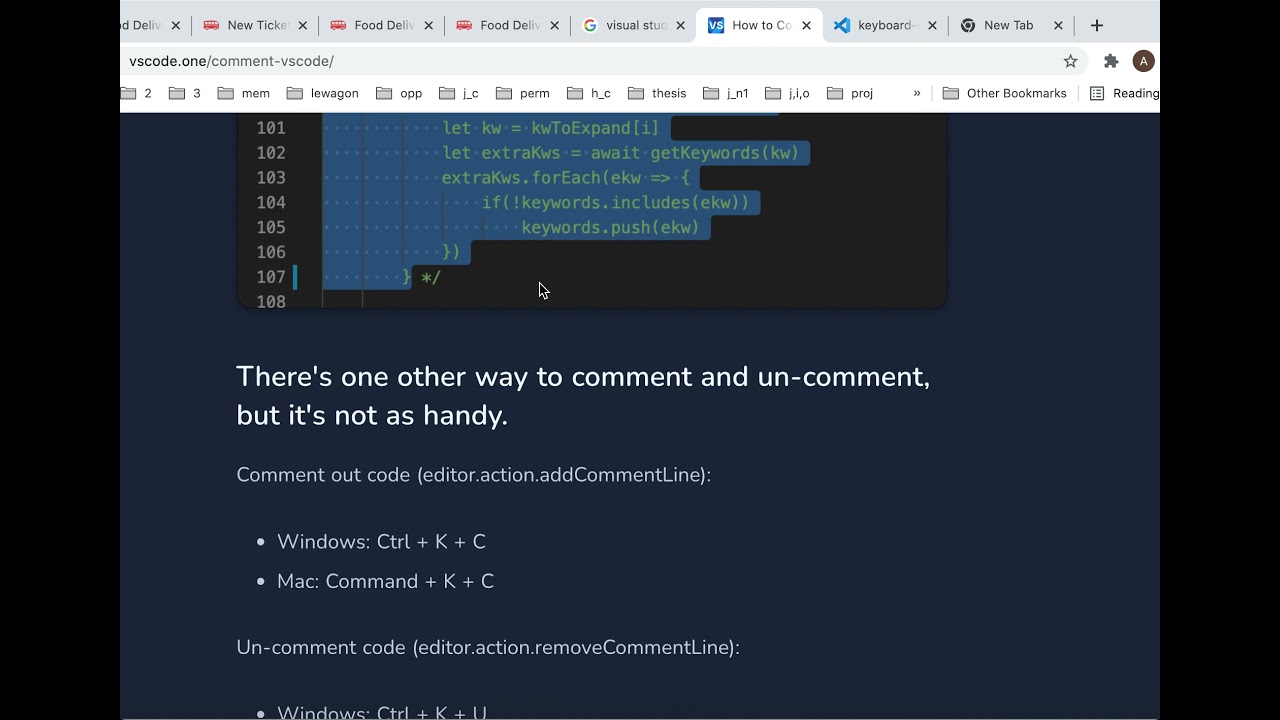
VSCode Keyboard Shortcut How To Add Single And Multiple Line Comments
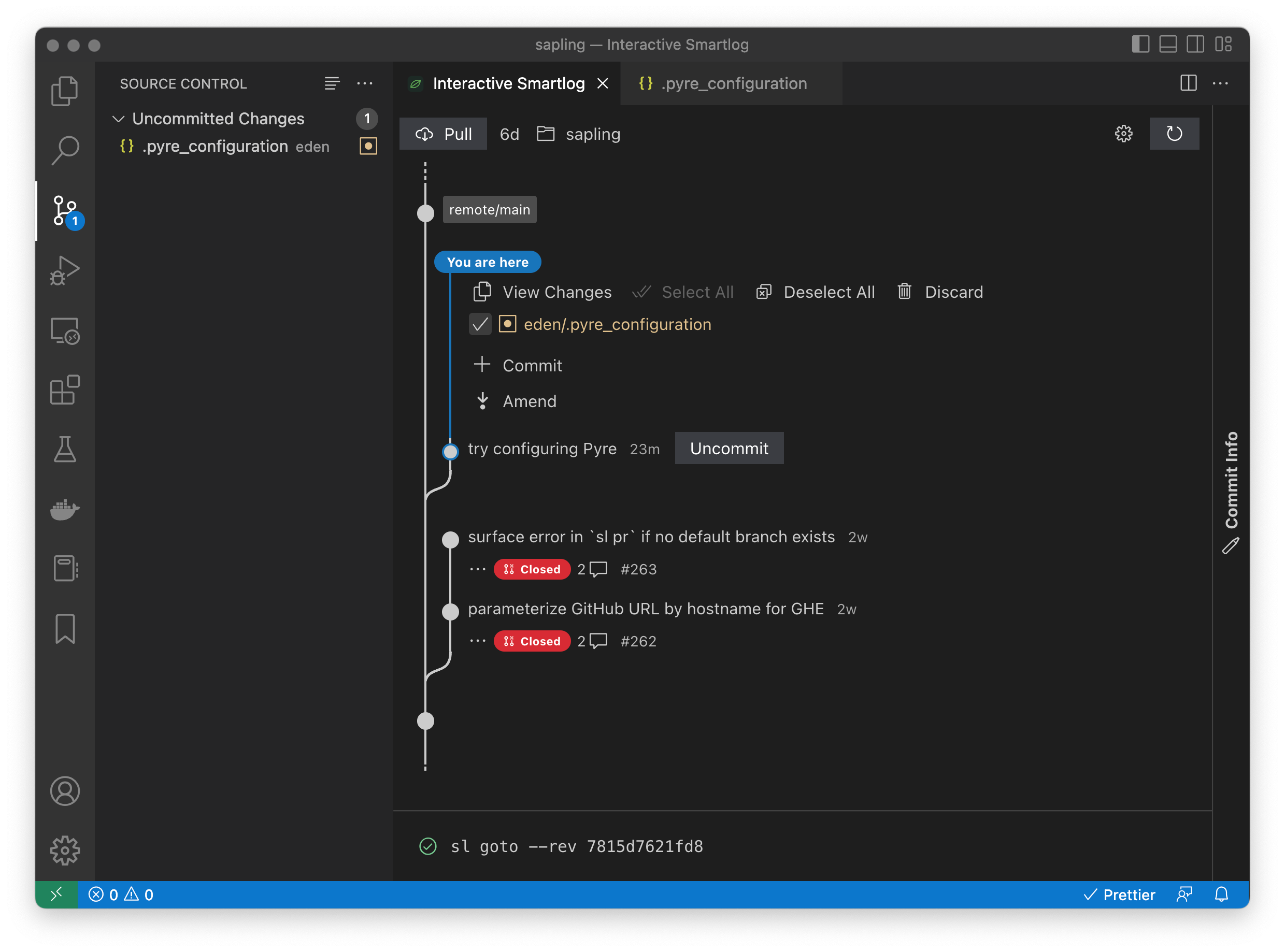
VS Code Extension Sapling
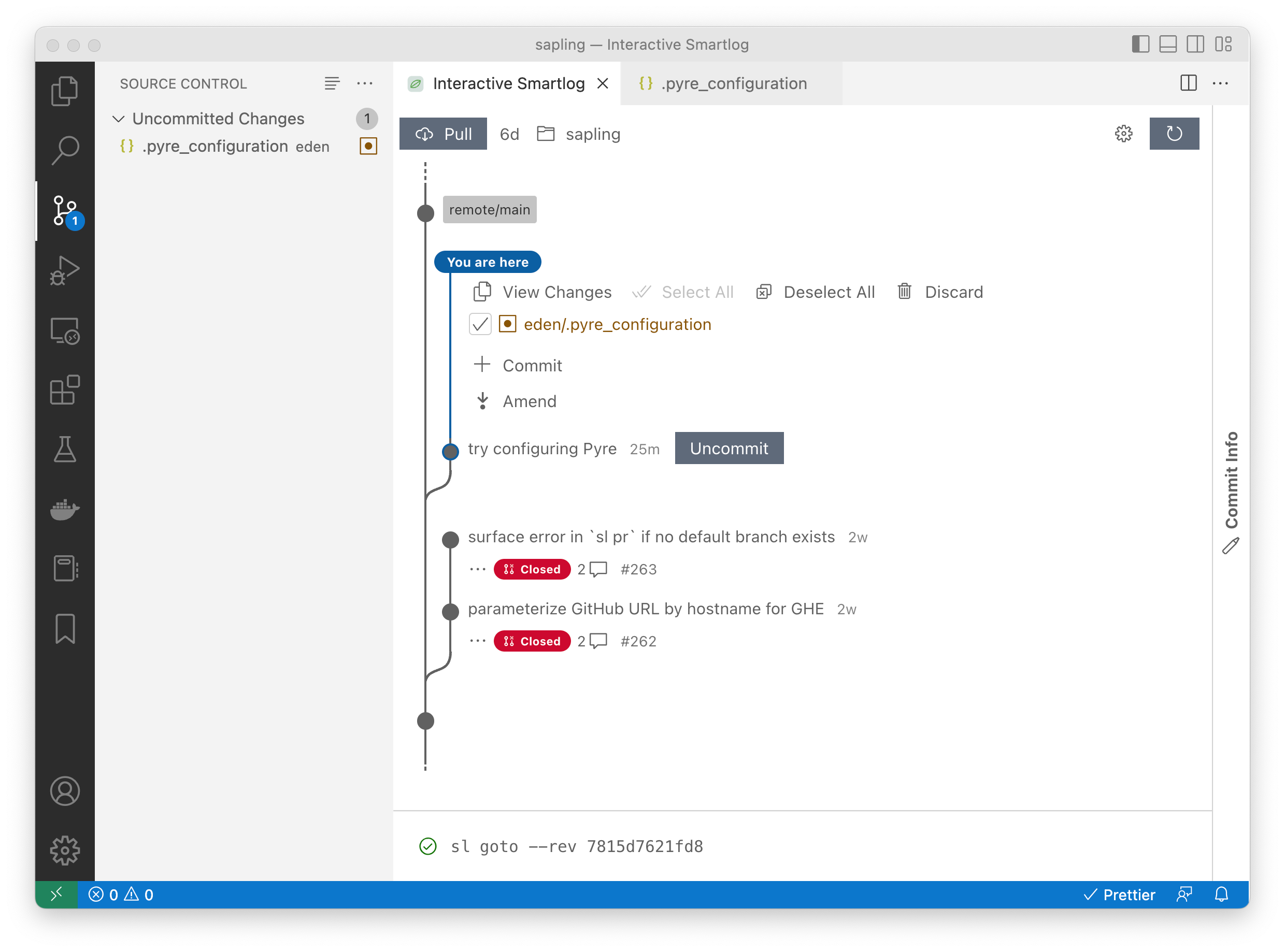
VS Code Extension Sapling

Top 5 Extension In Vs Code VS Code 5 Extension Use These For VS

VS Code Extension Ditto
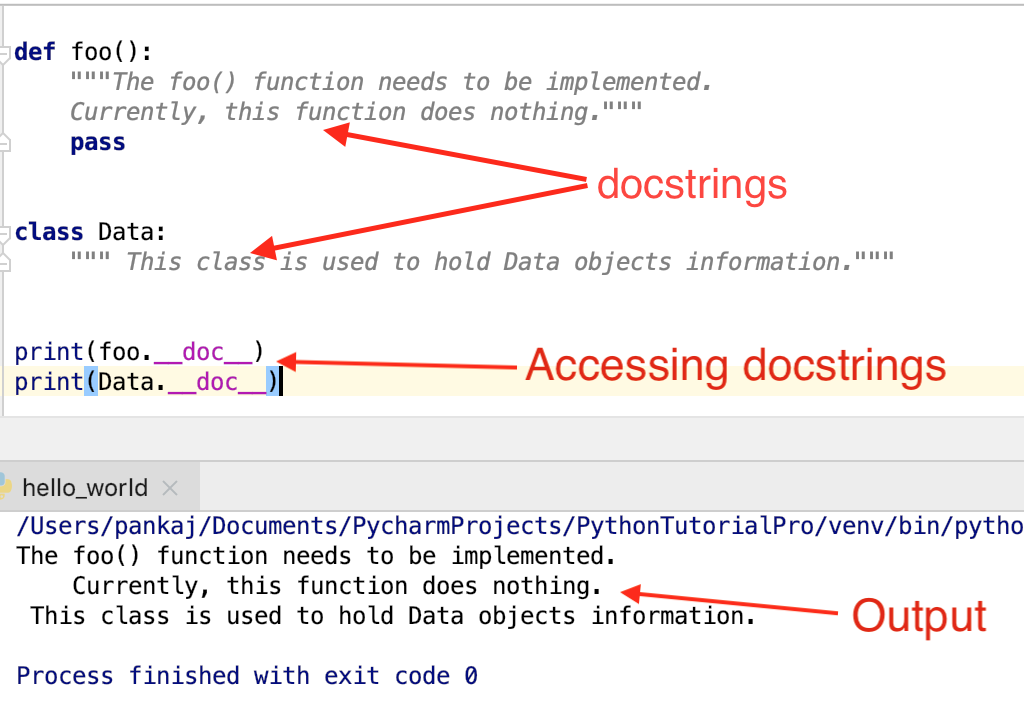
How To Comment In Python Shortcut Whereintop

Customize Shortcut Click on the quot Add shortcut quot button next to quot Translate Page quot This will allow you to assign a custom keyboard combination for this action For example you could choose quot Ctrl Shift T quot Save Changes Click quot Save quot to confirm your new shortcut

Important Gemini in Chrome on your Mac menu bar or Windows system tray and the keyboard shortcut will only be available after you opt in to using Gemini in Chrome
2023 05 31
Jul 18 2025 nbsp 0183 32 This is the discussion forum for the Shotcut video editor

Create shortcuts to websites On your computer open Chrome Go to the website you want to create a shortcut for At the top right select More Cast save and share Create shortcut From the dialog that appears Name Select the default name for the shortcut or rename it Select Create Related resources Use web apps Remove unwanted ads pop ups amp malware
[desc-11] [desc-12]
[desc-13]