Short Note On Word Processing Software Short Note On Aspiring Data Scientists Or How To Create The Learnable Microsoft Word ANA Word Processing Software Top Three Famous Word Processing A Short Note On Immunity A SHORT NOTE ON IMMUNITY Introduction The Word Processing Software Simple Explanation YouTube Nick Heisserer Central Lakes College via Minnesota State Opendora A word processing program is a software program that includes tools for entering editing and formatting text and graphics The electronic files you create using Word are called documents One of the benefits of using Word is that document files can be stored in a variety of
LibreOffice is Free and Open Source Software available for everyone to use share and modify and produced by a worldwide community of hundreds of developers Our software is tested and used daily by a large and devoted user community we re open to new talent and new ideas so get involved and influence its future Built on a strong heritage Word processing software is used to manipulate a text document such as a resume or a report You typically enter text by typing and the software provides tools for copying deleting and various
Word Processing Software Simple Explanation YouTube How Microsoft Word Dominated The Word Processing Software Market PDF A Short Note On Vector Bundles On Curves Who Is He Write A Short Note On Him Brainly in Your Guide To Picking A Word Processor Monday Blog A Short Note On Cascading Failures In MicroServices Architecture By What Is A Word Processor Examples And Types PDF A Short Note On The Reliability Of Perceptual Timing Tasks As Describe 4 Main Advantages Of Using Word Processing Software
Short Note On Word Processing Software
 Short Note On Word Processing Software
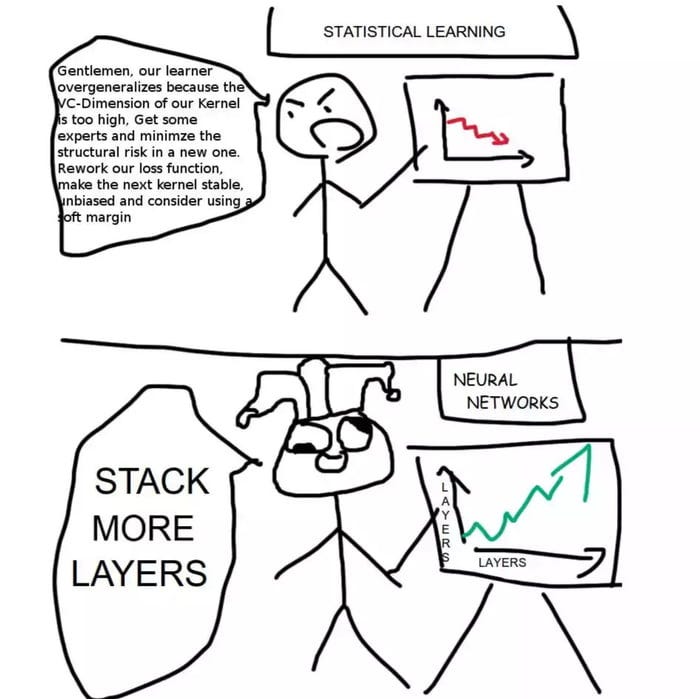
https://miro.medium.com/max/700/1*I7M_TKjhYPSjfyqEYkwWxQ.jpeg
Word processing operation in which a text editing software program called a word processor is used to create a document on a computer A word processing system can produce a wide variety of documents including letters memoranda and manuals rapidly and at relatively low cost The precursor of the modern word processing system was developed
Templates are pre-designed files or files that can be used for various purposes. They can conserve effort and time by supplying a ready-made format and design for creating various type of content. Templates can be used for personal or expert jobs, such as resumes, invitations, leaflets, newsletters, reports, presentations, and more.
Short Note On Word Processing Software
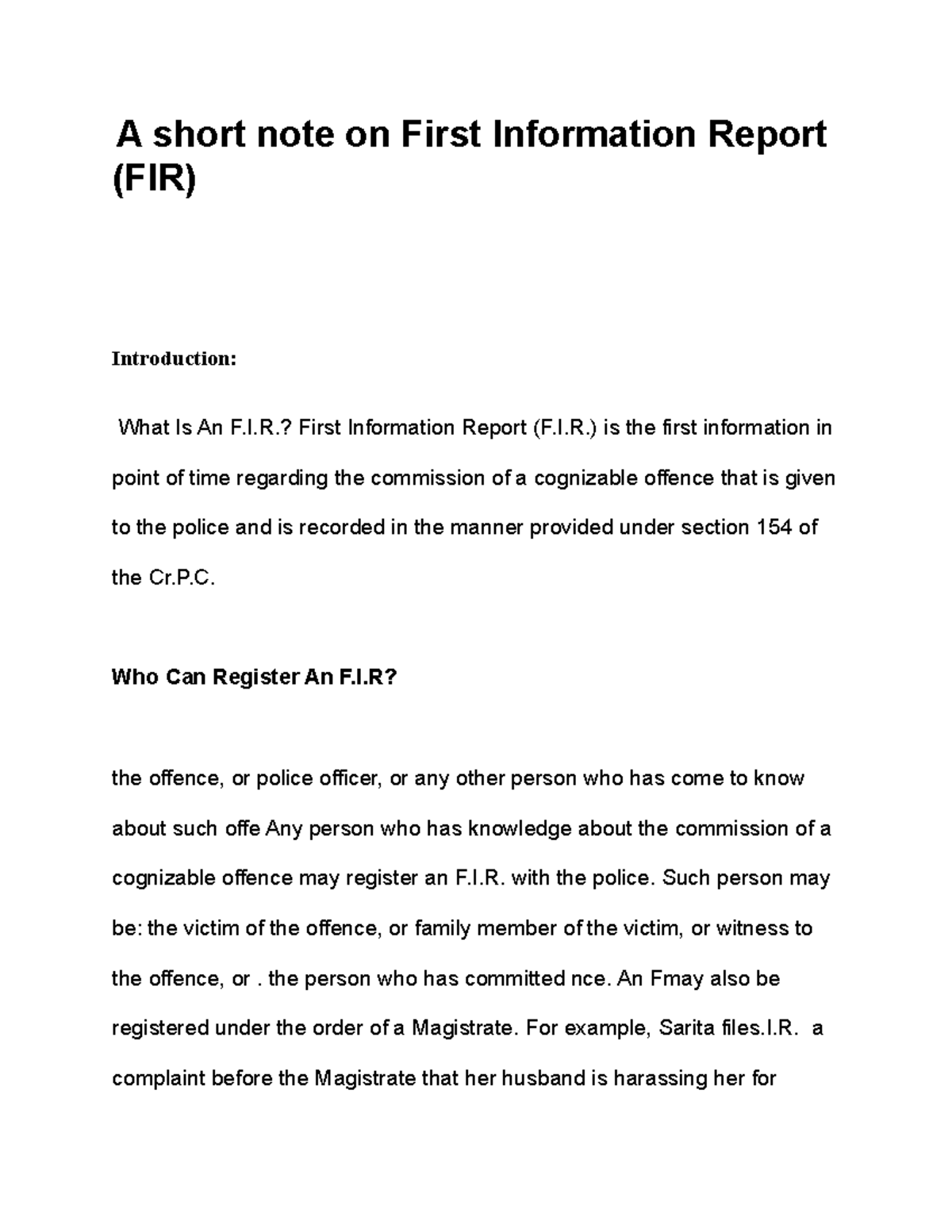
A Short Note On First Information Report A Short Note On First

How Microsoft Word Dominated The Word Processing Software Market

PDF A Short Note On Vector Bundles On Curves

Who Is He Write A Short Note On Him Brainly in

A Short Note On Cascading Failures In MicroServices Architecture By

What Is A Word Processor Examples And Types
Free with macOS and iOS devices Visit site LibreOffice Companies who want to create and edit word processing spreadsheets database and other documents for free Free open source software Visit site Scrivener Best for authors who want to keep their work super organized Starts at 50 99 one time purchase
2 iWork Pages iWork Pages is a must have word processing software for Apple users Even though Microsoft Word is available for macOS iWork is a great native alternative that helps Apple users process create and work with word documents iWork Pages was previously known as AppleWorks and it is part of the official Apple iWork suite
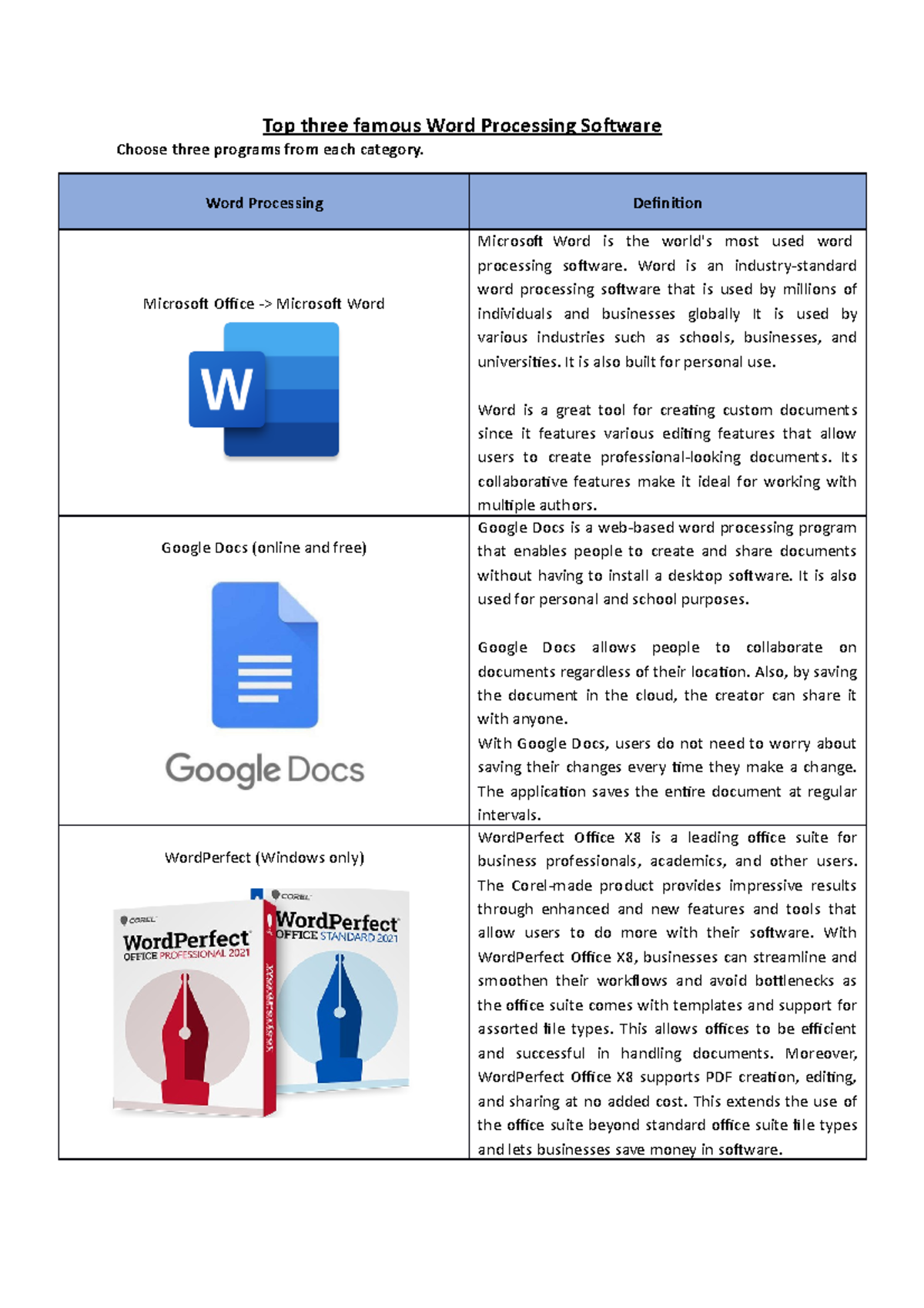
7 Microsoft Word Category Document Creation Software Polished documents anytime anywhere Microsoft Word helps you write like a pro by checking grammar spelling capitalization and punctuation in all Word documents with Microsoft Editor Share documents and edit with anyone

Every menu option in WriteMonkey is only shown if you right click the document From there you can do everything from open a new document or project to toggle focus mode copy all the text open dev tools and more WriteMonkey is a free word processor for Windows Mac and Linux Download WriteMonkey 09

Evernote ratings and reviews Capterra 4 4 5 7 700 reviews G2 4 4 5 1 900 reviews 10 LibreOffice via LibreOffice LibreOffice is a free open source office suite designed to make completing everyday tasks easier It s an open source product meaning that it s free and available to all users LibreOffice includes programs for word
In short word processing software allows you to manipulate a text document such as a report resume or article You type on your keyboard to enter text and use in app tools to edit and perform other types of formatting options Note that Pages will not give you all the document editing features as Word or other paid programs and you The best free word processor makes it simple and easy way to type up documents on your computer without needing to pay for a software license Best free word processor quick menu Image credit
Word processing the use of a program software application running on a computer that allows users to create edit format and store documents Create a Document Steps to create a new word processing document Word Office 365 Start Microsoft Word Click the File tab Click the New tab Click Blank document A new blank document appears