Sharepoint Microsoft Lists Custom List Templates Sharepoint List Template Create List From Custom List Template In Sharepoint Using Powershell Microsoft Lists The Evolution Of Sharepoint Lists Www vrogue co Microsoft Lists Begins General Availability Roll Out To Microsoft 365 Microsoft Lists Evolving The Value Of SharePoint Lists And Beyond In SharePoint select New List Select the template you want and select Use template This example shows the Issue tracker template If you don t see a template that you want select Back to return to the Create a list chooser For details about the available templates see List templates Enter a name for your list an optional
To define and upload custom list templates admins will use the following site template PowerShell cmdlets Use the Get SPOSiteScriptFromList cmdlet to extract the site script from any list Run Creating custom list templates n As a Global Administrator or SharePoint Administrator in Microsoft 365 you can provide custom list templates for users in your organization When users create new lists they can select from these templates alongside the built in templates from Microsoft
Microsoft Lists Evolving The Value Of SharePoint Lists And Beyond How To Upload A List Template To A SharePoint Site Kiefer Consulting Format Gallery View To Customize SharePoint Microsoft Learn What Are Microsoft Lists Vs SharePoint Lists Capabilities And Lists Modern SharePoint Lists Are Here including Integration With Microsoft My Portfolio SharePoint Themes And Colors Microsoft Learn Customize The List Form Using JSON In SharePoint Online Step By Step Microsoft Cloud Hits 111 6 Billion Annual Revenue
Sharepoint Microsoft Lists Custom List Templates
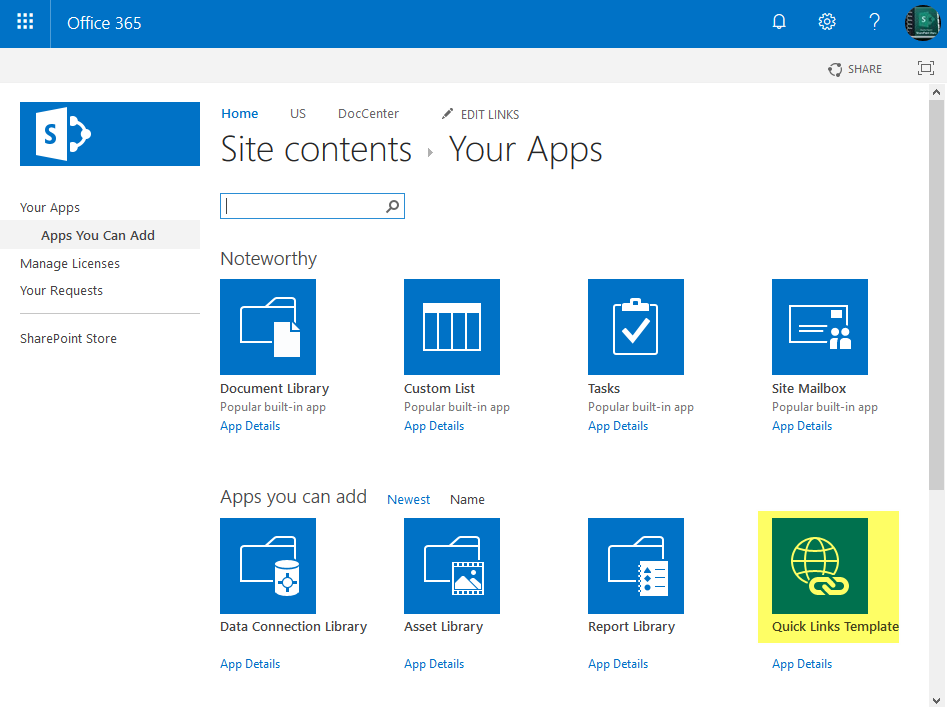 Sharepoint Microsoft Lists Custom List Templates
https://1.bp.blogspot.com/-2XeyBg7jQPs/XDxrHpxFwAI/AAAAAAAAPOE/xJbHrbBHCNQaNAV-7wGkr16ZWIODf9ddwCLcBGAs/s1600/sharepoint+online+create+list+from+custom+template.png
Admin impact Custom list templates can only be uploaded by a SharePoint administrator for Microsoft 365 by using PowerShell cmdlets For consistency the process of defining and uploading custom list templates is like the custom site templates experience To define and upload custom list templates admins will use the following site template
Templates are pre-designed files or files that can be utilized for various functions. They can save effort and time by supplying a ready-made format and design for creating various sort of material. Templates can be utilized for personal or expert tasks, such as resumes, invitations, leaflets, newsletters, reports, presentations, and more.
Sharepoint Microsoft Lists Custom List Templates

Webinar Microsoft Lists Smarter Information Tracking And

How To Upload A List Template To A SharePoint Site Kiefer Consulting
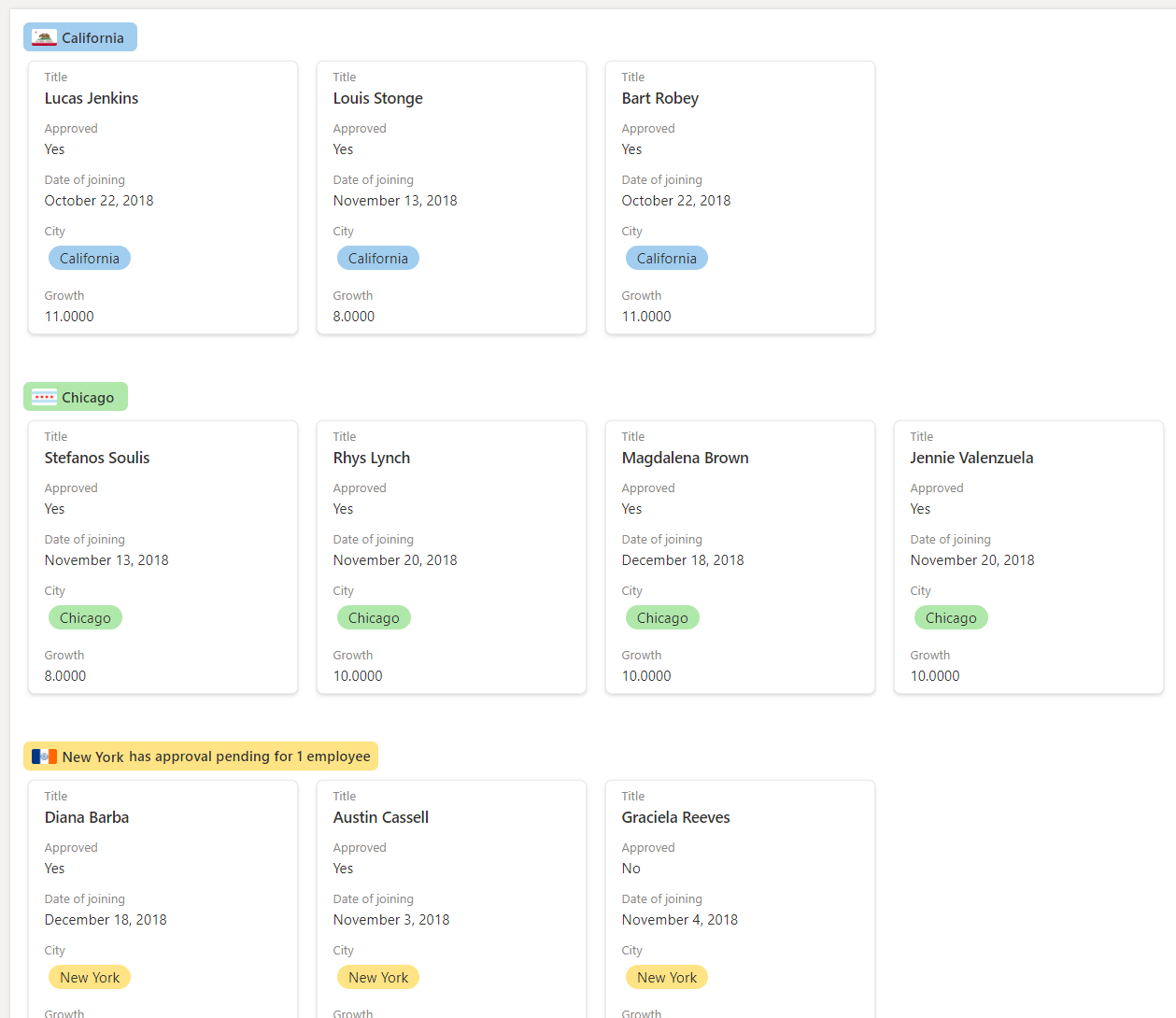
Format Gallery View To Customize SharePoint Microsoft Learn
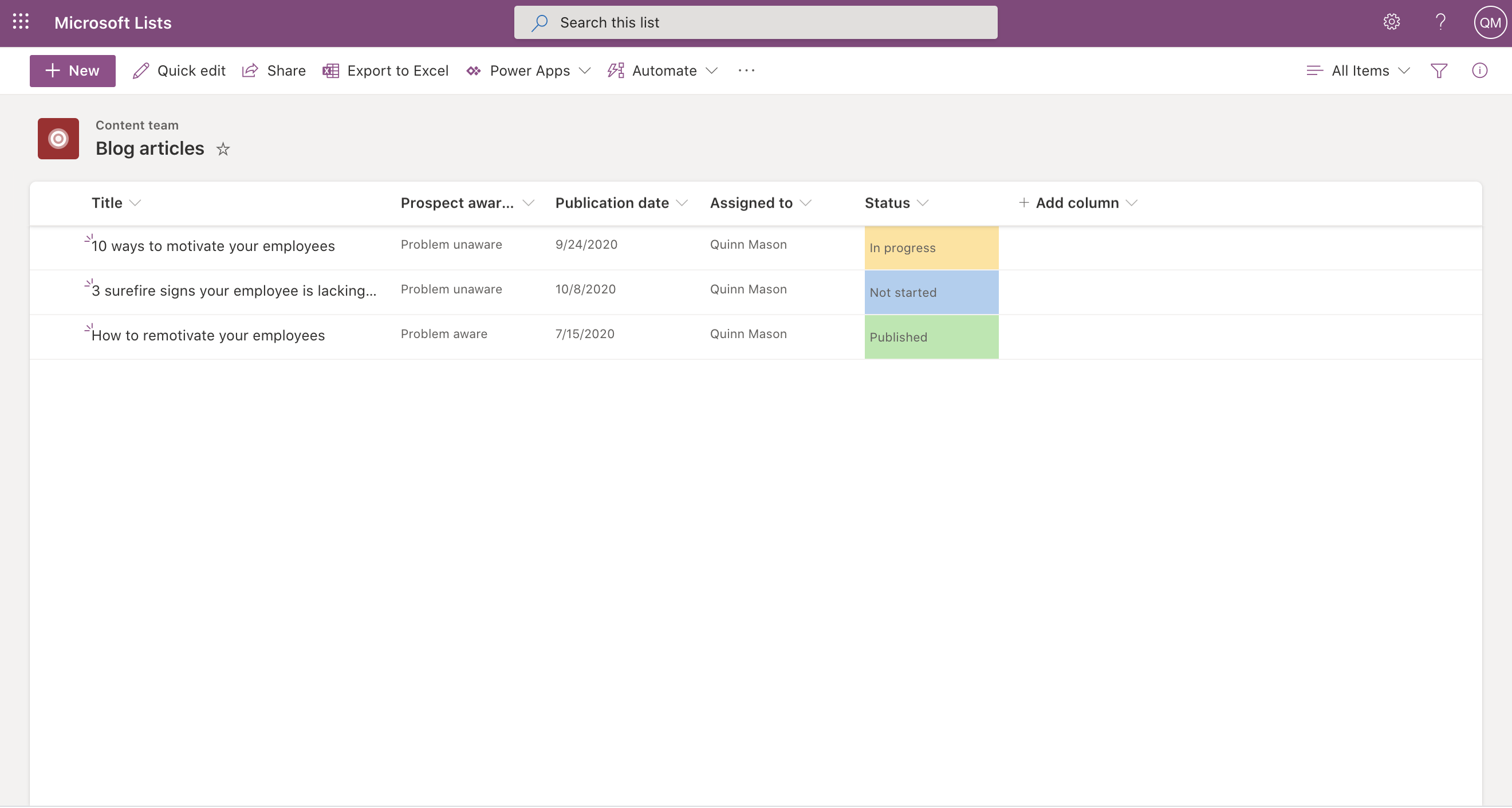
What Are Microsoft Lists Vs SharePoint Lists Capabilities And Lists

My Portfolio
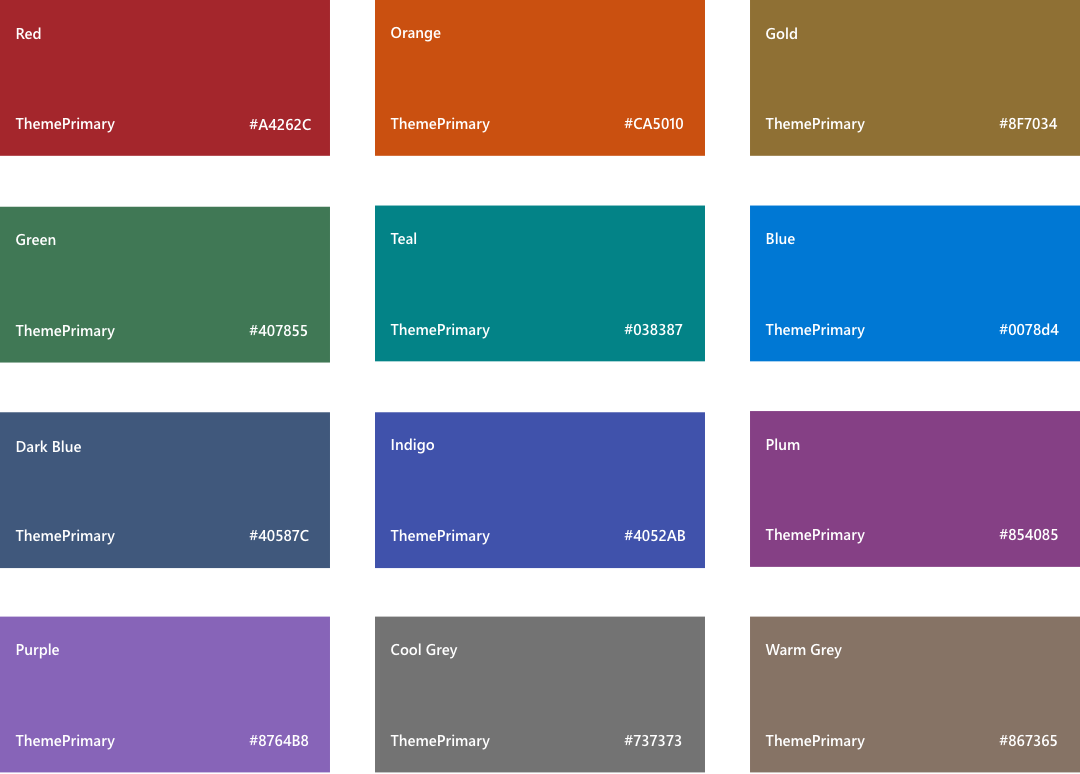
SharePoint Themes And Colors Microsoft Learn
List templates in Microsoft 365 Microsoft Lists help you organize collaborate and share the information you care about You can create and share lists that help you track issues assets routines contacts inventory and more Start from the Microsoft Lists app Microsoft Teams or SharePoint using a template Excel file or from scratch

Reuse customized Microsoft SharePoint lists with list templates A template saves fields formulas and formatting and optionally data as well Templates can be downloaded for archiving or uploaded to another site SharePoint 2016 2013 2010 2007 Important SharePoint group connected team sites do not currently support list templates

Ready made templates Microsoft s built in ready made templates help you create lists using pre configured layouts that include columns color formatting and data structure You can customize each list to fit your situation by changing the formatting to highlight important data configuring forms to see more at a glance and setting

As a Global Administrator or SharePoint Administrator in Microsoft 365 you can control settings for Microsoft Lists You can Disable the creation of personal lists prevent users from saving new lists to My lists Disable built in list templates that aren t relevant for your organization You control both of these settings by using

On Microsoft Lists click on the New list button Click in the From your organization tab Select your newly created template from the list of available templates Click Use template Provide a name and a description for your new list and alternatively chance the default color and default icon Click Create and start using your list
Scratch the Lists experience and go Classic Okay so the new and shiny Microsoft Lists experience doesn t support stp list templates Instead opt for the Classic experience by clicking New App like shown below You ll see custom templates in the view You ll know the custom templates not only from the naming The Custom List Templates feature will give organizations the ability to create their own custom list templates with custom formatting and schema It will also empower organizations to create repeatable solutions within the same Microsoft Lists infrastructure including list creation in SharePoint Teams and within the Lists app itself We have made some updates to the feature we are
SharePoint list templates One of the features of SharePoint is the ability to create and use custom list templates for different purposes Custom list templates are collections of columns views and data that can be reused to create new lists They can help you save time and ensure consistency across your organization