Sharepoint List View Formatting Sharepoint Column Formatting With Json Sharepoint Lightbulb Moments SharePoint List And Microsoft List Form Formatting Collabmania How To Create A Tile View On Modern SharePoint Lists HANDS ON SharePoint Community Demo SharePoint Column And View Formatting Tips multiple Sharepoint Online List View Web Part With Custom View Formatting Web Mar 19 2021 nbsp 0183 32 Over the course of two blogs we ve covered the basic building blocks of custom column formatting as well as how to customize our list and gallery views We turned a boring old list of text into far less boring visuals and then turned those visuals into a quot who s who quot of Middle Earth
Web Jun 29 2022 nbsp 0183 32 Customize how gallery views in SharePoint lists and libraries are displayed by constructing a JSON object that describes the elements and the styles to be applied to those elements Web Oct 25 2018 nbsp 0183 32 New SharePoint view formatting samples now available By Chris McNulty Published Oct 25 2018 02 59 PM 62 4K Views undefined Last May at SharePoint Conference 2018 we previewed new user experiences built with view formatting previously called row formatting
Sharepoint Online List View Web Part With Custom View Formatting SharePoint List View Row Formatting Ideation Management Sample Create A Menu Based On Page Titles ExcelTrainer Format Calendar View To Customize SharePoint Microsoft Learn Microsoft Lists Calendar View Conditional Formatting Super Simple 365 List View Formatting In SharePoint Modern List Views YouTube Image SharePoint List And Microsoft List View Formatting Options Collabmania Column Header Formatting In SharePoint List Quick Edit Or Datasheet
Sharepoint List View Formatting
 Sharepoint List View Formatting
https://www.enjoysharepoint.com/wp-content/uploads/2020/05/image-202.png
Web To format cards in Board view just use the lt code gt formatter lt code gt property lt p gt n lt p dir quot auto quot gt The easiest way to use view formatting is to start from an example and edit it to apply to your specific view The following sections contain examples that you can copy paste and customize for your specific needs
Pre-crafted templates use a time-saving option for developing a diverse range of files and files. These pre-designed formats and designs can be used for numerous personal and expert jobs, consisting of resumes, invites, flyers, newsletters, reports, presentations, and more, enhancing the content development procedure.
Sharepoint List View Formatting
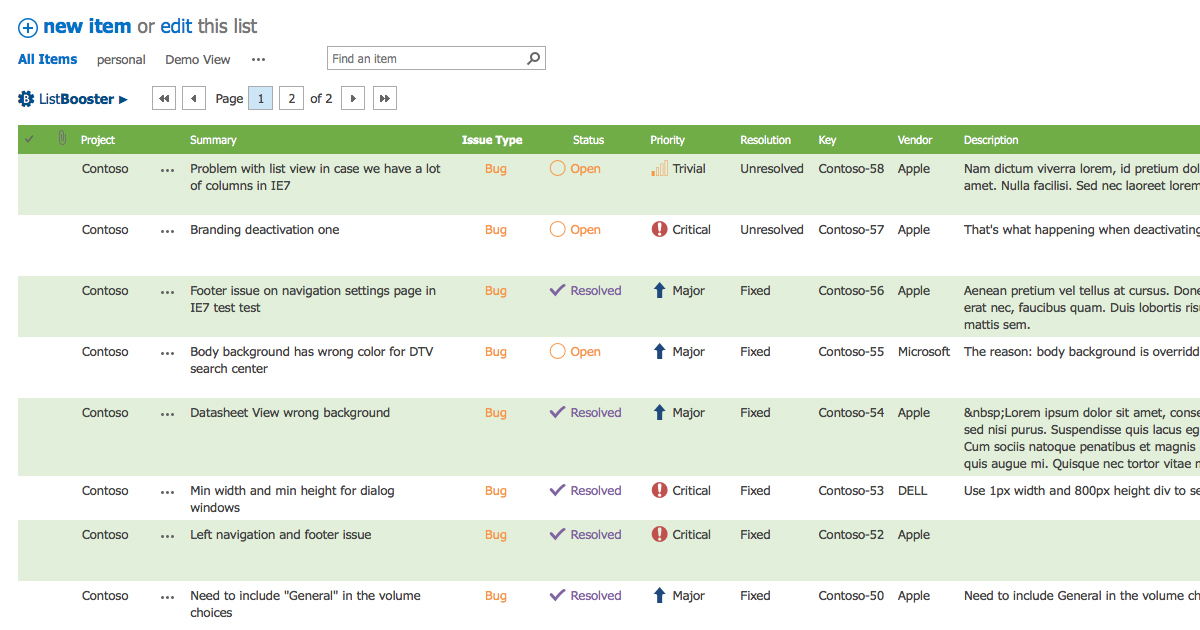
List Booster SharePoint Formatting Style Resize Pagination KPI

SharePoint List View Row Formatting Ideation Management
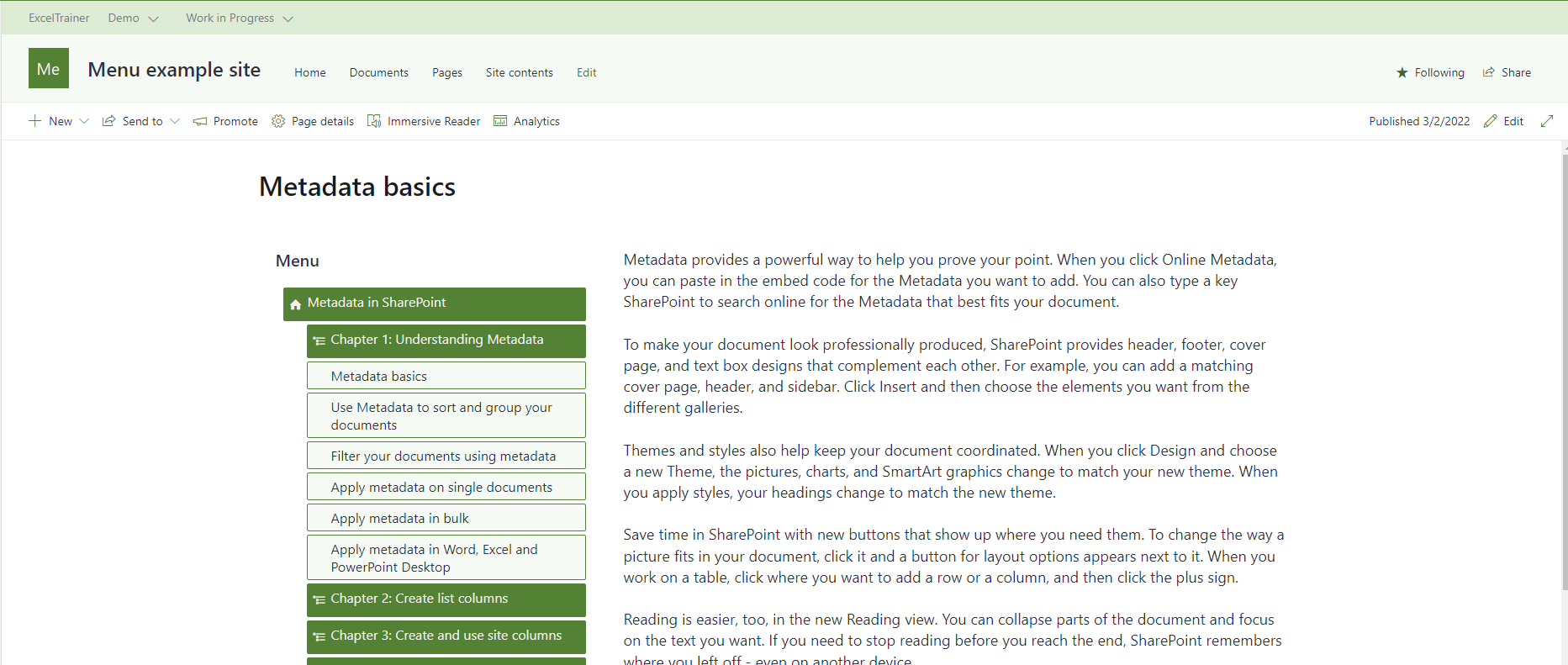
Sample Create A Menu Based On Page Titles ExcelTrainer
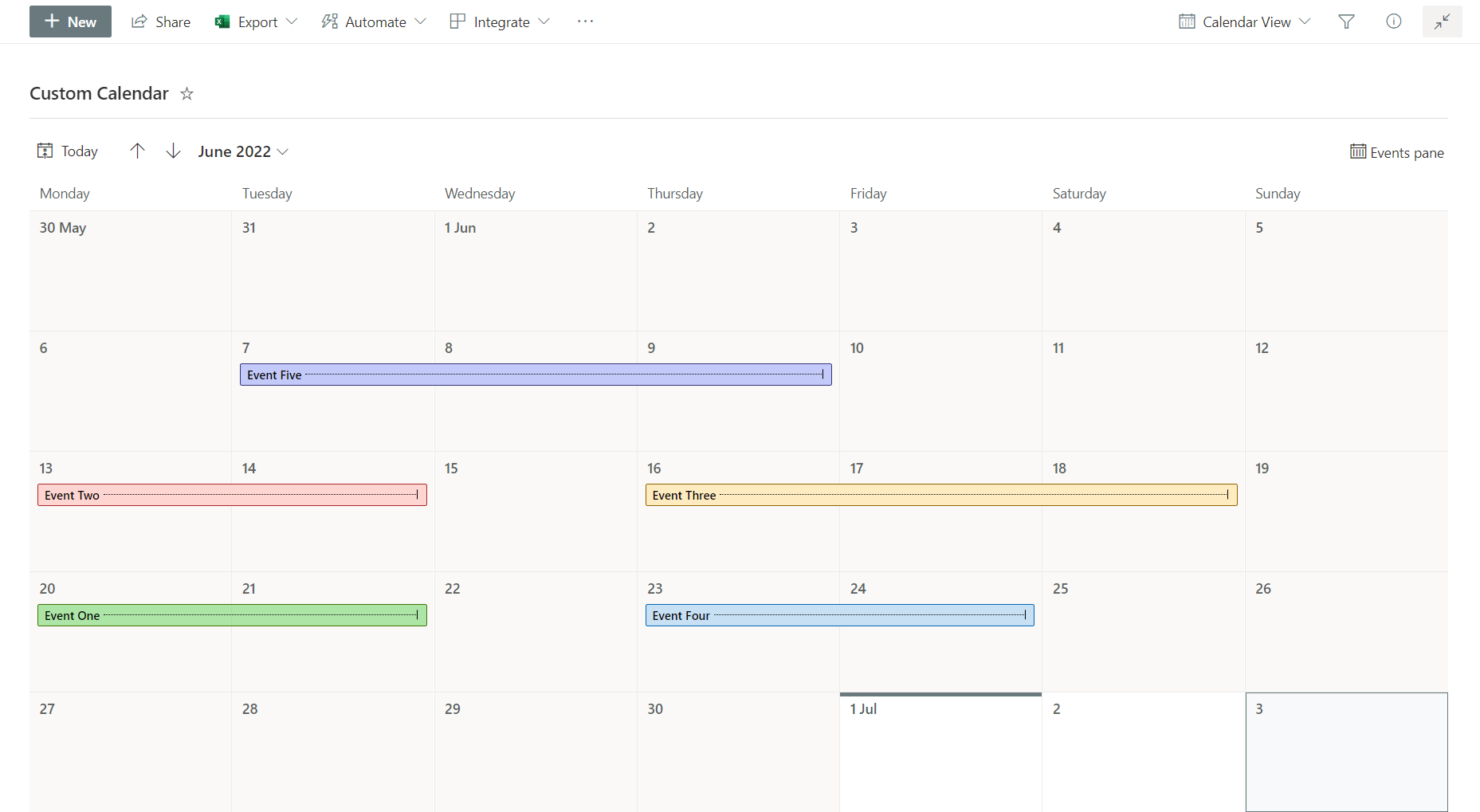
Format Calendar View To Customize SharePoint Microsoft Learn

List View Formatting In SharePoint Modern List Views YouTube
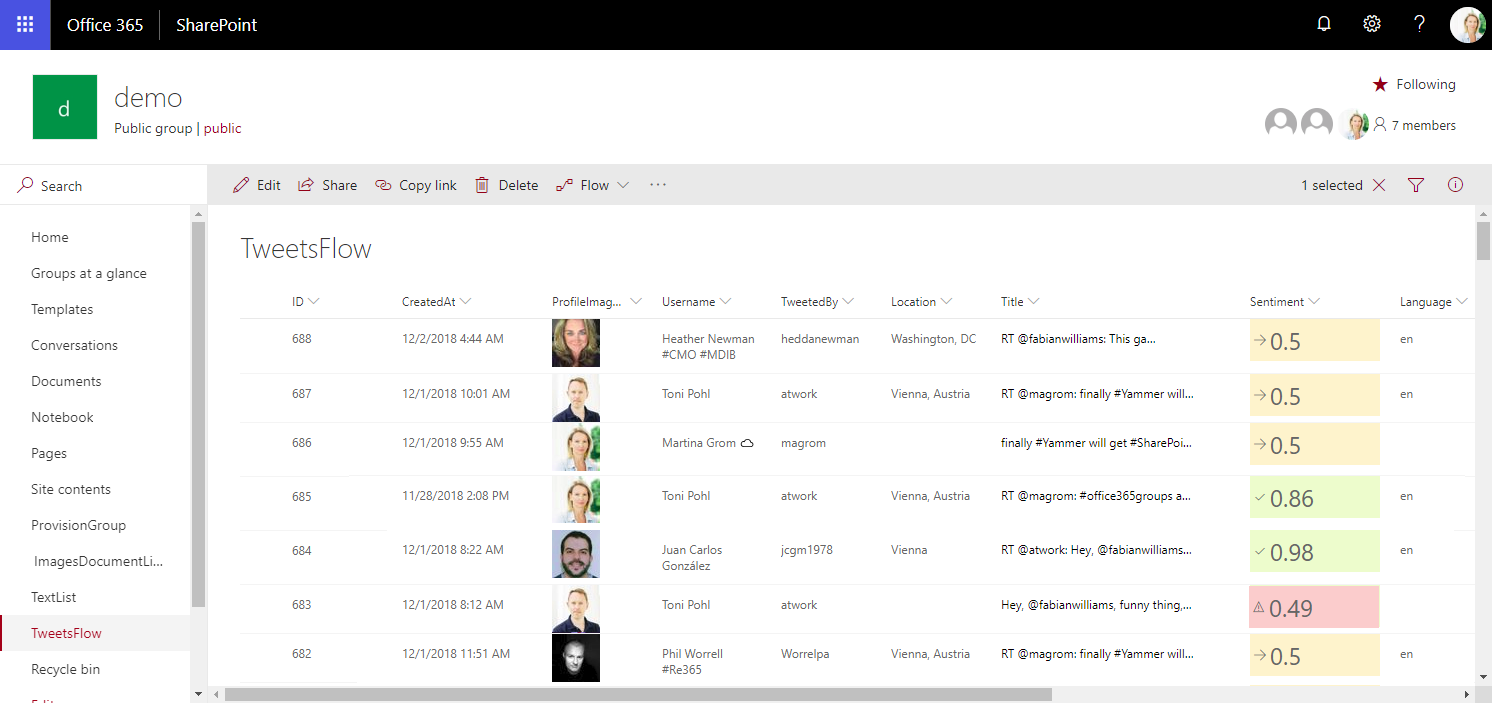
Image

Web You can use List Formatting to customize how fields and views in SharePoint lists and libraries are displayed List Formatting is applied by constructing a JSON object that describes the elements that are displayed for a field or view and the styles to be applied to those elements This repository contains ready to use samples

Web List of View Formatting Samples This is an alphabetical list of all the view formatting samples available Each sample has a dedicated readme file to explain setup instructions and demonstrated capability Depending on what you are looking for you may find the sample groupings more helpful

Web Aug 19 2022 nbsp 0183 32 For a list of recommended classes to use inside view formats please see the Style guidelines in the Use column formatting to customize SharePoint Tip Using the additionalRowClass property to apply classes to list rows will leave the formatting of individual columns in place

Web Formatting list views SharePoint in Microsoft 365 Microsoft Lists You can customize the display of views in lists without changing the list data by adding formatting Anyone who can create and manage views in a list can access view formatting

Web Format a Lists view Teams Microsoft Teams You have a wide variety of formatting options for your lists You can use formats to simply make a list easier to read or you can create rules to highlight certain list items based on values in
Web Jan 20 2021 nbsp 0183 32 Format an entire list view The modern list view also gives us options to apply formatting to an entire view like how we applied formatting to a specific column When you are in a SharePoint list or library click the view selector drop down then select Format current view as shown in Figure 4 below Web Apr 2 2019 nbsp 0183 32 Planning the view An important first step before writing any JSON is to figure out how you want the view to look In this tutorial we are going to build a meeting venue list as shown above The first step is to build a custom SharePoint list with the following columns Title default single line of text
Web Sep 9 2018 nbsp 0183 32 SharePoint List and Microsoft List View Formatting Options By Jeff ANGAMA September 9 2018 19 1569 Why this article Following the article Column Formatting options let s have the same exercise for this feature View Formatting announced during SharePoint Conference 2018