Shared Word Document Formatting Messed Up Conditional Formatting In Outlook YouTube Advanced Microsoft Word Formatting Your Document YouTube How To Show Formatting Marks In Word Microsoft YouTube Word Tutorial Formatting Text With Paste Options YouTube Microsoft Word How To Get Rid Of The Weird Symbols In Word Documents Feb 21 2024 nbsp 0183 32 This results in the shared mailbox opening twice on startup one of them disappears after 30 sec as explained above Recreating the Outlook profile only solves the
Aug 3 2023 nbsp 0183 32 I have office 365 use Outlook to email and also word merge to send emails Works fine if I send from my default mailbox but not from a shared box I have tried adding the shared Shared OneDrive Folders not showing in OneDrive Desktop App Hello I am the owner of a OneDrive folder and I would like those that I share the folder with or those I give permission to
Microsoft Word How To Get Rid Of The Weird Symbols In Word Documents Excel Tutorial Formatting Messed Up Rows And Columns For Improved Data How To Make A Copy Of A Word Document To Edit In Microsoft Word 2023 Trick To Apply Styles And Formatting Of One Document To Other Ms Word Anakin Padme Classic Word Doc Problem Imgflip Essay Review Incognito Blueprints Formatting In Word The Word Make Microsoft Word 0x
Shared Word Document Formatting Messed Up
 Shared Word Document Formatting Messed Up
https://i.ytimg.com/vi/mDBWTXtU8dQ/maxresdefault.jpg
May 14 2014 nbsp 0183 32 Shared 13 15 Double En suite Room
Templates are pre-designed files or files that can be used for different purposes. They can conserve time and effort by supplying a ready-made format and design for developing different type of content. Templates can be utilized for personal or expert jobs, such as resumes, invites, leaflets, newsletters, reports, presentations, and more.
Shared Word Document Formatting Messed Up

Word Tutorial Sharing Document Links And Collaborating YouTube

Excel Tutorial Formatting Messed Up Rows And Columns For Improved Data
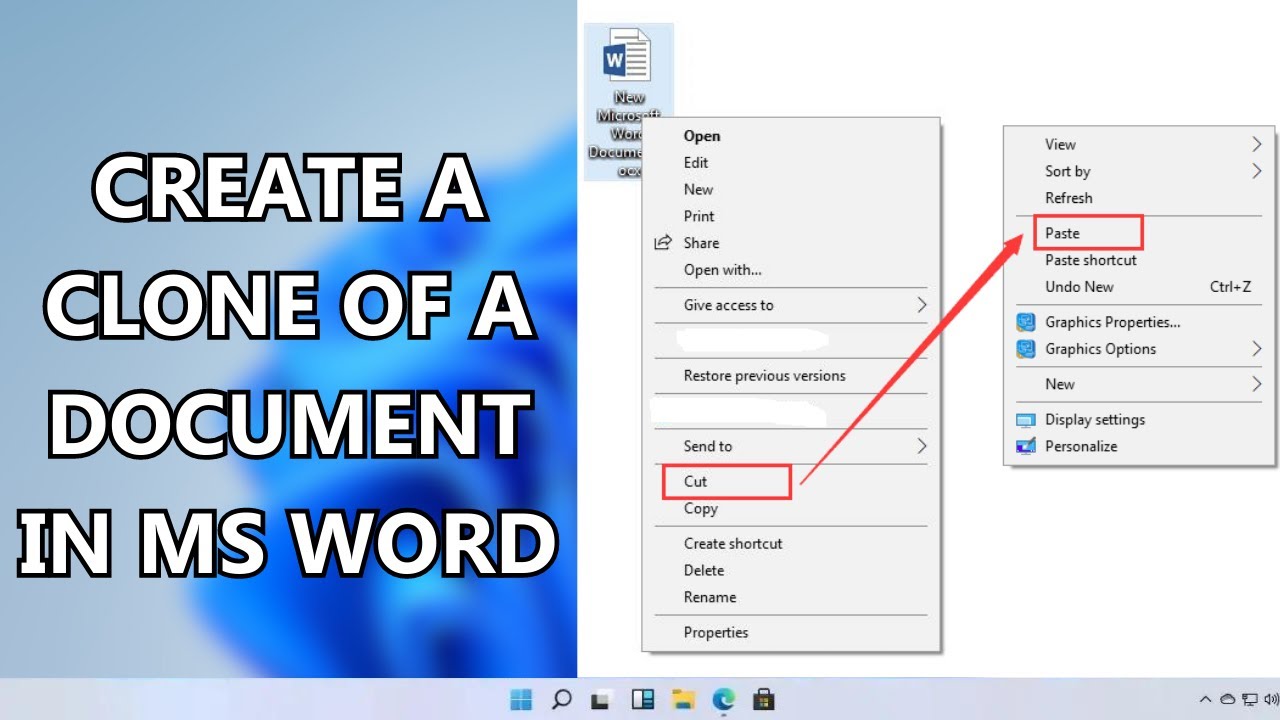
How To Make A Copy Of A Word Document To Edit In Microsoft Word 2023

Trick To Apply Styles And Formatting Of One Document To Other Ms Word

Essay Review Incognito Blueprints
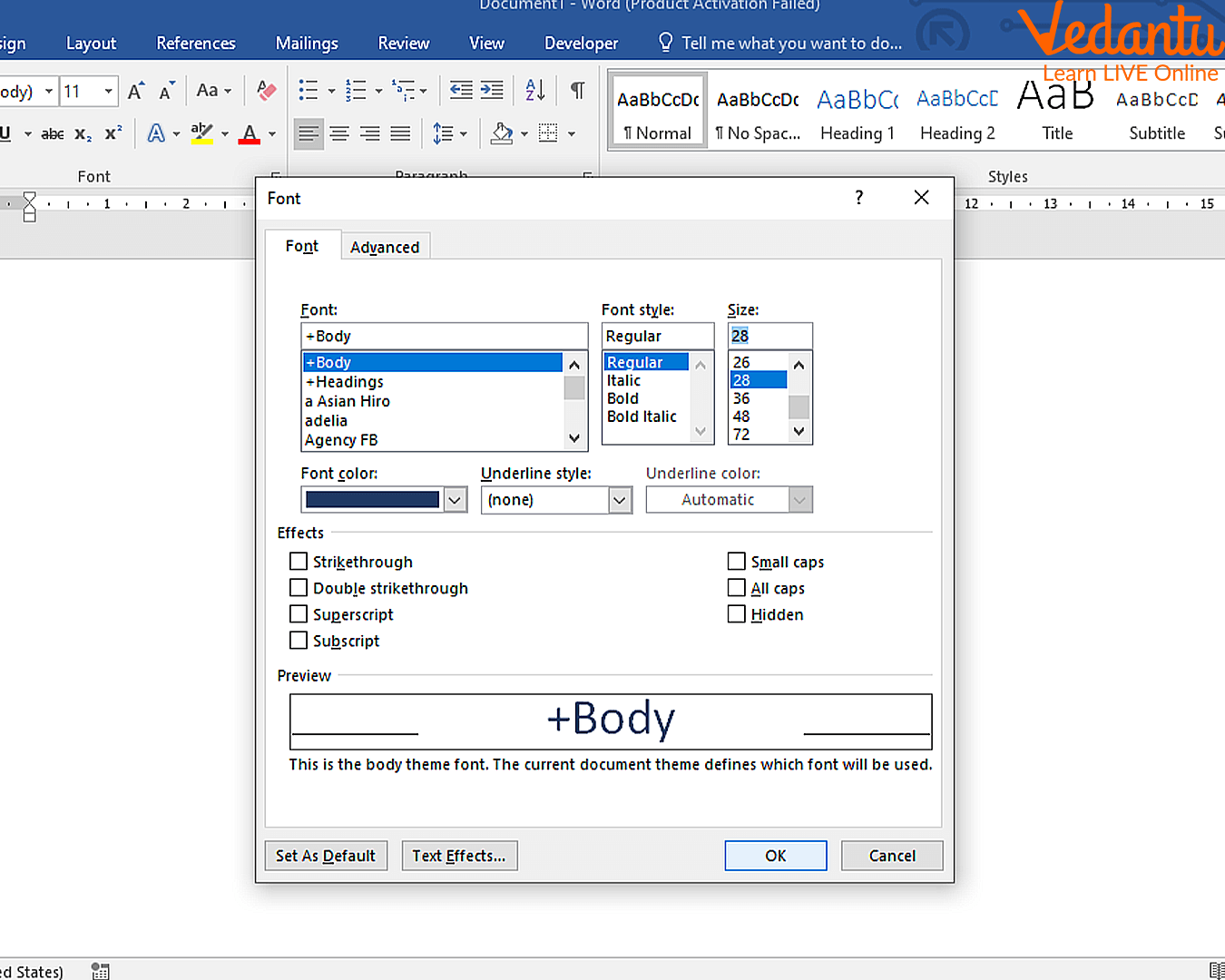
Formatting In Word

Sep 30 2024 nbsp 0183 32 The purpose of the calendar is to let all team members can make an appointment meeting in their personal outlook and it can automatically show in a teams

You may want to set up a shared folder in OneDrive for Business of the admin account so that four users can access and edit files in the shared folder If what I understand is correct you
May 8 2019 nbsp 0183 32 Click Shared gt under the quot Shared with me quot tab click to open the shared folder 3 Click the Sync button to sync the folder with the OneDrive sync client If the issue happens

Firstly the shared mailbox will show up automatically only if you have full access permission because of Automapping If you d like to grant read only permission you need to grant

Jun 8 2022 nbsp 0183 32 Hi I am trying to remove shared email accounts from Outlook I have followed the instructions of File Account Settings Account Settings and selecting the email account
[desc-11] [desc-12]
[desc-13]