Setup Sftp Server Windows Server 2019 Iis Install Iis On Windows Server 2019 X 10 Www vrogue co Music Racer Key Im Mai 2023 1 00 Install Iis On Windows Server 2019 X 10 Www vrogue co What Is SFTP How To Set Up An SFTP Server In Windows Using OpenSSH LaptrinhX Create FTP over SSL server on Windows Server 2019 This allows multiple users to access their own directory but not other directories I m creating this on AWS but you can create in any
With this in mind do right click over the service to enter properties Righ click over the OpnSSH server and select properties In the next window we have to select automatic in startup type and then click on apply Finally press Start to begin the service Setting automatic on startup type Step 1 Install FTP on an Existing IIS Web Server This step shows you how to install the FTP service on an existing IIS web server that runs on either Windows Server 2012 or Windows 8 To install FTP on Windows Server 2012 On the Start screen click the Server Manager tile then click Yes
How To Set Up An SFTP Server In Windows Using OpenSSH LaptrinhX 11 Best SFTP And FTPS Servers Reviewed For 2023 Free Paid The How To Use Sftp To Securely Transfer Files With A Remote Server Www CompleteFTP SFTP Server Review Software Portal Integration With Third Party Systems Using AWS Transfer For SFTP How To Install Iis In Windows Server 2019 Martinez Hileace Audials One 2023 Blitzhandel24 PPT How To Setup A Stellar Horizon Server On AWS PowerPoint Blog Videos
Setup Sftp Server Windows Server 2019 Iis
 Setup Sftp Server Windows Server 2019 Iis
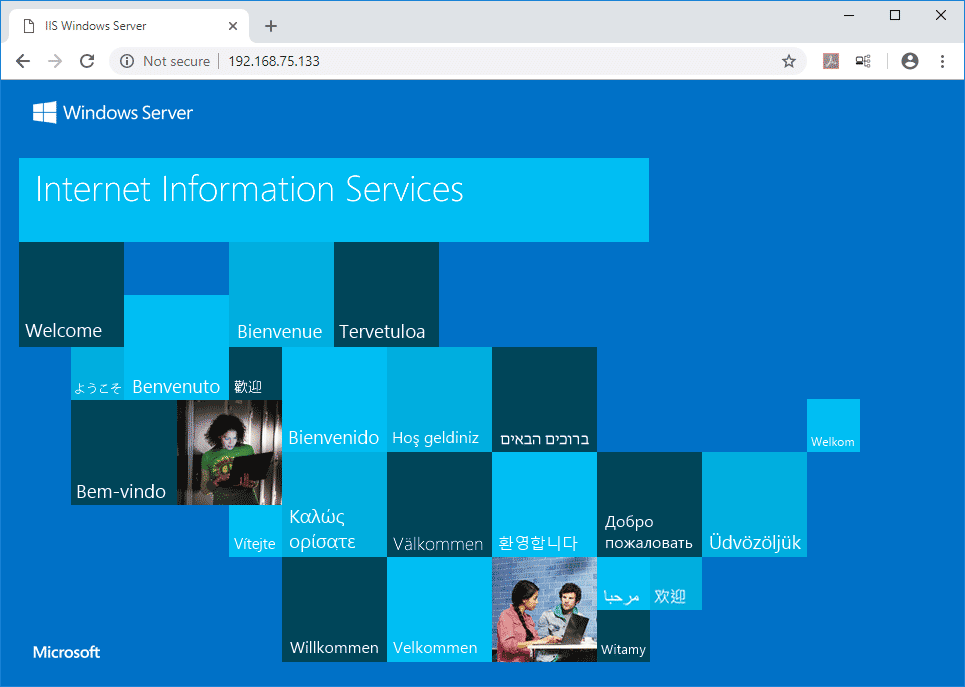
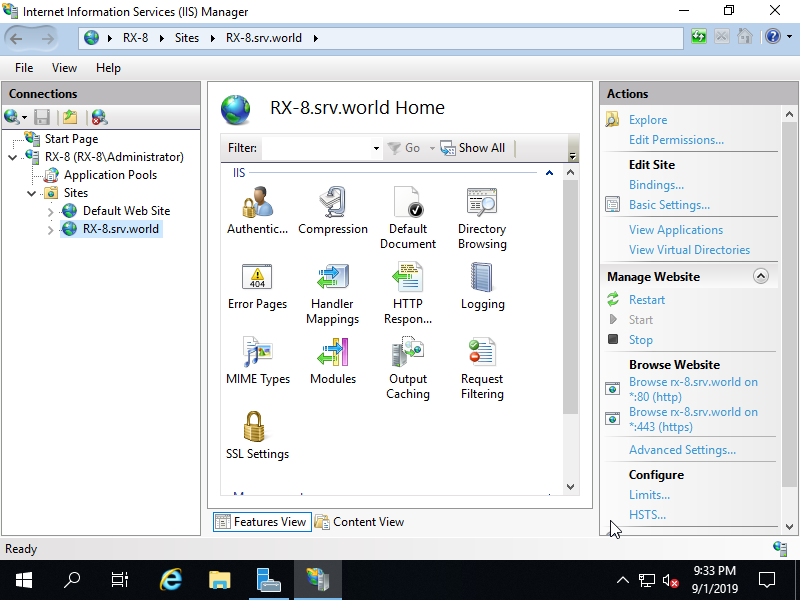
https://www.rootusers.com/wp-content/uploads/2018/12/default-iis-2019-website.png
How to Install and Configure FTP Server on Windows Server 2019 Key Points From the Articles The File Transfer Protocol FTP enables file transfers between a server and a service user via a TCP IP network
Pre-crafted templates offer a time-saving service for creating a varied range of files and files. These pre-designed formats and designs can be utilized for different personal and professional jobs, consisting of resumes, invites, leaflets, newsletters, reports, discussions, and more, enhancing the material production procedure.
Setup Sftp Server Windows Server 2019 Iis

Marvel Vs Capcom Infinite Character Pass EU Key Im Mai 2023 3 15

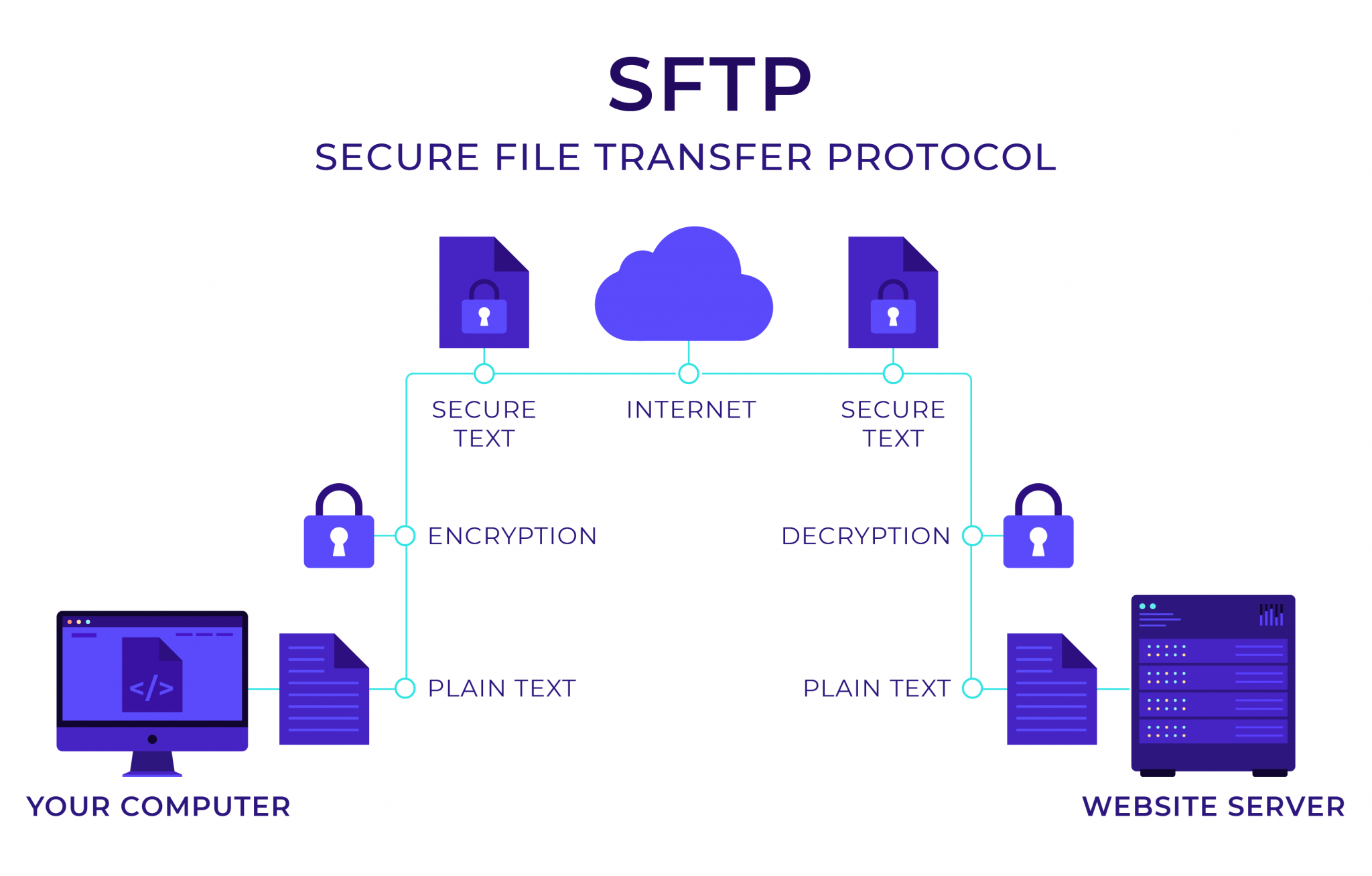
11 Best SFTP And FTPS Servers Reviewed For 2023 Free Paid The
How To Use Sftp To Securely Transfer Files With A Remote Server Www
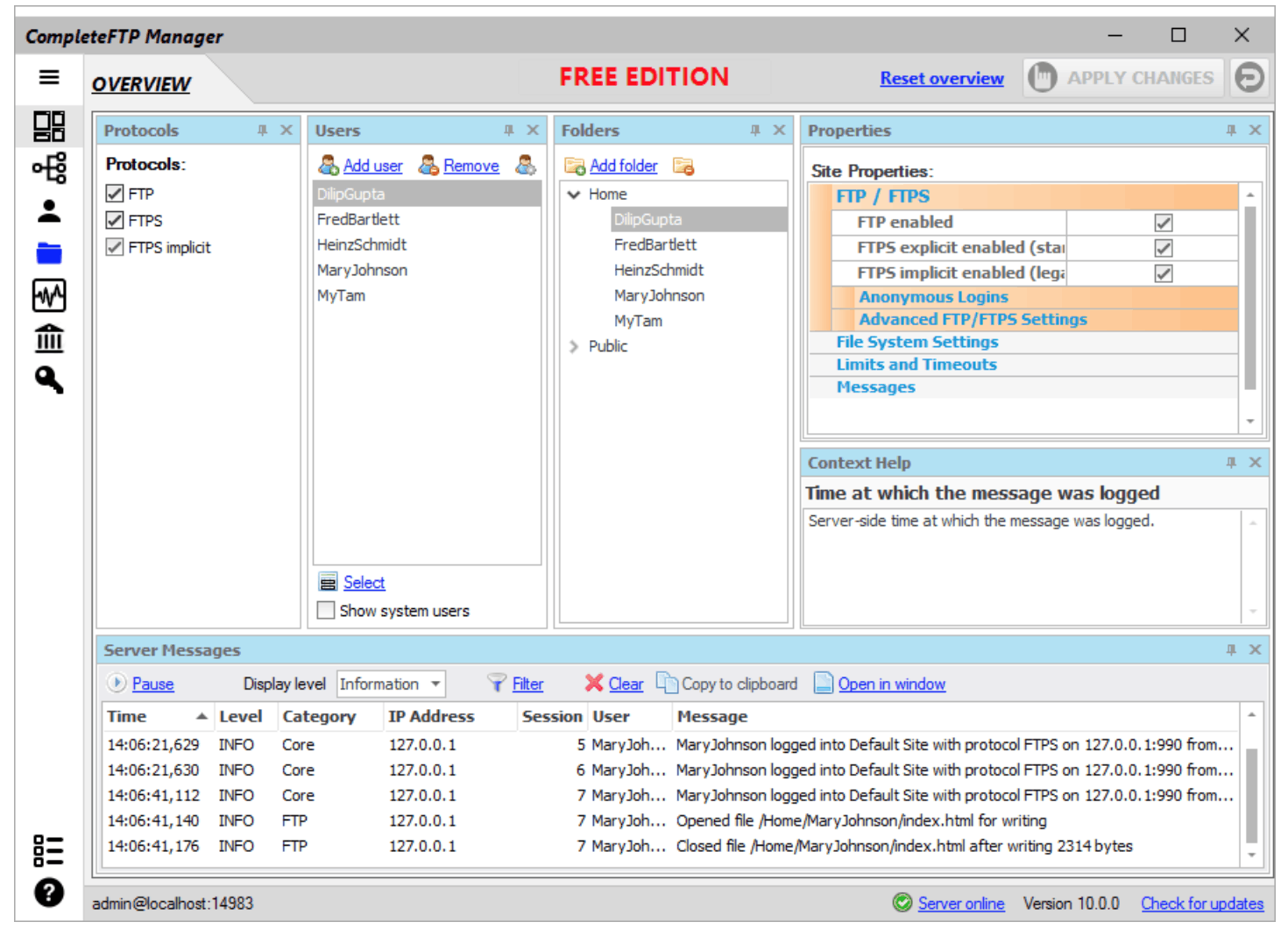
CompleteFTP SFTP Server Review Software Portal
How To Install Iis In Windows Server 2019 Martinez Hileace

Audials One 2023 Blitzhandel24
First log in to Windows Server VM and enable the optional OpenSSH feature To do so launch an elevated PowerShell console and run the following command Add WindowsCapability Online Name OpenSSH Server 0 1 Installing an OpenSSH server in Windows using PowerShell The installation was successful if the output includes Online True

How to setup sftp on x64 2019 Windows server John Vaillant 1 Aug 29 2022 12 25 PM I have done the follow 1 installed FTP for server via add roles and features 2 made sure the service Microsoft FTP Service is running 3 added an inbound rule to allow connection on port 23
You may want to install a secure FTP server on Windows either as standalone file storage or to have means of editing your website hosted on IIS Internet Information Services web server In both cases you can use an optional FTP Server component of the IIS It can be installed standalone or along with a Web Server 1 Installing FTP Server

Install and Configure FTP Server on Windows Server 2019 By Kibet John August 17 2023 199084 1 File transfer protocol is a set of rules that define how files can be shared sent and received and manipulated create rename and delete over a TCP IP Network FTP works in two modes passive and active

The following are the steps to enable SFTP on a Windows server 2019 Go to Windows Settings Apps Click on Manage optional features Under apps and features menu Look for OpenSSH Server check if it s already installed if not click on Add a feature to install How to set up an SFTP server in Windows using OpenSSH Installing OpenSSH
SFTP Server on Windows Server 2019 How Question I have done the subreddit search for configuring an SFTP server on Server 2019 but am finding a lot of different information I understand the difference in SFTP vs FTPS however we are attempting to set up SFTP on server 2019 and am running into a few hiccups This is what you need to setup a SFTP server in Windows Configure the SFTP server feature OpenSSH Server in Windows Server 2019 Create the root SFTP directory Create the user account that will be used for file transfers Install and configure the SFTP client for data transfers Perform an SFTP transfer between client and server
Click Next and then on the Select features page click Next again On the Confirm installation selections page click Install On the Results page click Close Windows 8 or Windows 8 1 On the Start screen move the pointer all the way to the lower left corner right click the Start button and then click Control Panel In Control Panel click Programs and Features and then click Turn