Setup Raspberry Pi 4 As Access Point Using The Raspberry Pi 4 As A Wireless Access Point Element14 Community Setup Raspberry Pi 4 Steps Instructables How To Set Up Your Raspberry Pi 4 Buy Geekworm Raspberry Pi 4 Aluminum Case Raspberry Pi 4 Model B Raspberry Pi Laptop Teaches Code With Modular Innards Web 18 Jul 2020 The Raspberry Pi 4 can easily be configured as a 2 4 GHz or 5GHz routed wireless access point or as a bridged wireless access point My intention was to create a wireless network outside of the home The configuration only took a few moments thanks to resources provided by raspberrypi The results are excellent
Web A routed wireless access point can be created using the inbuilt wireless features of the Raspberry Pi 4 Raspberry Pi 3 or Raspberry Pi Zero W or by using a suitable USB wireless dongle that supports access point mode It is possible that some USB dongles may need slight changes to their settings Web Aug 22 2022 nbsp 0183 32 UPDATED GUIDE Setting up a Raspberry Pi as a WiFi Access Point UPDATED Setting up a Raspberry Pi as a WiFi Access Point Turn a spare Raspberry Pi into a WiFi router hotspot
Raspberry Pi Laptop Teaches Code With Modular Innards Multicomp Raspberry Pi 4 Case Clear Buy GeeekPi Raspberry Pi 4 Model B 8GB RAM 32GB SD Card Ultimate Kit Raspberry Pi HQ Camera Module For Raspberry Pi 4 3 Model B With 12 3MP Instruction For Raspberry Pi 4 3 DSI Touch Screen Osoyoo Raspberry Pi 4 Model B 4GB 1 Per Customer Per Month Duplicate Order Buy GeeekPi Raspberry Pi Set top Box Kit Raspberry Pi 4 Extension Board Raspberry Pi 4 Setup For Beginner YouTube Raspberry Pi 4 Har 3x Hurtigere CPU Og Underst tter Dual 4K sk rme For
Setup Raspberry Pi 4 As Access Point
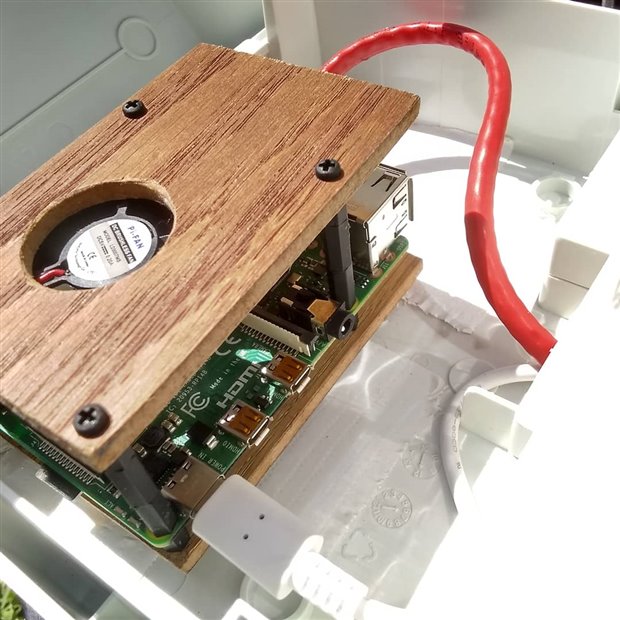 Setup Raspberry Pi 4 As Access Point
https://community.element14.com/resized-image/__size/620x620/__key/communityserver-blogs-components-weblogfiles/00-00-00-00-86/7128.contentimage_5F00_140342.jpg
Web Jun 12 2013 nbsp 0183 32 Install software Setting up a Raspberry Pi as a WiFi Access Point Adafruit Learning System Install software Install software Save Subscribe A lot of persnickety typing follows so you ll probably want to use the copy code button to get these commands and settings exact
Pre-crafted templates use a time-saving service for creating a diverse variety of documents and files. These pre-designed formats and layouts can be made use of for various individual and professional projects, including resumes, invites, flyers, newsletters, reports, presentations, and more, streamlining the content creation process.
Setup Raspberry Pi 4 As Access Point

Raspberry Pi 4 As A Nas How To Reach The 110 MB s Read And Write

Multicomp Raspberry Pi 4 Case Clear

Buy GeeekPi Raspberry Pi 4 Model B 8GB RAM 32GB SD Card Ultimate Kit

Raspberry Pi HQ Camera Module For Raspberry Pi 4 3 Model B With 12 3MP

Raspberry Pi 4 Model B 4GB 1 Per Customer Per Month Duplicate Order

Buy GeeekPi Raspberry Pi Set top Box Kit Raspberry Pi 4 Extension Board
Web Sep 17 2022 nbsp 0183 32 1 Set up a Raspberry Pi if you don t have one already See our guide on how to set up a Raspberry Pi 2 Connect your Raspberry Pi to an Ethernet connection Our Pi will become a
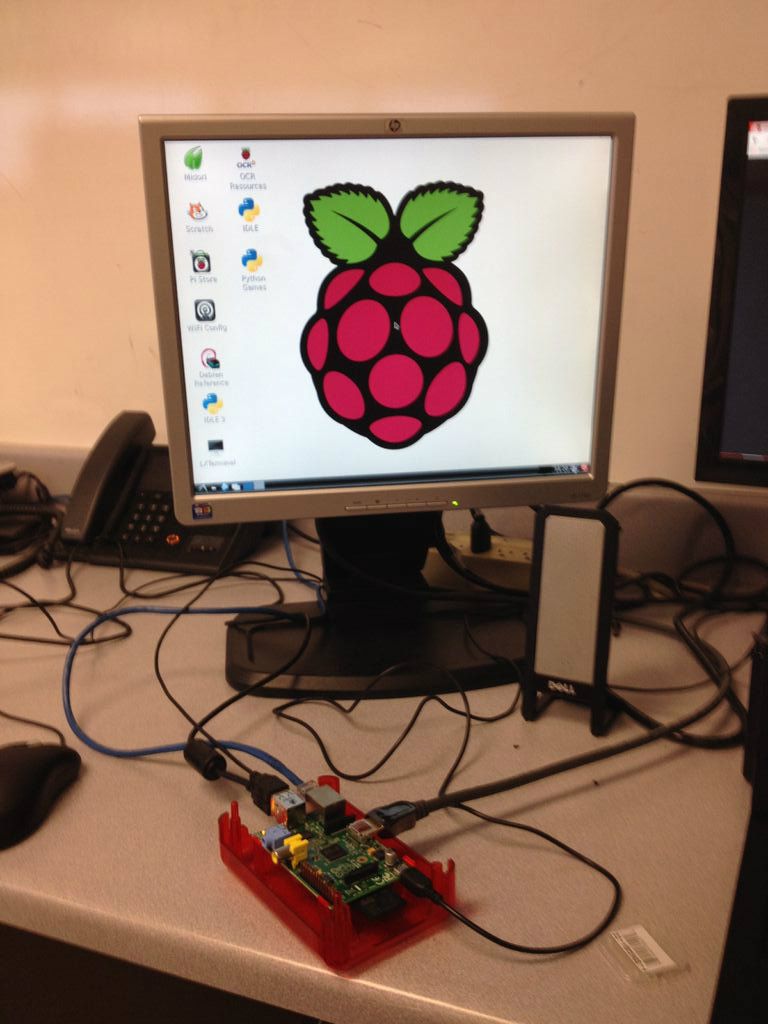
Web How to use your Raspberry Pi as a wireless access point TOPICS router Wi Fi wireless access point The Raspberry Pi can do a lot especially now that the new Raspberry Pi comes with wireless capabilities already on board It can take the place of a ton of different and more expensive devices including a router
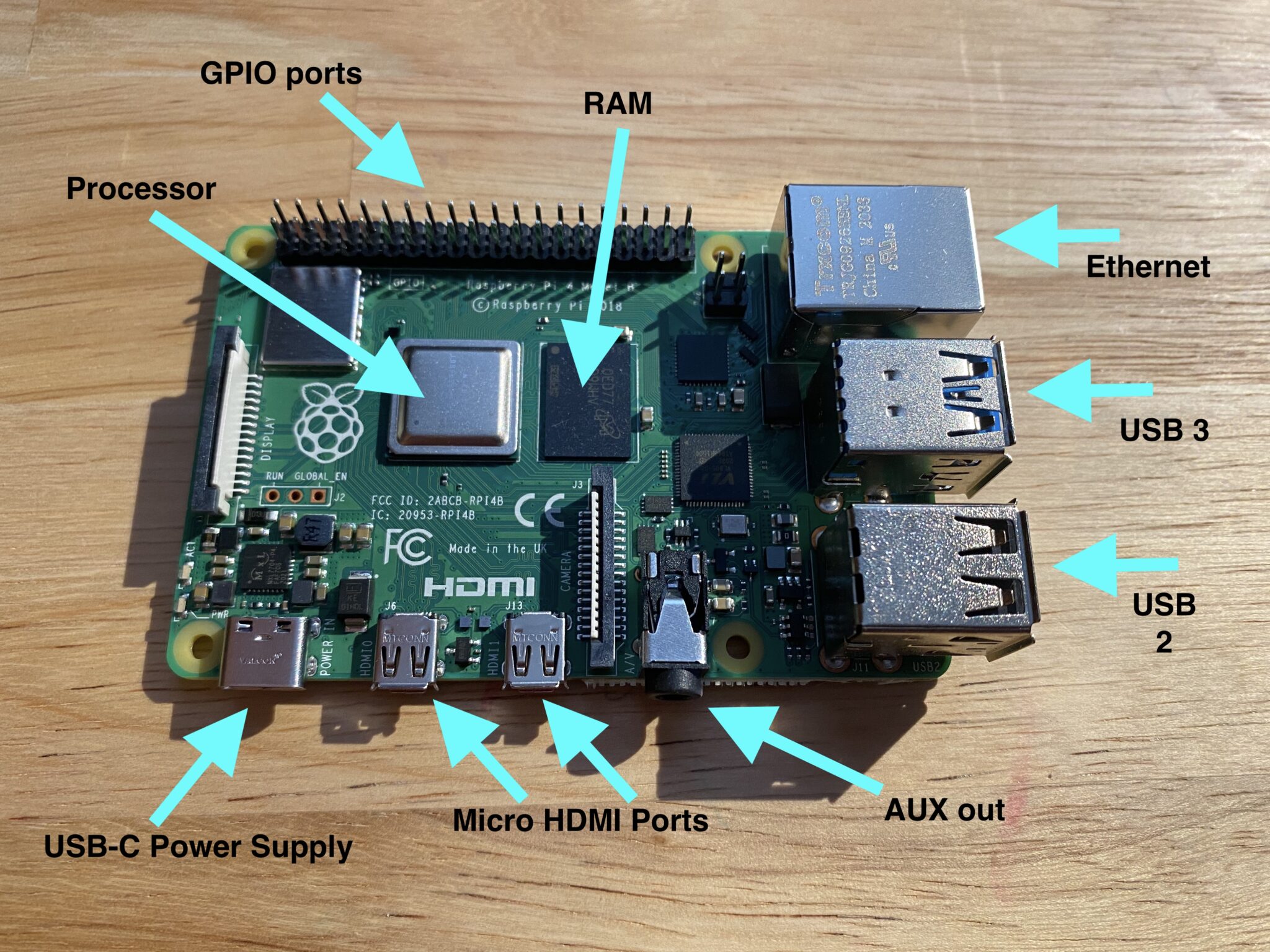
Web Aug 17 2018 nbsp 0183 32 An even EASIER way of setting up a Raspberry Pi as an AP is to use the pi ap Github repo which automates configuration of a Pi 3B 4 into an AP Connect the Pi to a free port in your Internet connected router which has DHCP enabled probably the case in most consumer routers
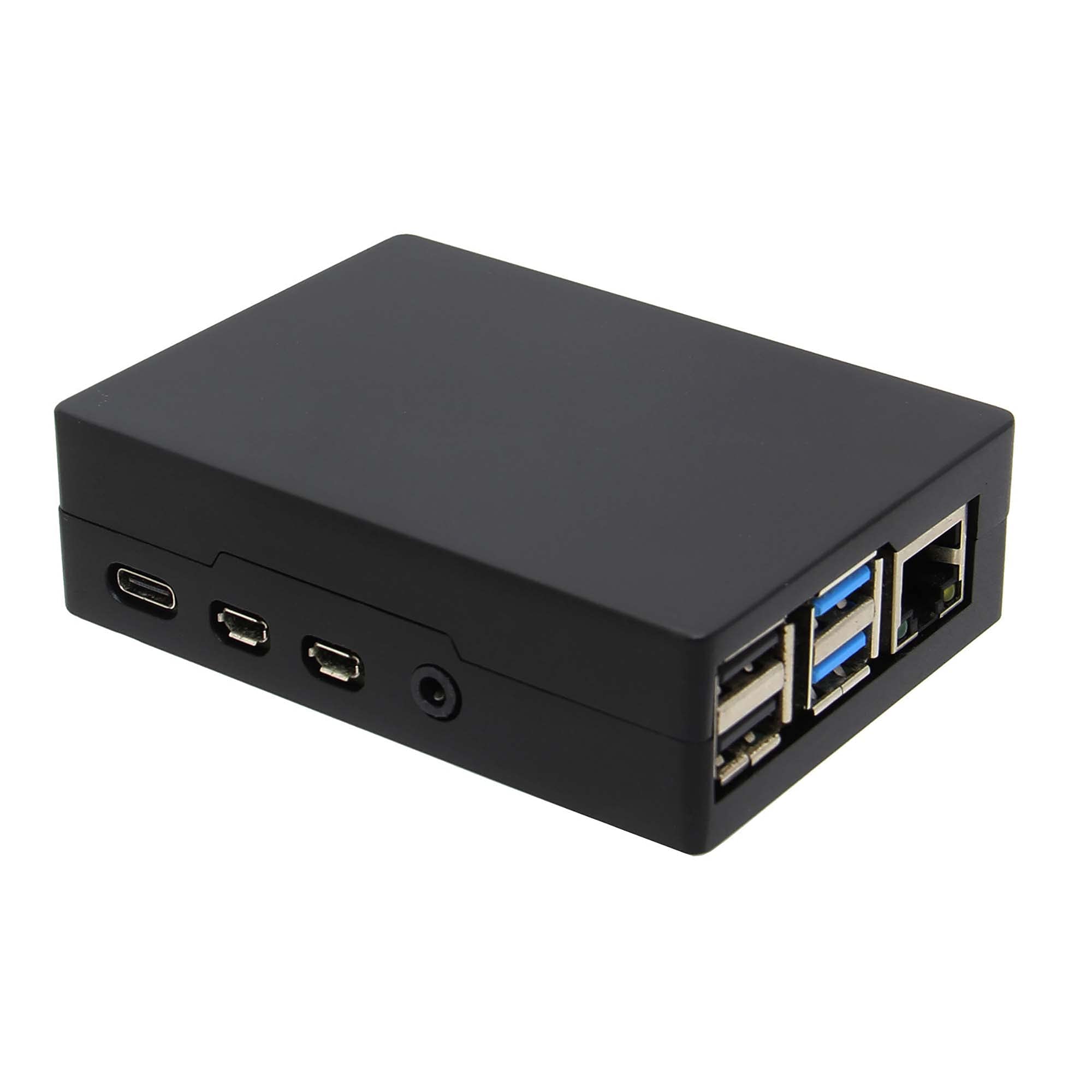
Web Jun 12 2013 nbsp 0183 32 Setting up a Pi as an access point AP is a bit more advanced than using it as a client but still only a half hour of typing to configure This tutorial will make it so the Pi broadcasts a WiFi service and then routes internet traffic to an Ethernet cable

Web Set up your Raspberry Pi as wireless access point A great and flexible way to connect remotely to your Raspberry Pi especially when no networks are available is to set it up as a wireless access point This is not trivial but below I
Web May 6 2020 nbsp 0183 32 Enable the wireless access point and set it to launch automatically at startup sudo systemctl unmask hostapd sudo systemctl enable hostapd Next install dnsmasq which provides Domain Name System DNS caching and a Dynamic Host Configuration Protocol DHCP server that s designed for small networks Web May 21 2020 nbsp 0183 32 To build this project you ll need the following Raspberry Pi any with built in Wi Fi An SD Card we recommend SanDisk Extreme Pro SD cards optional Wi Fi USB dongle for repeater mode A download of the project from Software to flash an SD card such as balenaEtcher A free balenaCloud account to setup and manage the Pi
Web 5 3K views 2 years ago This will setup an access point on an Raspberry Pi 4 OS Lite Ethernet port is connected to the internet wireless will become an wireless access point and share the