Setting Chromedriver Path In Mac Mac Finder Window Show File Path Lasopaei Chromedriver In Selenium What Why And Setup Process Explained 76 Mac chromedriver Executable Needs To Be In PATH Problem With The Path Of Chromedriver Using Selenium With Google Collab Massive Mac Updates Incoming Catch All Our Mac Event Predictions On You can set permissions for a site without changing your default settings Manage site permissions You can easily allow or deny site permissions You can also gran
You can change your settings for the Google app including settings for voice search past searches SafeSearch and notifications Some Google app settings are based on your device To get results from Google each time you search you can make Google your default search engine Set Google as your default on your browser If your browser isn t listed below check its
Massive Mac Updates Incoming Catch All Our Mac Event Predictions On Jak Skopiowa Nazw cie ki Pliku Lub Folderu W Finderze Na Komputerze Mac chromedriver mac Chromedriver CSDN chromedriver Executable Needs To Be In PATH Ll ll GitHub Bayandin chromedriver Unofficial ChromeDriver Mirror Apple Blames Intel s Processor Shortage For Slump In Mac Sales TechRadar GitHub SamsungInternet chromedriver examples Example Scripts For Chromedriver 76 Download For Mac Renewjesus Download Chrome Driver For Selenium CopyAssignment
Setting Chromedriver Path In Mac
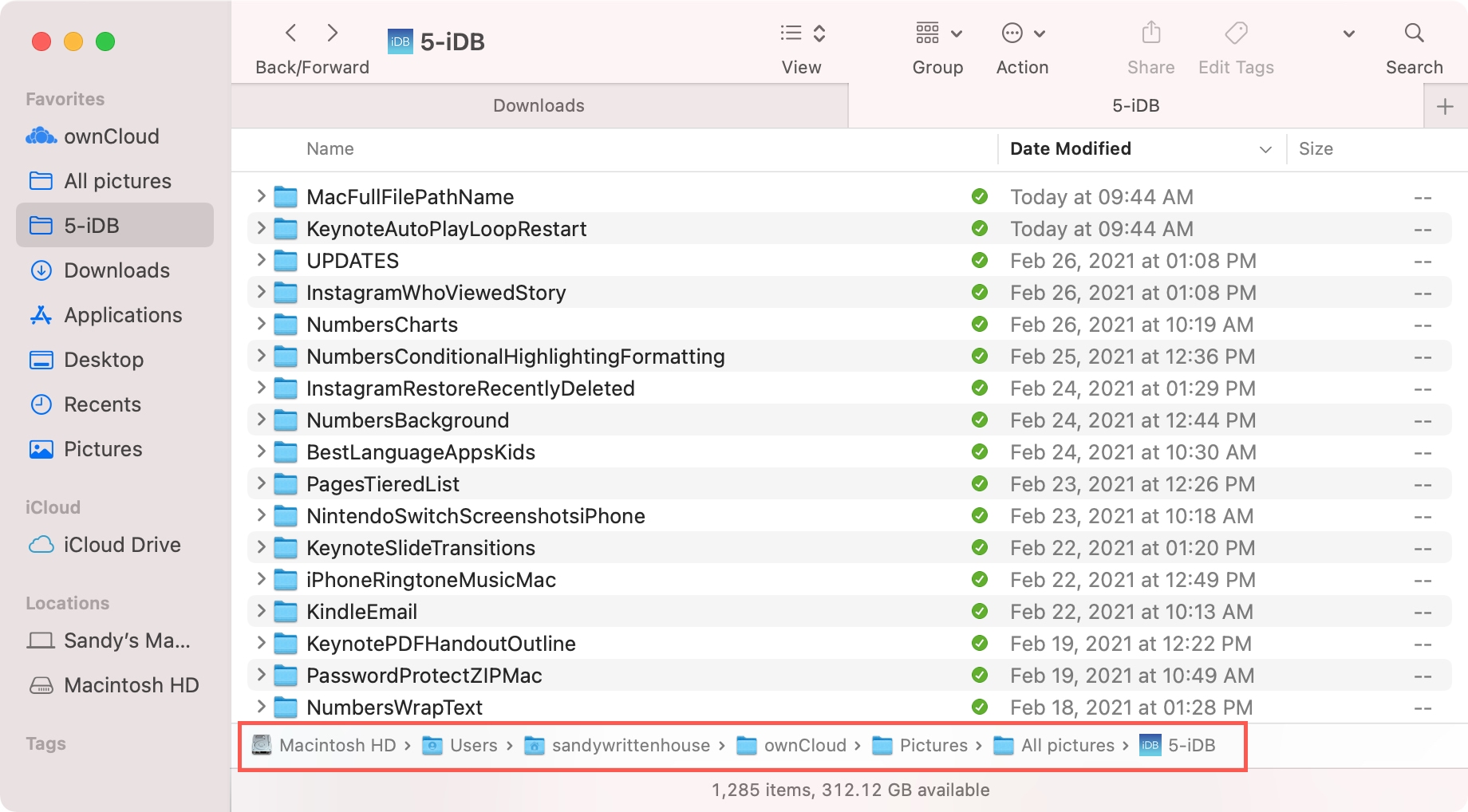 Setting Chromedriver Path In Mac
https://media.idownloadblog.com/wp-content/uploads/2021/03/Finder-Show-Path-Bar.jpg
Dec 17 2023 nbsp 0183 32 This tutorial will show you how to enable or disable automatic updates in Windows Update for all users in Windows 10
Pre-crafted templates use a time-saving service for creating a varied variety of files and files. These pre-designed formats and designs can be made use of for different personal and expert jobs, including resumes, invitations, leaflets, newsletters, reports, presentations, and more, enhancing the content development procedure.
Setting Chromedriver Path In Mac
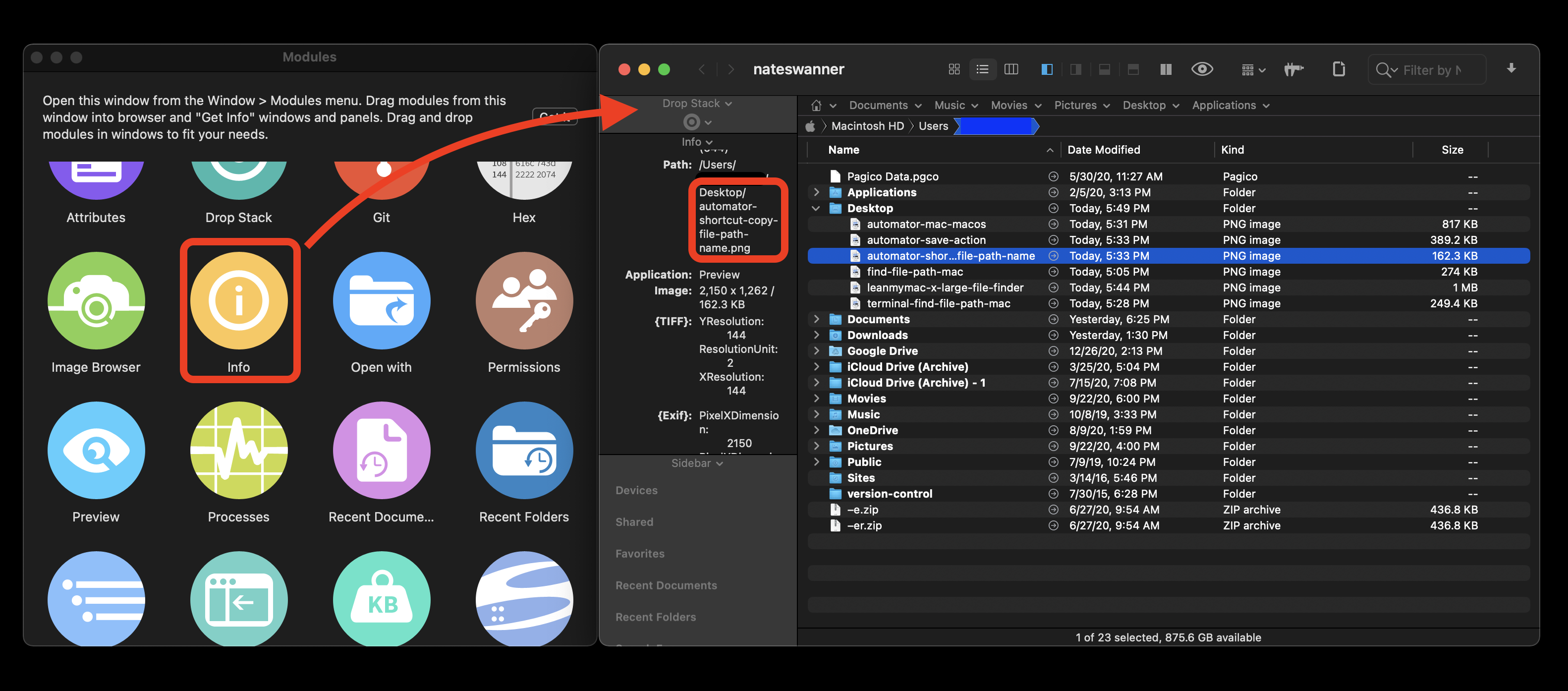
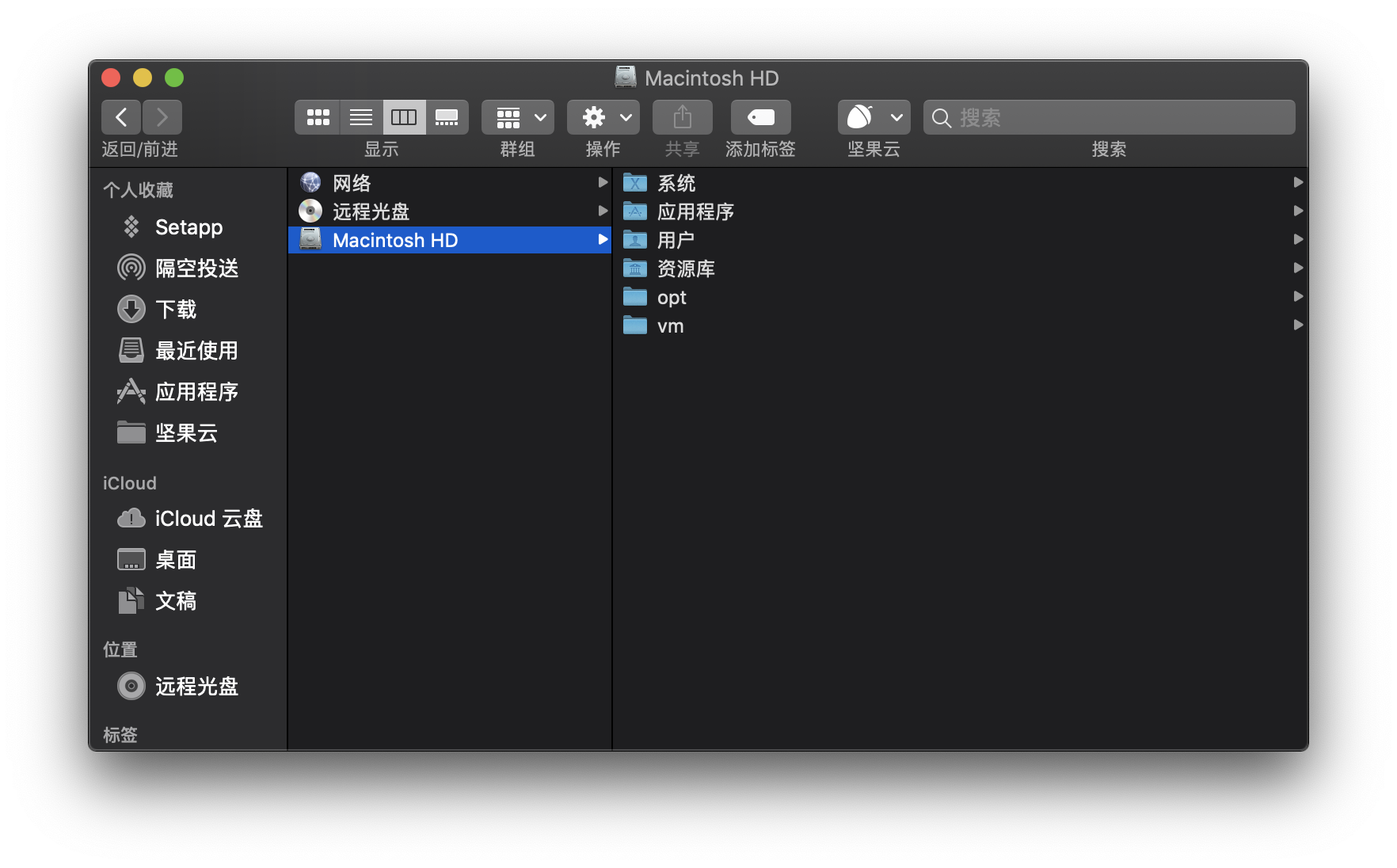
How To Get Path Of A File In Mac
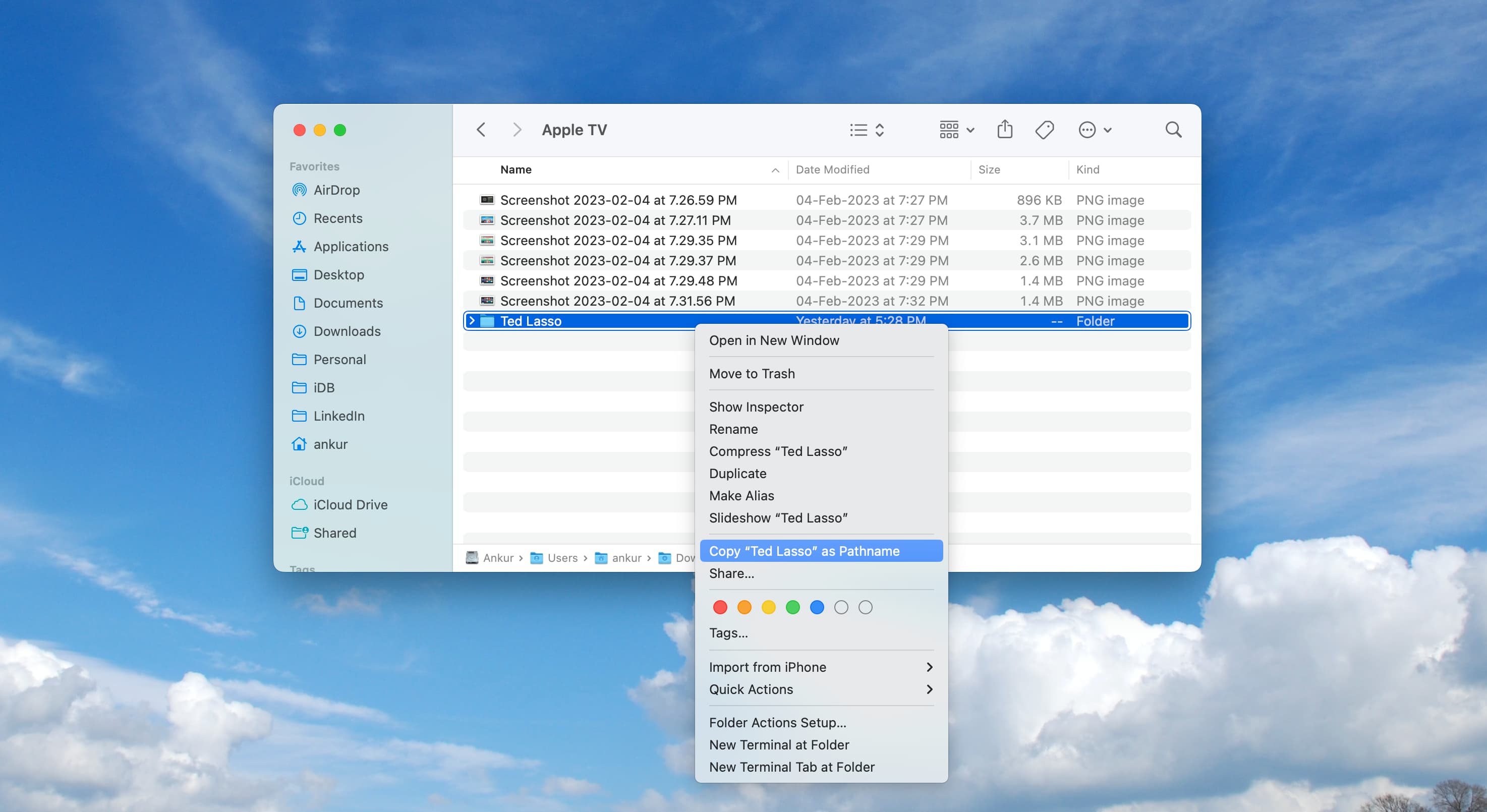
Jak Skopiowa Nazw cie ki Pliku Lub Folderu W Finderze Na Komputerze

Mac chromedriver mac Chromedriver CSDN
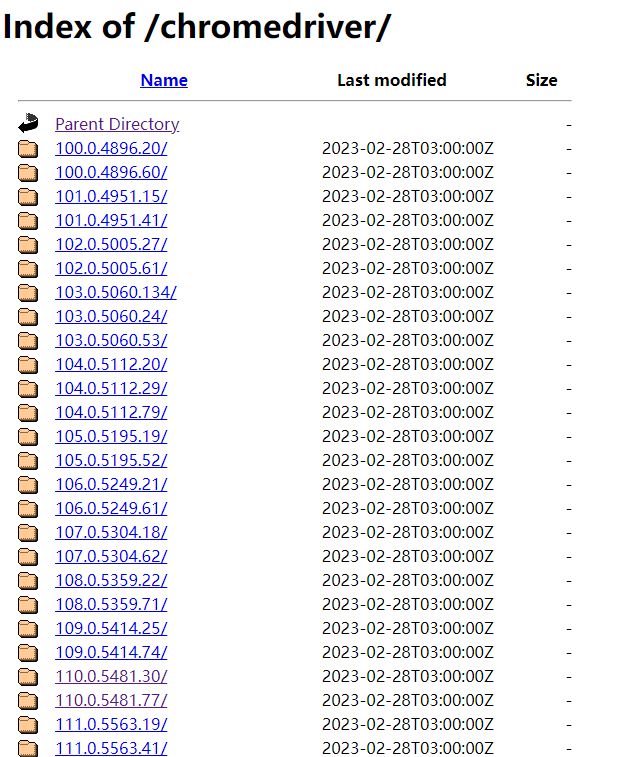
chromedriver Executable Needs To Be In PATH Ll ll
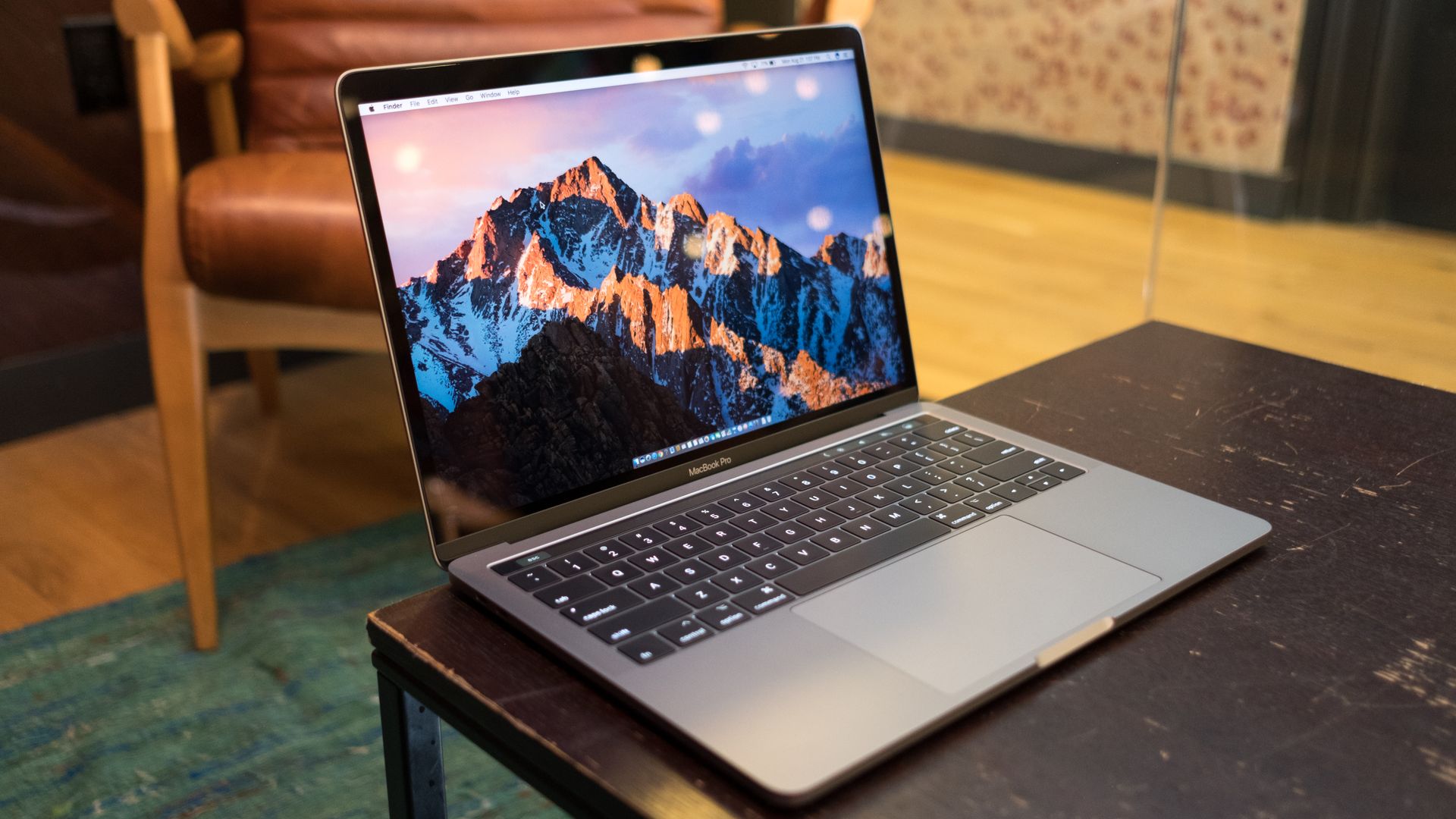
Apple Blames Intel s Processor Shortage For Slump In Mac Sales TechRadar
GitHub SamsungInternet chromedriver examples Example Scripts For

Depending on your device either Open your device s Settings app then tap Google Open the Settings app

Oct 2 2020 nbsp 0183 32 How to Enable or Disable Control Panel and Settings in Windows 10 In Windows 10 there are a few different ways to find and change your settings Settings app Control Panel
The settings you can choose depend on whether you re on a computer tablet or phone SafeSearch filters Search with autocomplete Results per page Spoken answers Where results

You can find and change your settings from any screen on your phone with Quick Settings To get to the settings you change often you can add or move them to Quick Settings Important

Apr 22 2020 nbsp 0183 32 How to Change Power Plan Settings in Windows 10 A power plan is a collection of hardware and system settings that manages how your computer uses power Power plans can
[desc-11] [desc-12]
[desc-13]