Set Up Git Repo From Command Line How To Use Git Clone Command Coaching On DevOps And Cloud Computing How To Migrate A Git Repo From Justin Paul Devember 2022 Ansible Collection Open Source Web Based Setting Up Git Repo The Stock Exchange of Thailand Web portal
On this page Install and open Drive for desktop Open files on your desktop Set up sync Install and open Drive for desktop To download Drive for desktop DOWNLOAD FOR WINDOWS Set Chrome as your default web browser Important If you don t have Google Chrome on your computer yet first download and install Chrome
Setting Up Git Repo Getting Started With GIT On Linux Kirelos Blog How To Use Git Clone Command GIT Branch And Its Operations An Easy Understanding Digital Varys How To Display The Current Git Branch On The Command Line Howchoo How To Set Up User Name And Email In Git YouTube Useful Git Commands That Can Help You In Your Open Source Journey Coaching On DevOps And Cloud Computing How To Migrate A Git Repo From Push Changes To Git Remote Repository TestingDocs
Set Up Git Repo From Command Line
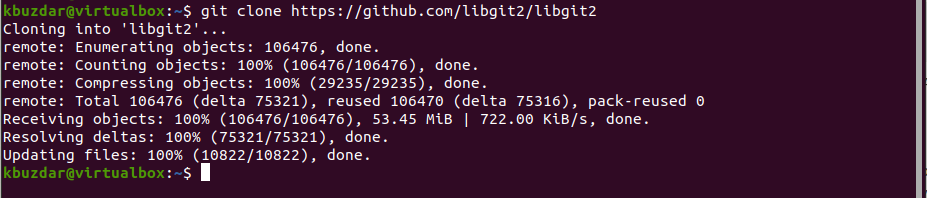 Set Up Git Repo From Command Line
https://linuxhint.com/wp-content/uploads/2020/11/image3-2.png
Install amp set up Drive for desktop for Windows Important Before you start check that your operating system is compatible with Drive for desktop Tip If you use a work or school account
Templates are pre-designed documents or files that can be used for numerous purposes. They can save time and effort by offering a ready-made format and layout for producing different kinds of content. Templates can be utilized for personal or expert tasks, such as resumes, invites, flyers, newsletters, reports, presentations, and more.
Set Up Git Repo From Command Line

Git Clone On Command Prompt Windows Code Example
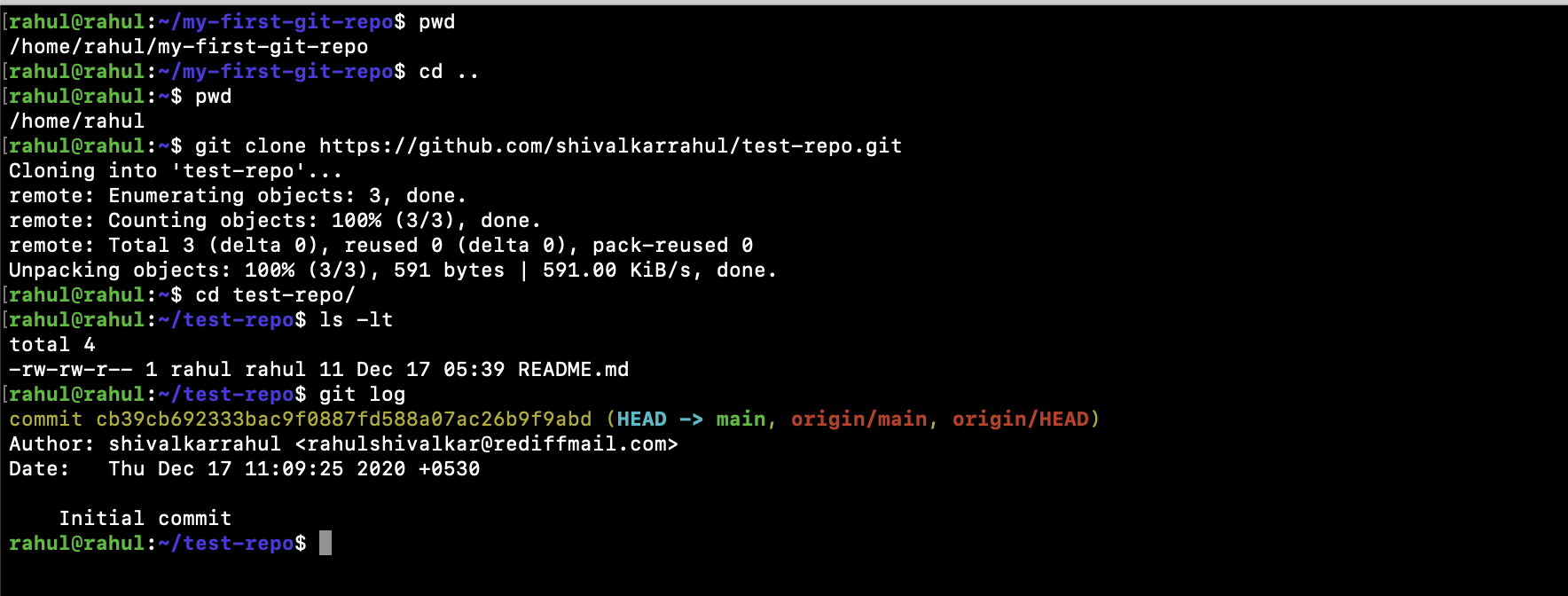
Getting Started With GIT On Linux Kirelos Blog
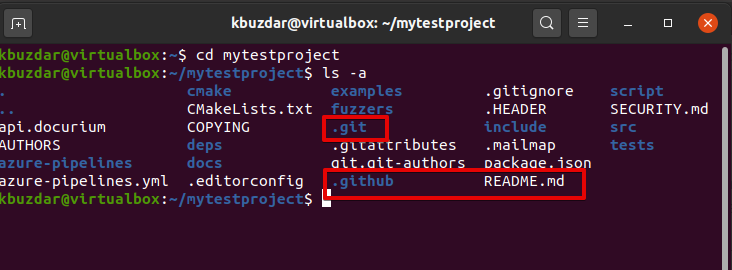
How To Use Git Clone Command

GIT Branch And Its Operations An Easy Understanding Digital Varys
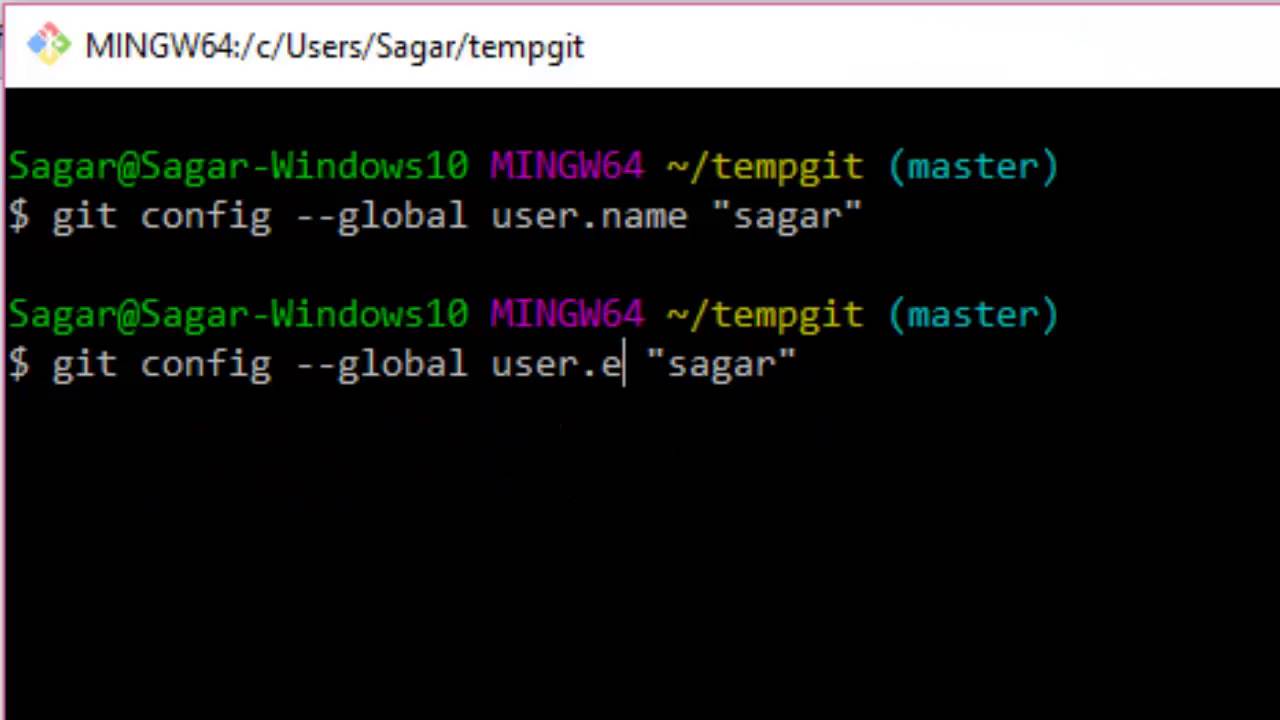
How To Set Up User Name And Email In Git YouTube
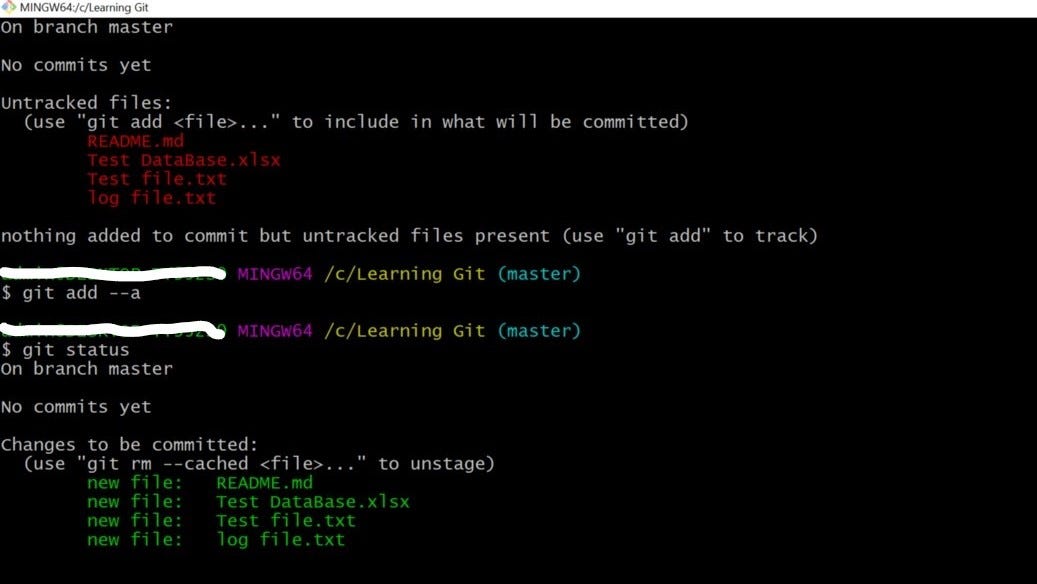
Useful Git Commands That Can Help You In Your Open Source Journey
Jul 23 2007 nbsp 0183 32 set off set out set about set out 1 The young workers set about their work with great enthusiasm 2

How to install Chrome Important Before you download you can check if Chrome supports your operating system and other system requirements

Important Before you set up a new Gmail account make sure to sign out of your current Gmail account Learn how to sign out of Gmail From your device go to the Google Account sign in

On your iPhone or iPad open App Store In the search bar enter Chrome Tap Get To install follow the on screen instructions If prompted enter your Apple ID password To start

SET Contact Center 02 009 9999 7
[desc-11] [desc-12]
[desc-13]