Set Time Zone Automatically Greyed Out Windows Server 2022 Change Time Zone Greyed Out Set Time Zone Automatically Greyed Out Windows 11 Fix Fix Unable To Change Time Zone Settings Windows 11 YouTube Fix Set Time Zone Automatically Greyed Out Issue In Windows 10 YouTube How To Fix Set Time Zone Automatically Greyed Out In Windows 11 Steps Web Jul 25 2023 nbsp 0183 32 1 Restart Your PC The first step when troubleshooting any Windows related issue is to restart the computer It seems obvious but it often solves the problem Rebooting flushes out cached data that could cause time zone problems It also resets various temporary services that may prevent Windows from automatically setting the time zone
Web Sep 27 2022 nbsp 0183 32 1 At first press the Win key R keys to invoke the Run box 2 Then type services msc here and click on OK 3 When you land on the Services page double click on the Auto Time Zone Updater service 4 Now once it opens up set the Startup type to Automatic from the drop down list Web 4 Answers Sorted by 48 Windows 10 Home can get in a state where it requires admin to change the time zone even though there s no group policy It worked for me to run tzutil as a standard user with privilege elevated via UAC as opposed to using the admin account which the OP tried Open an admin console Windows X A
How To Fix Set Time Zone Automatically Greyed Out In Windows 11 Steps Set Time Zone Automatically Greyed Out Making Life Easier For IT OPS Set Time Zone Automatically Greyed Out Issue In Windows 11 YouTube Fix For The Set Time Zone Automatically Greyed Out Issue In Windows Fix Set Time Zone Automatically Greyed Out Issue Windows 11 How To Fix Set Time Zone Automatically Greyed Out In Windows 10 Solve Can t Fix Set Time Zone Automatically Greyed Out In Windows 11 Set Time Zone Automatically Greyed Out In Windows 11 YouTube Fix Set Time Zone Automatically Greyed Out In Windows 11 Pirated Land
Set Time Zone Automatically Greyed Out
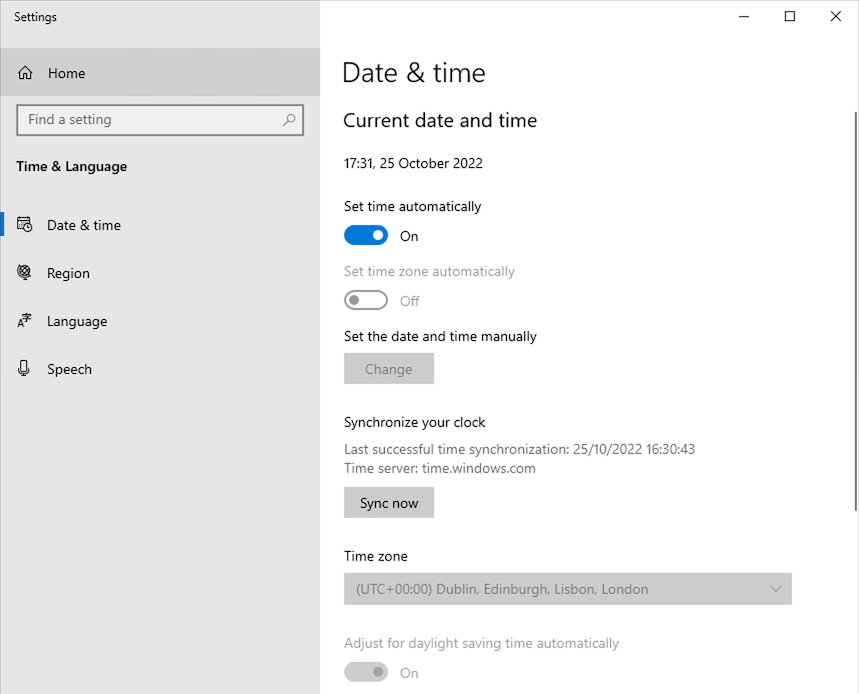 Set Time Zone Automatically Greyed Out
https://www.ichi.co.uk/content/images/2022/10/Screenshot-2022-10-25-at-17.31.34.png
Web Oct 4 2023 nbsp 0183 32 1 Restart your computer Press the Alt F4 keys together to prompt the Shut Down Windows Click on Restart then OK Restarting your computer will help it fix boot issues that can prompt the Windows 11 set timezone automatically greyed out 2 Enable Location services in your settings Press the Windows I keys to prompt the Settings app
Pre-crafted templates use a time-saving service for producing a diverse series of files and files. These pre-designed formats and designs can be made use of for various individual and expert jobs, consisting of resumes, invites, flyers, newsletters, reports, discussions, and more, streamlining the material creation process.
Set Time Zone Automatically Greyed Out

Set Time Zone Automatically Greyed Out In Windows 11 TrendRadars

Set Time Zone Automatically Greyed Out Making Life Easier For IT OPS

Set Time Zone Automatically Greyed Out Issue In Windows 11 YouTube

Fix For The Set Time Zone Automatically Greyed Out Issue In Windows

Fix Set Time Zone Automatically Greyed Out In Windows 10 Solve Can t
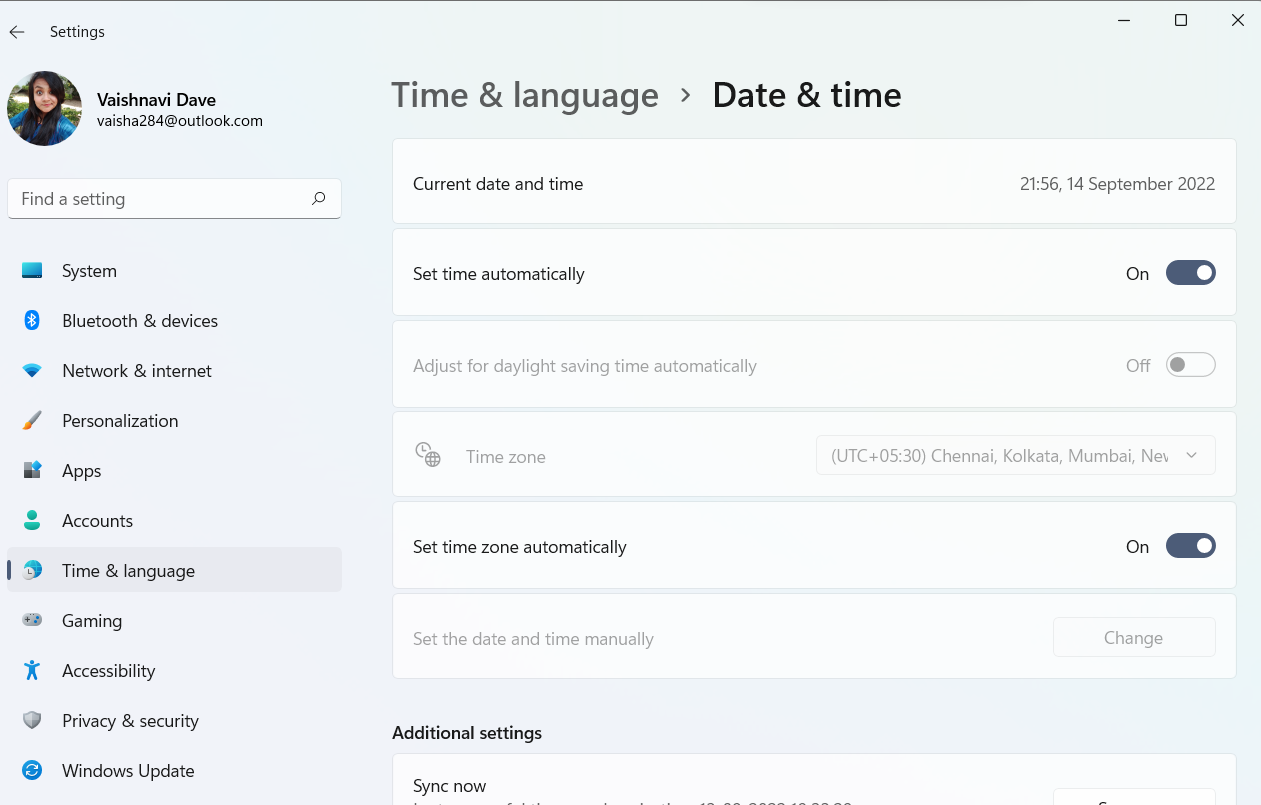
Fix Set Time Zone Automatically Greyed Out In Windows 11

Web Mar 3 2022 nbsp 0183 32 The setting is either not visible or is quot greyed out quot in the Settings app This is by design as the Set time zone automatically setting is a system wide setting that applies to all user profiles on a machine To resolve this issue the IT administrators should make sure the setting Set time zone automatically is enabled before deployment of a
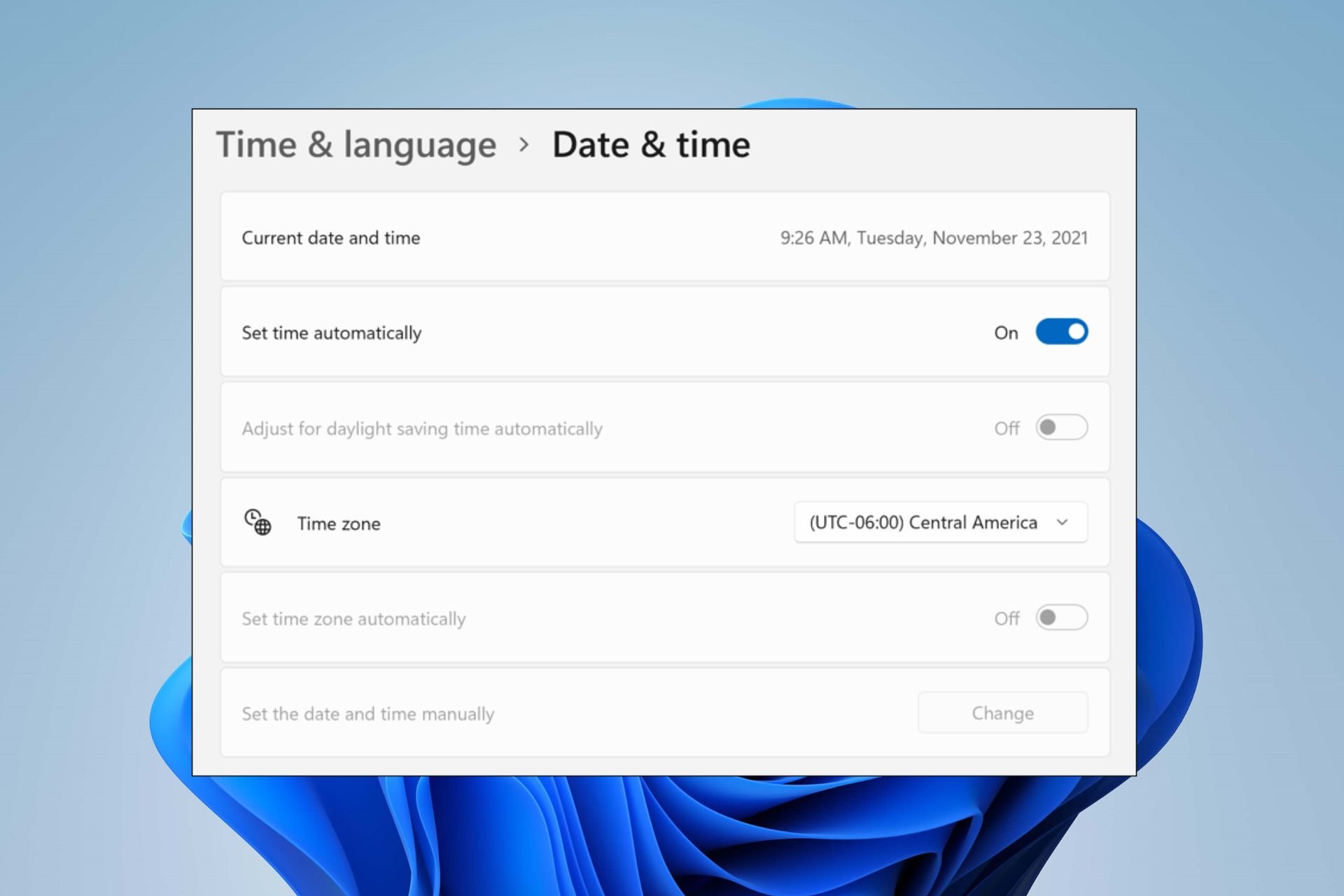
Web To fix the time zone greyed out issue and enable the set time zone automatically option on Windows 11 you must enable location services in the Settings app So launch the Settings app using the Windows key I keyboard shortcut or right click the start icon and choose the Settings option

Web Oct 3 2022 nbsp 0183 32 Why Is Set time zone automatically greyed out The Set time zone automatically is a feature that only the administrator can access They can give permission to the users to access this

Web Jan 28 2023 nbsp 0183 32 Type services msc and click OK Double click the Auto Time Zone Updater service Set the service start type to Disabled Exit the Services console The Auto Time Zone Updater tzautoupdate service when disabled the manual time zone dropdown control is enabled automatically

Web Oct 28 2020 nbsp 0183 32 The time zone option in Settings is greyed out I have tried all three fix options provided in other threads but no joy With COVID and the new normal of Teleworkiing people are now Time Zone Dynamic My computer sits in Central Time Zone but my work location is Pacific Time Zone
[desc-11] [desc-12]
[desc-13]