Set Time And Date Ubuntu Command Line How To Manually Install A Deb Package Using Command Line In Ubuntu Linux Commands Cheat Sheet With PDF Ubuntu 22 04 Network Setup Linux Tutorials Learn Linux Configuration Ubuntu Command Line Script Disk Operations User Linux Advance How To Update Ubuntu Using Command Line Gui Www vrogue co Web Dec 1 2023 nbsp 0183 32 To do so open Terminal or your command line interface CLI and run the tzselect command Then specify the desired timezone and press Enter One of the best methods to permanently change the timezone on Ubuntu is using the timedatectl command It is a Linux utility that allows users to review and change the configuration of
Web May 6 2020 nbsp 0183 32 On Ubuntu the system s timezone is set during the install but it can be easily changed at a later time This article describes how to set or change the timezone on Ubuntu 20 04 using the command line or through the GUI Prerequisites Only the root or user with sudo privileges can set or change the system s timezone Checking the Web Dec 14 2020 nbsp 0183 32 For changing the date in your Ubuntu 20 04 system you have to run the following command timedatectl set time YYYY MM DD Here you have to replace YYYY with your desired year such as 2020 MM with your desired month such as 12 and DD with your desired date such as 27 Once this command is successfully executed your
How To Update Ubuntu Using Command Line Gui Www vrogue co How To Update Ubuntu from The Command Line YouTube How To Install And Use 7zip 7z In Ubuntu Command Line Ubuntu Server Commands Cheat Sheet Cheat Sheet Evolution Verliebt Peitsche Ubuntu Wlan Router Wunsch Beruhige Dich List All Users In Ubuntu Using The Command Line Linux Mint SUSE How To Check Your Ubuntu Version A Guide IONOS Ubuntu Command Line Wallpaper For Newbie It s All About Linux How To Make A New File In Command Line Lulialarm
Set Time And Date Ubuntu Command Line
 Set Time And Date Ubuntu Command Line
https://kirelos.com/wp-content/uploads/2020/03/echo/1-37.png
Web Jul 13 2016 nbsp 0183 32 Using the GUI Perhaps the most user friendly way to change the time zone of your Ubuntu system is to use the Graphical User Interface GUI Click on the System menu on the top panel go into the Administration sub menu and click on Time and Date Click on the currently selected time zone to bring up the selection map
Pre-crafted templates offer a time-saving service for creating a varied range of files and files. These pre-designed formats and layouts can be utilized for different individual and professional jobs, consisting of resumes, invitations, leaflets, newsletters, reports, discussions, and more, streamlining the content development process.
Set Time And Date Ubuntu Command Line
40 Basic Ubuntu Commands And Terminal Shortcuts Every Beginner Must Know
How To Update Ubuntu from The Command Line YouTube
How To Install And Use 7zip 7z In Ubuntu Command Line

Ubuntu Server Commands Cheat Sheet Cheat Sheet
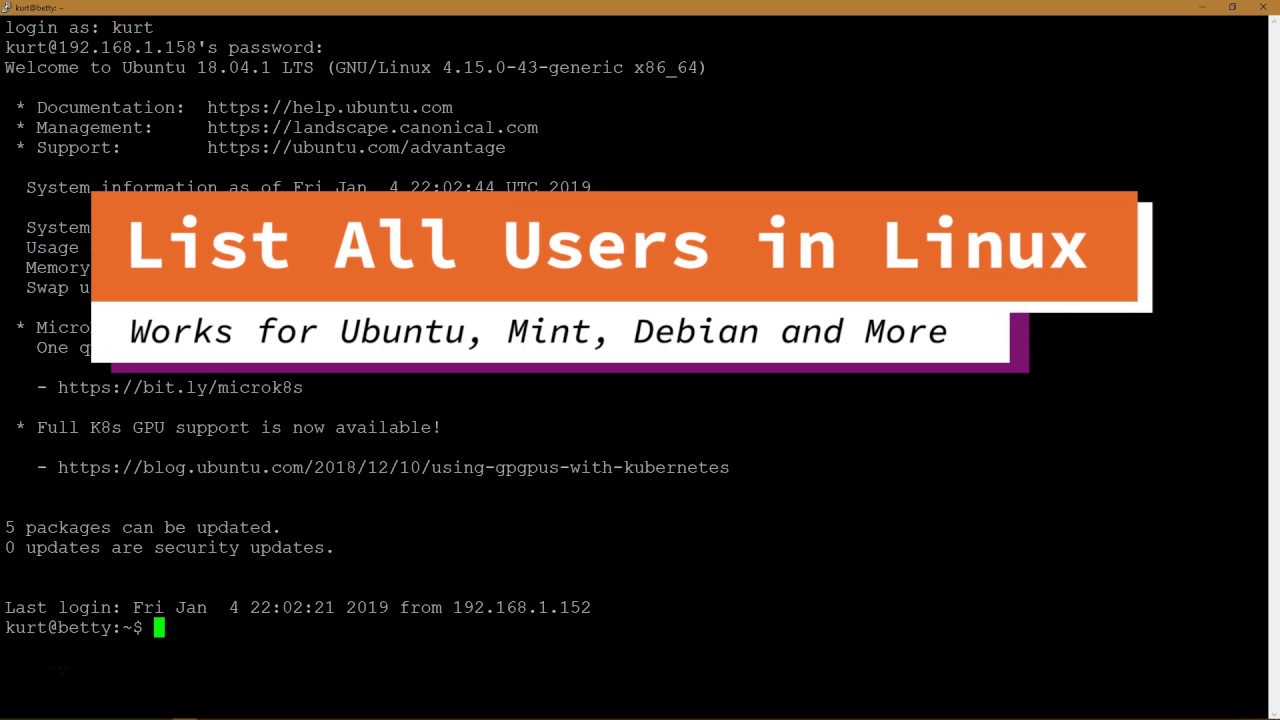
List All Users In Ubuntu Using The Command Line Linux Mint SUSE
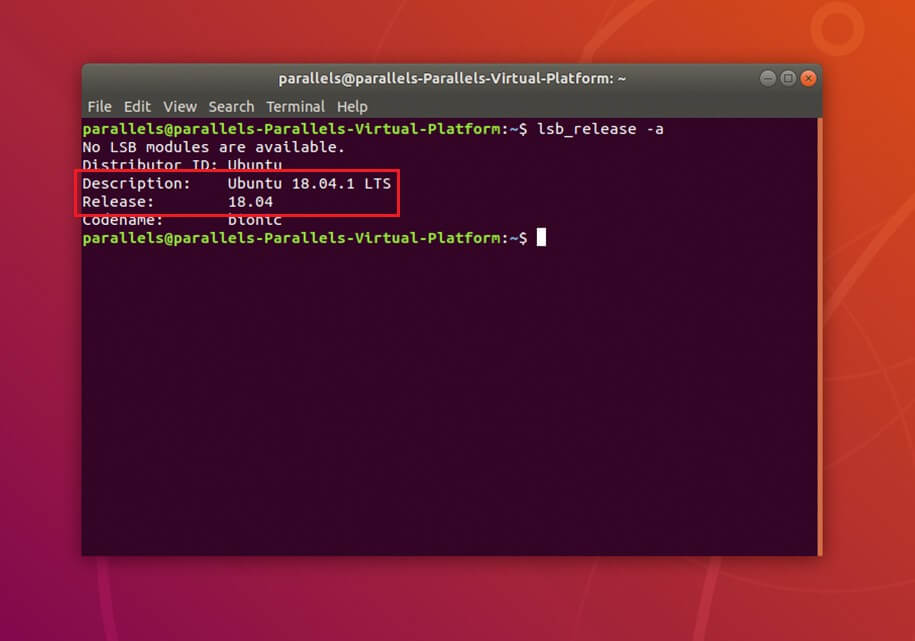
How To Check Your Ubuntu Version A Guide IONOS
Web Sep 30 2015 nbsp 0183 32 62 The Ubuntu server s current date and time is different from the time zone date and time I have tried using sudo date quot 30 Sep 2015 4 43 42 quot to change it but it did not change the date and time just printed on terminal the date and time I changed but when I executed sudo hwclock show

Web Sep 9 2021 nbsp 0183 32 Navigating Basic Time Commands To view the time on your server you will use the command date Any user can run this command to print out the date and time date Typically your server will generate an output with the default UTC time zone

Web Sep 1 2023 nbsp 0183 32 1 Using the date command The date command is generally used to know the current date and time in the system but can also be used to change the date and time when executed in the following manner sudo date set quot YYYY MM DD hh mm ss quot
Web Nov 21 2019 nbsp 0183 32 7 Answers Sorted by 96 From man date s set STRING set time described by STRING To change date use the command in terminal sudo date set STRING For example to change date to 25 Sep 2013 15 00 the command would be sudo date set quot 25 Sep 2013 15 00 00 quot Share Improve this answer Follow edited May

Web Mar 23 2016 nbsp 0183 32 The GNU implementation of date as found on most non embedded Linux based systems accepts many different formats to set the time here a few examples set only the year date s next year date s last year set only the month date s last month date s next month set only the day
Web Oct 1 2020 nbsp 0183 32 By default the date command is set to the time zone of the operating system The d option allows users to operate on a specific date For example we can type in the following command date d quot 2000 11 22 09 10 15 quot You can use the date command to display the given date string in the format of a date Web Oct 17 2019 nbsp 0183 32 Set date on Linux using timedatectl Whether you are working on Debian Ubuntu or on RHEL CentOS the way to set the date is the same To set the date you need to set your timezone information and to optionally activate the NTP protocol in order for your system to synchronize with NTP servers
Web Oct 2 2006 nbsp 0183 32 Use the date command to display the current date and time or set the system date time over ssh session You can also run the date command from X terminal as root user You must login as root user to use date command This is useful if the Linux server time and or date is wrong and you need to set it to new values from the shell