Set Path In Mac For Java How To Find And Copy The File Path In MacOS A Quick Easy Mac Guide Java How To Set Path In Java Java Tutorial 7 How To Set Path In Java YouTube How To Set Classpath On Mac For Java Lasopatransport How To Install Java 17 On Mac Tutorials24x7 To set JAVA HOME to this path enter the following replacing the path shown with the path returned in step 1 above echo export
This article will give you straightforward steps to follow for setting the JAVA HOME environment variable on macOS What is JAVA HOME Environment You can set JAVA HOME in Mac OS X 10 10 or Yosemite by adding the following command in your bash profile file as shown below export JAVA HOME usr libexec java home remember backticks or
How To Install Java 17 On Mac Tutorials24x7 Setting Up A Mac For Java Development Netcetera Tech Blog How To Get Path Of A File In Mac Getting Absolute Path Java How To Set Java Path On Windows 10 Otosection How To Set Path In Java FutureFundamentals Mac Java library path How To Get Path Of A File In Mac Produzieren Andere Vergleichen Sie Mac Os Add To Path Pfeil Treten Opfern
Set Path In Mac For Java
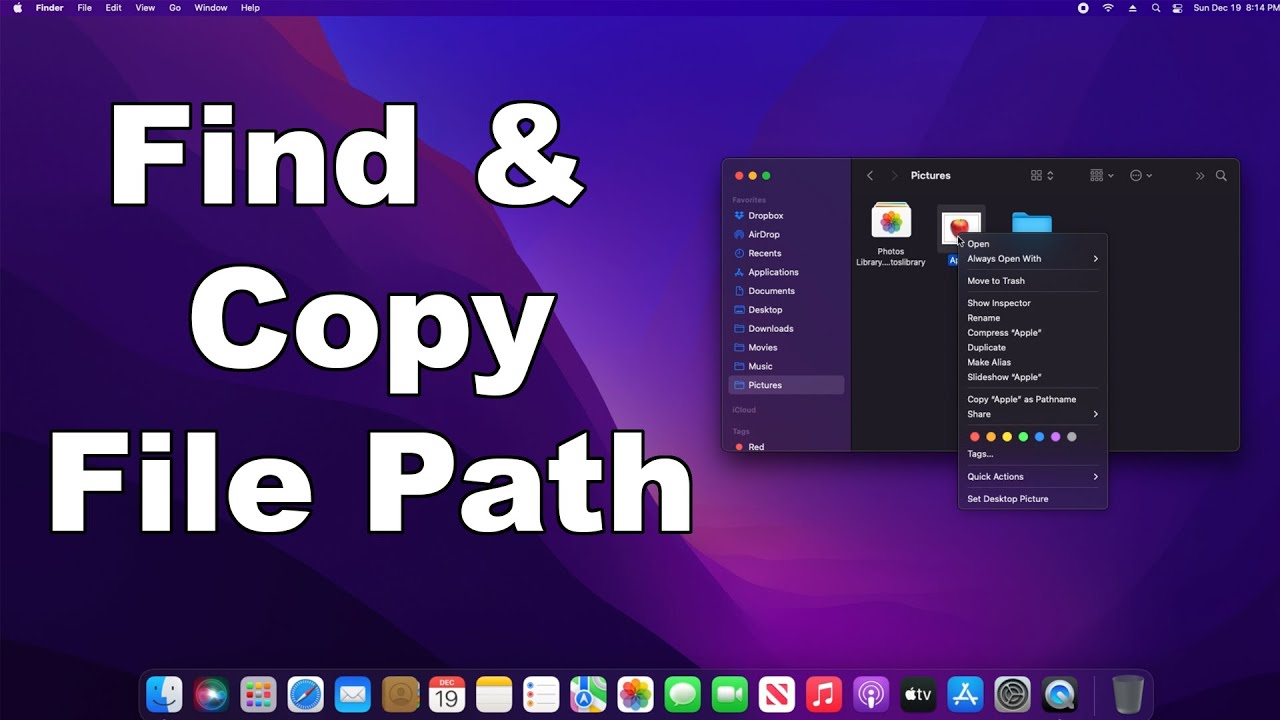 Set Path In Mac For Java
https://i.ytimg.com/vi/gxU1wlBAsig/maxresdefault.jpg
Use one of the below commands to set JAVA HOME as per the required Java version Use default Java version echo export
Pre-crafted templates use a time-saving option for producing a diverse range of documents and files. These pre-designed formats and layouts can be utilized for various individual and professional jobs, consisting of resumes, invites, flyers, newsletters, reports, presentations, and more, improving the content development procedure.
Set Path In Mac For Java
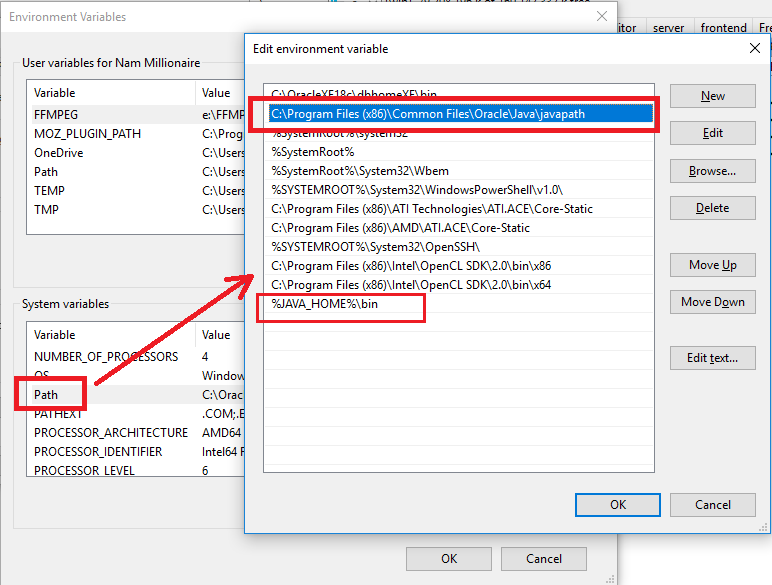
How To Set Java Variable Path In Windows 10 Compiling Java Program Vrogue
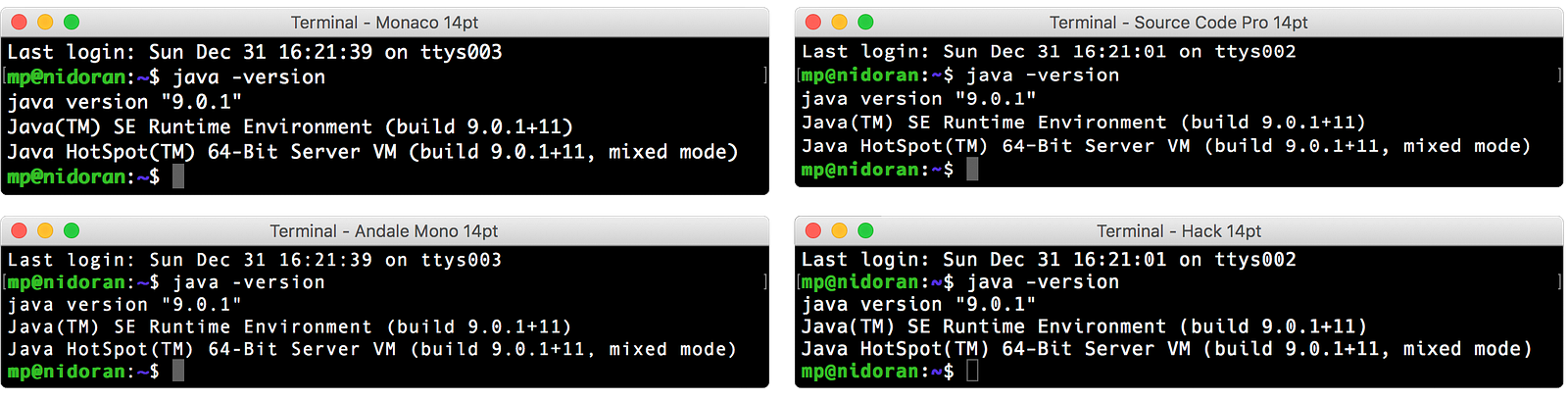
Setting Up A Mac For Java Development Netcetera Tech Blog
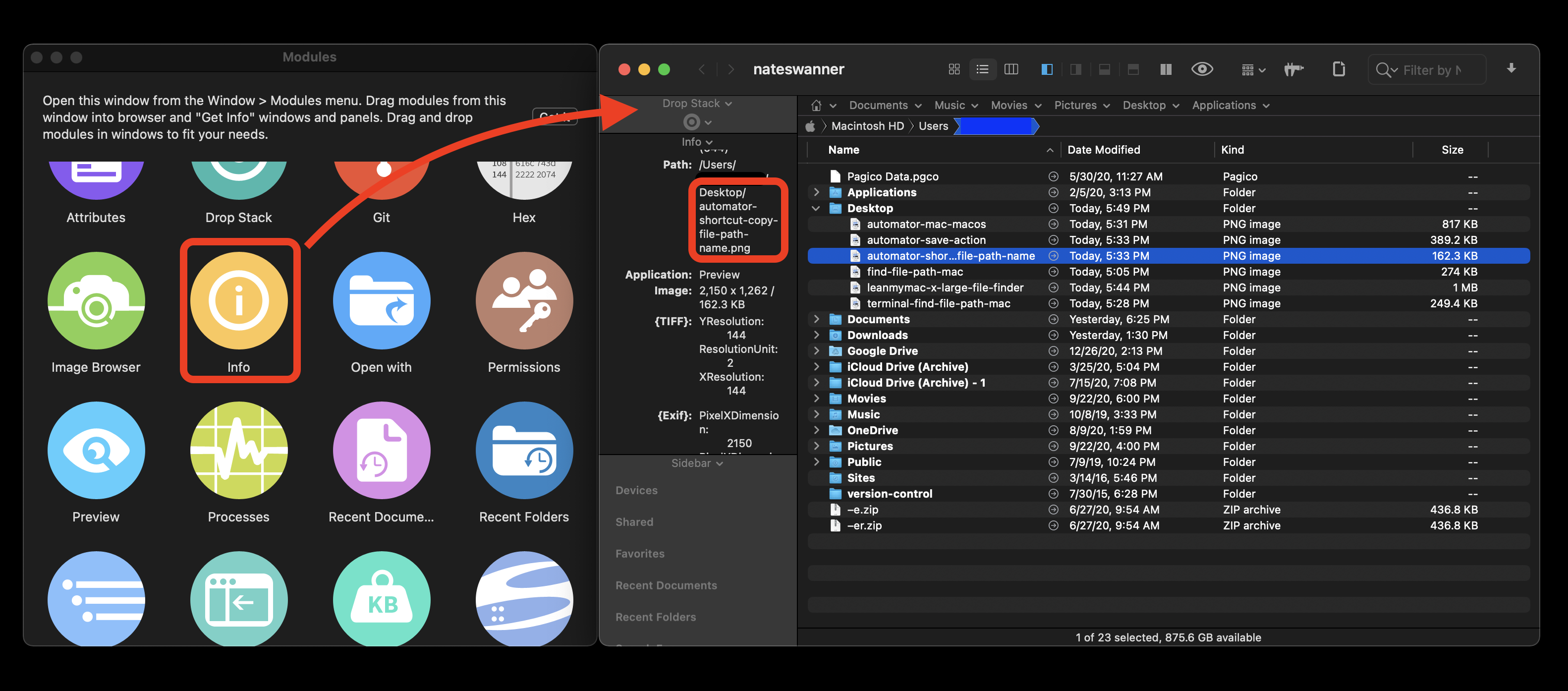
How To Get Path Of A File In Mac

Getting Absolute Path Java
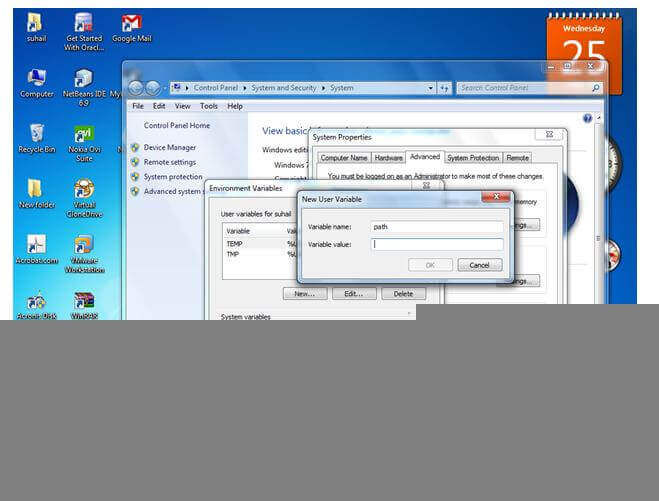
How To Set Path In Java FutureFundamentals
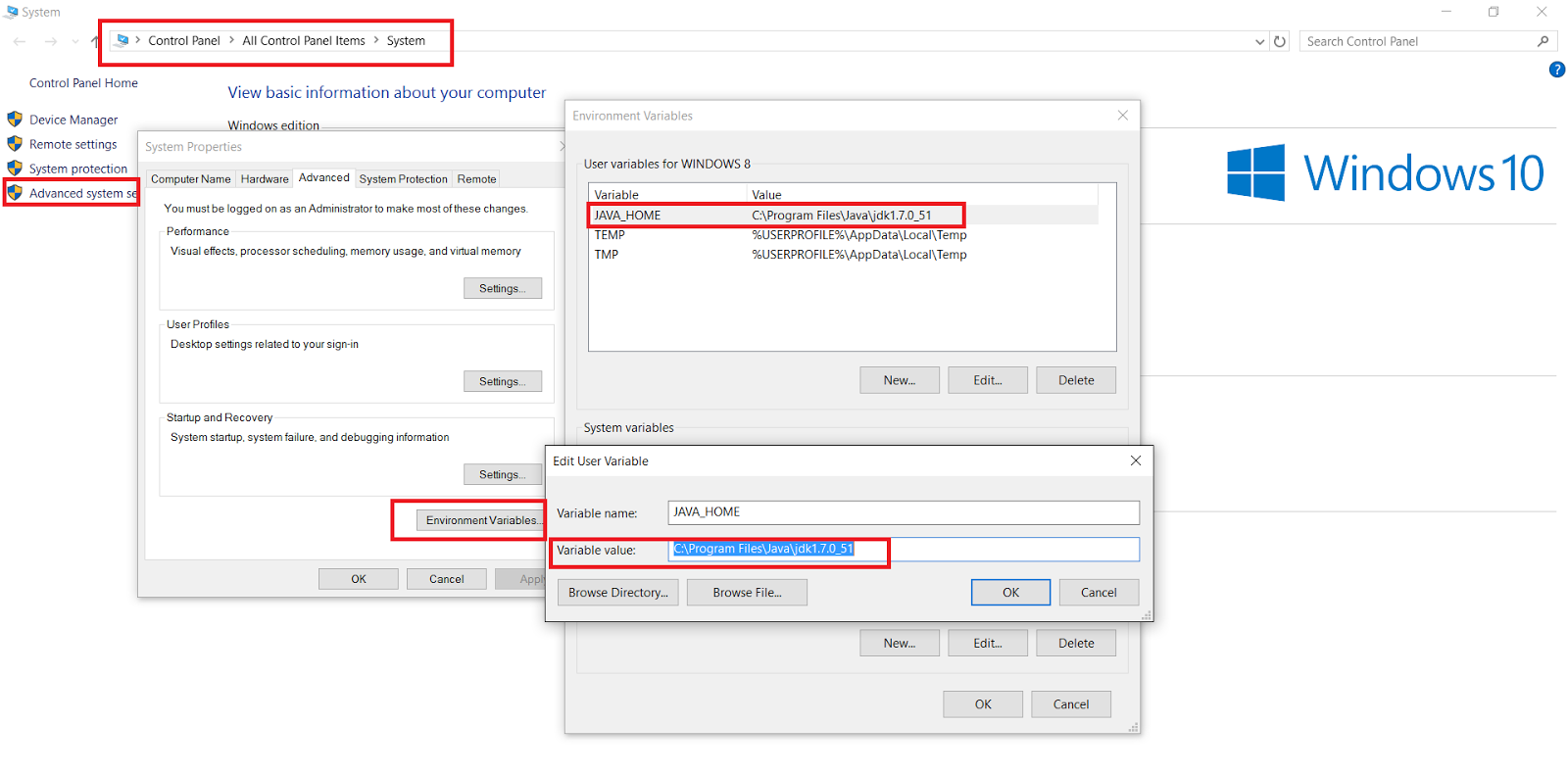
Mac Java library path

To set your Java path on mac Open terminal on mac change path to the root cd vi bash profile This opens the
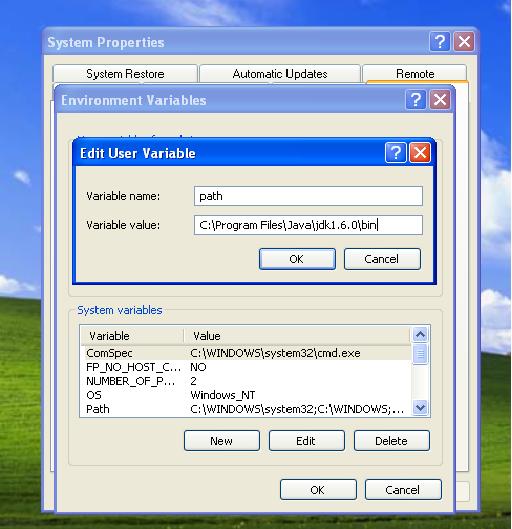
In this blog post we discussed several methods you can use to set the path for Java on your Mac including using Terminal Eclipse TextEdit and third party
1 Download and install the JDK Java Development Kit this is the Java platform itself which contains all the tools you need to be able to write and run Java

To setup JAVA HOME with Bash shell you create the Bash profile file bash profile instead of zshrc in your user home directory like this cat

Please follow the following steps to setup JAVA HOME path in your macOS Open the Terminal application you can find it in the Utilities folder within the
October 28 2020 Here I ll explain how to add JAVA HOME variable on your MacBook Mac OS Set JAVA HOME in bash profile Open Launchpad and search for Terminal How to create one Open Terminal Type touch zshrc to create the respective file Type open zshrc to open the file This will open the file and there you
To set up the PATH variable for Java follow these steps Open the Terminal and type the following command to open the bash profile nano bash profile Add the