Set Path Command Windows 10 How To Set Up PATH System Variable In Java On Windows Using CMD YouTube Cmd Cmd Exe Download Xp Memehopde Set File Modifcation Time To Oldest File Time Spiderfas How To Edit PATH Variable On Windows 11 TestingDocs Web May 17 2011 nbsp 0183 32 Control Panel gt System It s WIN key on keyboard Pause Break WIN Break This is extremely helpful and speeding up process of setting new environmental variables on Win8 because there you have to click through several windows in modern ui Yeah If it s modern then I ll grow a cactus on my palm which is just annoying
Web Feb 3 2023 nbsp 0183 32 Sets the command path in the PATH environment variable specifying the set of directories used to search for executable exe files If used without parameters this command displays the current command path Syntax path lt drive gt lt path gt PATH path Parameters Remarks Web Apr 13 2023 nbsp 0183 32 Here s how to fix that using the Windows System PATH on Windows 10 and Windows 11 What Is the Windows System PATH The Windows System PATH tells your PC where it can find specific directories that contain executable files Ipconfig exe for example is found in the C Windows System32 directory which is a part of the system
How To Edit PATH Variable On Windows 11 TestingDocs Rename Command Examples Options Switches More How To Add Python To The Windows Path How To Enter File Or Folder Paths With Spaces In Command Prompt On Install Java Jdk On Windows 10 Set Java Home Path Windows 10 Pro Www Adsresponsive Txt Windows Command Prompt Cheat Sheet Excellent Results How To Set Path In Java The Coding Bus Visual Studio Code Shell Command Install code Command In PATH Windows
Set Path Command Windows 10
 Set Path Command Windows 10
https://i.ytimg.com/vi/COyOPia2gH4/maxresdefault.jpg
Web Dec 5 2021 nbsp 0183 32 To view and set the path through the Windows command line use the path command Setting the path and variables in Windows 10 Press the Windows key X to access the Power User Task Menu In the Power User Task Menu select the System option In the About window click the Advanced system settings link under Related
Templates are pre-designed files or files that can be used for different purposes. They can conserve time and effort by supplying a ready-made format and design for developing various kinds of content. Templates can be used for individual or professional tasks, such as resumes, invites, leaflets, newsletters, reports, presentations, and more.
Set Path Command Windows 10

How To Use The At Command In Windows

Rename Command Examples Options Switches More

How To Add Python To The Windows Path
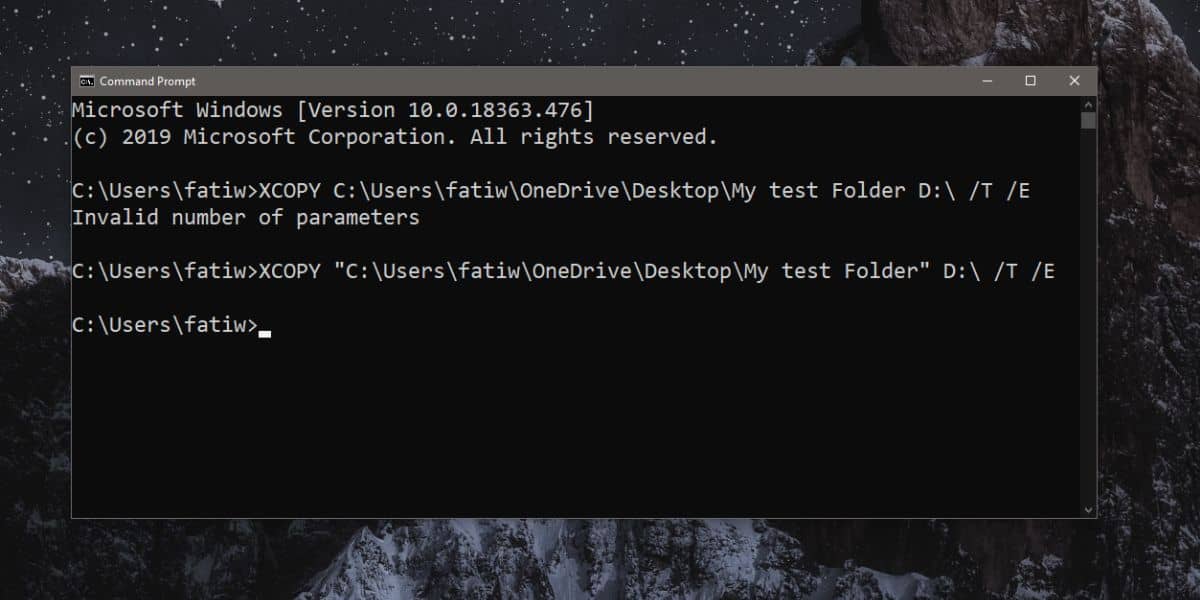
How To Enter File Or Folder Paths With Spaces In Command Prompt On
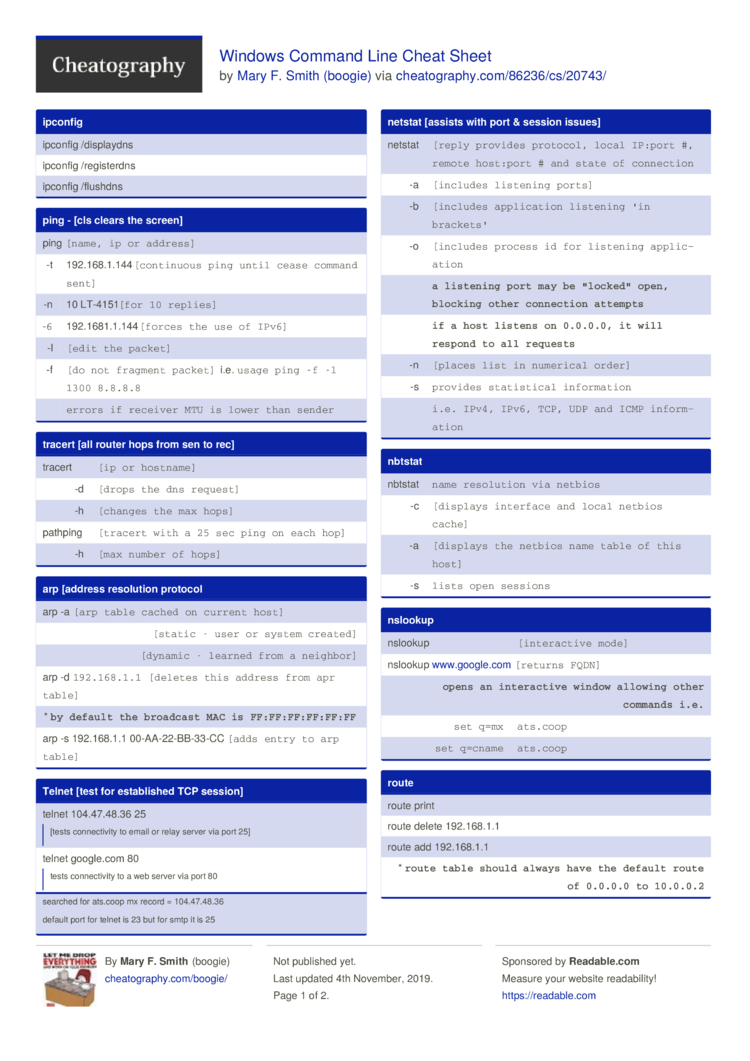
Adsresponsive Txt Windows Command Prompt Cheat Sheet Excellent Results
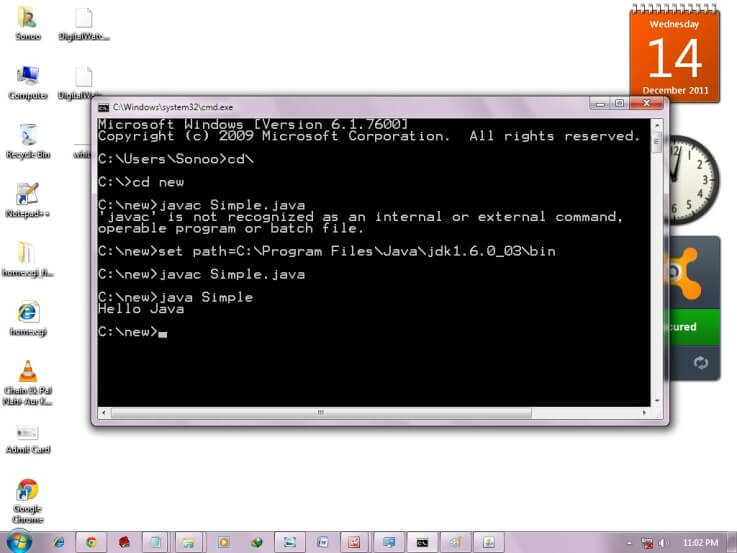
How To Set Path In Java The Coding Bus

Web Aug 26 2021 nbsp 0183 32 In the command window enter your command using the following command syntax to set a variable set PATH value where value is the path of the program in the file system you want

Web Sep 12 2016 nbsp 0183 32 Start the command prompt as administrator on Windows 10 right click on Start menu and select Command Prompt Admin C gt setx m PATH quot C myfolder PATH quot SUCCESS Specified value was saved The maximum value allowed for a enviroment variable is 1024 characters
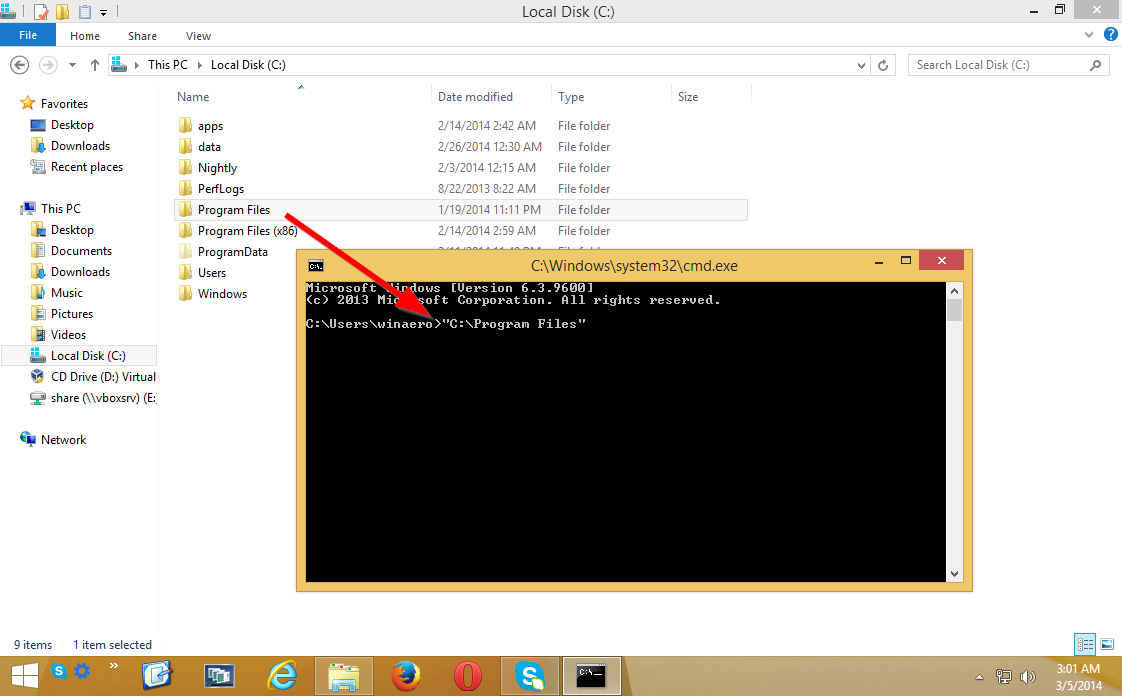
Web Jul 16 2013 nbsp 0183 32 Open administrator command promptRun the below command pathman as directoryPath Remove path from system path environment variable Run the below command from elevated command prompt pathman rs directoryPath Setting user path environment variable For user environment varlables admin privileges are not required
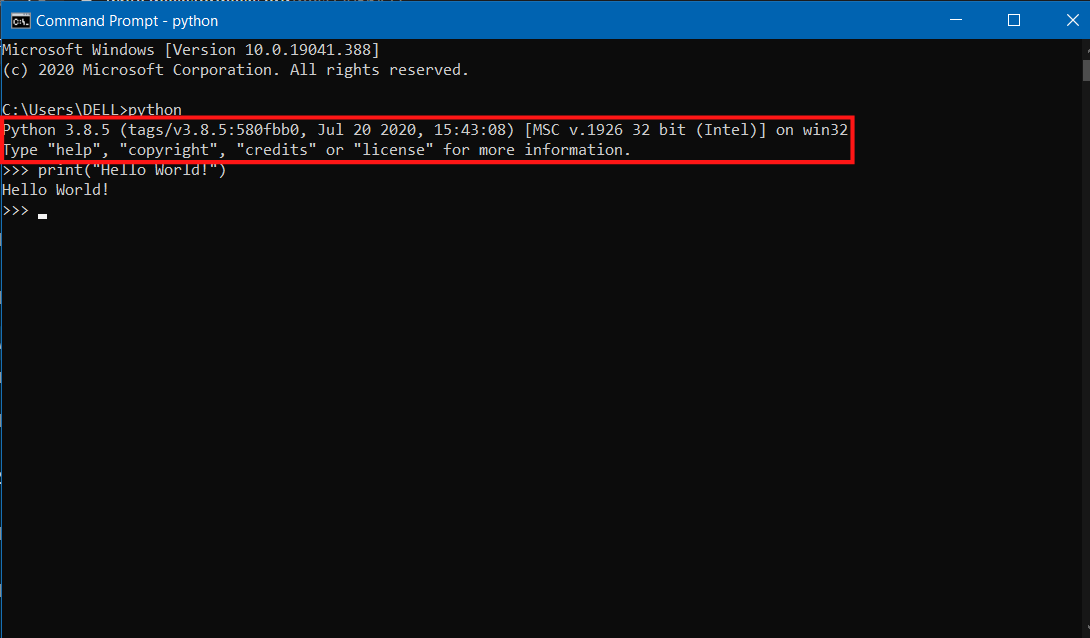
Web Created on December 3 2017 set path command Win 10 I am using the flowing path command set path path C Users Dieter AppData Local Programs Python Pytjon36 32 It works In the command prompt I can type python and I get the python interpreter

Web Step 1 Click on the Windows icon Step 2 Click on the Settings icon Step 3 Click on System Step 4 Click on About Step 5 Click on System info Step 6 Click on Advanced system settings Step 7 Click on Environment variables Step 8
Web Updated 02 07 2022 by Computer Hope The path command specifies the location where MS DOS should look when it executes a command For example if you were to use the quot format quot command the path must be specified or you will receive the message quot bad command or file name quot Web Jul 3 2014 nbsp 0183 32 that is supposed to set it forever but it also works only until the CMD window has closed and it made something like this new PATH old PATH X2 It appears only in a new cmd and not in system properties cmd there
Web Sep 26 2017 nbsp 0183 32 Click on Path and then click on Edit On the Edit environment variable dialog you ll see a list of all the paths that are currently in the PATH variable As you can see Node js and Git already added their paths so that I can run Git commands and Node js commands from anywhere while in the command prompt